Stacklight: A Deep Dive into the Zero-Backend Native iOS Homelab Monitoring App

Stacklight delivers zero-backend, privacy-first iOS homelab monitoring with 23 deep service integrations.
Stacklight is a native iOS app designed for homelab enthusiasts who prioritize data sovereignty. With no backend servers, no telemetry, and no third-party SDKs, it connects directly to 23 self-hosted services including Proxmox, TrueNAS, Plex, and Home Assistant. Its security model features TOFU certificate pinning for self-signed certs, iOS Keychain credential storage, and iCloud-based config sync—ensuring your data never passes through intermediaries.
For enthusiasts in the self-hosted community, securely and conveniently monitoring and controlling their homelab from a mobile device has always been a persistent pain point. Self-hosting refers to users choosing to run services and applications on hardware they own and control, rather than relying on third-party cloud providers. A homelab is the physical embodiment of this philosophy—typically consisting of one or more servers, NAS storage devices, and networking equipment running everything from virtualization platforms to media servers. The core driving force behind this community is data sovereignty: users want complete control over where their data flows, where it's stored, and who can access it, free from any commercial company's privacy policy changes or service outages.
Most monitoring solutions on the market either rely on cloud relay, require additional backend services, or offer nothing more than cookie-cutter status grids lacking targeted operational capabilities. Recently, a native app called Stacklight made its debut on Reddit's r/selfhosted community, offering its own answer with a rather aggressive privacy-first architecture.
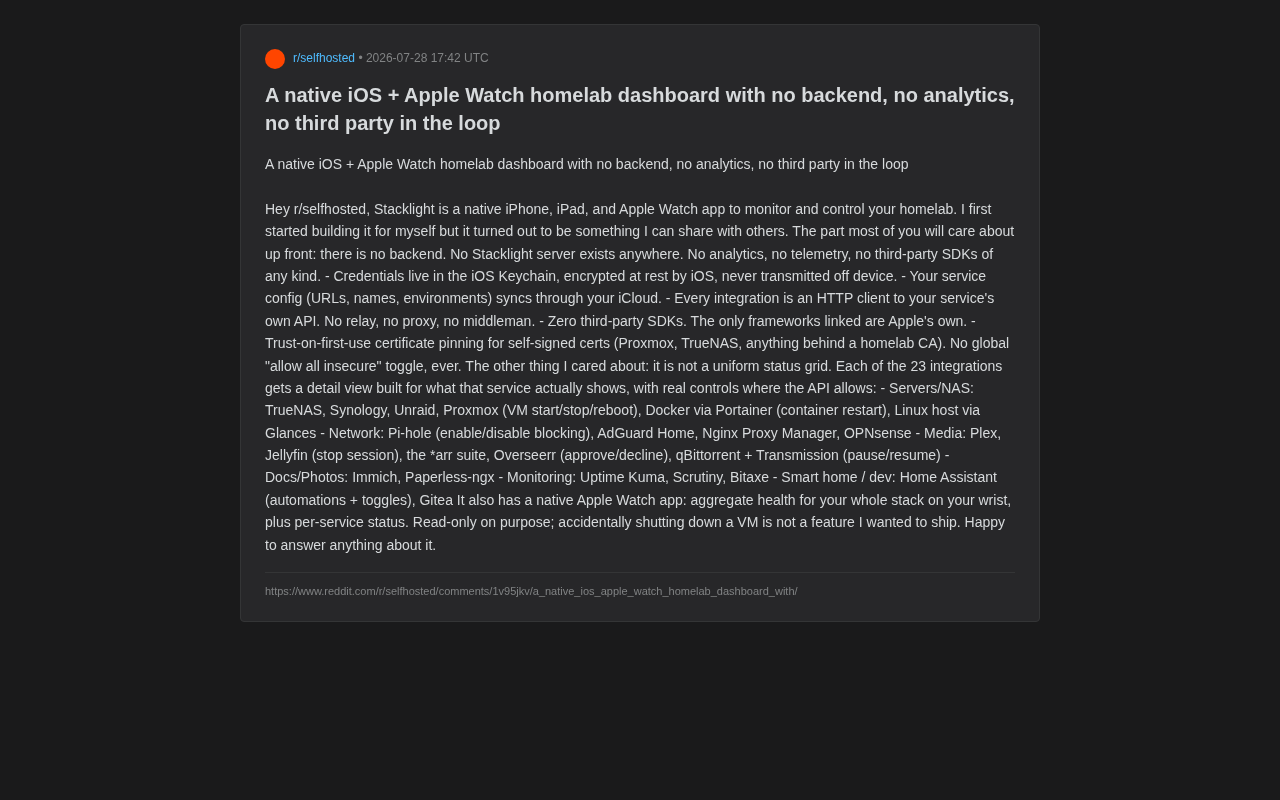
Core Philosophy: A Truly "Zero-Backend" Architecture
Stacklight's biggest selling point lies in something the developer repeatedly emphasizes—it has no backend server whatsoever. This shows remarkable restraint in today's app ecosystem where "cloud sync" and "account systems" are the default.
The developer explicitly outlines its privacy boundaries: no Stacklight servers, no analytics or telemetry of any kind, and no third-party SDK integrations. Every framework the app links against comes exclusively from Apple. This means your data never flows through any intermediary.
At the implementation level, several design details deserve attention:
- Credential Storage: All account passwords are stored in the iOS Keychain, encrypted at rest locally by the system, and never leave the device. The iOS Keychain is Apple's built-in credential management system that uses hardware-level encryption (based on the device's Secure Enclave chip) to protect sensitive data. Unlike regular app sandbox storage, data in the Keychain is extremely difficult to extract even on jailbroken devices because the encryption keys are bound to the device hardware. Each app can only access its own Keychain entries, and system-level access controls ensure data isolation between apps, making the Keychain the industry best practice for storing highly sensitive information like API keys and passwords.
- Configuration Sync: Service configuration data (URLs, names, environments, etc.) syncs through the user's own iCloud account, not the developer's servers.
- Direct Communication: Every integration is an HTTP client that connects directly to your own service's API—no relay, no proxy, no middleman.
For self-hosting enthusiasts who treat "data sovereignty" as a religion, this architecture is practically tailor-made—your homelab data always remains in your hands.
Security Design: TOFU Certificate Pinning Explained
A common technical challenge in homelab environments is self-signed certificates. On the public internet, HTTPS certificates are issued by trusted Certificate Authorities (CAs), and browsers and operating systems have these CAs' root certificates built in, forming a complete chain of trust. But homelab services typically run on internal IPs or local domain names and cannot obtain free publicly-trusted certificates like Let's Encrypt through domain validation. Platforms like Proxmox (an open-source virtualization platform) and TrueNAS (a network-attached storage operating system) generate self-signed certificates by default during installation. While these certificates provide encrypted transport, they aren't part of any publicly-trusted CA's chain of trust and will be rejected by standard TLS validation. This forces users to either deploy an internal CA (using tools like step-ca or mkcert) or manually trust each certificate on the client side. Many apps simply provide a global "allow all insecure connections" toggle as a workaround, which essentially trades security for convenience.
Stacklight rejects this lazy approach. It implements a TOFU (Trust-on-First-Use) certificate pinning mechanism: the certificate is recorded and pinned on first connection, then verified on all subsequent connections. TOFU is a security model for establishing trust relationships in the absence of pre-provisioned trust anchors. Its most well-known application is the SSH protocol—when you first connect to an SSH server, the system prompts you to confirm the server's fingerprint. Once confirmed, that fingerprint is recorded, and any future change triggers a warning. The core tradeoff of this model is that it cannot defend against man-in-the-middle attacks during the first connection, but effectively prevents downgrade attacks and certificate substitution attacks on all subsequent connections. Compared to the traditional PKI (Public Key Infrastructure) trust model that relies on hierarchical certificate authority chains, TOFU is far more practical for homelab scenarios.
The developer specifically emphasizes that there will "never" be a global "ignore all certificate errors" toggle in the app. This design strikes a pragmatic balance between security and usability: it accommodates the real-world need for self-signed certificates while avoiding exposure to man-in-the-middle attacks. For security-conscious users, this detail is quite compelling.
Deep Control Across 23 Integrations
If the privacy architecture is Stacklight's skeleton, then its rich service integrations are its flesh and blood. The developer deliberately avoided creating "yet another cookie-cutter status grid," instead designing detail views tailored to each of the 23 integrations' unique characteristics and providing real control capabilities within the bounds of each API.
Server & Storage Management
This covers TrueNAS, Synology, Unraid, and Proxmox. Proxmox supports starting, stopping, and restarting virtual machines; Docker containers can be restarted via Portainer; and Linux hosts are monitored through Glances. Glances is a cross-platform system monitoring tool built with Python that exposes real-time metrics including CPU, memory, disk I/O, network traffic, and process lists through a REST API. Unlike heavyweight monitoring stacks like Prometheus + Grafana, Glances' advantage is lightweight deployment—a single command starts its web service mode, making it ideal for homelab scenarios where long-term historical data storage isn't needed and real-time status viewing suffices.
Network & Media Services
On the networking side, integrations include Pi-hole (with ad-blocking toggle), AdGuard Home, Nginx Proxy Manager, and OPNsense. For media, it covers Plex, Jellyfin (with session termination), the *arr suite, Overseerr (approve/reject requests), and qBittorrent and Transmission (pause/resume downloads).
The *arr suite is the self-hosted community's collective term for a series of media automation management tools ending in "arr," including Sonarr (TV show management), Radarr (movie management), Lidarr (music management), Prowlarr (indexer management), and more. These tools work together to form an automated pipeline from content discovery and downloading to organization and library import. Overseerr serves as the front-end request portal for this pipeline, allowing family members to submit viewing requests through a friendly interface while administrators can approve or reject them. The entire ecosystem embodies the self-hosted community's Unix philosophy of "one tool, one job."
Documents, Monitoring & Smart Home
Document and photo management supports Immich and Paperless-ngx; monitoring covers Uptime Kuma, Scrutiny, and Bitaxe; smart home and development scenarios integrate Home Assistant (automation and switch control) and Gitea.
Uptime Kuma is a popular open-source self-hosted monitoring tool that monitors service availability through multiple probe types including HTTP, TCP, and DNS, providing attractive status pages and multi-channel alert notifications. Scrutiny focuses on hard drive health monitoring by reading S.M.A.R.T. (Self-Monitoring, Analysis and Reporting Technology) data to assess disk lifespan and failure risk—critical early-warning capability for homelab users who heavily rely on consumer-grade drives. Bitaxe is an open-source Bitcoin ASIC miner hardware project, appearing here as a monitoring target that reflects the trend of some self-hosting enthusiasts incorporating cryptocurrency mining into their homelabs.
This "tailored-per-service" design philosophy is far more practical than simply listing online/offline statuses, truly turning your phone into a control panel for homelab management.
Apple Watch: A Read-Only Design Philosophy
Stacklight also offers a native Apple Watch app where you can view the aggregated health status of your entire stack, as well as individual service statuses, right from your wrist.
Notably, the developer deliberately designed the Watch app as read-only. His reasoning is refreshingly practical: "Accidentally shutting down a VM is not a feature I want to ship." Behind this statement lies a mature product philosophy—on a small-screen, touch-prone device, judiciously restricting dangerous operations demonstrates more responsibility to users than feature accumulation. This design approach aligns with the Principle of Least Privilege: each interaction interface should only possess the minimum operational permissions needed to accomplish its core task. The Apple Watch's primary use case is a quick glance to confirm status, not executing complex operational tasks.
Conclusion: A New Privacy-First Choice for Homelab Management
Stacklight's emergence reflects the self-hosted community's growing demand for privacy and data sovereignty. With its "no backend, no telemetry, no third parties" pristine architecture, combined with deep integrations covering 23 mainstream services, it offers a compelling solution for mobile homelab management.
Of course, a purely local architecture also means certain tradeoffs: for example, the lack of cross-device server-side historical data retention, and configuration sync being entirely dependent on the iCloud ecosystem. Additionally, as a native app tied to the Apple platform, it naturally excludes Android users. But for self-hosting enthusiasts who are already deeply invested in Apple devices and place extreme importance on privacy, these limitations might be precisely what makes it trustworthy.
Related articles

DeepSeek Harness in Practice: Core Analysis of a Plugin-Based Agent Development Framework
Deep dive into DeepSeek Harness (DSH) system architecture, plugin development paradigm, and practical usage. Covers core components, workspace config, Agent Presets, plugin ecosystem, and desktop deployment.

DeepSeek-Harness Open-Source Framework Explained: An Agent Architecture Where Everything Is a Plugin
Deep dive into DeepSeek-Harness open-source agent framework: from Codis kernel to plugin architecture, four preset modes, transparent session logs, and its open-source ecosystem strategy.

Chestnut: A Deep Dive into the First Open-Source Firmware eGPU Dock
Chestnut is the first eGPU dock with open-source firmware, enabling custom firmware development. This deep dive covers its architecture, open-source advantages, use cases, and challenges.