Switchy: The Mac Control Center and AI Quota Manager in Your Menu Bar
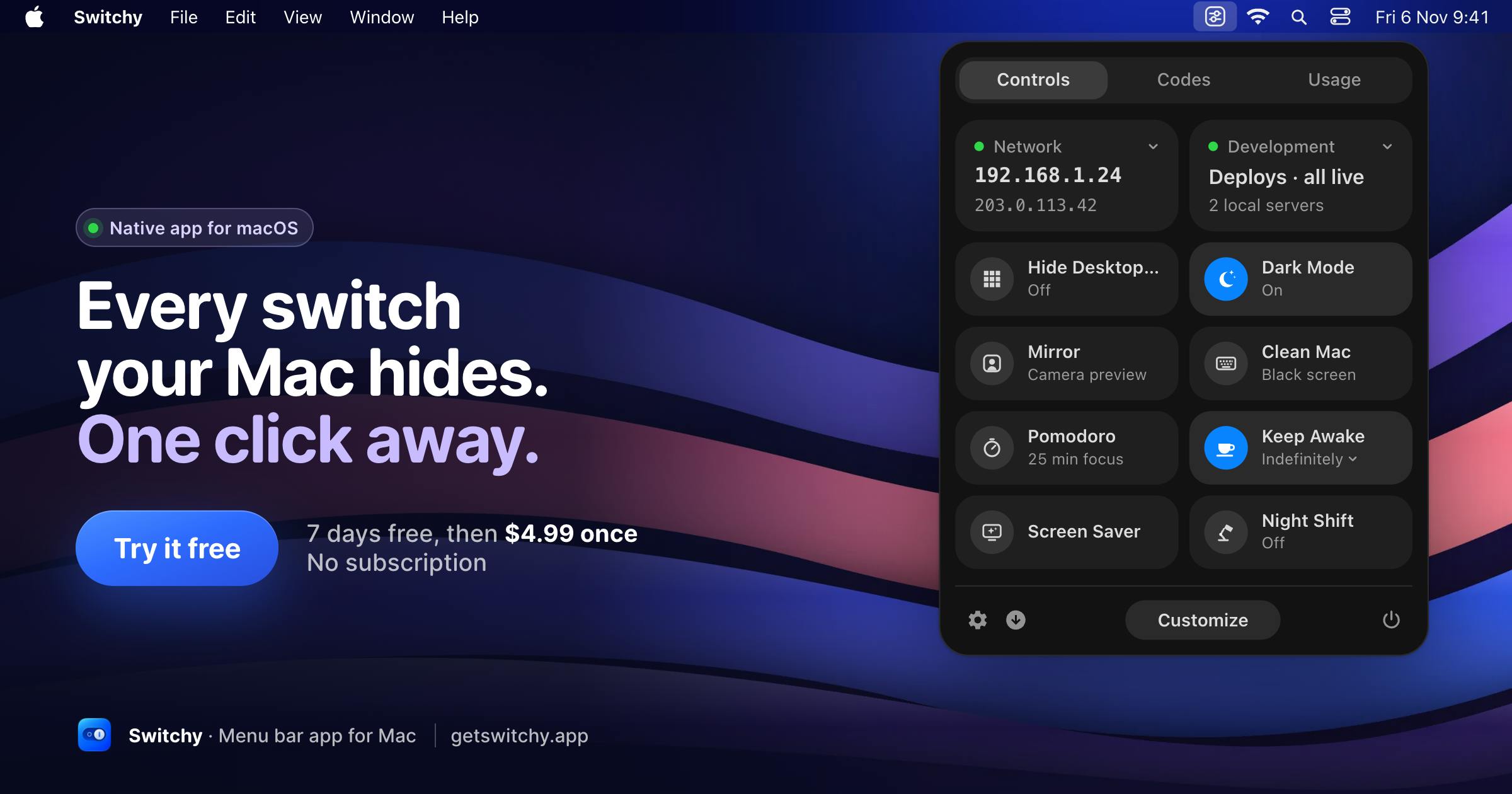
Switchy aggregates system controls, deployment status, 2FA, and AI quotas into the Mac menu bar for $4.99.
Switchy is a Mac menu bar productivity tool that combines system toggles, deployment status, local servers, 2FA codes, and Claude/Codex usage limits in one native panel, reducing app switching. Its key innovation is bringing AI assistant quota monitoring to the menu bar, treating AI tools as infrastructure needing real-time attention. It targets Apple silicon and macOS 14+, with a 7-day no-account trial and a $4.99 one-time purchase covering up to 3 Macs. The article also highlights challenges like information density and 2FA security transparency, making it ideal for developers who use AI coding tools and frequently manage settings, deployments, and codes.
The Mac menu bar has long been contested territory for productivity tools, but most products solve only a single problem: either monitoring servers or managing the clipboard. Switchy, launched on Product Hunt, attempts to pack "system controls + deployment status + two-factor authentication + AI quotas" into a single native panel. This combination itself sends a signal—developers' daily operations are being re-segmented by AI tools.
One Panel, Four Categories of High-Frequency Operations
According to the official description, Switchy aggregates four things into the menu bar: Mac system toggles, deployment status, local servers, 2FA codes, and Claude/Codex usage limits.
Viewed separately, none of these is novel. System toggles have One Switch, deployment monitoring has various CI status bar plugins, and 2FA has plenty of standalone authenticators. But putting them all in one panel means developers no longer have to switch back and forth between menu bar icons—this "one less click" value gets amplified repeatedly amid fragmented operations, especially for information that needs frequent glances, like deployment status and AI quotas.
What It Means for AI Quotas to Enter the Menu Bar
The product tags specifically mention Claude/Codex limits, which is the key point distinguishing Switchy from traditional system tools.
Over the past year, quota limits on AI coding assistants have become a new source of anxiety for developers: conversation turns, context quotas, call frequency—these metrics are scattered across their respective web dashboards, invisible unless you open a browser. By pulling them into the menu bar for persistent display, Switchy is essentially acknowledging a fact—AI tools have become infrastructure that, like servers and deployments, needs real-time monitoring. This product judgment is more noteworthy than the feature itself; it heralds the birth of a new category of tools: AI resource monitors.
The quota mechanisms of Claude and Codex: Claude is an AI assistant launched by Anthropic, whose coding scenarios are typically provided through tools like Claude Code; Codex is OpenAI's early code generation model, now more often referring to its code-related capabilities. Both generally impose usage limits on developers, such as Claude's conversation turn or context window quotas, and Codex's call frequency and token caps. These limits are usually presented as dashboards in web backends, requiring developers to actively log in to check remaining quotas. Switchy pulls such quota data into the menu bar for persistent display, effectively turning "passive lookup" into "active visibility." Its technical implementation may rely on each platform's public APIs or local caching, but the original article does not disclose the specific integration method.
Pricing and Platform Constraints
Switchy targets Apple silicon and macOS 14 or later, with a 7-day free trial requiring no account or credit card, after which it's a one-time payment of $4.99 covering up to 3 Macs.
This pricing strategy is clear: low-cost one-time purchase, multi-device licensing, zero registration friction. For indie developers and small teams, a one-time purchase is easier to accept than a subscription, and "no account required" directly eliminates the biggest conversion barrier during the trial phase. The limitations are equally clear—no support for Intel Macs, a relatively high system requirement, and older device users are excluded.
The Apple silicon and macOS 14 threshold: Apple silicon refers to Apple's self-designed ARM-based chips (M1, M2, M3, etc.) used in Macs since 2020, which are incompatible with the Intel x86 architecture. macOS 14 (Sonoma) was released in 2023, introducing new system APIs and interface frameworks. Requiring macOS 14+ and supporting only Apple silicon means Switchy may use native frameworks available only on the new system and new architecture (such as new SwiftUI features or system-level menu bar APIs), which simplifies development but sacrifices compatibility with older devices. For users still on Intel Macs or older versions of macOS, the tool simply won't run.
The Aggregation Dilemma of Productivity Tools
Aggregating multiple features into a single entry point is a common expansion path for productivity tools, but it's also where the risk lies.
Interface space is limited. Once a menu bar panel is packed with four or five categories of information, ensuring each can be quickly scanned without interfering with the others is a design battle. Another issue is depth: if deployment monitoring needs to integrate with multiple CI services, the configuration cost may deter casual users; 2FA codes involve security boundaries, and whether users are willing to hand their keys to a menu bar tool depends on the product's transparency in its security implementation. The source material does not disclose these details, but they are key to determining whether Switchy can go from "novelty" to "permanent fixture."
Who It's For
If you use AI coding tools like Claude or Codex while also frequently switching system settings, checking deployment results, and entering verification codes in your daily work, Switchy's aggregation logic hits this workflow squarely. At a $4.99 one-time price, the cost of trying it is low, and the 7-day no-account trial lowers the decision threshold.
Conversely, if you only use a single feature, or your device is an Intel Mac, this tool's value drops significantly. The significance of menu bar aggregation products has never been in the length of the feature list, but in whether it truly matches the few actions you repeat every day—Switchy's answer: count AI quotas in too.
One-line Summary
Switchy aggregates system controls, deployment status, 2FA, and AI quotas into the Mac menu bar for a $4.99 one-time purchase.
Paragraph Summary
Switchy is a Mac menu bar productivity tool that aggregates system toggles, deployment status, local servers, 2FA codes, and Claude/Codex usage limits into a single native panel, reducing the number of times developers switch between apps. Its most noteworthy innovation is bringing AI coding assistant quota monitoring into persistent menu bar display, reflecting that AI tools are being treated as infrastructure requiring real-time attention. The product targets Apple silicon and macOS 14+, offers a 7-day no-account, no-credit-card trial, then a $4.99 one-time purchase covering up to 3 Macs. The article also notes that aggregation tools face challenges around information density, configuration depth, and 2FA security transparency, making it suitable for developers who use AI coding tools and frequently operate system settings, deployments, and verification codes.
Related articles
 Tech Frontiers
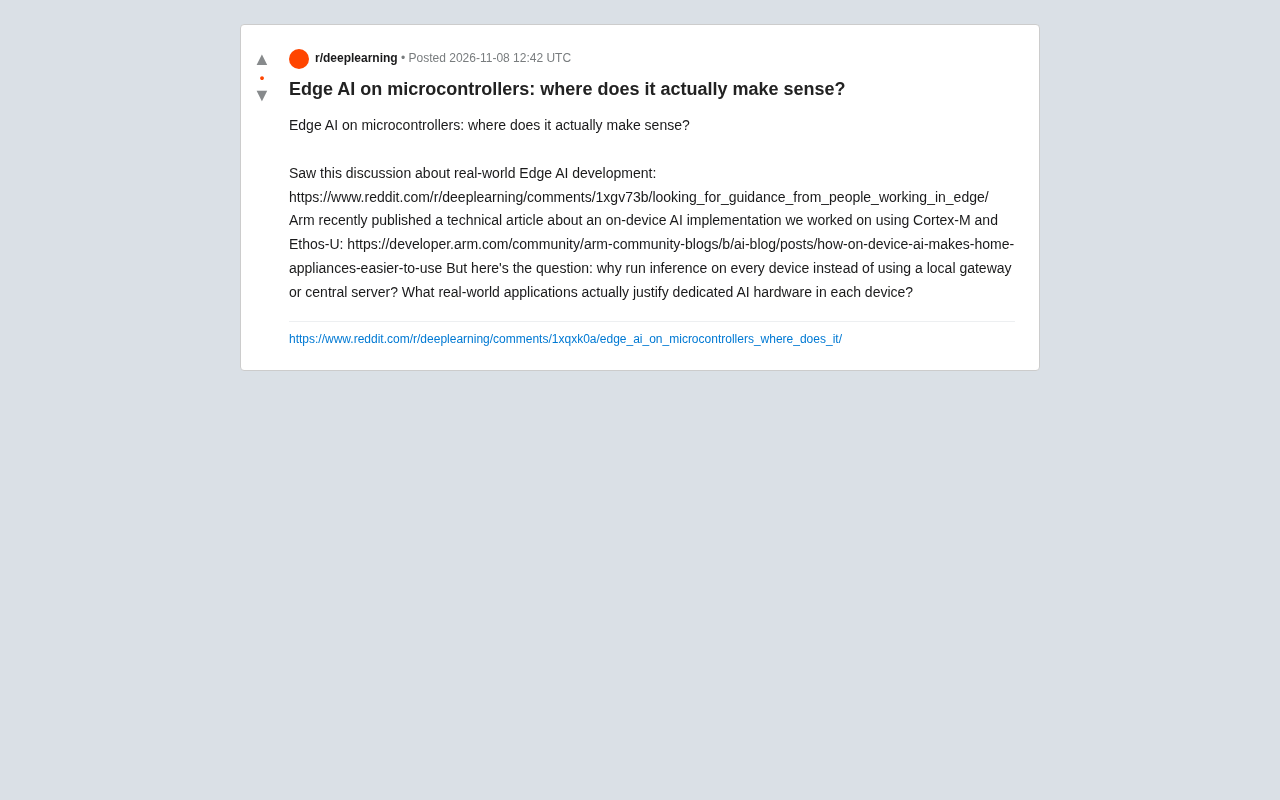
Edge AI on Microcontrollers: When Is It Actually Worth Deploying?
Drawing on Reddit discussions and Arm case studies, this article analyzes the real-world use cases for edge AI on microcontrollers: when each device needs independent inference, when a gateway or cloud is more reasonable, and the costs and boundaries of specialized hardware.
 Tech Frontiers
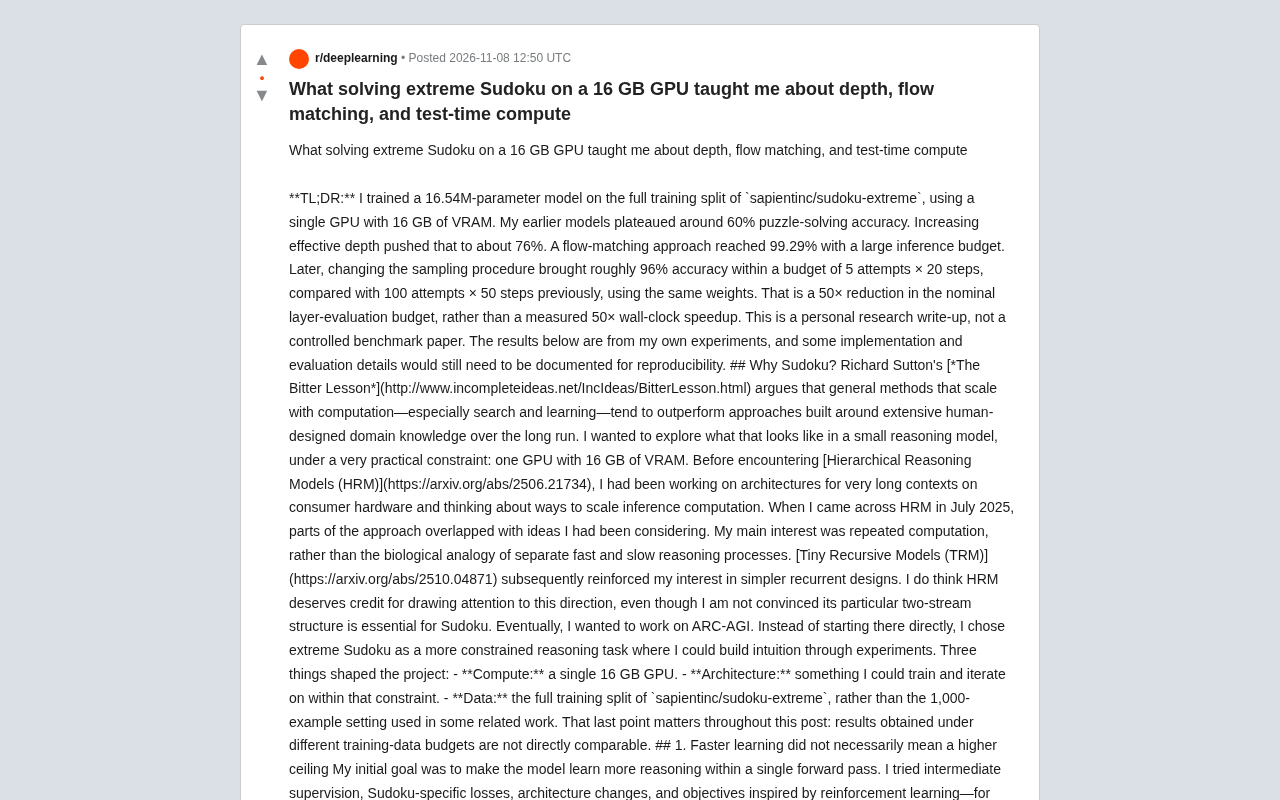
Pushing the Limits of Extreme Sudoku on a 16GB GPU: Insights from Depth and Flow Matching
A researcher trained a 16.54M-parameter model on a 16GB GPU to solve extreme Sudoku, finding effective depth breaks the 60% plateau and flow matching with improved sampling pushes accuracy past 99% with ~50× lower layer-evaluation budget.
 Tech Frontiers
AI Agent Approval Workflows: Why Human Confirmations Always Get Mindlessly Clicked
Why do AI agent approval workflows always get mindlessly clicked? A Reddit discussion shows that separating rules from keys, low-frequency high-risk approvals, and GitHub Environments-style gates are the keys to effective approvals.