The Deathray Vulnerability: How a Single Webpage Can Freeze Your Mac

A browser flaw called 'Deathray' lets a malicious webpage exhaust Mac system resources and cause a full system freeze.
A technical blog post has revealed a browser behavior flaw dubbed 'Deathray,' where a malicious webpage can exhaust a Mac's CPU, memory, or GPU resources in seconds, causing the entire device to become unresponsive. The flaw breaks out of the browser sandbox and impacts macOS at the system level, freezing input and graphics entirely. The post gained 259 upvotes and 182 comments on Hacker News, reflecting developer frustration over how DoS-class vulnerabilities are chronically under-prioritized — and raising deeper questions about where browser and OS responsibility for resource governance should begin and end.
A Single Webpage Can Completely Lock Up Your Mac
A technical blog post titled The Deathray: A simple way for an untrusted site to freeze a Mac, published on auberon.xyz, recently sparked heated discussion on Hacker News — racking up 259 upvotes and 182 comments in a short period. The article exposes a browser behavior flaw the author dubbed "Deathray": an untrusted website, using relatively simple techniques, can render a Mac completely unresponsive and frozen.
This issue deserves attention because it shatters a fundamental assumption — that opening a webpage should be a safe operation. Users generally expect that visiting an unfamiliar site might expose them to ads or phishing attempts, not cause their entire machine to lock up and require a hard reboot. When system resources outside the browser sandbox can be exhausted by a malicious page, the entire notion of a security boundary becomes undermined.

How the "Deathray" Works
According to the blog post, the core idea behind this attack is to force the browser or the underlying system to process a massive volume of rendering or computational tasks in an extremely short window — draining CPU, memory, or GPU resources until the entire operating system grinds to a halt, rather than just the current tab.
It's worth emphasizing that modern browsers are supposed to prevent a single page from "killing" an entire machine through process isolation, tab sandboxing, and resource throttling. Ideally, a runaway webpage would at most crash its own tab, and the user could simply close it and move on. But the "Deathray" reveals exactly how this protection can fail under specific conditions — the problem no longer stays contained within the browser process, but spills over into the macOS system layer, causing the mouse, keyboard, and even the entire graphical interface to stop responding.
This is precisely why the topic resonated so strongly with the tech community: it cuts right to the question of where responsibility lies between browser vendors and operating systems when it comes to resource governance. Whether browsers should proactively cap per-page resource consumption, or whether the OS should enforce stricter isolation and throttling of runaway processes, has long been a matter of debate.
Process isolation is the core mechanism modern browsers use to prevent a single tab crash from affecting the whole system. Chrome's multi-process architecture places each tab, extension, and renderer into a separate process, and pairs this with OS-level sandboxing to restrict system call permissions — in theory, a single page crashing or exhausting resources shouldn't cascade to the host system. Safari on macOS uses a similar architecture, with additional isolation via XPC services. However, "resource isolation" and "process isolation" operate at different levels: process crashes can be gracefully reclaimed, but if a renderer process saturates the GPU command queue or triggers a kernel-mode deadlock before crashing, the OS itself may enter an unschedulable state. This is what distinguishes "Deathray" from an ordinary tab crash — it exploits the edge case where resource exhaustion prevents the scheduler from functioning normally, rather than simply filling up memory within the browser process.
Why These Problems Keep Recurring
Browsers are among the most complex applications in existence today, supporting JavaScript execution, graphics rendering, multimedia decoding, GPU acceleration, and much more. Each of these capabilities, while enabling powerful features, also opens new avenues for resource abuse.
Historically, cases of "webpages taking down devices" are not uncommon: infinite script loops, oversized Canvas rendering, abnormal animation frame requests, and intensive GPU calls have all been used to create denial-of-service-style disruptions. These issues often don't qualify as high-severity vulnerabilities in the traditional sense of "stealing data," which causes them to be deprioritized — yet their direct impact on everyday users is painfully obvious: a perfectly functional computer suddenly "dies."
The high engagement on Hacker News reflects the developer community's complicated feelings about this issue: acknowledging it as a long-standing, persistent problem, while also questioning why vendors have yet to build sufficiently robust resource circuit-breaker mechanisms.
A "Resource Circuit Breaker" refers to the ability of a browser or OS to proactively intervene — rate-limiting, suspending, or terminating a process — when it detects that a process or page has exceeded a resource consumption threshold, analogous to a fuse in an electrical circuit. Chrome's "large tab discard" and Safari's "background tab suspension" are limited implementations of this idea, but circuit-breaking for CPU-intensive or GPU-intensive attacks remains incomplete. The fundamental reason is that browsers need to leave enough headroom for legitimate high-performance applications (like WebGL games or web-based video editors). Any overly aggressive threshold would risk killing normal pages, leaving vendors perpetually caught between feature experience and security boundaries. This explains why similar issues resurface periodically across different browsers and operating systems, rather than being definitively fixed once and for all.
What This Means for Users and Developers
For everyday users, the most practical defense is to keep both the OS and browser updated to the latest versions, as vendors gradually tighten resource restrictions on runaway pages through patches. When a webpage causes severe slowdowns, try to force-quit the browser process rather than cutting power entirely, to reduce the risk of data loss.
For developers and security researchers, "Deathray" serves as a reminder: denial-of-service (DoS) class issues should not be dismissed simply because they don't steal data. A full-machine freeze that can be triggered by any arbitrary website is, at its core, an attack on the availability of a user's device — and deserves to be taken seriously as a security concern.
From a broader perspective, this case once again highlights the importance of coordination between browser sandboxing, process isolation, and OS-level resource scheduling. As the Web platform's capabilities continue to expand, striking the right balance between openness and system stability will be a long-term challenge for browser vendors and OS teams alike.
Note: Since this article is based on a summary of the original blog post and community discussion, readers are encouraged to consult the original post at auberon.xyz for authoritative information on specific technical reproduction details and affected system versions.
Related articles

How Did Da Vinci Prove the Sun Is Hot? A Neglected Chapter in Science History
How did da Vinci use a concave mirror experiment to overturn Aristotle's cold sun theory? This article traces this neglected chapter in science history, revealing the embryo of scientific thinking in the 15th century and da Vinci's cold observations on solar heat and the nature of life.
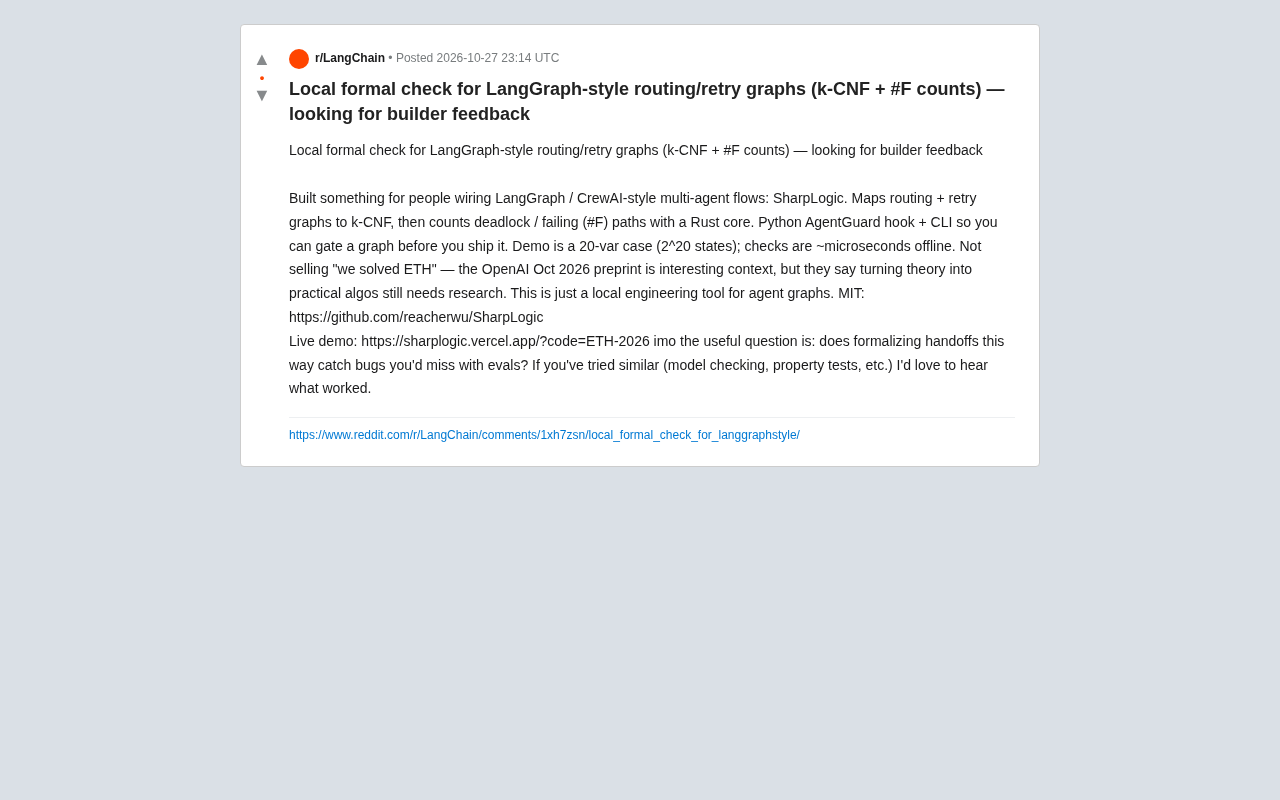
SharpLogic: Formalizing Bug Detection for LangGraph Routing Graphs with k-CNF
SharpLogic, an open-source project, maps LangGraph-style multi-agent routing and retry graphs to k-CNF, using a Rust kernel to count deadlocks and failing paths (#F counting), offering a Python AgentGuard hook and CLI for pre-release formal gate checks. This article analyzes its principles, its complementary relationship with evals, and the community's concern about modeling costs.
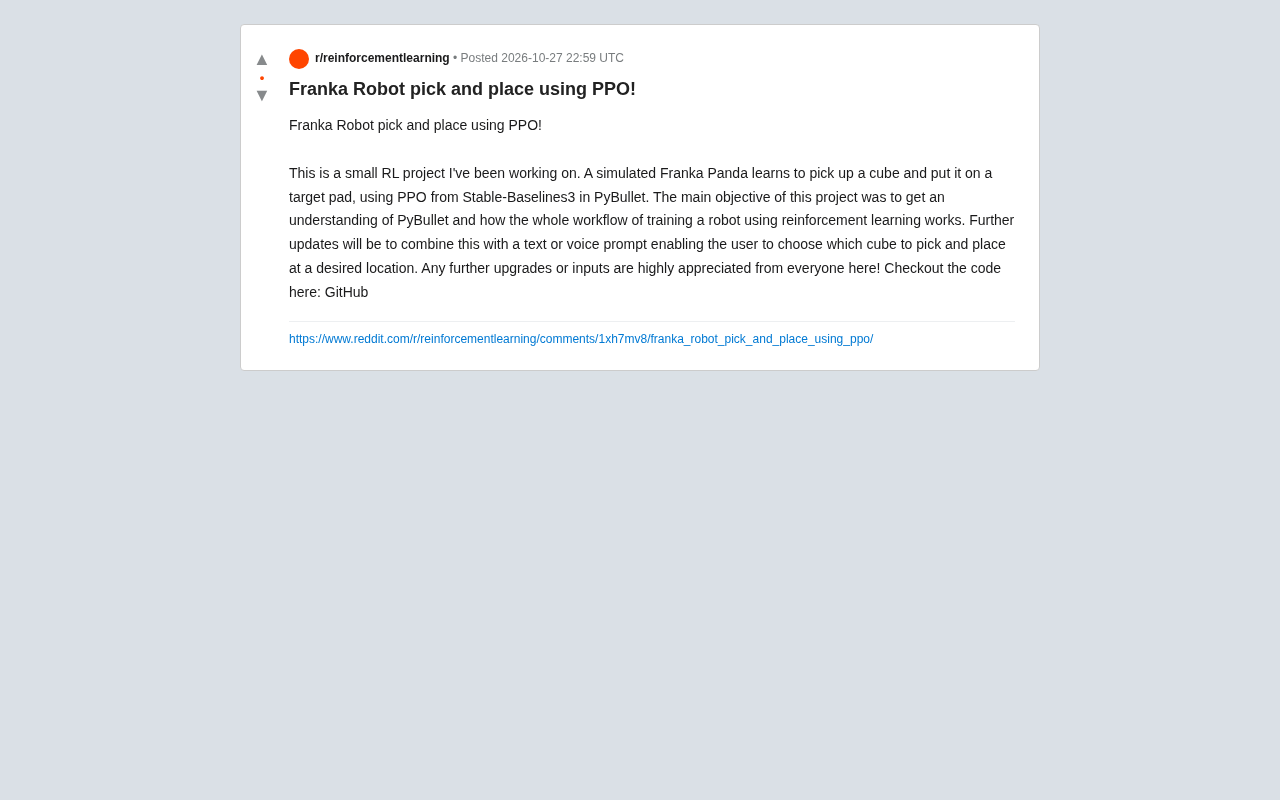
PPO Training of a Franka Robotic Arm for Pick-and-Place: A Reinforcement Learning Starter Project
A reinforcement learning project using PPO to train a Franka Panda robotic arm for pick-and-place in PyBullet, covering tech stack choices, task design challenges, and future text/voice command interaction plans—a good reference for beginners.