The Hidden Ace of Apple's New MacBook Pro: Professional Color Management Technology

New MacBook Pro debuts OLED and touch, with PROLED XDR display technology becoming a new focus for professional color workflows.
Apple's new MacBook Pro introduces both an OLED display and touch functionality to the laptop line for the first time, but what truly draws the attention of image precision experts and calibrators is the PROLED XDR display technology. This technology suggests a new approach by Apple to backlight structure and dynamic range control, expected to improve post-calibration color consistency and long-term reliability, reducing calibration burden and color deviation between devices in professional color workflows. OLED's pixel-level light control and PROLED XDR's dynamic range control complement each other, while touch functionality may change how professional users interact with color tools. The article believes this device provides color workers doing mobile work with display quality approaching desktop reference-grade monitors, but specific technical parameters and measured calibration data have not yet been disclosed and await verification through subsequent professional reviews.
Apple's new MacBook Pro brings several firsts to the laptop line, with the most talked-about being the OLED display and touch functionality. But for image-precision enthusiasts, trained calibrators, and display experts, what's truly exciting is the display technology behind the PROLED XDR screen—it takes professional color workflows on a laptop to a new level.
From Specs to Experience: Why PROLED XDR Matters
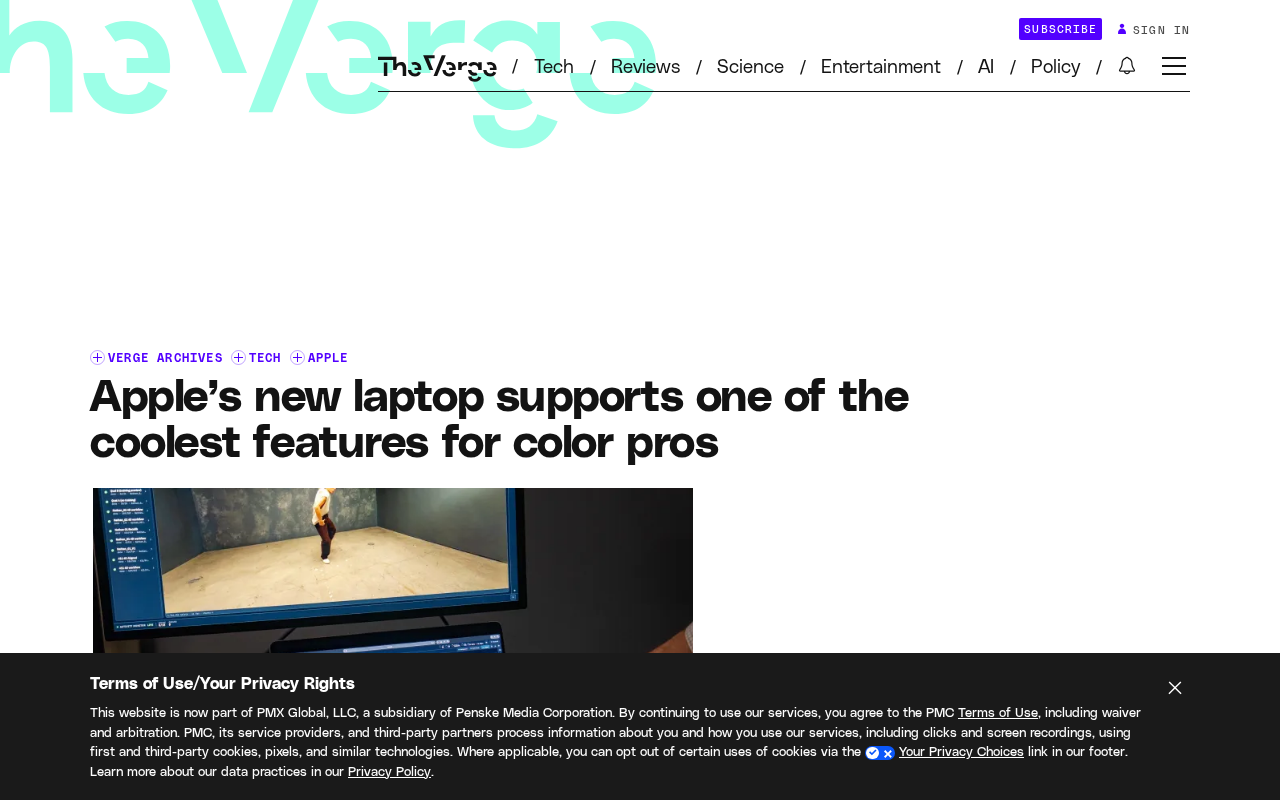
According to the RSS source article, the new MacBook Pro is the first Apple laptop to feature both an OLED display and touch functionality. These two features are certainly eye-catching, but the article's author, a professional in the field of image precision, values the PROLED XDR display's technical approach to color reproduction more.
For color professionals, the value of a screen isn't in peak brightness or resolution numbers, but in whether it can reproduce color stably and accurately. The PROLED XDR name suggests a new approach by Apple to backlight structure and dynamic range control, which directly relates to post-calibration color consistency and reliability during long working sessions.
Backlight Differences Between OLED and Mini-LED
OLED panels have each pixel emit light independently, requiring no backlight layer, thus achieving pixel-level light control with black levels approaching infinite contrast. Traditional LCDs rely on a uniform backlight, and even with local dimming (such as Mini-LED), halo effects are still difficult to completely avoid. If the PROLED XDR mentioned in the article continues Apple's XDR naming system, it is likely an evolution of Mini-LED or similar zone-based backlight technology rather than pure OLED. Understanding this distinction helps judge: OLED's pixel-level light control and PROLED XDR's zone-based dynamic range control address different levels of problems in professional color scenarios—the former concerns contrast limits, the latter concerns brightness uniformity and long-term stability.
The Key to Professional Color Workflows: Calibration and Consistency
The original author emphasizes their identity as a "trained calibrator," which points to a core fact: the value of a professional monitor can only be truly unlocked after calibration. The "coolest feature" supported by the new MacBook Pro is essentially deeply tied to the color management process—it brings the laptop screen closer to professional reference-grade display performance out of the box, reducing the burden of post-calibration.
For photographers, video colorists, and graphic designers, this means the rework costs caused by color deviations when switching between devices are expected to decrease. The laptop screen is no longer just a "good enough" preview tool, but may become a trustworthy color grading reference.
The Difference Between Hardware and Software Calibration
Calibration of professional monitors is generally divided into software calibration and hardware calibration. Software calibration adjusts the output signal through the graphics card lookup table (LUT), but is limited by the graphics card's bit depth and is prone to color banding; hardware calibration writes calibration data directly into the monitor's internals, bypassing the graphics card LUT, achieving higher precision and maintaining consistency when switching devices. Apple introduced reference modes and factory calibration on the Pro Display XDR. If the new MacBook Pro supports a similar hardware-level calibration process, it means users can obtain consistent color response across different Mac devices. This is especially critical for color workers who need multi-machine collaboration or mobile work, and is also the technical basis for "reducing the burden of post-calibration."
The Combined Effect of Touch and OLED
OLED panels' self-emissive nature brings pixel-level light control, which complements the dynamic range control emphasized by PROLED XDR. The addition of touch functionality changes the way professional users interact with color tools—sampling, comparing, and adjusting directly on the screen can replace external pen tablets in some workflows.
However, the original article does not elaborate on the specific adaptation of touch functionality in professional color software; this information requires actual review verification.
Color Management System (CMS) and ICC Profiles
The core of a color management system is the ICC profile, which describes the color characteristics of a device, providing a basis for color conversion between different devices. On laptops, the screen's ICC profile is usually preset by the manufacturer, but professional users need to recalibrate periodically and generate custom profiles. When OLED's self-emissive characteristics are combined with touch interaction, color management faces new variables: the touch layer may introduce additional optical effects (such as changes in reflection or transmittance), and OLED's brightness decay characteristics also require more frequent profile updates. Understanding the ICC workflow helps evaluate the actual positioning of the new MacBook Pro in the professional color chain—it is not only display hardware, but also a calibratable node in the color management process.
What It Means for Professional Users
Overall, the core beneficiaries of the new MacBook Pro's display technology advances are professionals who rely on color precision. Apple's integration of OLED, touch, and PROLED XDR into the same product line indicates its continued investment in the professional creative market. For color workers who need mobile work, this device provides display quality that was previously only approachable by desktop reference-grade monitors.
The original information is limited, and more data on PROLED XDR technical details and calibration performance has not yet been disclosed. It is recommended to follow subsequent professional reviews and actual calibration reports.
Industry Standards for Reference-Grade Displays
In the professional color field, "reference-grade display" usually refers to monitors that comply with broadcast standards such as SMPTE, EBU, or ITU-R BT.709/BT.2020, whose brightness, color gamut, and uniformity must meet strict tolerances. Apple's Pro Display XDR was positioned against reference-grade monitors with 1000 nits sustained full-screen brightness and 1600 nits peak brightness. If the new MacBook Pro's PROLED XDR can approach these metrics in a portable form, it will break the traditional perception that "laptop screens are only for preview." However, note that reference-grade certification also involves ambient light control, viewing angle stability, and long-term drift, and the mobile usage scenario of a laptop is fundamentally different from a fixed color grading suite; actual credibility still requires support from measured data.
One-line Summary
New MacBook Pro debuts OLED and touch, with PROLED XDR display technology becoming a new focus for professional color workflows.
Paragraph Summary
Apple's new MacBook Pro introduces both an OLED display and touch functionality to the laptop line for the first time, but what truly draws the attention of image precision experts and calibrators is the PROLED XDR display technology. This technology suggests a new approach by Apple to backlight structure and dynamic range control, expected to improve post-calibration color consistency and long-term reliability, reducing calibration burden and color deviation between devices in professional color workflows. OLED's pixel-level light control and PROLED XDR's dynamic range control complement each other, while touch functionality may change how professional users interact with color tools. The article believes this device provides color workers doing mobile work with display quality approaching desktop reference-grade monitors, but specific technical parameters and measured calibration data have not yet been disclosed and await verification through subsequent professional reviews.
Related articles

Cursor AI in Practice: Weighing Efficiency Gains Against Costs in an AI IDE
An in-depth look at Cursor AI IDE's interface layout, four modes (Agent/Plan/Debug/Ask), model selection, and Git context integration, with hands-on demos weighing subscription costs against going direct to Claude.

Free Landing Page Design Rules Library: A Practical Guide for Claude Code and Cursor
A free landing page design skill for Claude Code and Cursor: MIT licensed, nearly 9,000 stars, asks about offer/audience/action before planning 12 sections with hard font and spacing constraints.

Cursor Keeps Writing Wrong Code? The Problem May Be Context, Not Prompts
Cursor keeps writing wrong code? The problem may be context, not prompts. Learn how to supply relevant files, full error messages, and expected results, plus a plan-first, small-step, test-driven workflow to reduce AI coding errors—while remembering code review remains the developer's job.