The Trap of Docker's :latest Tag: Why You Should Pin Your Version Numbers

Why Docker's :latest tag is a production anti-pattern and how to pin versions safely.
Docker's :latest tag is a moving pointer, not a stable version guarantee. This article explains how automatic image pulls with :latest can silently introduce breaking changes in production, as illustrated by a real-world incident. It covers best practices including semantic version pinning, digest locking for supply chain security, and using tools like Renovate and Dependabot to maintain controlled, automated update workflows.
An Unexpected Update Unleashes "Hell"
In an era where containerized deployment has become mainstream, Docker image tag usage might seem like a trivial detail—yet it often conceals pitfalls that keep operations engineers up at night. Recently, a Reddit user shared their painful experience: by forgetting to pin a version number in their Docker container and relying on the default :latest tag, an unexpected automatic update introduced a breaking change that brought their entire service to its knees. In their words, they experienced "true hell."
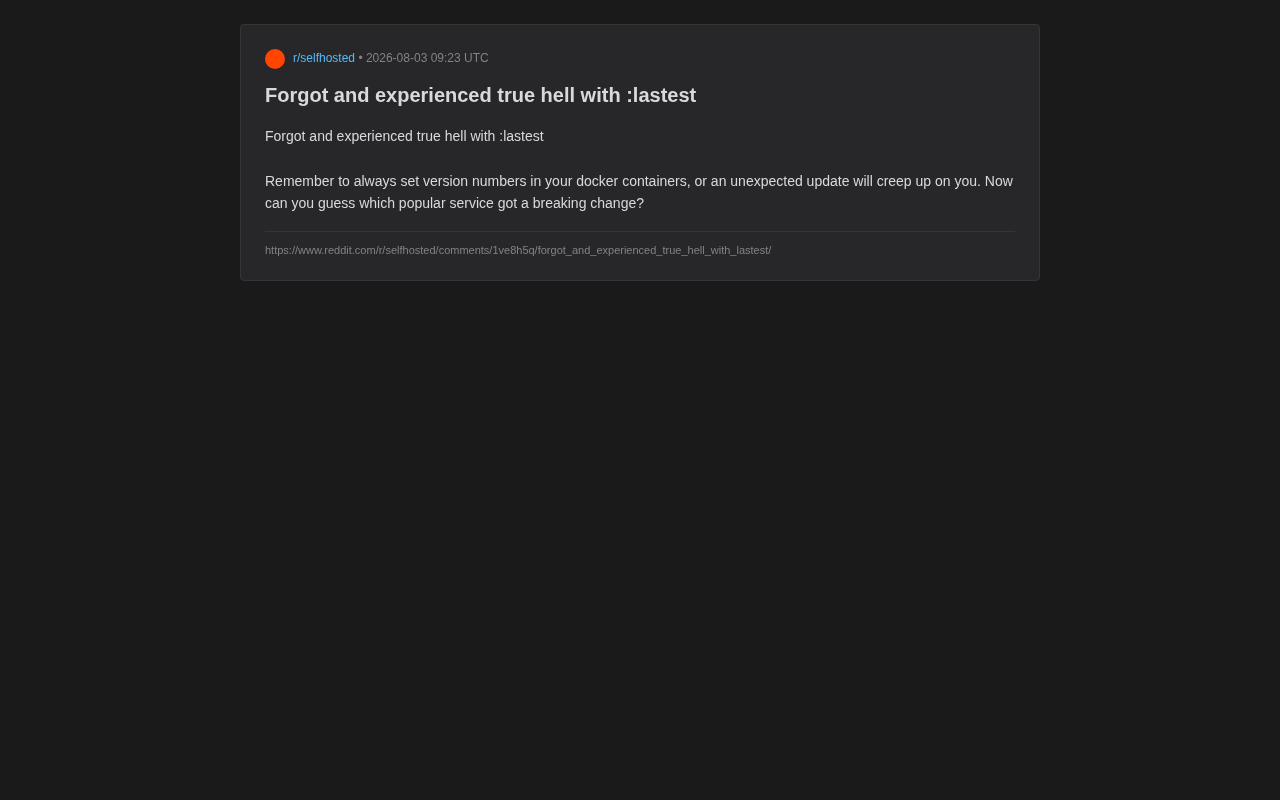
This topic resonated widely because it touches on a trap that countless developers and operations engineers have fallen into. The :latest tag sounds like it means "the newest and best," but in production environments, it's precisely the most uncontrollable ticking time bomb.
What Is the :latest Tag, and Why Is It Dangerous
:latest Does Not Mean "Stable"
Many beginners naturally assume that the :latest tag points to the most recent stable version of an image. In reality, :latest is simply a default tag—when you push an image without specifying any tag, Docker automatically applies :latest. It's essentially an ordinary tag with no semantic guarantee of "stable" or "tested."
To understand this, you need to know how Docker images are stored at a fundamental level. Docker images use a layered storage (Union File System) architecture, where each image is composed of multiple read-only layers stacked together. A tag is essentially just a mutable reference pointing to a specific image manifest—similar to a branch pointer in Git. This means the same tag can point to completely different image contents at different times, and the Docker Registry does nothing to prevent this overwriting behavior. In contrast, an image digest is a SHA256 hash of the image manifest's contents, providing content-addressed immutability. Understanding this underlying mechanism makes it clear why tags (including :latest) are fundamentally unsuitable as version anchors in production environments.
More critically, :latest is a moving pointer. Today it might point to v1.2.0; tomorrow, when the upstream maintainer releases v2.0.0, it silently shifts to the new version. Major version updates often include breaking changes: configuration format changes, API adjustments, database schema migrations, or even completely incompatible behavior.
Automated Pulls Make Things Worse
Modern container orchestration environments—whether Docker Compose, Kubernetes, or various CI/CD pipelines—are frequently configured with automatic pull policies. When containers restart, nodes migrate, or deployments update, the system re-pulls images. If you're using :latest, your service could be replaced with a brand-new, untested version without your knowledge.
This problem is especially pronounced in Kubernetes environments. Kubernetes' imagePullPolicy field controls when the kubelet pulls images. When the image tag is :latest, the default policy is Always (re-pull every time a Pod is created); with a specific version tag, the default is IfNotPresent (only pull if not already present locally). This design choice directly amplifies the risk of the :latest tag—Pod migration after node failures, HPA (Horizontal Pod Autoscaler) scaling events, and even routine rolling updates can all trigger image re-pulls, causing different Pods of the same service in a cluster to run different versions of the code, creating consistency issues that are extremely difficult to diagnose.
This is exactly the scenario the Reddit user encountered: the service restarted at some point, Docker pulled the new image corresponding to :latest, and the new version happened to introduce breaking changes that prevented the service from functioning properly. The insidious nature of this problem is that you don't even know which update caused the failure, because the entire process happened automatically.
Best Practice: Always Pin Docker Image Version Numbers
Use Explicit Semantic Versions
The core principle for solving this problem is straightforward: always pin explicit version numbers in production environments.
# Not recommended: using latest
image: nginx:latest

# Recommended: pin a specific version
image: nginx:1.25.3
When adopting Semantic Versioning, you can choose the granularity of pinning based on your risk tolerance. The Semantic Versioning specification (SemVer), proposed by GitHub co-founder Tom Preston-Werner, follows the format MAJOR.MINOR.PATCH. The MAJOR version increments for incompatible API changes, MINOR for backward-compatible feature additions, and PATCH for backward-compatible bug fixes. The core value of this convention is that the version number itself carries semantic information—users can judge the risk level of an upgrade solely from the version number change. In the Docker ecosystem, most mainstream images (such as nginx, postgres, redis, etc.) follow or closely approximate the SemVer specification, making version-number-based pinning strategies practically actionable.
Here are the specific pinning granularity options:
- Fully pinned (e.g.,
1.25.3): The safest option. The version is completely under your control and will never change unless you explicitly modify it. - Pin major and minor versions (e.g.,
1.25): Allows patch updates, which typically contain only bug fixes with low compatibility risk. - Pin only the major version (e.g.,
1): Allows minor version updates, which may introduce new features with moderate risk.
Advanced Approach: Lock with Docker Image Digests
For scenarios requiring the highest levels of security and reproducibility, you can lock images using their SHA256 digest:
image: nginx@sha256:abc123...
Digest locking means that even if the same tag is re-pushed (tag overwritten), you will always pull the exact same binary content. In an era where supply chain security is increasingly critical, this is a practice worth serious consideration.
In fact, Docker image supply chain security has received unprecedented attention in recent years, especially following the SolarWinds supply chain attack and the Log4Shell vulnerability disclosure. Beyond using digests to lock image content, the industry has developed image signature verification solutions such as cosign (part of the Sigstore project) and Docker Content Trust (based on the Notary protocol). These tools allow image publishers to cryptographically sign images, and consumers to verify signature validity when pulling, ensuring images haven't been tampered with. Combined with SBOM (Software Bill of Materials) and vulnerability scanning tools (such as Trivy and Grype), you can build a complete chain of trust from build to deployment, elevating version locking from "preventing accidental updates" to the security level of "preventing malicious tampering."
How to Elegantly Manage Docker Image Version Updates
Establish a Controlled Update Process
Pinning version numbers doesn't mean never updating—it means keeping the initiative of updating in your own hands. A proper update process should include:
- Monitor upstream release notes: Read the changelog before upgrading, paying special attention to items marked as breaking changes.
- Validate in test environments: Deploy new versions in staging or test environments first, and only promote to production after confirming compatibility.
- Maintain rollback capability: Explicit version numbers allow you to quickly revert to a known-good version when issues arise.
Leverage Automation Tools Like Renovate and Dependabot
Manually tracking version updates for every dependency is tedious. Tools like Renovate or Dependabot can automatically detect new versions of Docker images and generate Pull Requests for your review. This maintains update timeliness while bringing every change into the code review and testing process, avoiding the "silent and invisible" update style of :latest.
Specifically, Renovate (an open-source tool maintained by Mend) and Dependabot (natively integrated with GitHub) work slightly differently. Renovate parses image references in Dockerfiles, docker-compose.yml files, Kubernetes manifests, and other files using regular expressions, periodically queries the Registry for new version information, then generates PRs based on preset grouping rules, auto-merge strategies, and scheduling windows. Dependabot offers similar functionality with relatively simpler configuration. Both support filtering update scope based on SemVer rules (for example, configuring to accept only patch-level updates) and can integrate with CI test pipelines to achieve a controlled update loop of "auto-discover → auto-test → manual approval → merge and deploy." This approach transforms the "automatic but uncontrollable" nature of :latest into "automatic and controllable"—the recommended paradigm for managing dependency versions in modern DevOps practices.
Conclusion: Small Detail, Big Lesson
This Reddit user's experience serves as a reminder for all container users: the convenience of container technology should not come at the cost of controllability. The :latest tag may be harmless for local development or quick experiments, but in any environment you don't want unexpectedly broken, it's an anti-pattern that should be avoided.
Building the habit of pinning version numbers may seem like just typing a few extra characters, but it's actually the foundation of building reliable, reproducible, and maintainable systems. As an old saying in operations goes: "Predictability beats all surprises." In production environments, what you want isn't "the latest"—it's "certainty."
Related articles

Poison-Resistant Concept Anchoring: A New Approach to Defending Against AI Data Poisoning
Deep dive into Poison-Resistant Concept Anchoring, defending against data poisoning via signed anchors and bounded updates. Experiments show 62% poison isolation with 0% false rejection rate.

Hungarian Algorithm Explained: Principles, Complexity, and Engineering Implementation Guide
In-depth explanation of the Hungarian Algorithm: core principles, O(N³) time complexity advantages, and engineering implementation. Covers assignment problem definition, step-by-step algorithm walkthrough, Python/C++ libraries, and applications in multi-object tracking and resource scheduling.
OpenAI's First Enterprise AI Report: H…
OpenAI's First Enterprise AI Report: How ChatGPT Is Changing the Way Organizations Work
OpenAI's first enterprise AI report reveals three key traits of ChatGPT Enterprise adoption: the shift from novelty to necessity, writing and coding as top use cases, and data governance as a core prerequisite.