Tmux-restore: Restore tmux Windows and AI Agent Sessions After a Reboot

Tmux-restore is an open-source tool that snapshots and rebuilds tmux window layouts and AI agent sessions after a system reboot.
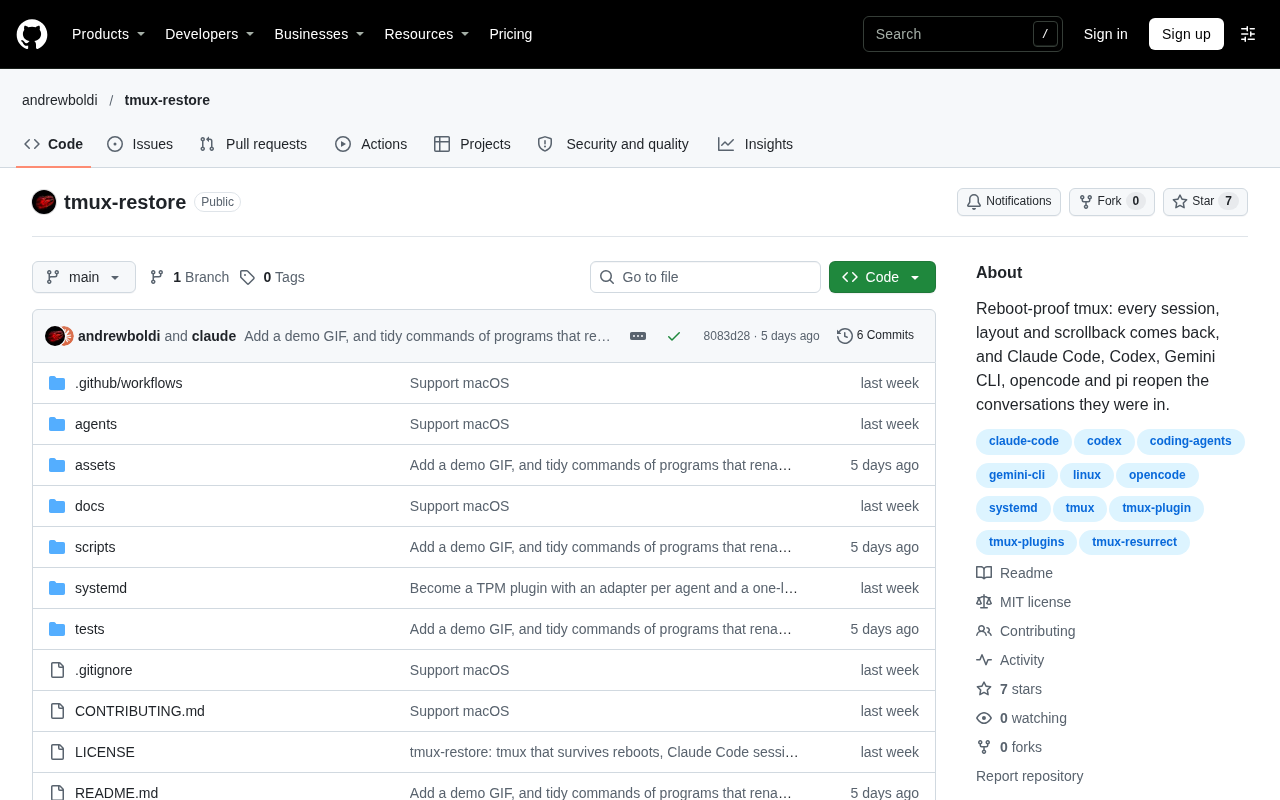
Tmux-restore is an open-source project posted on Hacker News that aims to fill the gap where tmux sessions cannot be recovered across system reboots. tmux itself supports session persistence, but an OS reboot terminates the tmux server process, causing window and pane layouts and the AI agent sessions running in them to be lost, forcing users to rebuild them manually. Tmux-restore uses a "state snapshot + rebuild" approach: it records the window and pane topology and startup tasks, then relaunches them after a reboot, rather than making processes truly survive reboots. It is therefore suitable for rebuildable sessions such as shells, editors, and agent interfaces, but ineffective for uninterrupted long tasks like compilation and training. The project suits developers who use tmux as their workbench and run multiple AI agents at once, but it is at an early stage, so trying it first on non-critical workflows is recommended.
Developers and heavy AI users often run into an awkward scenario: after a machine reboots, the carefully arranged tmux windows and panes in the terminal—along with the AI agent sessions running in them—all disappear, and everything has to be rebuilt by hand. An open-source project called Tmux-restore, posted on Hacker News, aims to solve this problem—it can save and restore tmux windows and agent sessions after a system reboot.
What Problem It Solves
tmux itself supports session persistence, but recovery across reboots is not part of its default capabilities. Tmux-restore targets exactly this gap: it records the current window layout and the state of running tasks, then brings them back up after a reboot. For users who rely on tmux to organize multi-task workflows, this can save a great deal of time spent repeatedly rebuilding their environment.
More noteworthy is its support for "agent sessions." As running AI agents in the terminal (such as various CLI coding assistants) has become common practice, once these long-running sessions are interrupted, the context is often hard to recover. By bringing agent sessions into the recovery scope as well, Tmux-restore shows that the author has observed a shift in workflows from purely manual operation toward human-machine collaboration.
tmux is a terminal multiplexer that allows users to create multiple virtual terminal sessions within a single terminal window, each of which can be divided into multiple windows and panes. The so-called "session persistence" means that the tmux server process keeps running in the background after the user disconnects or the terminal is closed, so the original interface can be restored upon reconnection. But by default tmux only maintains state "for as long as the same machine is running"; once the operating system reboots, the tmux server process itself is killed, and the window layout, pane structure, and running commands held in memory are all lost. tmux's recovery capability usually relies on plugins or external scripts (such as tmux-resurrect) to serialize the layout to disk and then replay commands at startup to rebuild it—this belongs to the same category as Tmux-restore's "snapshot + rebuild" approach.
Technical Approach and Boundaries
Judging from the project's positioning, it follows a "state snapshot + rebuild" route rather than trying to make processes truly survive reboots. The implementation difficulty of such a solution is concentrated in two places: first, accurately capturing the topology of windows and panes; second, determining which sessions can be safely rebuilt. For stateful long-running tasks, whether progress can be resumed after recovery depends on whether the restored object itself supports cold starts.
This also means it is better suited to "rebuildable" sessions: shells, editors, and agent interactive interfaces. For uninterrupted tasks such as compilations and training runs, the snapshot approach cannot replace true process continuation. When using it, you need to distinguish between session types.
"State snapshot + rebuild" and "process survival across reboots" are two fundamentally different persistence strategies. The former saves only descriptive state (such as window split parameters, each pane's working directory and startup command) and re-executes the commands according to the record after a reboot, which amounts to "replay" rather than "life support"; the latter requires kernel-level checkpoint technologies such as CRIU (Checkpoint/Restore in Userspace) to fully freeze and restore process memory and file descriptors. For the vast majority of interactive shells, editors, and AI agent TUI interfaces, replaying startup commands is enough to return to a state close to the original working state; but for computations with side effects such as compilation and model training, the process cannot continue from the breakpoint once killed, and the snapshot approach can do nothing about it.
Who It's For
The target audience is clear: developers who use tmux as their daily workbench and run multiple AI agent sessions at the same time. If your workflow is "boot up → rebuild a bunch of windows → re-invoke the agents," this tool can directly cut your startup costs. Conversely, if you rarely reboot your machine, or your sessions themselves have very short lifecycles, the benefits are limited.
The project was released as a Show HN, indicating it is still at an early stage and community feedback is still accumulating. For tools like this, it is advisable to try them first on non-critical workflows and only incorporate them into your daily configuration once you have confirmed that the recovery behavior meets expectations.
Show HN is a section on Hacker News specifically for developers to showcase their new work (projects, experiments, tools). Posters usually title their posts "Show HN: Project Name," and community members give feedback, raise doubts, or suggest improvements in the comments. Most projects appearing on Show HN are at an early stage, with incomplete features or interfaces that may change, and authors often use it to collect usage opinions from real users. For readers, this means the project may lack polished documentation, tests, and error handling, so it is wise to validate it on a small scale before using it in production, and to keep an eye on subsequent version iterations and issues exposed in community discussions.
Conclusion
Tmux-restore hits a real but long-neglected pain point: the continuity of terminal workflows. By handling tmux layout recovery and AI agent session recovery together, it reflects a trend—the terminal is no longer just a command input box, but a runtime environment that carries continuous human-machine collaboration. The value of such tools will grow as agent usage density increases.
One-line Summary
Tmux-restore is an open-source tool that snapshots and rebuilds tmux window layouts and AI agent sessions after a system reboot.
Paragraph Summary
Tmux-restore is an open-source project posted on Hacker News that aims to fill the gap where tmux sessions cannot be recovered across system reboots. tmux itself supports session persistence, but an operating system reboot terminates the tmux server process, causing window and pane layouts and the AI agent sessions running in them to be lost, forcing users to rebuild them manually. Tmux-restore adopts a "state snapshot + rebuild" technical approach: it records the window and pane topology and startup tasks, then relaunches them according to the record after a reboot, rather than making processes truly survive reboots. As such, it is suitable for rebuildable sessions such as shells, editors, and agent interactive interfaces, but ineffective for uninterrupted long-running tasks such as compilation and training. The project is suitable for developers who use tmux as their workbench and run multiple AI agents simultaneously, but it is at an early stage, so it is recommended to try it first on non-critical workflows.
Related articles
 Tech Frontiers
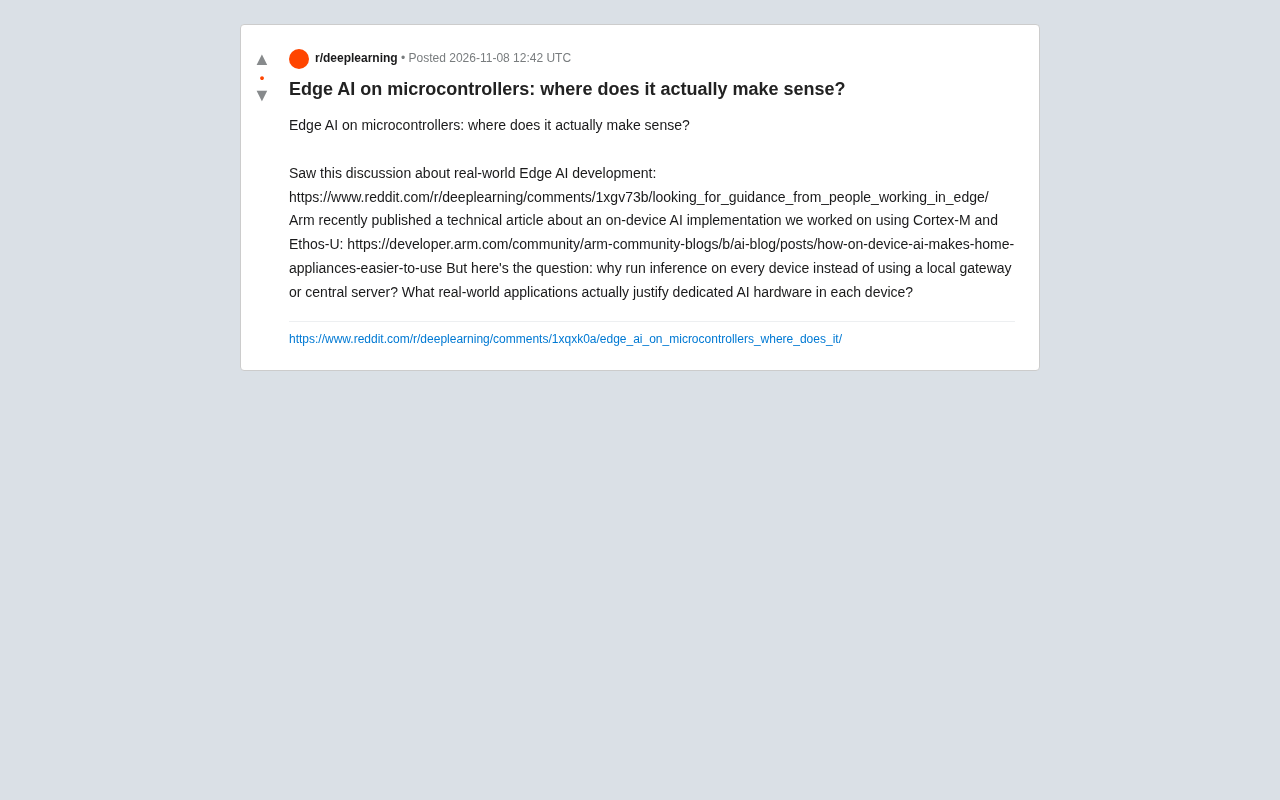
Edge AI on Microcontrollers: When Is It Actually Worth Deploying?
Drawing on Reddit discussions and Arm case studies, this article analyzes the real-world use cases for edge AI on microcontrollers: when each device needs independent inference, when a gateway or cloud is more reasonable, and the costs and boundaries of specialized hardware.
 Tech Frontiers
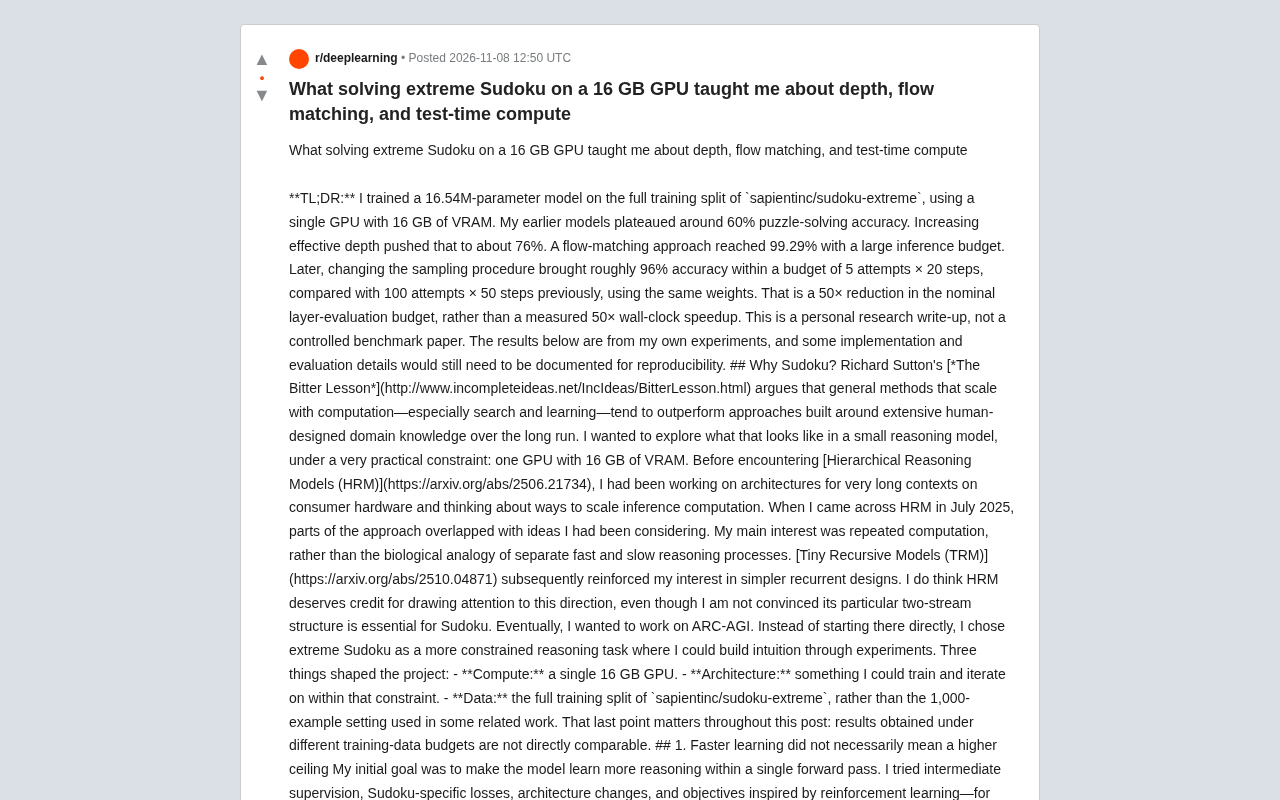
Pushing the Limits of Extreme Sudoku on a 16GB GPU: Insights from Depth and Flow Matching
A researcher trained a 16.54M-parameter model on a 16GB GPU to solve extreme Sudoku, finding effective depth breaks the 60% plateau and flow matching with improved sampling pushes accuracy past 99% with ~50× lower layer-evaluation budget.
 Tech Frontiers
AI Agent Approval Workflows: Why Human Confirmations Always Get Mindlessly Clicked
Why do AI agent approval workflows always get mindlessly clicked? A Reddit discussion shows that separating rules from keys, low-frequency high-risk approvals, and GitHub Environments-style gates are the keys to effective approvals.