WorkBuddy Tutorial: A Beginner's Guide to Tencent's Desktop AI Agent

WorkBuddy turns AI from an advisor into an executor, letting anyone command their computer without coding skills.
This article introduces Tencent's desktop AI agent WorkBuddy and explains how it differs from conversational AI tools like GPT or Doubao. Unlike chat-based AI, WorkBuddy can operate your local computer — reading files, calling tools, and integrating with Chinese office platforms like Feishu and DingTalk. Compared to OpenAI Codex, WorkBuddy has a much lower barrier to entry and is better suited for everyday professionals. The central mindset shift: stop asking AI questions and start managing AI like an employee.
You've Learned So Many AI Prompts — Has Your Salary Gone Up?
This is a pointed opening question from a WorkBuddyAd tutorial on Tencent's AI office assistant. Many people have been using AI for a while now, memorizing stacks of prompts, only to find their productivity gains disappointingly modest. The reason is simple: prompts are essentially suggestions, and suggestions don't have much value — execution does.
Traditional web-based AI tools — whether Tongyi Qianwen, Doubao, or GPT — are fundamentally stuck in a "ask a question → get text output → copy the result" loop. They have no real access to the files on your local machine. It may look like you're using AI, but in practice, AI is more like a reference source. The actual work — clicking, typing, moving files — still falls on you. The whole process remains tedious.

WorkBuddy is designed to solve exactly this "last mile" problem — transforming AI from an advisor into an executor that genuinely gets things done for you.
What Is WorkBuddy: Tencent's Desktop AI Agent
WorkBuddy is a desktop AI Agent launched by Tencent — not just a chat interface. Its biggest differentiator from most large language models is this: it has permission to operate your local computer.
You simply give it tasks in plain language, as if you were talking to a real person — telling it what you want done or what you want it to handle — and it will automatically plan, research, execute, and deliver results. WorkBuddy's core value lies in directly operating your local computer to complete real office tasks, rather than handing you a list of steps and leaving the work to you.
The tutorial author recommends one key mindset shift:
Switch from "asking AI questions" to "managing AI to do work." You are the manager, WorkBuddy is your employee, and your computer is your company.
This analogy is apt — evolving from an "AI questioner" to an "AI manager" is the prerequisite for getting the most out of this kind of desktop AI agent.
The "Desktop AI Agent" is a category of AI application that has emerged in recent years. Its fundamental difference from traditional conversational AI lies in its capacity for action. Ordinary large language models (LLMs) stop at text output, leaving users to translate that output into real-world operations themselves. Agents, by contrast, can use tool calling, GUI control, or code execution to directly perform actions on a computer — clicking, reading and writing files, sending messages, and more. This capability depends on a "perceive–plan–act" feedback loop: the AI first perceives the current screen or file state, then breaks the task into steps, and finally executes and verifies each step. WorkBuddy's local execution permissions are built on exactly this mechanism, allowing it to bridge the gap between advice and action.
WorkBuddy vs. Codex: Which Should You Learn?
If Codex is more powerful, why bother learning WorkBuddy? The author offers a vivid analogy:
- Codex is a special forces soldier: highly capable, but requires a commander who can draw up a detailed battle plan. You need to specify the exact file, directory, and execution parameters — which demands a solid technical skill set.
- WorkBuddy is a fresh college-graduate soldier: maybe not built for the most complex operations, but you can simply say "send this file to so-and-so" or "organize this archive" and it gets done.

For most everyday professionals, "you may not yet have the skills to command Codex, but directing a capable fresh grad is well within reach." The core differences between the two come down to three points:
Learning Curve
WorkBuddy is ready to use out of the box — no environment setup, no command-line configuration required. Codex demands stronger technical ability and some programming background.
Ecosystem Compatibility
WorkBuddy is deeply integrated with Chinese workplace tools like Feishu, DingTalk, WeCom, and Tencent Docs. Codex is more oriented toward international ecosystems and has limited support for domestic office software.
Cost of Use
WorkBuddy provides free daily credits, with bonus credits available during promotions. Signing in every day for a month can net you at least 3,000 credits. Codex operates on a subscription model, meaning you bear significant costs even during the learning phase.
The author specifically notes: after logging into WorkBuddy, click the avatar in the bottom-left corner each day, navigate to the "Buddy Station," and check in to claim credits. Credits accumulate — if you don't use them today, they'll still be there tomorrow.

OpenAI Codex is an AI system focused on code generation and task automation, originally known for its code completion capabilities. Later versions gained the ability to execute terminal commands, read and write files, and run scripts within a sandbox environment. Its strengths lie in handling structured, programmable tasks — such as batch data processing, automated testing, or complex file system operations — but they require users to describe task boundaries with reasonable precision and possess enough programming intuition to verify the correctness of outputs. This is why the article compares it to "a special forces soldier who needs a detailed battle plan": the tool's ceiling is high, but so are the demands it places on the user's technical literacy.
Three Common Misconceptions for New Users
For those using WorkBuddy for the first time, a few typical misconceptions are worth clearing up:
Misconception #1: WorkBuddy is just a desktop-wrapped version of GPT. Not quite. Beyond offering conversational advice like GPT, WorkBuddy can also read local files, call tools, and autonomously execute tasks — none of which ordinary chat AI can do.
Misconception #2: Codex is more powerful, so I should just learn Codex. Codex has a steeper learning curve and is better suited for users with a programming background. Everyday professionals should start with WorkBuddy to get real work done first. For most office scenarios, WorkBuddy alone is more than enough — you can always level up to Codex later when you feel the need, minimizing your learning cost upfront.
Misconception #3: It has too many features — it must be hard to learn. In practice, WorkBuddy's interface is very similar to Tongyi Qianwen, Doubao, and GPT. The learning challenge isn't the UI — it's the mindset shift: moving from "asking questions" to "issuing commands that make it operate your computer."
The term "wrapper" is commonly used in AI tool discussions, typically referring to products that simply repackage an underlying model without adding meaningful new functionality. The key to judging whether a product represents genuine innovation is whether it adds new capability loops beyond model inference — such as tool calling, external system integrations, persistent memory, or autonomous task planning. WorkBuddy layers local file read/write, GUI control, and domestic office software API integrations on top of foundational models like Tencent Hunyuan. These are engineering efforts at the "Agent layer" and are not mere interface wrappers. For everyday users, the simplest test to distinguish "conversational AI" from "executive AI" is this: after you close the chat window, did anything on your computer actually change?
What WorkBuddy Can Do: Practical Use Cases

Here are some of WorkBuddy's most practical applications:
File Management
Batch sorting, batch renaming, and multi-document information consolidation for local files. A real-world pain point: when recording a course, files are named 01, 02, 03 — but one episode is too short and needs to be merged with the previous one, leaving a gap in the sequence (1, 3, 4). Manually renaming each file is a chore. WorkBuddy can handle the entire batch rename with a single instruction.
Document and Data Processing
Automatically generate weekly reports, process Excel spreadsheet data, and even build simple web pages.
Collaborative Office Work
Deep integration with Feishu and DingTalk — for example, automatically sending messages or generating periodic work summaries on a schedule.
None of this is theoretical. Give WorkBuddy a clear instruction, and it will execute the task and deliver the result directly in front of you. All you need to do is review the final output.
From Questioner to Manager: A Final Word
WorkBuddy has a clear and practical positioning: it's a desktop AI agent that lowers the barrier to entry and is designed for China's office ecosystem — fundamentally, it's a tool that turns AI advice into AI execution.
For everyday professionals and solo founders, rather than wrestling with a more powerful but steeper tool like Codex, it makes more sense to start with WorkBuddy and experience firsthand the efficiency gains of "directing an AI employee to do your work." The real key was never about how many features a tool has — it's about the shift in how you think: evolving from someone who asks AI questions, to someone who manages AI to get things done.
Related articles
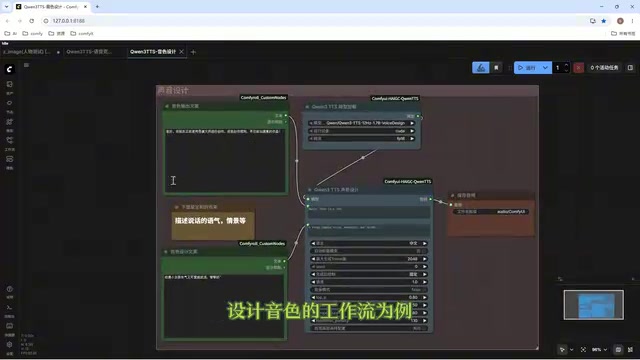
Director Master Tutorial: Full Workflow for AI Character Voice Design and Binding
Based on a Bilibili tutorial, this guide details how to design and bind AI character voices in Director Master: uploading voices, generating them via ComfyUI workflows, producing voice profiles alongside character design, and automatically inheriting voices in storyboard prompts.
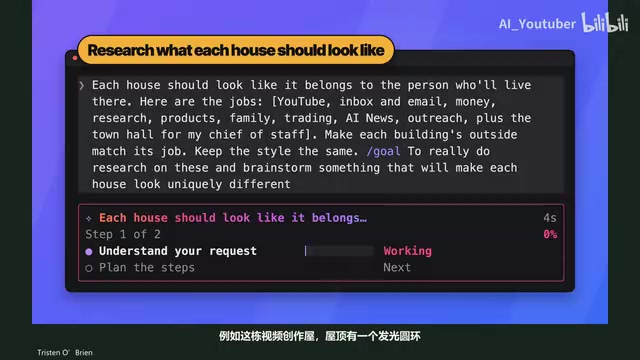
3.5 Hours and $47: Building an AI Agent Village Step by Step
A Bilibili creator built an AI Agent village in 3.5 hours for about $47: Claude Code handles logic and behavior, Higgs Field generates art. Seven steps cover maps and buildings, chief of staff and director roles, walkable areas and behavior rules, connecting to real tools like email and calendars, proving ground meetings, and retaining final human approval—including a cost ledger and prompt design thinking.
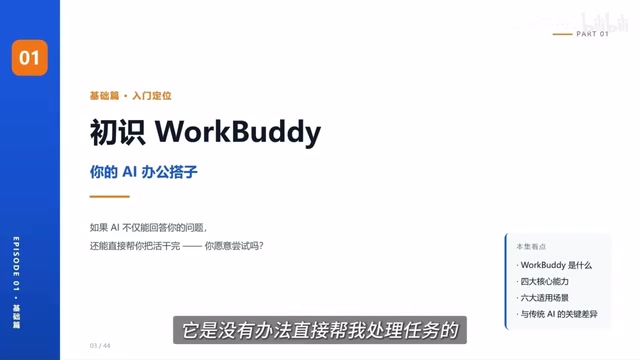
WorkBuddy Complete Beginner's Guide: Master Your AI Digital Employee in 7 Days
A detailed breakdown of the WorkBuddy beginner's guide: how this domestic Codex alternative works, its four advantages over traditional AI, and a learning path for newcomers.