Xbox Classic Startup Animations Return: Personalization and Cloud Gaming Experience Get Major Upgrades
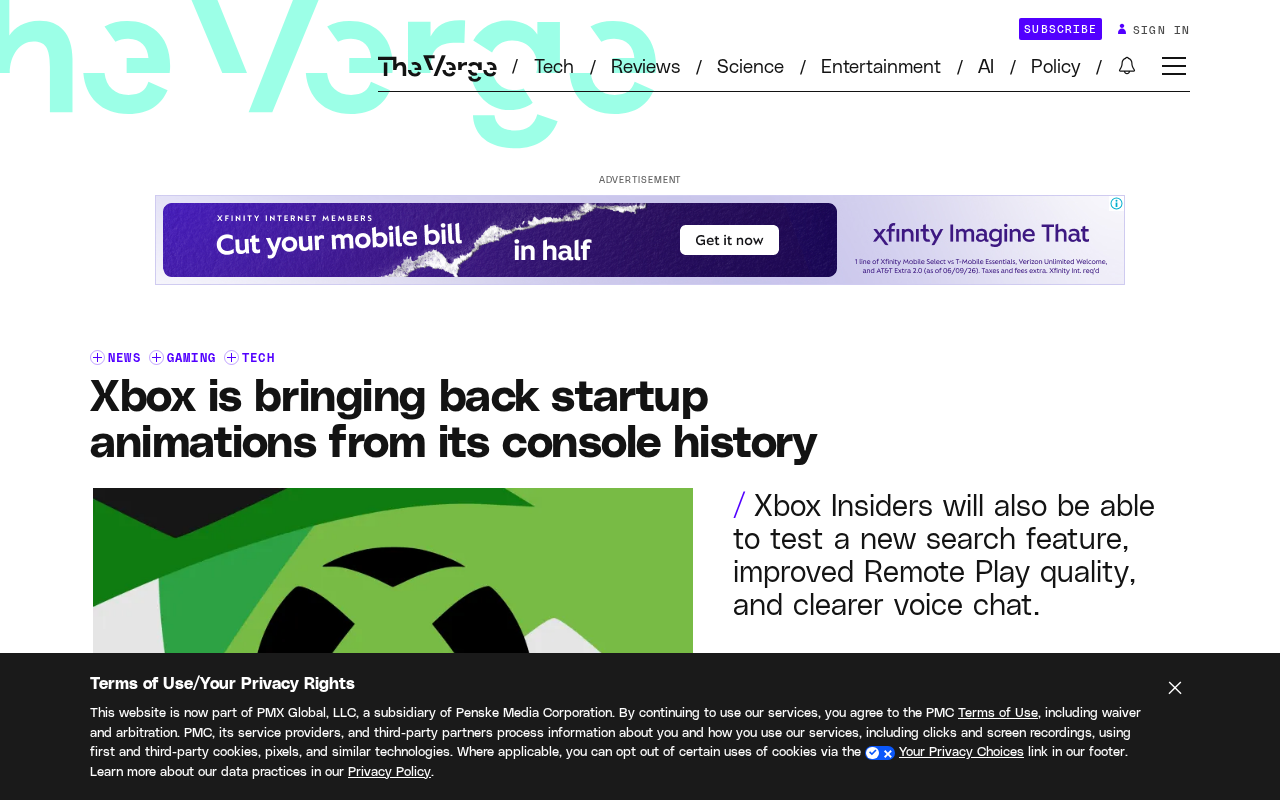
Xbox brings back classic startup animations alongside cloud gaming and personalization upgrades for Insiders.
Microsoft is testing new Xbox Insider features including classic console startup animations from the original Xbox and Xbox 360, expanded badge personalization, improved Remote Play streaming quality, background downloads during cloud gaming, and AI-enhanced voice chat. These updates reflect Microsoft's strategy to differentiate through emotional branding and seamless cross-device gaming experiences.
Microsoft recently rolled out a series of new features for Xbox Insider testers, with the most notable being the return of classic console startup animations. The addition of these nostalgic elements not only brings an emotional experience to longtime players but also demonstrates Microsoft's continued investment in user personalization.
Classic Startup Animations Return: A Tribute to Brand History
The custom startup animation feature Microsoft is testing allows players to choose classic boot screens from various generations of Xbox consoles. From the original Xbox's green halo to the Xbox 360's spinning sphere logo, these visual elements that carry players' memories will reappear on modern Xbox Series X|S consoles. This feature is not only a tribute to brand history but also offers users an entirely new form of personal expression.
Since the original Xbox launched in 2001, every generation of the brand has featured an iconic startup animation. The original Xbox was known for green particles converging in darkness to form a massive X logo, accompanied by deep electronic sound effects. The Xbox 360 featured a silver sphere spinning and unfolding, paired with a crisp startup chime that became a collective memory for gamers of that era. The Xbox One's startup animation was relatively minimalist, with a white Xbox logo emerging against a green gradient background. These visual elements are more than just UI design for tech products — they are vessels for the youth memories of generations of gamers, carrying powerful cultural symbolism.
For veteran players, seeing a familiar animation every time they power on can evoke fond memories of gaming days past. This emotional connection is exactly the kind of differentiated competitive advantage Microsoft is trying to build in an era of hardware homogenization.
Comprehensive Personalization Upgrades: Badge System and Search Optimization
Beyond startup animations, Microsoft is also testing richer badge personalization options. Players can unlock unique badges by completing game achievements, participating in community events, and more, then display them on their profile pages. This gamified social element helps strengthen players' sense of belonging and platform engagement.
The local search functionality has also been optimized, allowing users to find installed games, apps, and settings more quickly. While this improvement may seem minor, for players with massive game libraries, improved search efficiency can significantly enhance the daily user experience.
Cloud Gaming and Streaming Improvements: Remote Play Quality Boost
Xbox Remote Play image quality has been further improved, which is particularly important for players who frequently switch between different devices. Remote Play is a game streaming technology based on local networks or the internet. It works by having the console run the game and encode the visuals in real-time as a video stream, which is then transmitted over the network to phones, tablets, PCs, or other devices, while those devices send the user's control inputs back to the console. In this process, video encoding efficiency, network latency, and jitter control are the three core factors affecting the experience. Microsoft uses hardware-accelerated H.264/H.265 encoders on the encoding side and employs adaptive bitrate technology to dynamically adjust image quality based on real-time network conditions, striking a balance between clarity and smoothness. It's worth noting that Remote Play is fundamentally different from Xbox Cloud Gaming (xCloud) — the former relies on the user's own console as the computing source, while the latter runs entirely on Microsoft's Azure cloud servers.
Whether continuing a living room gaming session on a tablet or experiencing console-quality visuals on a mobile device, higher streaming quality means a smoother cross-device experience.
Even more noteworthy is that Microsoft is testing background download functionality during cloud gaming. This means players can play a game via the cloud while simultaneously downloading other games on their local console. While this feature seems simple, it actually involves complex bandwidth management and system resource scheduling. Cloud game streaming typically requires 15-25 Mbps of stable bandwidth to ensure 1080p quality, while large game downloads can involve tens or even hundreds of gigabytes of data transfer. When both are running simultaneously, the system needs to intelligently allocate network bandwidth priorities to ensure that streaming's real-time requirements aren't affected by download tasks. Microsoft likely employs QoS (Quality of Service) policies that assign higher priority to cloud gaming traffic and accelerate local downloads during idle moments in the stream, maximizing bandwidth utilization. This parallel processing capability means players no longer have to choose between "playing now" and "preparing for the future."
Voice Chat Experience Optimization: Improving Team Collaboration Efficiency
Xbox has also improved its voice chat functionality, delivering clearer call quality. In competitive games, clear voice communication is often the key to team victory. Through noise-cancellation algorithms and audio optimization, Microsoft enables players to maintain effective communication even in noisy environments.
Modern gaming voice communication noise-reduction technology has evolved from traditional spectral subtraction to deep learning-based AI noise-cancellation solutions. Microsoft has deep expertise in this field, and its AI noise-cancellation models proven in products like Teams can be transferred to the Xbox platform. These AI noise-cancellation algorithms train neural networks to recognize human voice characteristics, effectively filtering out keyboard clicks, fan noise, background voices, and other interference while maintaining the speaker's natural vocal clarity. Compared to traditional noise-cancellation approaches, AI noise-cancellation performs particularly well in non-stationary noise environments, making it highly suitable for the complex noise scenarios that may exist in living room settings, such as TV audio and family conversations.
These features are currently only available for testing by Xbox Insider program members. The Xbox Insider program (formerly the Xbox Preview Program) is a public testing initiative launched by Microsoft in 2014 that allows registered users to experience system updates, new features, and app improvements before they officially release. The program is divided into multiple tiers including Alpha, Alpha Skip-Ahead, Beta, Delta, and Omega — earlier tiers receive updates sooner but may also encounter more stability issues. Following Microsoft's typical practice, after collecting sufficient user feedback and completing optimizations, these features will gradually roll out to all Xbox users. Players who want early access can participate by joining the Xbox Insider program.
Platform Ecosystem Strategy: Emotional Marketing and Future Plans
This update reveals that Microsoft is strengthening the Xbox ecosystem through detailed optimizations and emotional connections. In an era where console performance has converged, differentiation in user experience has become a competitive battleground. The return of classic startup animations is not just a technical implementation — it's a clever exercise in brand emotional marketing.
Emotional marketing has a long tradition in the gaming industry. Nintendo has successfully built powerful brand emotional bonds through the continuous revitalization of classic IPs, while Sony has done the same through its iconic PlayStation startup sound. Microsoft's decision to bring back classic startup animations as an optional feature is essentially a "nostalgia marketing" strategy. Psychological research shows that nostalgic emotions can enhance an individual's sense of social belonging and brand loyalty. In the current three-way competitive landscape between Xbox, PlayStation, and Nintendo, Microsoft has taken a differentiated approach with its Game Pass subscription model for exclusive content. On the emotional front, strengthening the emotional bond between players and the brand through these kinds of design details is a pragmatic and effective competitive strategy.
At the same time, the continuous improvement of cloud gaming features indicates Microsoft's firm commitment to the vision of "gaming anytime, anywhere." As 5G networks become more widespread and cloud technology matures, the boundaries of console gaming are being redefined. Through these incremental improvements, Xbox is preparing for the future of gaming.
Key Takeaways
Related articles

Salesforce Acquires Rune for $375M: AI Logistics Tech Bolsters Defense Business
Salesforce reportedly acquires defense tech startup Rune for $375M. Rune's AI logistics tech will strengthen Salesforce's Missionforce defense platform, continuing its M&A spree.

Why Fair Use Benefits Everyone in the AI Era
Starting from a Hacker News discussion, this article analyzes the legal logic and controversies of the fair use principle in AI training and content creation, and its dual impact on creators and the tech ecosystem.

Mistral Large 4 Open-Sources a Trillion Parameters, Microsoft Offers Voluntary Severance to 60,000 Employees
Mistral Large 4 open-sources a trillion-parameter multimodal model with a coding agent score of 48; SanDisk earnings show AI inference reshaping NAND demand; Google Gemini adds in-app file editing, OpenAI raises Codex quotas, and Microsoft offers voluntary severance to 60,000 employees.