Xcode MCP + Claude Sonnet 4 in Action: Building a Mac TTS App with Zero Hand-Written Code

A developer built a Mac local TTS app using Xcode MCP and Claude Sonnet 4 with zero hand-written code.
A developer leveraged Xcode 26 Beta's MCP protocol support to connect Claude Sonnet 4 and build a Mac local text-to-speech application with zero hand-written code. By loading the macOS Design Guidelines skill pack, the AI-generated interface closely matched native platform aesthetics. The app runs a local neural TTS model capable of offline operation with natural-sounding speech — the video's narration was itself generated by the app, creating a "bootstrapping" demo. This showcases the new paradigm of AI-assisted development evolving from code completion to full-process generation.
Overview
With the rapid advancement of AI programming tools, "zero hand-written code" development of complete applications has moved from concept to reality. Recently, a developer shared the complete process of using Xcode MCP with Claude Sonnet 4 to build a Mac local TTS (Text-to-Speech) application entirely through AI-generated code. What makes it even more interesting is that the video's narration itself was generated by the TTS app's local model, creating a perfect "bootstrapping" demonstration.
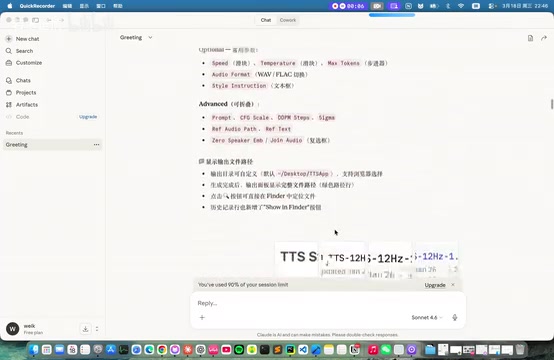
Development Environment and Toolchain Setup
Enabling and Connecting the Xcode MCP Service
This project used Xcode version 26.3 (Beta), with one key feature being its support for MCP (Model Context Protocol) services.
MCP is a standardized protocol officially open-sourced by Anthropic in November 2024, designed to solve the fragmentation problem of integrating AI models with external tools and data sources. Before MCP, every integration between an AI tool and an IDE or external system required custom development, resulting in extremely high maintenance costs. MCP defines a unified client-server architecture that allows AI models to invoke Tools, read Resources, and use Prompt templates in a standardized way. Xcode 26's introduction of MCP service support means Apple has officially endorsed this protocol as the standard path for AI-to-development-tool integration — a move with far-reaching implications for the AI development toolchain across the entire Apple ecosystem.
The MCP protocol allows external AI tools to interact directly with Xcode projects, including reading project structures, modifying code files, and executing builds. This means AI is no longer just a code suggestion tool — it can truly "operate" the IDE to complete development tasks.
The developer noted that both local Claude Code and Codex can connect to the Xcode MCP service, giving developers flexible AI tool choices.
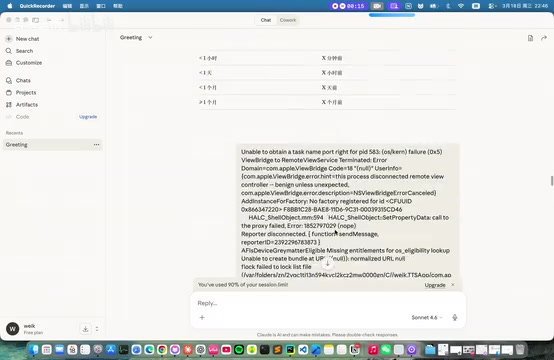
Experience Using Claude Sonnet 4
For the AI model, the developer chose Claude Sonnet 4 (referred to as Sonnet 4.6 in the video). In Anthropic's product lineup, the Opus series focuses on the strongest reasoning capabilities, the Haiku series prioritizes lightweight speed, and the Sonnet series strikes a balance between the two — making it particularly well-suited for engineering tasks like code generation and long-context comprehension. Compared to its predecessor, Sonnet 4 shows significant improvements in code understanding and multi-step task planning, maintaining better task coherence over longer sessions — which is especially important for IDE integration scenarios requiring coordinated modifications across multiple files.
The model currently uses a usage quota that refreshes every 4 hours, a compromise Anthropic designed to balance API abuse prevention with user experience. For software development scenarios that require sustained interaction, the quota is generally sufficient. The developer described it as "really great for software development."
macOS Design Guidelines Skill Pack
One noteworthy detail is that the developer downloaded and loaded the macOS Design Guidelines skill pack.
SwiftUI is a declarative UI framework introduced by Apple in 2019, and its design philosophy is inherently closer to "describing what the interface should look like" rather than "imperatively constructing the interface." This declarative nature makes SwiftUI code much more AI-friendly — AI can directly generate well-structured SwiftUI code by understanding interface descriptions, without needing to handle complex imperative UIKit lifecycle management. The value of the macOS Design Guidelines skill pack lies precisely here: it structures the content from Apple's Human Interface Guidelines — spacing, font hierarchies, control usage conventions, and more — enabling AI to automatically apply the correct design tokens and component selections when generating SwiftUI code.
Without this skill pack, AI-generated UIs tend to look "generic" and lack platform character. With it loaded, the generated interfaces are much more "native" in terms of layout, control selection, and spacing — rather than producing something that "runs but doesn't look like a Mac app."
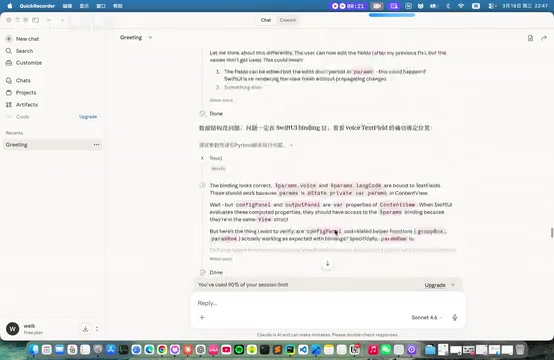
Development Results: A Fully AI-Generated Mac TTS App
App Features and Voice Quality
The resulting Mac TTS application has complete text-to-speech functionality. Notably, the app uses a "local model" approach — unlike the system-level AVSpeechSynthesizer, local neural TTS models (based on architectures like VITS, Kokoro, etc.) can run without network connectivity, delivering more natural intonation and emotional expression. Powered by Apple Silicon (M-series chips), these models can perform real-time inference locally on Mac without relying on cloud APIs, balancing both privacy protection and response speed. This is also the technical foundation that enables the app to "bootstrap" by generating the video's narration.
From the video demonstration, the app smoothly converts Chinese text to speech output, including:
- Basic text reading: Instant conversion of simple texts like "Hello World"
- Long paragraph reading: Capable of processing longer content such as Aristotle quotes
- Natural intonation: Generated speech has a degree of naturalness, not simple mechanical concatenation
The developer used this app to generate the video's narration, which is itself the best proof of the app's quality.
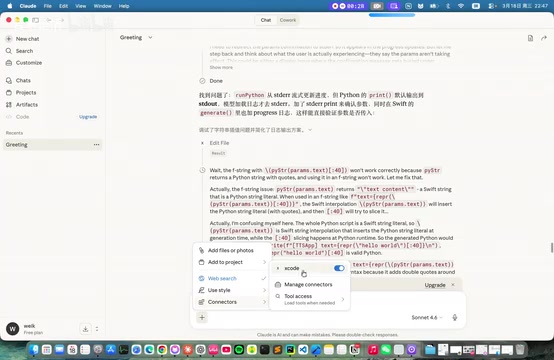
What Zero Hand-Written Code Development Really Means
"No hand-written code, purely AI-generated" is this project's biggest highlight. The transition from "the person who writes code" to "the person who guides AI to write code" — this role shift is known in software engineering as becoming an "AI collaboration engineer." This transition is not simply a skill replacement; it requires developers to possess higher-level system design capabilities, requirements decomposition skills, and quality assessment abilities. In practice, those who can effectively guide AI to complete complex development tasks often need an even deeper understanding of underlying technologies — because only by understanding code can you judge whether AI-generated code is correct, secure, and maintainable. This is similar to every abstraction level upgrade in software engineering history — from assembly to high-level languages, from hand-written SQL to ORMs: the tools change, but the core competency requirements for engineers don't diminish; only their form evolves.
This doesn't mean developers no longer need programming knowledge — quite the opposite, developers need to clearly describe requirements, understand project architecture, and evaluate the quality of AI-generated code. But it does demonstrate a new development paradigm: developers transition from "the person who writes code" to "the person who guides AI to write code."
Practical Takeaways for Developers
Three Major Changes Brought by Xcode MCP
Apple's introduction of MCP support in Xcode 26 is a strategically significant decision. It breaks the traditional IDE's closed nature, allowing third-party AI models to deeply participate in the development workflow. For iOS/macOS developers, this means:
- Lower barrier to entry: Even Swift/SwiftUI beginners can quickly build fully functional applications with AI assistance
- Improved development efficiency: Repetitive UI construction, data binding, and similar work can be delegated to AI
- Maintained platform standards: By loading design guideline skill packs, AI-generated code can conform to Apple's design standards
Current Limitations
Of course, this zero-code development approach has clear limitations. For complex business logic, performance optimization, and security considerations, purely AI-generated code may not yet meet production-grade requirements. Additionally, Claude Sonnet 4's quota reset every 4 hours could become a bottleneck in large-scale project development.
The Future Direction of AI-Assisted Development
From this case study, we can see that AI-assisted development is evolving from "code completion" to "full-process generation." As the MCP protocol matures further, AI model capabilities continue to improve, and more design specifications and framework knowledge are integrated, the vision of "describe your requirements and get an application" will become increasingly attainable.
Related articles
 Tutorials
ChatGPT Plus Subscription Guide: Are GPT-5.5, image-2, and Codex Worth the Upgrade?
A detailed look at ChatGPT Plus features — GPT-5.5, image-2, and Codex — with a Plus vs Pro comparison and a complete step-by-step subscription guide for users outside the US.
 Tutorials
Harness AI Engineering in Practice: Using Claude Code to Master Enterprise-Level E-Commerce Development
Deep dive into Harness AI Engineering: master enterprise e-commerce development with Claude Code using the Rules, Skills, Wiki, and Changes framework.
 Tutorials
Cursor + Codex Dual-IDE Collaboration: A Practical Methodology for Open-Source Project Customization
A complete methodology for open-source project customization based on real-world experience, detailing the Cursor+Codex dual-IDE workflow, seven-stage process, MVP validation, and AI source code reading techniques.