Zed v1.18.0-pre Released: Expanded AI Models, C/C++ Inline Debugging, and Cross-Platform Fixes

Zed v1.18.0-pre expands AI model support, adds C/C++ inline debug values, and delivers cross-platform stability fixes.
Zed v1.18.0-pre advances on four fronts: AI integration now includes GPT-5.6 (1M token context), Gemini 3.5 Flash-Lite, and Grok 4.5/4.6, with improved inline completion tuning. The debugger gains inline variable display for C/C++ and VS Code-aligned shortcuts. Git integration adds Tangled permalink support and a diff base toggle. Platform stability fixes address Wayland freezes, multi-monitor DPI rendering issues, and read-only file formatting on macOS.
The high-performance code editor Zed, written in Rust, has released its v1.18.0-pre preview. This update brings a wide range of improvements across AI model support, debugger functionality, Git integration, and cross-platform stability. As an editor known for its speed and modern development experience, Zed continues to strengthen its competitive position in the AI-powered coding tools space.

The core highlights of this release include: a refreshed Markdown preview style, C/C++ inline debug value display, and a file finder history that persists across workspace sessions. Here's a breakdown of the notable changes.
AI Model Support Keeps Expanding
Zed's pace of AI integration continues to impress. This release adds support for several cutting-edge models:
- Support for GPT-5.6's 1 million token context window on Amazon Bedrock — a significant capability for working with large codebases and long documents;
- Google AI's Gemini 3.5 Flash-Lite is now available and set as the default fast model;
- xAI's Grok 4.5 and Grok 4.6 models have been added.
Beyond model additions, Zed has also polished several AI UX details. You can now reload interrupted external agent connections directly from the Agent Panel without restarting the editor. A new configurable edit_predictions.<provider>.prediction_debounce setting lets you tune the responsiveness of inline completions.
On the error-handling front, Zed now provides clearer language model connection error messages that explicitly identify unreachable hosts, making it easier to diagnose configuration issues.
C/C++ Inline Debug Values: Closing the Gap with VS Code
The debugger is another major focus of this update. Zed now supports inline variable value display for C and C++ projects using CodeLLDB or GDB — developers can see live variable values directly within their code lines, a feature that's standard in mature IDEs and crucial for debugging efficiency.
Additionally, for debug adapters that support single-thread execution, Zed now provides separate "Continue Program" and "Continue Thread" controls, giving developers finer-grained control when debugging multi-threaded programs.
Notably, this update also includes a breaking change: debugger step shortcut keys have been updated to match VS Code's defaults. While execution is paused, F10 now steps over and F11 steps into. This lowers the learning curve for users migrating from VS Code.
CodeLLDB is a VS Code debug adapter built on LLVM's LLDB debugger, providing debugging support for systems languages like C, C++, and Rust via the DAP (Debug Adapter Protocol). GDB (GNU Debugger) is the older, battle-tested open-source debugger and the traditional go-to for C/C++ development in the Linux ecosystem. The DAP protocol, proposed and open-sourced by Microsoft, defines a standard communication interface between editor frontends and language-specific debug backends, allowing editors like Zed and VS Code to share the same ecosystem of debug adapters. Inline variable value display relies on the debug adapter pushing current-scope variable names and values to the editor when execution is paused; the editor then renders them as virtual text overlaid beside the corresponding code lines — especially useful in environments like GPU or embedded development where graphical IDEs are impractical.
Git Integration and Language Support Enhancements
On the version control side, Zed brings several practical improvements:
- Added permalink support for Tangled repositories;
- A new
git: toggle diff baseaction lets you switch the diff baseline betweenHEADand the default branch; - Git Graph and history views now automatically focus the search box;
- The "Discard Tracked Changes" option is now scoped to only affect files within the directory where the context menu was opened, preventing accidental project-wide changes.
On the language support front, Markdown preview now features improved typography, spacing, and rounded inline code backgrounds for a more modern look. The Bash Language Server can now be configured via lsp.bash-language-server.settings, and the tabular data preview moves its settings into a popover panel to free up more vertical space for the table.
Tangled is a decentralized Git-based code collaboration protocol that allows developers to host and share repositories without relying on centralized platforms like GitHub — commonly found in P2P developer toolchains like Radicle. In a Git context, a permalink refers to a link pointing to a specific commit hash for a file or line of code, as opposed to a HEAD reference that changes as branches are updated — essential for precisely referencing a specific version of code in documentation, issues, or code reviews. The git: toggle diff base feature lets developers quickly switch between viewing "changes relative to the last commit" and "changes relative to the main branch," which is especially helpful on long-running feature branches for understanding the full scope of accumulated changes.
Cross-Platform Stability Improvements: Linux, Windows, macOS
As an editor targeting macOS, Linux, and Windows, Zed invested significant effort in platform-specific stability fixes this release.
On Linux, rendering and rasterization performance improved through pre-warming the font matching cache and caching glyph bounds. Fixes include occasional blank windows under X11, UI freezes during fullscreen under Wayland compositors, and idle Wayland windows being woken at the display refresh rate.
On Windows, fixes address new windows partially appearing off-screen on multi-monitor setups with different DPI scaling, rendering artifacts around colored emoji glyphs, and the localized Explorer context menu falling back to English.
On macOS, fixes include read-only files being formatted or saved when format_on_save is enabled, and a bug where language servers returning paths with inconsistent casing caused duplicate entries in the project panel.
Zed also fixed several AI-related crashes and error-handling issues, including crashes when OpenAI-compatible models send empty cached token fields, incorrect handling of Anthropic billing and timeout errors, and streaming failures caused by Mistral-hosted models (such as GLM 5.2) omitting the object field.
Wayland is a next-generation display server protocol for Linux that replaces the traditional X11, offering a cleaner architecture and better security — though its ecosystem is still maturing relative to X11. Since Zed uses GPU-accelerated rendering, it interacts directly with Wayland compositors (like GNOME's Mutter or KDE's KWin), making compositor compatibility critical. The fixed "idle Wayland windows woken at display refresh rate" issue is a classic Wayland protocol boundary problem: some compositors continuously send frame callback signals to applications, and if an app doesn't correctly handle the idle state, it can spin the CPU at 60Hz or even 144Hz unnecessarily — causing wasteful power consumption. X11 is the classic Linux graphics protocol that has been in use for decades and remains the default in many distributions and tools.
Other Notable Changes
Beyond the above, this release includes several quality-of-life improvements:
- The file finder history now includes recently opened files from previous sessions, improving continuity across sessions;
- The settings window search box now has a clear button;
- The terminal now supports
ctrl-alt-<letter>key combinations; - Closing a project while a large text file is still loading is now more responsive.
Breaking changes to be aware of also include: Google AI has removed several Gemini 2.5 series models as well as Gemini 3.1 Flash-Lite; the Linux release archive has removed the GLib library to avoid conflicts with system plugins.
Summary
Zed v1.18.0-pre continues the project's characteristic high-frequency release cadence. From support for multiple cutting-edge AI models to C/C++ inline debug values, VS Code-aligned shortcuts, and a wave of cross-platform stability fixes, it's clear that Zed is rapidly filling in the core capabilities of a mature IDE while maintaining its differentiated advantages in performance and AI-native design. For developers following the evolution of AI-powered coding tools, Zed remains one of the most compelling open-source projects to watch.
Related articles
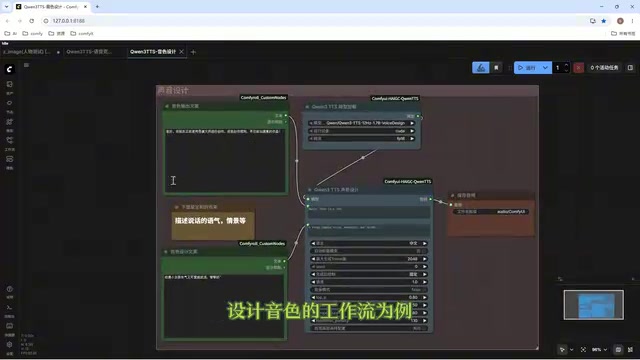
Director Master Tutorial: Full Workflow for AI Character Voice Design and Binding
Based on a Bilibili tutorial, this guide details how to design and bind AI character voices in Director Master: uploading voices, generating them via ComfyUI workflows, producing voice profiles alongside character design, and automatically inheriting voices in storyboard prompts.
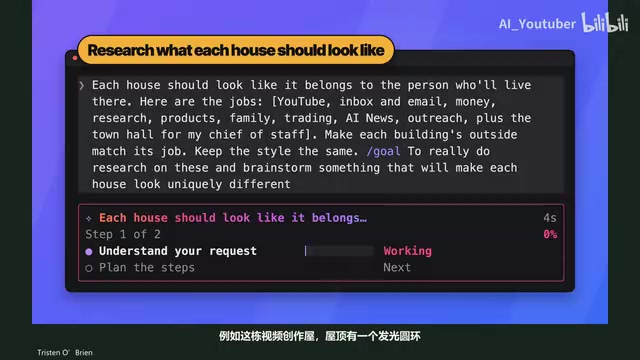
3.5 Hours and $47: Building an AI Agent Village Step by Step
A Bilibili creator built an AI Agent village in 3.5 hours for about $47: Claude Code handles logic and behavior, Higgs Field generates art. Seven steps cover maps and buildings, chief of staff and director roles, walkable areas and behavior rules, connecting to real tools like email and calendars, proving ground meetings, and retaining final human approval—including a cost ledger and prompt design thinking.
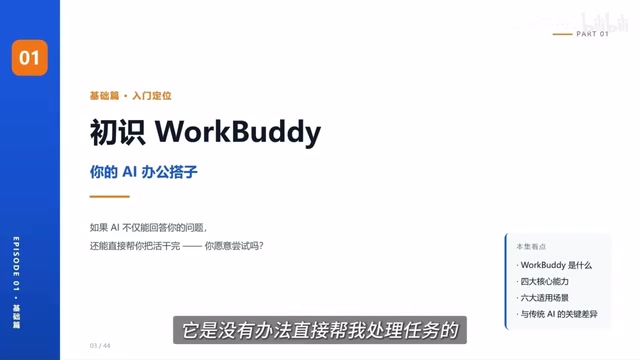
WorkBuddy Complete Beginner's Guide: Master Your AI Digital Employee in 7 Days
A detailed breakdown of the WorkBuddy beginner's guide: how this domestic Codex alternative works, its four advantages over traditional AI, and a learning path for newcomers.