3D Gaussian Splatting from a Single Image: A Complete Tutorial for 12GB GPUs

Full pipeline to turn one photo into a VR-ready Gaussian Splat using just a 12GB GPU.
This article breaks down a consumer-hardware-friendly pipeline for converting a single image into a 3D Gaussian Splat: edit the background, use Minimax H3 to generate a 360° orbit video, extract frames, reconstruct camera poses with COLMAP, train with Rust-based Brush, and clean up noise in SuperSplat. The whole process needs only 12GB of VRAM, with video generation taking ~35 minutes. The key limitation: video models guarantee visual plausibility, not geometric consistency, leading to artifacts that require manual fixes or regeneration. Masks don't improve visual quality much but can cut file size by ~50%.
Turning a single photo into a 3D model you can view in 360° inside VR sounds like it requires professional-grade hardware. But a tutorial shared by a Reddit user proves that a GPU with just 12GB of VRAM is enough to complete the entire pipeline — from a single image to Gaussian Splats. This article breaks down the core steps and practical tips from that tutorial.
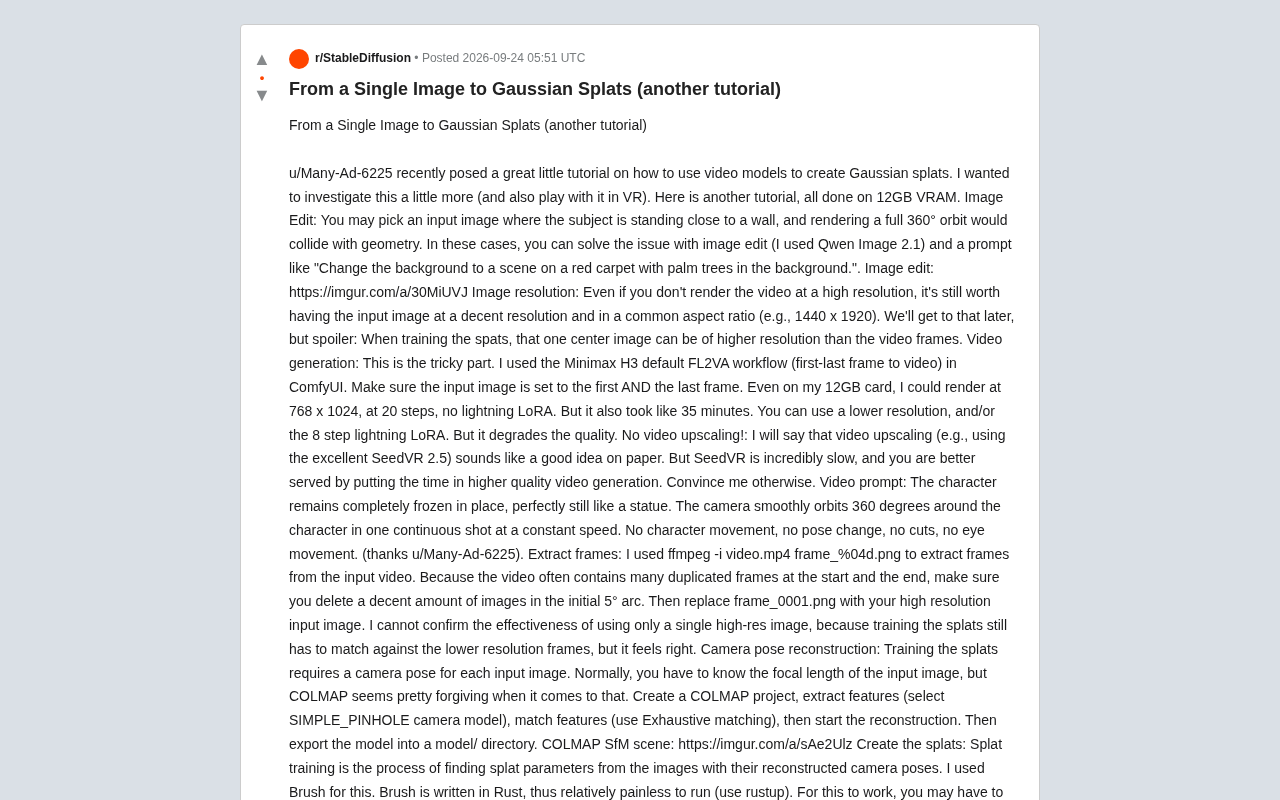
The Core Idea: Using a Video Model to Fill in the Missing Angles
A single photo only captures one viewpoint, but 3D reconstruction requires observations from multiple angles. The clever trick here is: first use a video generation model to "imagine" a 360° orbit shot around the subject, then extract frames from that video, and finally use those frames to train a Gaussian Splatting model.
The workflow builds on a previous tutorial by u/Many-Ad-6225, with the author taking it further — paying special attention to viewing results in VR. The key prerequisite is that the entire process requires only 12GB of VRAM, which significantly lowers the barrier for everyday enthusiasts.
Preparing the Input Image
The quality of your input image directly determines the quality of the final output. The author offers two practical tips.
Handling Background Conflicts
If the subject in the original image is pressed against a wall, the camera path will collide with the geometry during a full 360° orbit render. The fix is to use an image editing tool (the author uses Qwen Image 2.1) to change the background — for example, using a prompt like "replace the background with a red carpet scene with palm trees" — to give the subject enough space for the camera to orbit around.
Resolution and Aspect Ratio
Even if you don't plan to render the video at high resolution, the input image itself should be kept at a higher resolution with a common aspect ratio (e.g., 1440×1920). There's a useful trick worth noting here: when training the splat, that central input image can be at a higher resolution than the video frames, which preserves more detail in the final reconstruction.
Video Generation: The Trickiest Step
This is the most patience-testing step in the entire pipeline. The author uses the Minimax H3 default FL2VA workflow in ComfyUI (first-and-last-frame video generation), with the key move being to set the input image as both the first and last frame, creating a closed-loop orbit shot.
On a 12GB GPU, the author was able to render at 768×1024 with 20 steps and no lightning LoRA, but it took around 35 minutes. If you want to speed things up, you can reduce the resolution or enable the 8-step lightning LoRA, at the cost of lower image quality.
Prompt design is also critical. The core is to keep the character "completely still like a statue," with the camera smoothly orbiting 360° at a constant speed with no pose changes, cuts, or eye movements. This prompt also originated from u/Many-Ad-6225.
The Trade-off on Video Upscaling
The author explicitly advises against video super-resolution (e.g., SeedVR 2.5). The reasoning is that SeedVR is extremely slow, and the time would be better spent generating a higher-quality original video in the first place — a practical efficiency trade-off based on real experience.
Frame Extraction and Camera Pose Reconstruction
Use ffmpeg -i video.mp4 frame_%04d.png to extract frames from the video. Since generated videos often have many repeated frames at the beginning and end, you'll need to manually delete some images within the initial 5° arc segment. Then replace frame_0001.png with the high-resolution original image. The author honestly admits they can't confirm whether "using just one high-res image" actually helps, since training still requires matching with lower-resolution frames — but it "feels right." This candid admission actually adds credibility to the tutorial.
Pose reconstruction uses COLMAP: create a new project, extract features (using the SIMPLE_PINHOLE camera model), do exhaustive matching, run the reconstruction, and finally export the model. The author notes that COLMAP is quite forgiving about focal length — it can work even if you don't know the exact focal length of the input image.
COLMAP is a widely-used open-source Structure from Motion (SfM) tool in both academia and industry. The core idea of SfM is: given multiple photos taken from different angles, match common feature points across images (such as corners and texture patches) to back-calculate the spatial position and orientation of the camera at each shot, while simultaneously reconstructing a sparse 3D point cloud of the scene. The SIMPLE_PINHOLE camera model is the simplest assumption — it treats the lens as an ideal pinhole camera with no distortion, requiring only one main parameter to estimate (focal length) — which is exactly why the author says COLMAP is tolerant even without knowing the exact focal length. For image sequences extracted from video, where viewpoint changes between adjacent frames are smooth and feature point overlap is high, SfM typically succeeds at a high rate.
Training and Cleaning Up the Gaussian Splat
Splat training solves for splat parameters from posed images. The author uses Brush, a tool written in Rust that's relatively easy to install via rustup. You'll need to move the frame files into the model directory before use.
Quality Check
Videos generated by Minimax typically look good, but they only guarantee "looks plausible" — not "geometrically consistent." As a result, you may see background colors bleeding into the subject, or strange artifacts around the subject. If this is unacceptable, you'll need to go back to the video generation step and try a different random seed. The author warns: "Don't expect miracles."
There's a fundamental conflict between what video generation models (like Minimax H3) produce and what 3D reconstruction requires. Video models are trained to generate "realistic-looking" sequences — they can quietly change surface textures, lighting, or even shapes between frames, as long as it looks smooth to the human eye. SfM and Gaussian Splatting, on the other hand, require "physically consistent across frames" — the same feature point must correspond to the same point in 3D space across all frames. When a video model introduces even subtle frame-to-frame inconsistencies in the background or subject details, COLMAP's feature matching can fail, and splat training will generate floating noise Gaussians in those areas — so-called "garbage data." This is a bottleneck shared by all current approaches that use generative models to drive 3D reconstruction, and it's why the author specifically calls out "visually plausible ≠ physically consistent" as the core limitation.
Trimming the Splat
Because the scene constructed by Minimax is not geometrically consistent, splat training will reconstruct all kinds of garbage data. The author uses the SuperSplat editor to delete everything outside the central subject. Notably, even when using the online version of the editor, all data stays in the local browser and is never uploaded.
Advanced: Using Masks
Brush supports image masks, which can be generated with tools like SAM3. The author tried using masks to improve reconstruction quality, but the conclusion wasn't encouraging — artifacts persisted and were sometimes even more pronounced. However, masks brought an unexpected benefit: the final file size was reduced by roughly 50%. The author also provides Python scripts and a ComfyUI API workflow for batch-converting input images into masks. The final model directory structure includes frames and masks subdirectories along with various COLMAP-exported .bin files.
Conclusion
The greatest value of this tutorial isn't any single tool — it's the fact that it chains image editing, video generation, SfM reconstruction, and splat training into a complete pipeline that runs on consumer hardware. The author's repeated emphasis on "geometric consistency" also points to the core limitation of video-model-driven 3D reconstruction today: generative models optimize for visual plausibility, while 3D reconstruction demands physical consistency, and bridging that gap still requires manual intervention.
Background
Gaussian Splatting is a 3D scene representation method that emerged in 2023, proposed by Kerbl et al. at SIGGRAPH 2023. Unlike traditional NeRF (Neural Radiance Fields), it represents a scene using millions of 3D Gaussian ellipsoids, each with position, color, opacity, and shape parameters, which are then "splatted" directly onto a 2D image during rendering. The core advantage of this approach is real-time rendering speed — after training, it can achieve tens to hundreds of frames per second, far surpassing NeRF's second-level render times, making it especially well-suited for VR and other framerate-sensitive applications. Like NeRF, its training relies on multi-view images and the camera pose for each image (i.e., the camera's position and orientation in space) — which is exactly why the entire pipeline needs COLMAP to reconstruct those poses.
Related articles

Chain of Thought Isn't Just for AI: How Humans Can Use CoT to Improve Thinking Quality
Chain of Thought isn't just a prompt trick for large models. Starting from a Hacker News discussion, this article analyzes why CoT works for human thinking too, breaks down actionable ways to transfer it, and highlights the key differences between human CoT and machine CoT.
Cloudflare Teams Up with OpenAI: Closi…
Cloudflare Teams Up with OpenAI: Closing the Loop from Vulnerability Discovery to Defense with AI
Cloudflare uses OpenAI Daybreak to investigate security vulnerabilities and generate reviewable remediation plans, while developers use Codex to boost coding efficiency and quality.

Orca Multi-Agent Orchestration in Practice: A Guide to Parallel Collaboration with Claude and Codex
Orca is Stable AI's free open-source agent workbench supporting 34 agents like Claude Code and Codex in parallel. Learn its Git worktree isolation, multi-model orchestration, and mobile management.