5 Claude API Cost-Saving Tips Every Developer Should Know

Five Claude API cost-saving tips: CLI login, prompt caching, Batch API, Structured Outputs, and Haiku.
Based on a YouTube creator's sharing, this article interprets five practical tips for reducing Claude API costs: use ANT CLI login for local development to avoid hardcoded keys; add cache_control to repeated long prompts for prompt caching at about one-tenth read cost; use the Batch API for non-urgent tasks at half price; switch from outdated formatting methods to Structured Outputs to avoid retry costs; and use the Haiku model for high-concurrency simple tasks. The article stresses these cover development environment, caching, batch processing, output formatting, and model selection, and recommends applying them with monitoring tools.
5 Claude API Cost-Saving Tips Every Developer Should Know
In AI application development, API call costs often make up a large share of the project budget. Recently, a YouTube creator shared five Claude API cost-saving tips — short and to the point. These tips cover key areas including local development, prompt caching, batch processing, output formatting, and model selection. This article interprets and expands on the video content by combining it with development practices to help you significantly reduce expenses while maintaining quality.
Tip 1: Use CLI Login for Local Development — Avoid Hardcoding API Keys
Many developers habitually paste API keys directly into code or environment variables during local debugging. This not only carries leakage risk but may also unintentionally increase costs through frequent calls. The video suggests using the ANT CLI (Anthropic command-line tool) to log in within local development environments; the SDK automatically recognizes and reads the credentials. This avoids key management hassles and reduces repeated calls caused by configuration errors. According to the video demonstration, the SDK seamlessly "picks up" the CLI's authentication information, making the development workflow smoother.
Tip 2: For Repeated Long Prompts, Add a Cache Control Field
If you need to repeatedly send the same long prompts (such as system instructions or fixed context), be sure to use Claude API's prompt caching feature. The video points out that simply adding a top-level cache_control field to the request caches the prompt content. It's said that on most models, cache reads cost only about one-tenth of normal input. This means costs can drop dramatically for scenarios requiring multiple calls. In practice, marking the unchanging portion as cached and passing only the changing portion effectively saves money.

How Prompt Caching Works: Claude API's prompt caching doesn't take effect automatically — developers must explicitly mark it. Caching works via "prefix matching" — marked prompt content is stored as a whole prefix, and subsequent requests hit the cache as long as the beginning portion (including system instructions, context, etc.) matches the cached content exactly. Therefore, cache markers should be placed at the very end of unchanging content, with variable portions following. Caches have a lifecycle (typically minutes to hours, depending on model and policy), after which they must be rewritten. Writing to cache itself has some cost (usually slightly higher than normal input), but reads are extremely cheap, so caching only pays off when the same prefix is reused at least twice.
Using the cache_control field: In the request body's content block, add "cache_control": {"type": "ephemeral"} to the text block you want to cache. A single request supports a limited number of cache breakpoints. It's generally recommended to mark the longest stable prefix (such as system prompts, tool definitions, long documents) as cached. Developers should avoid mixing timestamps, random IDs, or other volatile content into the cached prefix, otherwise the cache will never hit.
Tip 3: Not Urgent? Use the Batch API at Half Price
For tasks that don't need real-time responses (such as batch content generation or data analysis), the video recommends the Batch API. This API costs half the standard rate and suits high-throughput offline processing. Developers can package multiple requests into batch jobs and execute them asynchronously in the background. Although response times are longer, the cost advantage is clear. For example, when processing large volumes of document summaries or classification tasks, the Batch API can save half the cost — especially suitable for scenarios with low timeliness requirements.

Tip 4: The "Formatted Output" Method from Old Tutorials No Longer Works — Use Structured Outputs Instead
The video mentions that some old tutorials suggest using specific prompts to make Claude return JSON or other formats, but this method returns errors on the latest models. The correct approach is to directly ask the model to output the specified format, or use the API's Structured Outputs feature. This not only avoids errors but also reduces repeated calls caused by format parsing failures, indirectly lowering costs. Developers should update their knowledge base promptly to avoid using outdated methods.

Differences between Structured Outputs and JSON mode: Structured Outputs allows developers to directly provide a JSON Schema in API requests; the model generates responses strictly according to that schema, ensuring field types, required fields, and enum values meet constraints. This is fundamentally different from the early soft constraint of "please return JSON" in prompts — the latter relies on the model's compliance and easily produces extra explanatory text, missing fields, or type errors. Structured Outputs performs constrained decoding on the server side, greatly improving consistency and thereby reducing extra token consumption from retries due to parsing failures.
Tool Use can also serve as an alternative to Structured Outputs: If the model or API version doesn't support structured output parameters, you can define a request with a single tool, set the tool's input_schema to the desired JSON structure, and force the model to call that tool (specify the tool in tool_choice). The input in the tool_use block returned by the model will then be JSON conforming to the schema. This method has long been available in Claude models and is a modern replacement for the "formatted output" trick in old tutorials — it also avoids repeated calls caused by format errors.
Tip 5: For High-Concurrency Simple Tasks, Choose the Haiku Model
For high-concurrency, logically simple tasks (such as text classification or keyword extraction), the video recommends using the Claude Haiku model rather than the largest model. Haiku maintains reasonable quality while being significantly cheaper and faster to respond. Assigning appropriate workloads to Haiku can dramatically reduce overall costs. The video emphasizes that "the savings are enormous" and that developers should flexibly choose models based on task complexity — avoid "using a sledgehammer to crack a nut."
Claude Model Family Positioning and Cost Gradient: Anthropic's Claude models are typically divided into three tiers: Haiku, Sonnet, and Opus (specific naming may be adjusted across versions). Haiku is the smallest, fastest, and cheapest — suitable for classification, extraction, simple Q&A, and other high-throughput tasks. Sonnet is the balanced option for most general scenarios. Opus is the most capable but most expensive — suitable for complex reasoning and long-document analysis. The per-token prices for input and output differ by several times to over ten times among the three. Therefore, model selection itself often determines total cost more than prompt optimization.
Routing requests by task complexity: In practice, you can build a lightweight routing layer: first judge task difficulty using rules or a small model, send simple tasks directly to Haiku, and escalate complex tasks to Sonnet or Opus. For boundary samples where Haiku performs poorly, collect them and evaluate offline whether to upgrade the model. Additionally, Haiku has lower response latency, which in high-concurrency scenarios can reduce queuing and timeout retries, indirectly lowering invalid calls. Developers should regularly compare quality and cost across models using real data to avoid wasteful default use of the largest model.
Summary and Recommendations
The five tips above cover multiple dimensions of API cost optimization — from development environment, caching, and batch processing to output formatting and model selection. In practice, it's recommended to combine monitoring tools to track expenses across each stage and regularly review prompts and model configurations. The video ends by reminding viewers to follow the creator for more Claude tips, but the key is to apply these methods to your own projects. By reasonably using caching and batch processing and choosing appropriate models, Claude API usage costs can be effectively controlled.
One-line Summary
Five Claude API cost-saving tips: CLI login, prompt caching, Batch API, Structured Outputs, and the Haiku model.
Paragraph Summary
Based on a YouTube creator's sharing, this article interprets five practical tips for reducing Claude API costs: use ANT CLI login for local development to avoid hardcoded keys; add a cache_control field to repeated long prompts to enable prompt caching, where cache reads cost about one-tenth of normal input; use the Batch API for non-urgent tasks at half the standard price; abandon old tutorial formatting methods in favor of Structured Outputs to avoid retries from parsing failures; and choose the Haiku model rather than the largest model for high-concurrency simple tasks. The article emphasizes that these tips cover development environment, caching, batch processing, output formatting, and model selection, and recommends applying them to projects with monitoring tools.
Related articles
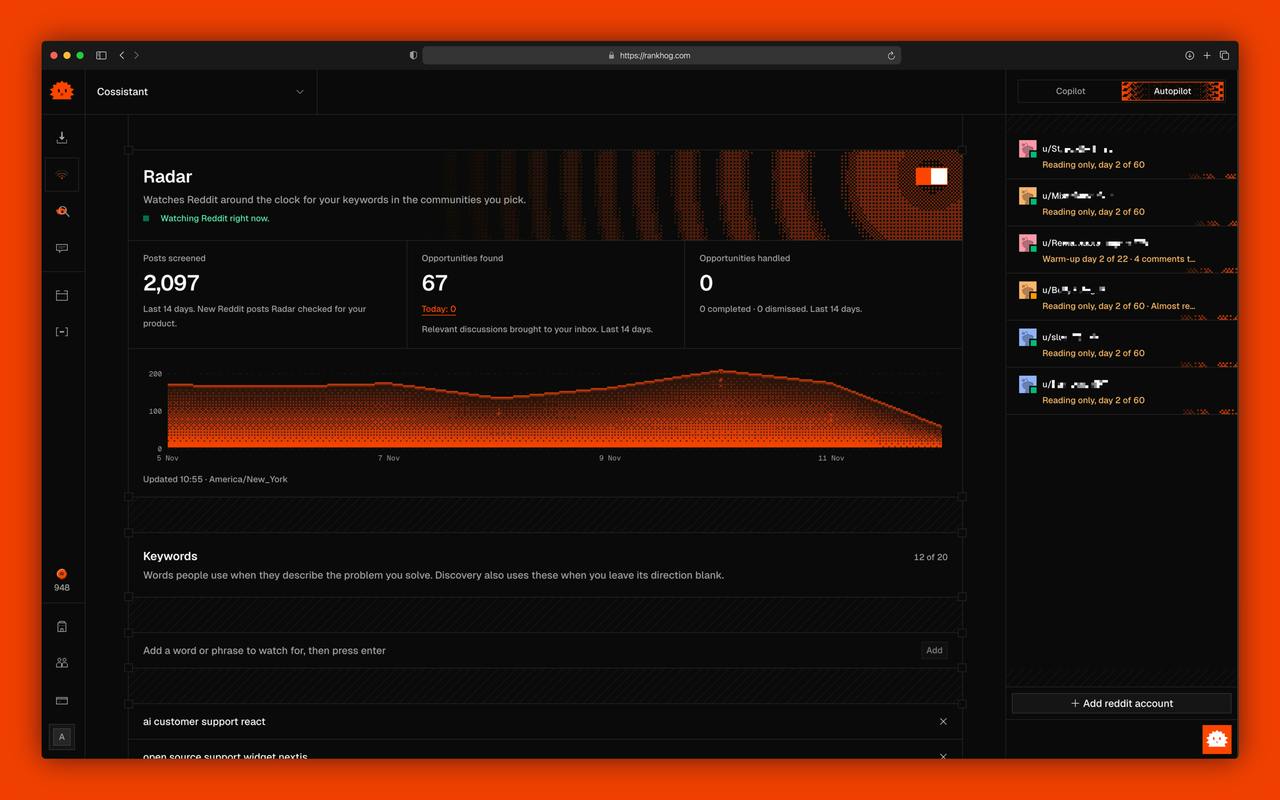
Rankhog: AI-Powered Reddit Lead Generation — Balancing Compliance and Efficiency
Rankhog is an AI tool that finds Reddit leads and generates replies, with manual approval or autopilot modes and MCP support for Claude, ChatGPT, and Cursor. We analyze how it works, MCP integration value, and community compliance risks.

Daymaker: Opening Sales Doors with Personalized Gifts
Daymaker is a sales development tool that researches prospect interests, recommends and ships personalized branded gifts to help sales secure meetings. It offers a done-for-you service with guaranteed meetings and ranks fourth on Product Hunt.

Yoroll: Build Playable Interactive Stories with AI, No Game Engine Required
Yoroll is an AI interactive-story tool that needs no game engine. Start from a script, image, or video; AI assembles scenes and branching plots into playable stories.