5 Claude Prompts to Build Web Apps with Zero Code
Five prompts teach you to build usable web apps with zero code in Claude Artifacts.
The article introduces 5 Claude prompts for zero-code site building shared by a YouTube creator, whose core idea is to define specs and acceptance criteria before writing code. First, limit to 10 features you'd actually use and define "done" criteria; then use HTML plus Tailwind to generate a single-page UI in Artifacts that can be clicked and tested in real time; next, wire buttons and forms to browser storage or SQLite to solve data loss on refresh; then switch Claude into a QA role to list 5 ways to break the form and fix them immediately; and finally, the most important step, create agents.md requiring every feature to pass automated checks before being considered complete. The author believes sustainable automated acceptance matters more than single-generation quality, but this approach is better suited for quickly validating ideas, with performance under complex business logic still unclear.
Title
5 Claude Prompts to Build Web Apps with Zero Code
Meta Description
A YouTube creator shares 5 Claude prompts paired with Artifacts for zero-code web app building: from a 10-feature spec, single-page Tailwind UI, local storage, and QA edge-case testing to an agents.md automated acceptance gate, with a full breakdown of the approach.
Article Content
Claude isn't just for writing copy—paired with Artifacts, it can directly produce clickable, testable web apps. In a short video, a YouTube creator shared 5 prompts for "zero-code site building," deliberately scrambling the rankings to save the most critical one for last. The thinking behind this set of prompts isn't complicated, but every step addresses the core pain point: "AI finds writing code easy, but producing something actually usable is hard."
The Overall Approach: Put Specs and Acceptance Before Writing Code
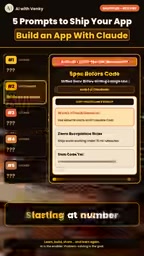
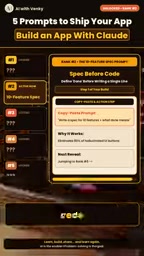
The most counterintuitive part of this prompt set is that it doesn't start with "help me write out the homepage," but rather defines scope and completion criteria first. In the creator's own words, Claude is asked to "list only the 10 features you'd actually use," and to define "what done looks like" before touching any code. This approach turns vague requirements into a verifiable checklist, and every subsequent step revolves around that list.
Why Constrain the Number of Features First
The fewer the features, the less likely the AI is to waste context on irrelevant modules, and the easier it is to maintain consistency within a single session. Limiting to 10 features essentially carves out a scope the model can fully hold on to, while forcing the user to first think clearly about "which features I'll actually use" rather than dumping every idea in at once.
Single-Page UI: Get It Running in Artifacts First
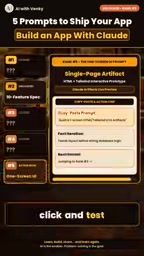
Ranked 5th, this prompt asks Claude to generate a clean single-page layout using HTML and Tailwind inside Claude Artifacts. The value of Artifacts lies in real-time preview—generate and click to test immediately, without setting up a local environment first. For zero-code users, this step compresses the feedback loop of "seeing something" to nearly zero.
Tailwind is a pragmatic choice here: utility-class styling makes the markup the model generates more predictable, and makes it easier to iterate within the same file later on.
Claude Artifacts is the interactive artifact feature Anthropic offers within the Claude product: when the model generates renderable content such as HTML, CSS, JavaScript, React components, or SVG, a separate panel opens on the right side of the interface to render and execute the code in real time, letting users click buttons, fill out forms, and observe interaction results directly—without copying code into a local editor or deploying to a server. Artifacts also supports continuously modifying the same artifact within the same session, with the model able to see previous versions and iterate on top of them—precisely the infrastructure that makes the "zero-code site building" workflow possible. Note that Artifacts runs in a sandboxed browser environment, suitable for prototyping and lightweight apps; scenarios involving real backends, authentication, or sensitive data still require self-deployment.
Tailwind CSS is a "utility-first" CSS framework. It doesn't provide pre-built components like buttons or cards, but instead offers a large set of atomic class names (such as flex, p-4, text-sm, bg-blue-500) to be composed directly on HTML tags. For AI-generated code, this pattern has two practical benefits: first, styles and structure live in the same file, so the model doesn't need to maintain class-name mappings across multiple files, reducing errors caused by cross-file context references; second, class names are semantically clear, making the model's markup more predictable and letting human reviewers read the layout intent directly. The cost is that markup becomes verbose, and the same set of styles repeats across multiple elements, often requiring extraction into components or consolidation via @apply during later maintenance.
Data Persistence: Wire Up Buttons and Forms to Storage
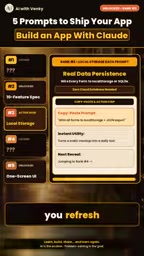
Ranked 3rd, this prompt solves the problem of losing data on refresh. The creator asks Claude to wire every button and form to browser storage or SQLite. This is an easily overlooked step that determines "whether it's usable at all"—a page where a submitted form clears on refresh is essentially a demo, not an app.
Choosing between browser storage and SQLite depends on whether cross-device or multi-user access is needed; at the prompt level, you just need to state this constraint clearly, and the model will wire things up accordingly.
The two types of storage mentioned in the article correspond to completely different capability boundaries. Browser storage (localStorage, sessionStorage, IndexedDB) requires no backend at all, with data existing only in the current browser; localStorage capacity is typically 5-10MB, sessionStorage clears when the tab closes, and both suit single-machine prototypes. SQLite, meanwhile, is an embedded relational database that exists as a single file and supports SQL queries and transactions—but browsers cannot directly access native SQLite files, typically requiring a backend service, a WebAssembly-compiled version (such as sql.js), or a cloud-hosted database service. So in practice, if the need is just "don't lose data on refresh," browser storage suffices; if you need multi-device sync, multi-user collaboration, or structured queries, you must introduce a server—which also means Artifacts' pure frontend sandbox needs additional extension.
QA Perspective: Let Claude Find Its Own Holes
Ranked 4th, this prompt switches Claude into a QA engineer role, asking it to list "5 ways a user might break the form" and immediately fix those 5 bugs. This is a role-switching technique: the same model, when switched to a testing perspective, produces noticeably different output than from a development perspective.
Limiting to 5 ways rather than "find all problems" is meant to keep the fixing work within a completable scope, avoiding an endless checklist.
Ranked 1st: Establishing a Test Gate with agents.md
The creator saves the most important one for last: having Claude create an agents.md file specifying that every feature must pass automated checks before being considered done. This is essentially installing a gate in the AI's coding workflow—no longer relying on "looks right," but requiring verifiable passing conditions.
Interestingly, this prompt ranks above UI and storage, indicating the author's judgment that sustainable automated acceptance matters more than the quality of any single generation.
agents.md is a conventional instruction file for AI coding agents, typically placed in the project root, describing the project structure, coding conventions, available commands, and "what counts as done" in natural language. Its difference from a README is that its reader is the model rather than a human: the content emphasizes executable acceptance criteria, prohibitions, and test commands, so the agent can read it before each task and self-constrain. In tools like Claude Code, such files are automatically included in context and become persistent memory across sessions. Using it as a "test gate" essentially solidifies acceptance standards from temporary agreements in conversation into rules within the repository, ensuring every generated batch of code is checked against the same set of criteria, thereby reducing the risk of standard drift across multiple rounds of iteration.
Who This Prompt Set Is For
It suits independent creators and early-stage product explorers who want to quickly validate ideas without touching code. The limitations are also clear: the short video only gives the intent behind the prompts, without showing the full original prompt text or explaining how it performs under complex business logic. In actual use, you still need to translate each intent into specific instructions yourself and repeatedly adjust based on Artifacts' actual output.
One-line Summary
Five prompts teach you to build usable web apps with zero code in Claude Artifacts.
Paragraph Summary
The article introduces 5 Claude prompts for zero-code site building shared by a YouTube creator, whose core idea is to define specs and acceptance criteria before writing code. First, limit to 10 features you'd actually use and define "done" criteria; then use HTML plus Tailwind to generate a single-page UI in Artifacts that can be clicked and tested in real time; next, wire buttons and forms to browser storage or SQLite to solve data loss on refresh; then switch Claude into a QA role to list 5 ways to break the form and fix them immediately; and finally, the most important step, create agents.md requiring every feature to pass automated checks before being considered complete. The author believes sustainable automated acceptance matters more than single-generation quality, but this approach is better suited for quickly validating ideas, with performance under complex business logic still unclear.
Related articles

How Did Da Vinci Prove the Sun Is Hot? A Neglected Chapter in Science History
How did da Vinci use a concave mirror experiment to overturn Aristotle's cold sun theory? This article traces this neglected chapter in science history, revealing the embryo of scientific thinking in the 15th century and da Vinci's cold observations on solar heat and the nature of life.
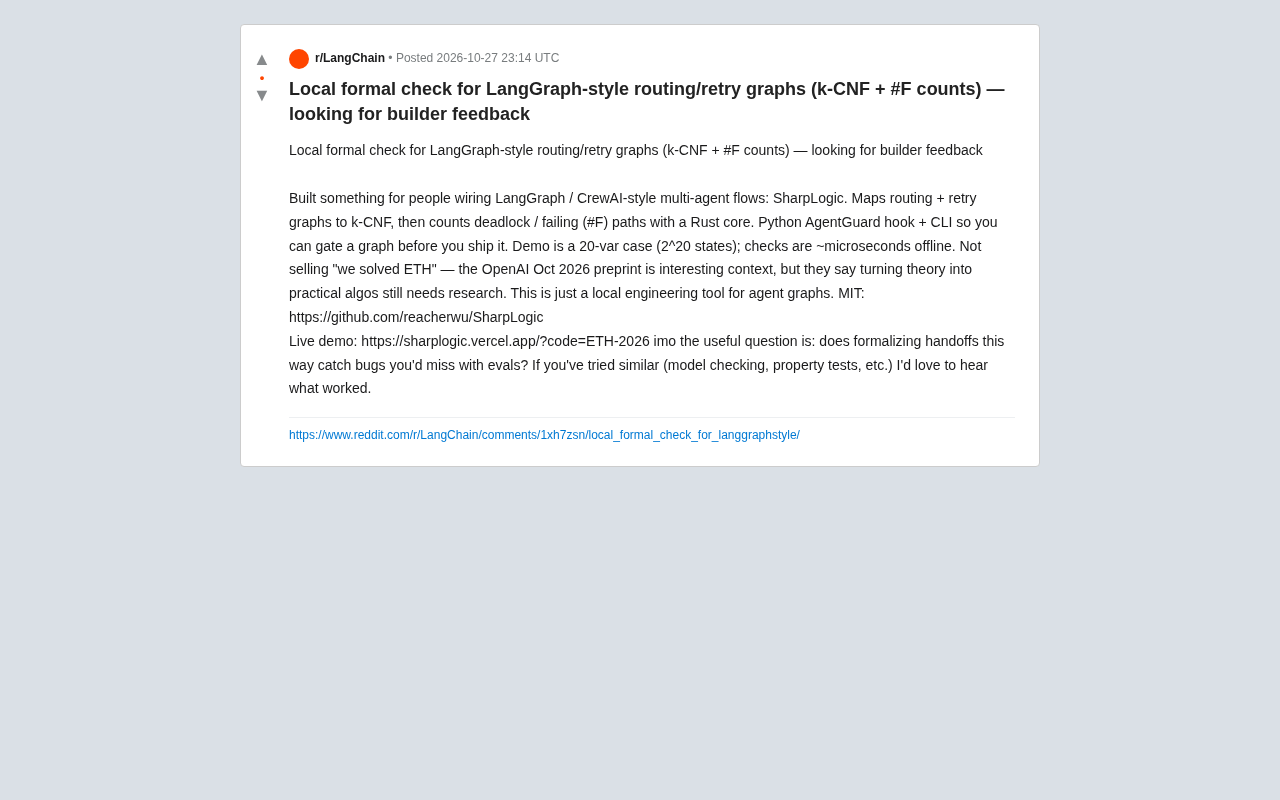
SharpLogic: Formalizing Bug Detection for LangGraph Routing Graphs with k-CNF
SharpLogic, an open-source project, maps LangGraph-style multi-agent routing and retry graphs to k-CNF, using a Rust kernel to count deadlocks and failing paths (#F counting), offering a Python AgentGuard hook and CLI for pre-release formal gate checks. This article analyzes its principles, its complementary relationship with evals, and the community's concern about modeling costs.
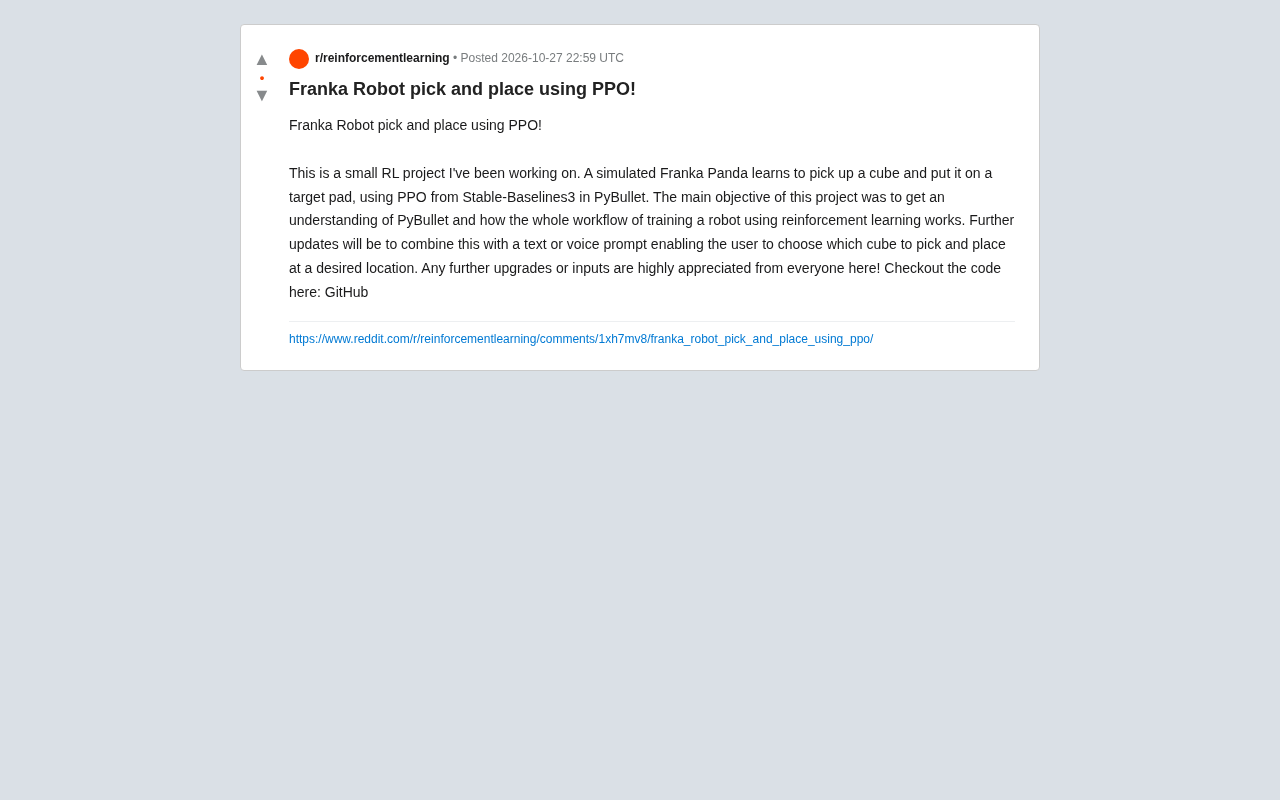
PPO Training of a Franka Robotic Arm for Pick-and-Place: A Reinforcement Learning Starter Project
A reinforcement learning project using PPO to train a Franka Panda robotic arm for pick-and-place in PyBullet, covering tech stack choices, task design challenges, and future text/voice command interaction plans—a good reference for beginners.