A Complete Guide to the Tech Stack Behind High-End Interactive Websites: From Three.js to GSAP
A complete breakdown of the tech stack and learning path for building stunning interactive websites.
This article explores the full technology stack behind high-end interactive websites like Era Residence, covering Three.js, WebGL, GSAP, Shader programming (GLSL), and performance optimization techniques. It provides a progressive learning path from JavaScript and CSS animation basics to advanced 3D development, along with curated resources and practical advice for developers looking to master immersive web experiences.
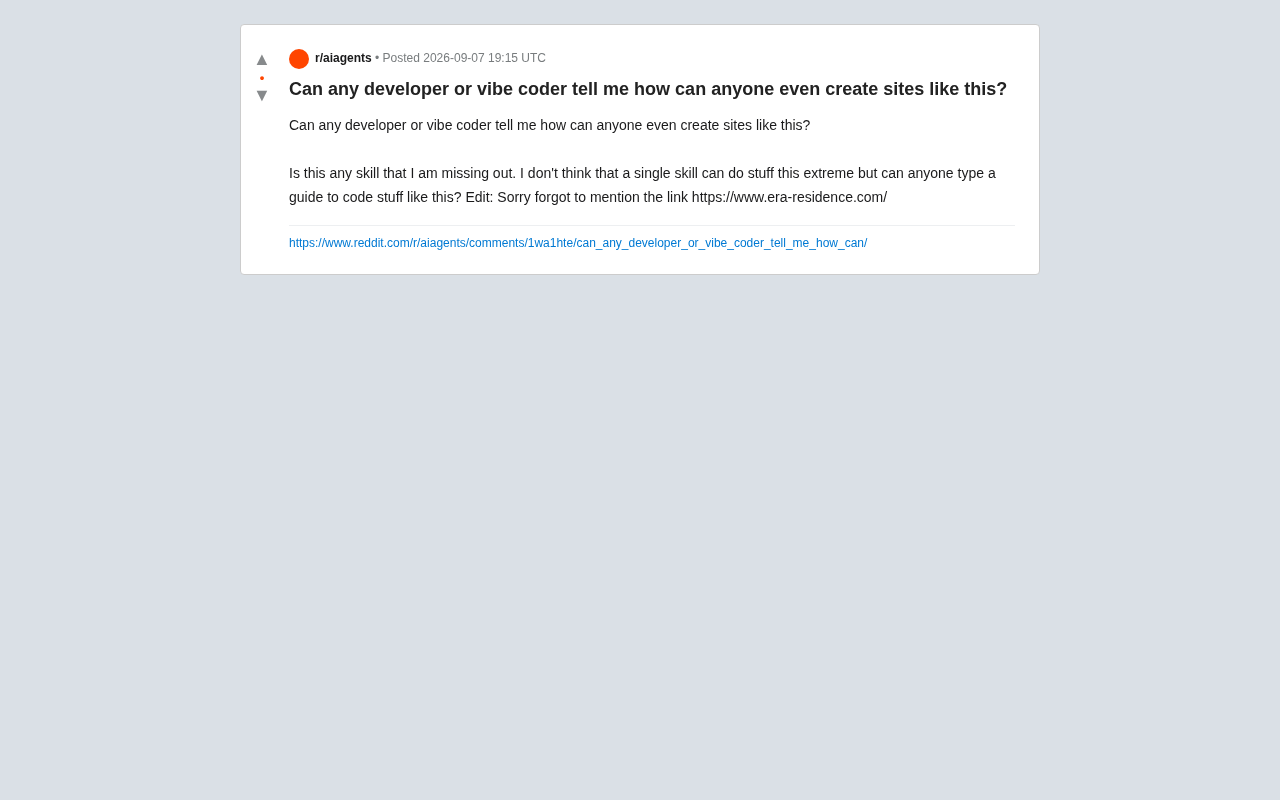
A developer on Reddit raised a thought-provoking question: How are websites like Era Residence — with their stunning visual effects and interactive experiences — actually built? This question strikes at the heart of modern frontend development: what technical secrets lie behind those jaw-dropping websites?
High-End Interactive Websites Aren't Built with a Single Skill — They Require a Full Tech Stack
First, it's important to understand that building high-end interactive websites like these is never a one-skill job. Sites like Era Residence typically combine expertise from multiple technical domains, including 3D graphics rendering, physics-based animation, performance optimization, and user experience design.
The core tech stack for these websites usually includes:
-
Three.js or WebGL: For implementing 3D scene rendering and complex visual effects. Three.js is a JavaScript 3D library built on top of WebGL that simplifies the process of creating 3D graphics in the browser. WebGL (Web Graphics Library) is a JavaScript API that enables high-performance rendering of interactive 3D and 2D graphics in any compatible web browser — no plugins required. Three.js abstracts away WebGL's low-level details, providing high-level constructs like Scene, Camera, and Renderer, allowing developers to create complex 3D scenes with far less code. It supports multiple light source types, material systems, geometries, loaders, and other modules, making it one of the most popular Web 3D development frameworks today. It's widely used in product showcases, data visualization, game development, and more.
-
GSAP (GreenSock Animation Platform): For handling high-performance animation transitions and timeline control. GSAP is a powerful JavaScript animation library renowned for its performance and rich feature set. Compared to CSS animations, GSAP offers more precise timing control, more sophisticated animation sequencing, and better cross-browser compatibility. Its core strength lies in its ability to run smoothly at 60fps, even on low-performance devices. GSAP's Timeline feature lets developers create complex animation sequences, while the ScrollTrigger plugin precisely binds animations to page scrolling — a hallmark of modern interactive websites. Many top creative agencies and Fortune 500 companies use GSAP, and it has become the industry standard for professional frontend animation development.
-
Modern frameworks like React/Vue/Next.js: For building component-based application architectures.
-
Shader programming (GLSL): For creating custom visual effects and materials. Shaders are small programs that run on the GPU to control specific stages of the graphics rendering pipeline. In WebGL, there are two main types: Vertex Shaders handle the position transformation of 3D model vertices, while Fragment Shaders calculate the final color of each pixel. Shaders are written in GLSL (OpenGL Shading Language), a C-like programming language. By writing custom shaders, developers can create unique visual effects such as water ripples, distortion effects, and custom lighting models — things that standard Three.js materials simply can't achieve. Learning shader programming requires an understanding of linear algebra and vector operations, but it allows you to break free from framework limitations and create truly one-of-a-kind visual experiences.
-
Performance optimization techniques: Such as code splitting, lazy loading, and resource preloading.
Learning Path for Frontend 3D Development: Where to Start?
For developers looking to master these skills, a progressive learning path is recommended:
Foundation Stage: JavaScript and CSS Animations
Start with a solid JavaScript foundation and CSS animation skills. Understanding DOM manipulation, event handling, and modern ES6+ syntax is a prerequisite. At the same time, dive deep into CSS's transform, transition, and animation properties — these are the building blocks for all complex motion effects.
Intermediate Stage: Hands-On with Three.js and GSAP
Begin learning 3D libraries like Three.js or Babylon.js. The Three.js community offers a wealth of examples and tutorials — start with simple geometry rendering and gradually progress to lighting systems, material systems, and particle effects. Meanwhile, GSAP's ScrollTrigger plugin helps implement scroll-driven animations, which is the core interaction pattern of many high-end websites.
Advanced Stage: Shader Programming and Performance Tuning
Learn the GLSL shader language to create fully customized visual effects. You'll also need to master performance profiling tools like Chrome DevTools' Performance panel to ensure complex animations run smoothly across all devices.
Key Technical Concepts Explained
3D Scene Management and Camera Animation
These websites typically use camera path animations to create an immersive browsing experience. Developers must carefully design camera movement trajectories, perspective changes, and focal point transitions that sync naturally with the user's scrolling behavior.
WebGL Performance Optimization Strategies
Stunning visual effects must be built on a foundation of smooth performance. Developers need to implement the following optimization techniques:
-
LOD (Level of Detail) technology: Dynamically adjusting model precision based on the object's distance from the camera. LOD is a critical optimization technique in 3D graphics. The core idea is to dynamically switch between different precision versions of a 3D model based on its distance from the viewer. For example, when a building model is far from the camera, a low-polygon version is used; when the camera moves closer, it switches to a high-detail model. This strategy significantly reduces the amount of geometric data the GPU needs to process, improving rendering performance. In Three.js, LOD objects make it easy to implement this technique. Beyond geometry LOD, textures can also use Mipmap technology for similar optimization. For complex scenes, LOD can boost frame rates from an unusable 15fps to a smooth 60fps — essential for running complex 3D websites on consumer-grade devices.
-
Texture compression and geometry instancing: Effectively reducing GPU load.
-
Frustum culling: Rendering only content visible to the user. Frustum culling is a rendering optimization technique that determines whether to perform rendering calculations on a 3D object based on whether it falls within the camera's visible range. The camera's frustum is a truncated pyramid-shaped space defined by near and far clipping planes — only objects within this space are visible to the viewer. By mathematically checking whether an object's bounding box intersects the frustum, large numbers of invisible objects can be culled at the CPU stage, avoiding wasted GPU rendering overhead. Three.js enables frustum culling by default, but for complex scenes, developers can further optimize bounding box precision or implement custom spatial partitioning structures (such as octrees or BVH) to improve culling efficiency. This technique is especially important for large open-world scenes.
Mobile Responsive Design Challenges
Maintaining a good experience on mobile devices is a major challenge. This typically requires preparing simplified versions of 3D scenes for mobile, or using CSS and 2D animations as fallback solutions. Detecting device performance and dynamically adjusting rendering quality is also a common strategy.
Recommended Learning Resources
For developers aspiring to master these skills, the following resources are worth exploring:
-
Three.js Journey course: A systematic Three.js tutorial created by Bruno Simon, widely recognized as one of the highest-quality paid courses in the field.
-
Awwwards winning website analysis: Study the source code and technical implementations of award-winning websites — many developers share their development process on personal blogs. Awwwards is the world's most influential website design awards platform, founded in 2009. An international panel of professional judges evaluates submitted websites across dimensions including design, creativity, usability, and content quality. Awwwards-recognized websites represent the highest standards in web design and development, often employing cutting-edge technologies and the most innovative interaction concepts. For frontend developers, Awwwards serves as both a source of inspiration and a treasure trove for technical learning. By studying the implementation details of winning websites, developers can learn about industry best practices, emerging technology trends, and creative expression techniques. Many top creative agencies consider winning an Awwwards as a key marker of project success, which drives the entire industry to continually push the boundaries of technology and creativity.
-
CodePen and Codesandbox: Search for WebGL and Three.js demos to accelerate learning through hands-on practice.
-
YouTube channels: Channels like Fireship and DesignCourse offer rich tutorials on frontend visual effects.
Practical Advice: Progress Gradually from Simple Projects
It's important to emphasize that trying to directly replicate an Era Residence-level website is unrealistic for beginners. Projects like these are typically completed by experienced teams over several months. A more pragmatic approach is to iterate gradually from simple effects:
- Start by implementing a basic scroll parallax effect
- Add simple 3D model display functionality
- Experiment with particle systems and post-processing effects
- Gradually increase interaction complexity and visual detail
Each small project builds experience and reusable code snippets, and eventually you'll build up your own technical toolkit. Those stunning websites are never built overnight — they're the result of long-term accumulation of skills, experience, and creativity.
Conclusion
Building high-end interactive websites does require capabilities spanning multiple technical domains, but it's far from unattainable. By systematically learning 3D graphics technologies like Three.js and WebGL, mastering GSAP animations and performance optimization techniques, and combining these with continuous project practice, developers can gradually acquire these skills. The key is to stay patient, start with the fundamentals, and continuously iterate. In an era where AI-assisted coding tools are becoming increasingly prevalent, tools like Cursor and Copilot can help you achieve complex effects faster, and the technical barrier is lowering — but a deep understanding of the underlying principles remains the key to creating truly exceptional work.
Related articles

Coinbase Engineer: How to Determine Whether an AI Agent Can Operate Unattended
Coinbase engineer Evan Kormos shares an engineering method for judging whether an AI agent can run unattended: model processes with DAG/DCG, replace output comparison with statistical evaluation, and hand over control in three phases—supervision, sampling, and exception handling.

WorkBuddy Beginner's Guide: How AI Agents Automate Office Tasks
WorkBuddy tutorial: learn how this desktop AI agent workbench automates files, organizes data, and generates documents, compared with LLMs and Codex, plus a beginner path and cost analysis.

Doubao Work in Practice: Three Modes That Let AI Actually Get Work Done
Doubao Work practical tutorial: from chat mode to Work Mode Lite and Pro, explaining the logic for choosing among three modes with real office task demonstrations. Even complete beginners can learn to use an AI agent to handle local files, organize materials, and generate documents.