A Windows Taskbar Claude Usage Widget Built with Claude Code

A lightweight Rust widget built entirely with Claude Code that lives in the Windows taskbar and shows Claude usage.
This article introduces a Claude usage widget that sits next to the clock in the Windows taskbar: it shows the 5-hour window and weekly quota, turns orange at 80% and red at 95%, supports hover to view reset time, adjustable refresh intervals, and light/dark theme adaptation. Since Windows 11 removed deskbands, the author, on Claude Code's advice, used Rust with native Windows APIs to draw a transparent topmost window embedded in the taskbar—the result is only a few hundred KB, uses a few MB of memory, and needs no installation. Data comes from the same endpoint as the Claude Code `/usage` command, and it reuses its credential refresh mechanism and file lock to avoid login conflicts, so users can use it with zero configuration. From research and coding to screenshot self-testing and README and release publishing, almost everything was done by Claude Code, with the author handling only design and review. The project is open source under MIT.
From Constantly Checking the Web to a Permanent Taskbar Fixture: The Birth of a Lightweight Widget
Claude Code users have all been there: to check how much of the current 5-hour window and weekly quota remains, you have to switch to a browser, open the usage page, then switch back to the terminal. A developer on Reddit turned this repetitive dance into a tool—a tiny widget that lives in the Windows taskbar right next to the clock and displays usage.
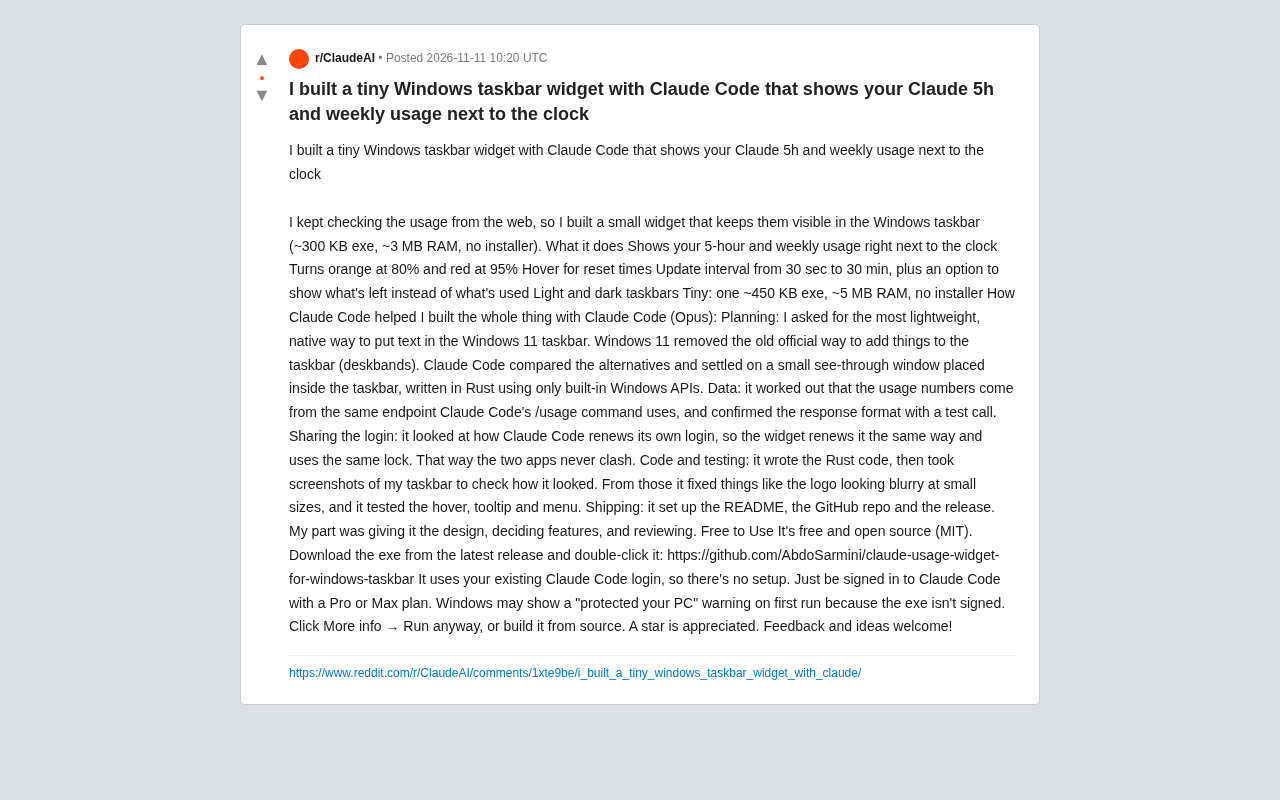
The program is small: the exe is about a few hundred KB, uses only a few MB of memory, requires no installer, and runs with a double-click. Functionally, it places the 5-hour and weekly usage directly beside the clock. Usage turns orange at 80% and red at 95%. Hovering shows the quota reset time; the refresh interval is adjustable from 30 seconds to 30 minutes; it supports switching between "used" and "remaining" display modes; and it adapts to both light and dark taskbars.
What makes this project special is that from technical research to coding, testing, and release, almost everything was done by Claude Code. The author's role was to set the design, define features, and review.
Windows 11 Taskbar Limitations and a Workaround
Windows 11 removed the previously officially supported deskbands mechanism. In other words, there is no ready-made sanctioned entry point for stuffing custom content into the taskbar. During planning, the author asked Claude Code directly: what is the lightest, most native way to put text into the Windows 11 taskbar?
Claude Code compared several alternatives and ultimately chose Rust with pure built-in Windows APIs to draw a transparent topmost mini-window embedded in the taskbar area. This path avoids the size and dependencies of third-party frameworks and explains why the final product compresses down to a few hundred KB—no bloated runtime was pulled in.
For anyone wanting to build similar desktop gadgets, this approach is worth noting: when the system takes away official extension points, a transparent window plus native APIs is often more practical than wrestling with a deprecated mechanism.
What are deskbands
deskbands are a taskbar extension mechanism that Windows Explorer has provided since the late 1990s, allowing third-party programs to register a toolbar area on the taskbar to host buttons, text, or custom controls (the early Quick Launch bar and language bar belonged to this category). Developers could hook in by implementing COM interfaces and registering a Band object in the registry—at the time, the only officially recognized way to embed content in the taskbar. Because the mechanism was deeply coupled with the Explorer process, stability and security issues persisted for years, and Microsoft removed it entirely in Windows 11 without providing an equivalent replacement interface. This means any program wanting to draw content inside the taskbar can only fall back to the "self-drawn window with precise positioning" route.
How layered windows work
Windows supports layered windows via the WS_EX_LAYERED extended style, allowing programs to specify per-pixel alpha values so that backgrounds are transparent and only foreground text or icons show. Combined with the WS_EX_TOPMOST style and precise positioning via SetWindowPos, you can overlay a borderless window at specific coordinates on the taskbar, making it look as if it were always part of the taskbar. This approach depends on no third-party UI framework—just native user32/gdi32 functions—so the compiled output is naturally very small. The trade-off is that you must handle edge cases yourself: taskbar position changes, DPI scaling, and theme switching.
Where the Data Comes From: Reusing the /usage Endpoint
The usage data is not scraped from a webpage. Claude Code figured out that these numbers come from the same endpoint that Claude Code's own /usage command calls, and confirmed the response format with a test call. This means the widget gets data from the same source as the official command, with no extra account or configuration needed.
Sharing login state is another key detail. Claude Code observed how Claude Code refreshes its own credentials and had the widget use the same refresh method and the same lock, preventing the two programs from kicking each other's login out when refreshing simultaneously. This kind of concurrent-write problem is a trap many third-party clients fall into; here it was handled upfront.
Because it directly reuses the existing Claude Code login, users who are already signed in to Claude Code on a Pro or Max plan can open the exe and use it immediately—zero configuration.
Why concurrent credential refresh causes mutual logouts
OAuth-style credentials typically consist of an access token (short-lived) and a refresh token (long-lived, single-use). When refreshing, the client exchanges the refresh token for a new access token and a new refresh token, and the old refresh token becomes invalid immediately. If two processes each hold the same refresh token and initiate a refresh at nearly the same time, the one that finishes first invalidates the old token, and the other gets an "invalidated" error—manifesting as the user being logged out and needing to reauthorize. The solution is to have all processes take a file lock on the same credential file (commonly LockFileEx or a named mutex on Windows) and re-read the latest credentials from disk before refreshing to confirm whether another process has already updated them. The widget uses the same refresh logic and the same lock as Claude Code precisely to avoid this race.
Code, Self-Check via Screenshots, and Release—Almost Fully Automated
In the workflow the author describes, Claude Code handled the heaviest coding work: after writing the Rust code, it captured taskbar screenshots itself to check the result, fixed the blurry logo at small sizes based on that, and tested hover, tooltip, and menu interactions. The release process was also handled by it, including the README, GitHub repository, and release setup.
What was truly left to the human was design trade-offs: what to display, how colors change, and how wide the refresh interval range should be. This division of labor—human sets direction, model implements, human reviews—is a pattern repeatedly proven effective in today's AI-assisted development.
The project is open source under the MIT license, and the exe can be downloaded from the latest GitHub release and run with a double-click. Note that because the exe is not code-signed, Windows may show a "Windows protected your PC" prompt on first run; click "More info → Run anyway." You can also build it yourself directly from source.
Summary
The value of this project goes beyond being a handy desktop-pet-level tool. It demonstrates three things: the Windows 11 taskbar can still be extended via native transparent windows; reusing an official CLI's endpoint and login state enables a zero-config lightweight client; and Claude Code, in a real small project, can already cover the full chain of research, coding, self-testing, and release—with the human just holding the steering wheel. The project is MIT open source, and the author welcomes feedback and suggestions.
Related articles
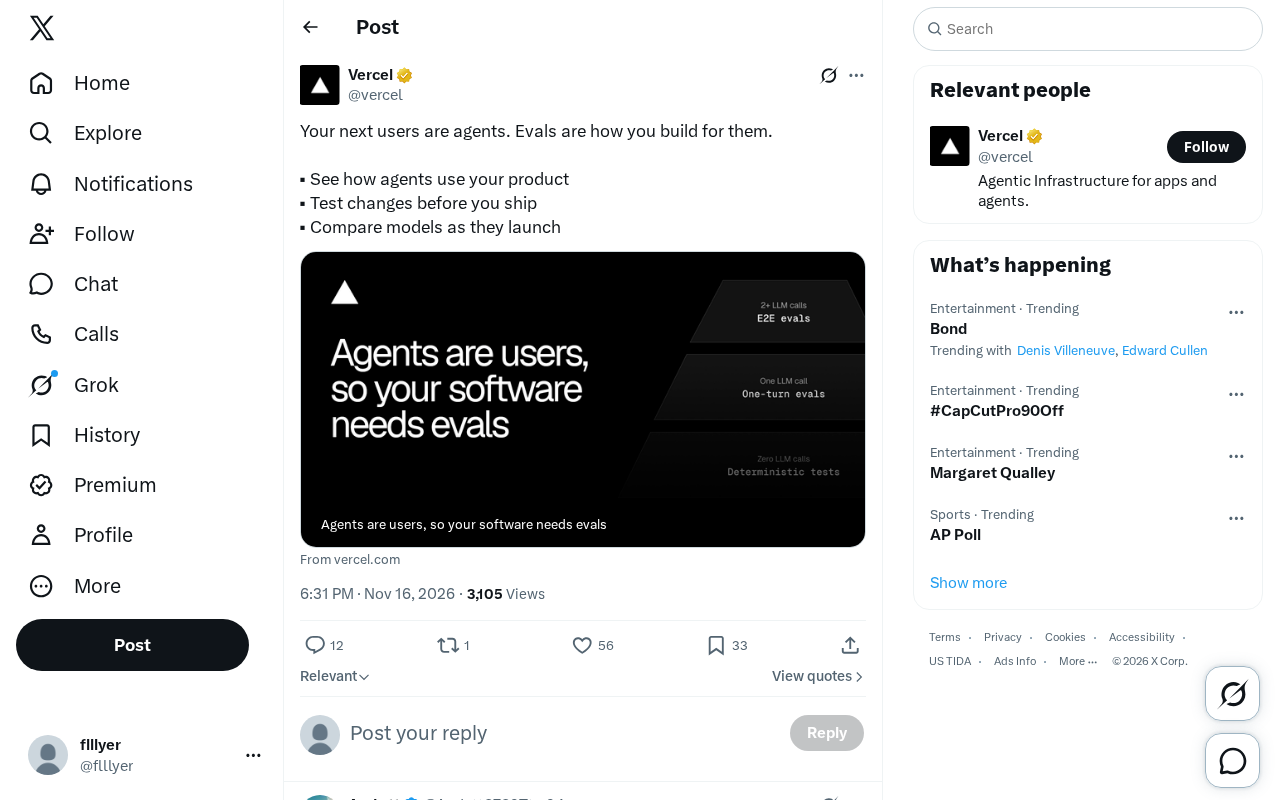
The AI Agent Era: Building a New Product Paradigm with Evals
AI Agents are becoming the next users of products. This article explains how to use Evals to observe Agent usage behavior, test changes before launch, and compare new model performance, helping product teams establish a development methodology for the Agent era.
Microsoft Global Email Outage Leads to Chlorine Leak at German Hotel, Injuring 15
A Microsoft 365 and Outlook global outage prevented a chlorine safety alert from reaching a German Phantasialand hotel, injuring 15 guests and exposing the fragility of cloud-dependent safety systems.
iPhone Duo to Support Face Unlock Using Only the Front Camera
Apple is developing front-camera-only face unlock for the iPhone Duo, now testing in the iOS 27.3 beta. We analyze the technical approach, user experience, and security trade-offs.