ABrush: An AI Studio Built for Digital Artists
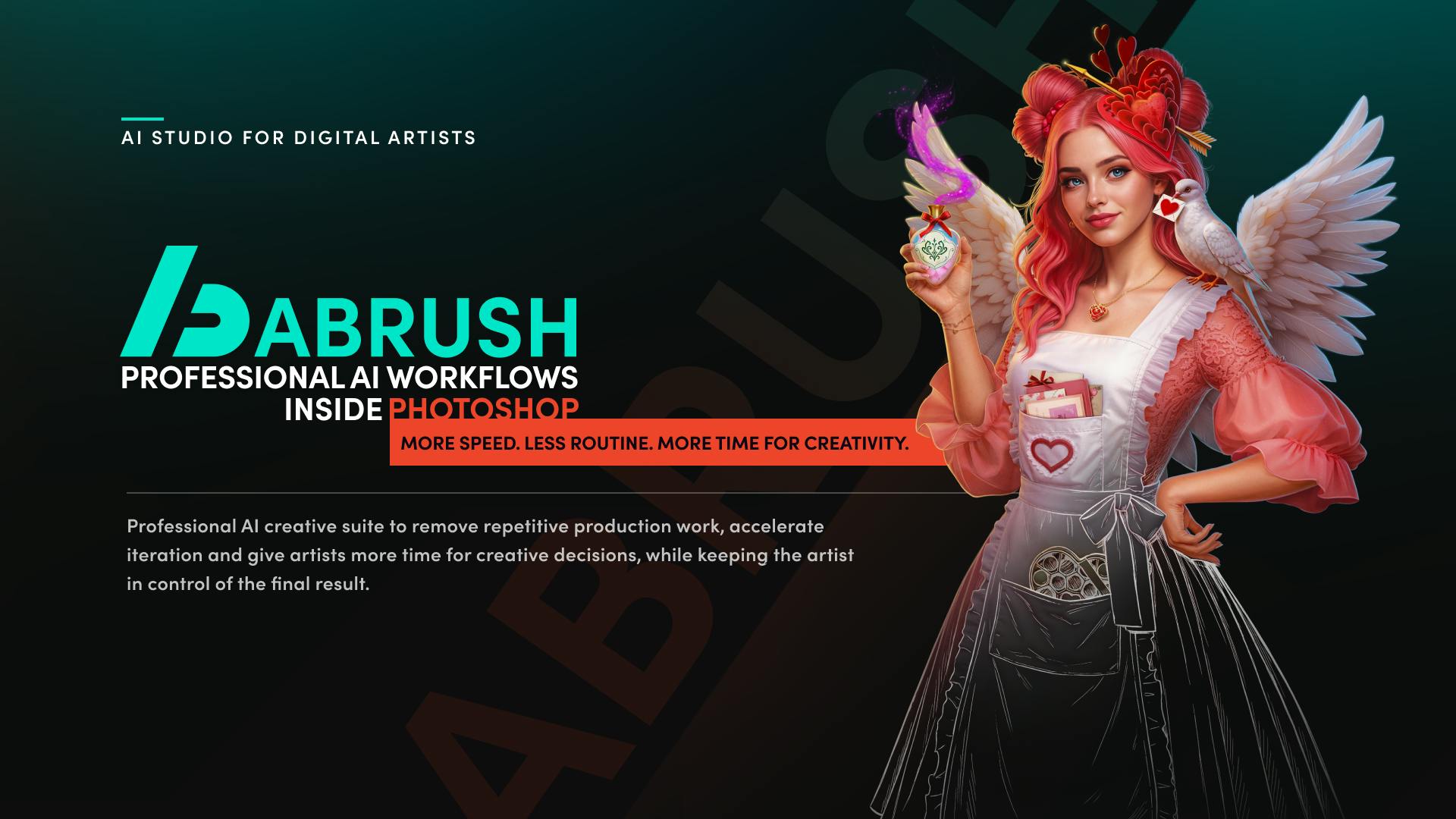
ABrush is an AI studio for digital artists that integrates into existing workflows to cut repetitive work while keeping creative control with the artist.
ABrush is an AI productivity tool designed specifically for digital artists, earning a #4 ranking on Product Hunt on launch day. Its core proposition is integrating AI capabilities into artists' existing creative environments rather than demanding workflow disruption. Its value rests on three pillars: using AI to handle repetitive production tasks like batch processing and inpainting; rapidly generating multiple versions to accelerate creative iteration; and keeping final creative decisions with the artist. The team positions itself with the tagline "created by artists, for artists," emphasizing empathy for real user pain points. ABrush reflects a broader industry shift from general-purpose AI image generation toward professional workflow integration — though specific technical details remain to be publicly disclosed.
Digital art creation is undergoing a productivity revolution. ABrush — which recently landed at #4 on Product Hunt — puts that trend into sharp focus with an AI studio tool designed specifically for digital artists. Its positioning sets it apart from many general-purpose AI image generators: rather than replacing the artist, it hands off repetitive production work to AI, freeing creators to focus on the creative decisions that genuinely require a human touch.
Positioning: Embedding AI Into the Artist's Existing Workflow
ABrush's tagline is "AI Studio for Digital Artists," and its core proposition can be summed up in one sentence: bring leading AI models and production-grade advanced AI workflows into the creative environment artists already know.
This approach is worth examining closely. Most AI image tools on the market follow a "type a prompt, get an image" model — users are expected to leave their familiar software and gamble inside an unfamiliar prompt box. ABrush goes the other direction, emphasizing that the tool should integrate into existing environments rather than asking artists to change their habits. For professionals who have spent years building workflows around dedicated creative software, this "don't interrupt" design philosophy often matters more than raw model capability when it comes to actual adoption.
The Product Hunt category tags also reflect this positioning — ABrush is listed under Design Tools, Productivity, and Artificial Intelligence simultaneously, signaling that the team wants to be seen as a "professional productivity tool," not a novelty.
"Workflow integration" carries a specific meaning in professional creative software. In the digital art world, mainstream tools like Photoshop, Procreate, and Clip Studio Paint all offer plugin or extension mechanisms that allow third-party tools to embed inside the software as panels, filters, or scripts — letting users invoke external capabilities without switching apps. Historically, Adobe's Creative Cloud ecosystem formed a complete "designer workflow" loop precisely through a rich ecosystem of third-party plugins. For AI tools, the ability to integrate as a native plugin within these established ecosystems often determines how quickly professional users adopt them — the context-switching cost of a standalone web app is far from trivial for efficiency-focused working artists. ABrush's emphasis on "fitting into existing environments" suggests it may offer this kind of integration, though the publicly available information has not yet disclosed which host applications are specifically supported.
Three Value Pillars: Save Time, Accelerate Iteration, Stay in Control
Three key phrases appear repeatedly in ABrush's official description, forming the backbone of its value proposition:
- Remove repetitive production work: Digital creation involves a lot of mechanical labor — batch processing, asset organization, localized repainting, and more. ABrush uses AI to absorb these steps, reducing the cost of routine tasks.
- Accelerate iteration: Creative work demands constant experimentation. AI can rapidly generate multiple versions, letting artists explore more possibilities in less time.
- Keep the artist in control of the final result: This is a point the team emphasizes specifically. AI handles speeding up the process and cutting routine costs; the creative judgment remains with the human.
Together, these three pillars answer a question that's been weighing on the art world: is AI a collaborator or a replacement? ABrush gives a clear answer — AI is a productivity tool, and the human is still the creative author.
"Created by Artists, for Artists"
The line at the end of the product description — "Created by artists, for artists" — is a key clue to understanding ABrush. It signals empathy: the development team claims to understand artists' real pain points, rather than designing features from a purely technical perspective.
Looking at the Makers list, the team is substantial, including multiple members such as Liliia Rubchenko. In a landscape where AI tools are increasingly commoditized, "understanding your users" is becoming a core differentiator — given similar underlying models, whoever better understands how their target audience actually works is more likely to win.
Market Reception and Product Analysis
ABrush received 97 upvotes and 18 comments on Product Hunt, ranking #4 for the day. For a vertically focused creative tool, that's a solid debut, suggesting it's addressing genuine market demand.
Zooming out to the broader industry context, ABrush represents an important evolutionary direction for AI creative tools: moving from "general generation" toward "professional workflow integration." Early AI image tools chased the "anyone can generate art" promise, but as professional users entered the space, the market began to segment around higher demands for controllability, integrability, and production-grade quality. ABrush is squarely aimed at this professional niche.
It's worth noting objectively that the publicly available information is primarily from its Product Hunt launch page; technical details — which AI models it supports, which creative software it integrates with, how the actual workflows operate — remain sparse. Its real-world effectiveness can only be verified through hands-on use. For interested digital artists, it's worth monitoring the demos and materials released on the official website before deciding whether to incorporate it into your workflow.
The "professional workflow integration" space already has several competitors worth benchmarking against. Adobe's Generative Fill in Photoshop (powered by the Firefly model) is the most prominent example — it embeds AI inpainting directly into layer operations without ever leaving the app. Runway, meanwhile, offers frame-level AI editing for video creators. By comparison, tools that specifically serve "digital artists" as a vertical segment and exist as standalone products remain rare. The central tension in this niche is that large players like Adobe have ecosystem advantages but are slow to respond and limited in model choice, while independent tools can integrate multiple cutting-edge models (such as Stable Diffusion, Flux, Midjourney API, etc.) but lack deep interoperability with existing software. ABrush's market opportunity likely lives in the gap between these two camps.
Conclusion
The emergence of ABrush reflects a broader maturation in AI creative tools — a shift from "showing off what AI can do" to genuine practical utility. Rather than positioning AI as something that takes work away from artists, ABrush frames it as a productivity engine that eliminates repetitive labor and accelerates creative iteration, while keeping final decision-making firmly in the creator's hands. This human-centered design philosophy may well be the right posture for professional creative tools in the age of AI.
Related articles

Xmind 2027 Launches: Mind Mapping Evolves into an AI Thinking Partner
Xmind 2027 launches on Product Hunt as an "AI thinking partner." It adds Xmind Agent for research with local documents and mind maps, and connects mind map context to ChatGPT, Claude, and other AI workflows via MCP. This article analyzes its product logic, differentiation, and open questions.

Display 1.0: Build Docs and Apps with Any Agent
Display 1.0 launches on Product Hunt, letting any Agent create docs, prototypes, and apps in one workspace, organized via Spaces and Folders into a team knowledge base with flat pricing.

UnleashX: Hire AI Employees Like People and Turn Conversations into Deliverables
UnleashX launched on Product Hunt with a pitch to hire AI employees like people: choose a role, connect CRM and tools, set rules, execute workflows end to end, and involve humans only when needed. This article analyzes its positioning, configuration logic, and human-AI collaboration boundaries.