Ace Menu Bar Tool Quick Start: A Desktop Study Companion for Students at a Glance

Ace is a desktop study companion that lives in your Mac menu bar, supporting lecture-to-notes-and-flashcards, real-time translation, and more.
Ace is a Mac menu bar app for students, coding bootcamp learners, and self-taught programmers, positioned as a "desktop study companion." Its core design keeps everything in the menu bar so users can access features anytime without switching windows. According to the official intro, Ace mainly offers three capabilities: turning video lectures into notes and flashcards, real-time translation, and on-screen content assistance. This lightweight, workflow-friendly design aligns with the recent desktop AI assistant trend. Ace is currently free—visit tryacee.com to download. However, official public information is limited, so it's best to try it before deciding if it fits your study habits.
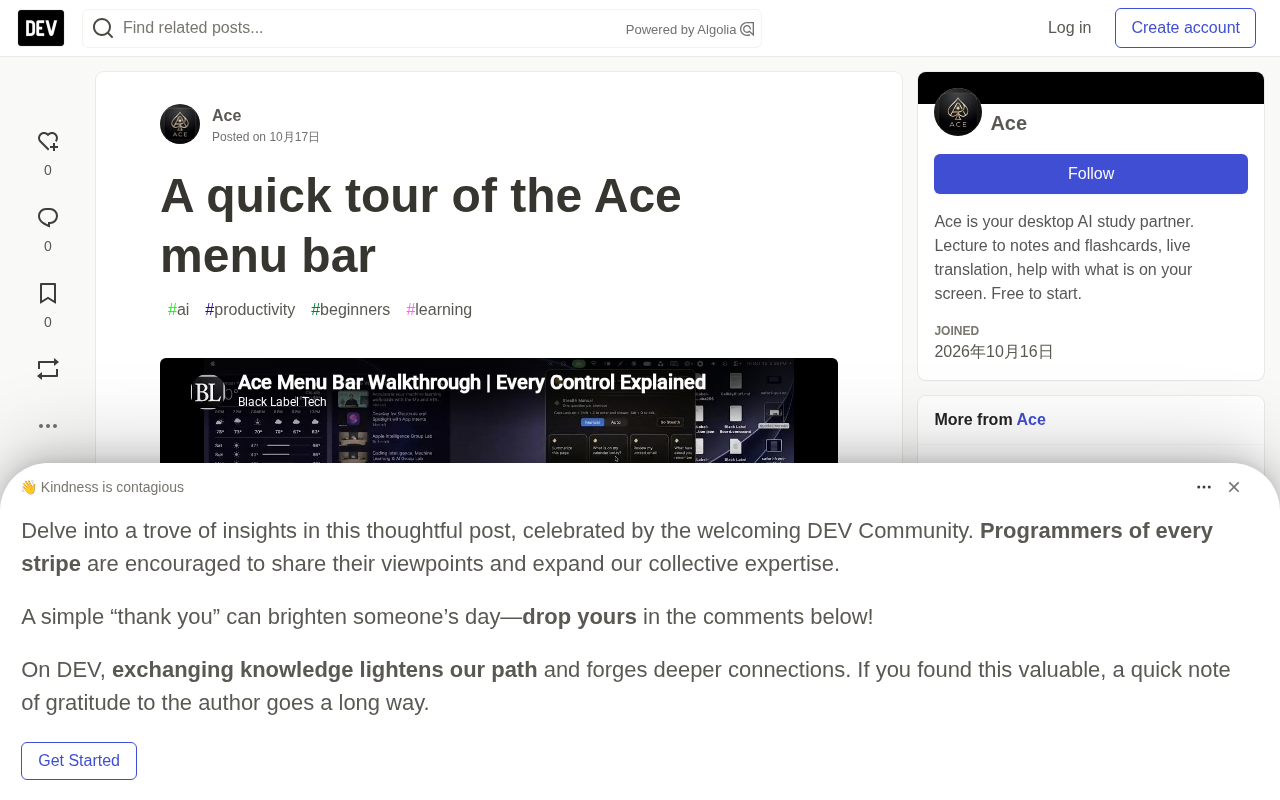
If you're looking for a desktop tool that fits naturally into your daily study workflow, Ace might be worth a look. This Mac menu bar app positions itself as a "desktop study companion" for students, bootcamp learners, and self-taught programmers, offering features like turning lectures into notes and flashcards, plus real-time translation. The team has released a short walkthrough video that introduces each feature entry point in the menu bar one by one.
What Is Ace?
Ace's core design philosophy is "always in the menu bar." Once initial setup is complete, all features are concentrated in the menu bar—no need to switch windows or open a separate app to access them.
According to the official description, its target users are fairly clear: students, coding bootcamp learners, and self-taught programmers. It's positioned as a "desktop study companion" that provides instant assistance during learning—whether you're watching a lecture, reading documentation, or dealing with other content on your screen.
What's Actually in the Menu Bar?
The team demonstrated the various options in Ace's menu bar through a short video. Although the product page doesn't list a complete feature inventory item by item, several core capabilities can be extracted from the description:
- Lecture-to-notes and flashcards: Automatically organizes video lecture content into notes and generates flashcards for easy memorization, ideal for after-class review.
- Real-time translation: Provides instant translation support when studying foreign-language materials or watching courses in other languages.
- On-screen content assistance: Offers help with content displayed on screen, though the specific form wasn't elaborated in the original information.
This design approach of "hiding" features in the menu bar aligns with the recent trend of lightweight desktop AI assistants—users can get assistance without leaving their current work context.
Flashcards are a learning tool based on the principle of spaced repetition, originating from German psychologist Hermann Ebbinghaus's research on the forgetting curve. A flashcard typically has a question on the front and an answer on the back, and learners reinforce memory through repeated recall. Modern flashcard software (such as Anki and Quizlet) uses algorithms to dynamically adjust review intervals based on how familiar you are with each card—cards you get wrong reappear sooner, while those you answer correctly gradually have their review cycles extended. The core value of automatically converting lecture content into flashcards lies in eliminating the time spent manually organizing knowledge points and creating cards, letting learners jump straight into review—this is especially useful for content-heavy, fast-paced coding bootcamp courses.
Menu Bar Apps are a lightweight app form unique to macOS, with icons that reside permanently in the system menu bar at the top right of the screen. Clicking the icon expands a dropdown panel or popup window. Unlike traditional standalone window apps, menu bar apps typically don't take up Dock space and won't interrupt your workflow when switching programs. In recent years, with the spread of AI capabilities, a large number of translation, writing assistance, and screenshot Q&A tools have chosen to distribute as menu bar apps, because they're naturally suited for "call anytime, leave when done" short-interaction scenarios. Ace chose this form precisely to provide instant assistance without interrupting context when learners are watching lectures or reading documentation.
Who Is It For?
Ace explicitly lists students, bootcamp learners, and self-taught individuals as its target audience. What these groups have in common: fragmented learning scenarios, the need to quickly organize and understand information, and high demand for translation and note-taking tools.
The always-in-the-menu-bar format means it won't interrupt your learning rhythm. You can call up translation or note-taking features at any time while watching a lecture, without switching back and forth between multiple apps.
Coding Bootcamps are an intensive, short-cycle programming education model, typically lasting 8 to 24 weeks, using project-driven approaches to quickly bring learners to job-ready levels. These courses are fast-paced and information-dense, with learners often needing to digest large amounts of lecture videos, documentation, and code examples in a short time. Because of this, bootcamp learners have a stronger need for tools that "quickly organize notes, automatically generate review materials, and instantly translate foreign-language technical documentation" compared to traditional education scenarios—which is one reason Ace lists them as a core target user group.
How to Get It
Ace is currently available for free—visit tryacee.com to download. Along with the video release, the team also posed a question: "Which tool permanently lives in your menu bar?"—hinting that Ace hopes to become a fixed member of users' daily toolchains.
For Mac users looking for a lightweight study assistance tool, Ace offers an option worth trying. However, publicly available information is currently limited, so it's recommended to actually download and try it before deciding whether it fits your personal study habits.
One-line Summary
Ace is a desktop study companion that lives in your Mac menu bar, supporting lecture-to-notes-and-flashcards, real-time translation, and more.
Paragraph Summary
Ace is a Mac menu bar app for students, coding bootcamp learners, and self-taught programmers, positioned as a "desktop study companion." Its core design philosophy is residing permanently in the menu bar, so users can access features anytime without switching windows. According to the official introduction, Ace mainly offers three capabilities: automatically organizing video lectures into notes and generating flashcards, providing real-time translation support, and assisting with on-screen content. This lightweight, workflow-friendly design aligns with the recent trend of desktop AI assistants. Ace is currently available for free—visit tryacee.com to download. However, official public information is fairly limited, so it's recommended to try it out before judging whether it fits your personal study habits.
Related articles

Chain of Thought Isn't Just for AI: How Humans Can Use CoT to Improve Thinking Quality
Chain of Thought isn't just a prompt trick for large models. Starting from a Hacker News discussion, this article analyzes why CoT works for human thinking too, breaks down actionable ways to transfer it, and highlights the key differences between human CoT and machine CoT.
Cloudflare Teams Up with OpenAI: Closi…
Cloudflare Teams Up with OpenAI: Closing the Loop from Vulnerability Discovery to Defense with AI
Cloudflare uses OpenAI Daybreak to investigate security vulnerabilities and generate reviewable remediation plans, while developers use Codex to boost coding efficiency and quality.

Orca Multi-Agent Orchestration in Practice: A Guide to Parallel Collaboration with Claude and Codex
Orca is Stable AI's free open-source agent workbench supporting 34 agents like Claude Code and Codex in parallel. Learn its Git worktree isolation, multi-model orchestration, and mobile management.