AI Agents on Your Phone: Where's the Line Between Convenience and Privacy?

AI agents on laptops vs. phones trigger a trust gap rooted in data density and irreversible risk.
Starting from a Reddit user's observation: AI agents clicking on a laptop feels unremarkable, but swiping on a phone is unsettling. The author attributes this intuitive double standard to the difference in privacy concentration of data carried by each device—a laptop is a task container, while a phone is an extension of identity and social relationships. The developer uses a pure visual-click computer use agent without APIs—highly universal but with longer behavior chains and more error points. Community discussions show users prefer authorizing low-risk, verifiable, reversible tasks like organizing photo albums and filling out forms, while fund transfers and identity verification require human confirmation. Mobile agent deployment faces constraints from sandbox mechanisms and permission models—the key to productization isn't speed, but observability and authorization granularity.
When AI Starts "Doing Things": The Trust Gap from Laptop to Phone
A Reddit user made an interesting observation: watching an AI agent click around on their MacBook feels like no big deal; but the thought of it swiping around on their phone immediately makes them uneasy. This intuitive double standard isn't just being fussy—laptops mainly hold work context, while phones are stuffed with text messages, photos, banking apps, and dating apps. In other words, the privacy concentration is completely different.
This user is developing a computer use agent for Mac that relies entirely on simulated clicks and keyboard input to complete tasks, without depending on any API or plugins. Their most popular demo is almost plain: the agent draws in MS Paint while the user verbally describes what's on the screen. Precisely because Paint has no interface to call, this demo most purely demonstrates the ability to "operate a computer like a human."
More importantly: the team has already gotten the agent running on mobile, and it's quite fast. That's exactly why the author poses the question: where do you draw your red line? If you allowed an agent to operate your phone, what's the one thing you'd let it handle?
Why Does the Phone Make People More Nervous?
Data Density Determines Psychological Distance
For many people, a laptop is a "task container"—writing documents, running code, looking things up. Even if an agent clicks randomly on screen, the damage is usually manageable: close and reopen, roll back files, log in again. Phones are different—they're an extension of identity and social relationships. Banking verification codes, private chat logs, photo libraries, location trails—once this data is mis-tapped or mis-sent, the consequences are often irreversible.
Users' acceptance of "agent clicks" is actually a risk calculation: potential benefit vs. exposure surface. On a work computer, there's a balance between benefit (automation saves time) and exposure (mainly work files); on a phone, the exposure surface suddenly expands dramatically, but the benefit doesn't necessarily grow proportionally, so resistance naturally rises.
Computer Use Agent refers to a class of AI systems that complete tasks by simulating human operations on graphical interfaces (such as clicking, dragging, and keyboard input). Their core characteristic is directly manipulating screen pixels rather than calling application programming interfaces (APIs). Unlike traditional RPA (Robotic Process Automation) that relies on pre-set scripts, these agents are typically based on multimodal large models that can "see" screen content in real time and dynamically decide the next operation. The advantage of this approach is universality—any software with a graphical interface can be operated without requiring developers to provide APIs; but the disadvantage is also obvious: every step is built on visual recognition and reasoning, errors accumulate progressively over long task chains, and behavior is difficult to predict or audit precisely. In sensitive scenarios, this requires the system to have safety mechanisms such as operation replay and key-step confirmation.
"Pure Visual Operation" Means Higher Unpredictability
Interestingly, the developer emphasizes a pure computer use technical approach—no APIs, no plugins, the agent can only work by "looking at the screen and clicking the mouse." This solution is extremely universal—any software with a graphical interface can be operated—but the cost is longer behavior chains and more error points. Drawing a wrong stroke in Paint is harmless; clicking the wrong button on a transfer page is another matter entirely.
This also explains why the demo chose Paint: it most cleanly demonstrates the capability boundary of "computer use agents" while minimizing risk. If the demo were on a banking app, the audience's first reaction would probably be vigilance rather than amazement.
The "One Thing" Users Are Willing to Hand to AI
The original post's framing is clever: instead of asking "would you let AI use your phone," it asks "which one thing would you let it handle." This framework pulls the discussion from a vague trust question down to specific task granularity.
Based on common tendencies in community discussions, low-risk, highly repetitive tasks with quickly verifiable results are most likely to be authorized, such as:
- Organizing photo albums: batch-deleting screenshots, categorizing by person or scene—errors can be recovered
- Filling out forms: entering fixed information into food delivery, courier, or registration pages
- Price comparison and ordering: executing purchase flows under clear budget and product conditions, but payment still requires human confirmation
- Message drafting and sending: generating reply text for the user to review before sending
Conversely, operations involving fund transfers, identity verification, or sending private content externally—almost everyone would want to retain final confirmation authority. "The agent can do the work, but the human holds the trigger"—this may be the most realistic collaboration model at this stage.
Real-World Constraints for Mobile Agent Deployment
The Permission Model Is an Unavoidable Hurdle
Desktop operating systems are relatively tolerant of automation tools, while mobile platforms (especially iOS) have sandbox mechanisms and permission popup designs that are inherently hostile to "simulated clicks." For an agent to complete cross-app operations, it may need to repeatedly trigger system authorizations, significantly degrading the experience. When the developer says "it already runs fast on mobile," they're likely referring to technical feasibility—but productization still faces platform rule constraints.
The mobile sandbox mechanism is a security design where the operating system creates an isolated running space for each app. Apps can only access data within their own container, and cross-app read/write must go through system-provided controlled interfaces (such as share panels, file pickers). iOS's sandbox is particularly strict—third-party apps can hardly directly simulate global touch events or read other apps' interface content. This means that if computer use agents on phones want to operate across apps, they must either rely on system-level accessibility services (Android is relatively open, iOS is extremely restricted) or repeatedly trigger user authorization popups, resulting in a fragmented experience. Additionally, iOS's restrictions on background execution and screen recording make it difficult for agents to run continuously without the user's awareness, further compressing the productization space for mobile agents from the platform rule level.
Observability Matters More Than Speed
Speed is a plus, but what users really need is observability: what the agent did at each step, why it did it, whether it can be paused and rolled back. On a laptop, users can still watch the agent operate on screen; on a phone, if the agent executes across apps in the background, users don't even have a chance to "spectate," and trust cannot be established.
There's reason to believe that if mobile agents are to be accepted, they need a stricter set of operation logs and confirmation mechanisms than desktop. For example, popping up an explainable summary at each sensitive step, or providing a "replay" feature for users to review afterward.
Conclusion: The Red Line Isn't About the Device—It's About the Data
Back to the original question: why is AI on a laptop fine, but on a phone it makes people uneasy? The answer isn't in the hardware itself, but in the types of data the device carries and the degree of irreversibility. The same computer use agent technology is a toy in Paint and a risk in a banking app.
For developers, this means product design can't just pursue "can operate" but must also answer "what was operated, whether the user knows, and whether errors can be undone." For users, there's no universal answer to this trust question—the "one thing" each person is willing to hand over depends on their own risk preferences. But one thing is certain: the pace of mobile agent adoption won't depend on how fast the clicks are, but on how granular the authorization is.
One-line Summary
AI agents operating laptops vs. phones trigger a trust gap rooted in data density and irreversible risk.
Paragraph Summary
Starting from a Reddit user's observation: AI agents clicking on a laptop feels unremarkable, but swiping on a phone is unsettling. The author points out that this intuitive double standard stems from the difference in privacy concentration of data carried by each device—a laptop is a task container, while a phone is an extension of identity and social relationships. The developer uses a pure visual-click computer use agent that doesn't rely on APIs—highly universal but with longer behavior chains and more error points. Community discussions show that users are more willing to authorize low-risk, verifiable, and reversible tasks like organizing photo albums and filling out forms, while fund transfers and identity verification require human confirmation. Mobile agent deployment also faces real constraints from sandbox mechanisms and permission models—the key to productization isn't speed, but observability and authorization granularity.
Related articles
AI Gains Confined to Tech? Non-Tech Industries See Little Payoff
Apollo analysis finds AI's economic returns remain highly concentrated in tech, with no quantifiable payoff yet in non-tech sectors. We break down the key arguments, Hacker News debate, and practical implications for enterprise AI investment and measurement.
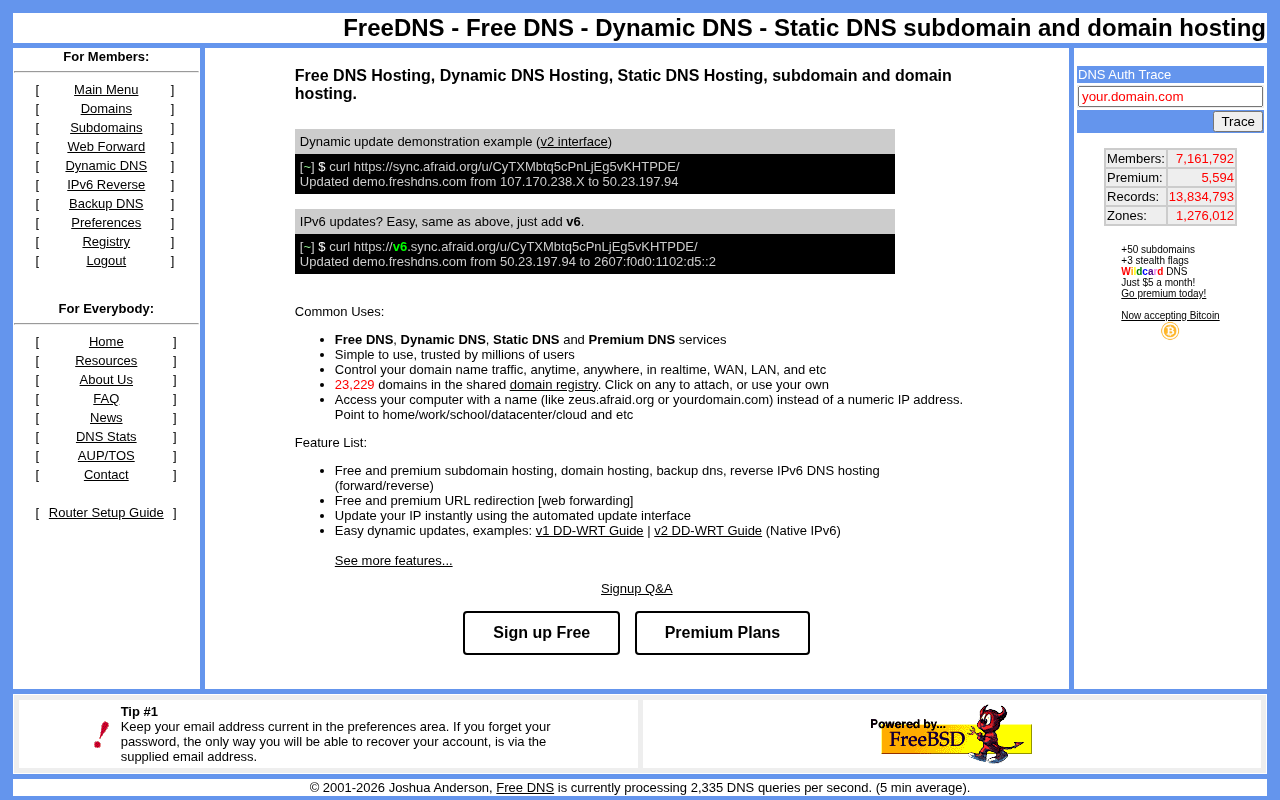
FreeDNS: A Classic Choice for Free Dynamic DNS Services
FreeDNS is a platform offering free dynamic DNS hosting, supporting a shared domain pool and HTTP updates. This article covers its core features, community reviews, use cases, and comparisons with other DNS solutions.

In the AI Era, Why Does BBC's Blue Planet III Deliberately Keep "Imperfect" Shots?
BBC's Blue Planet III bucks the AI trend by deliberately keeping imperfect shots to prove authenticity. This article analyzes the trust logic behind this strategy and its implications for content creators in the AI era.