AI-Assisted Homelab Dashboard: From Bookmark Wall to Full Control Center

A non-developer used AI to turn homelab bookmarks into a polished, open-sourced information dashboard.
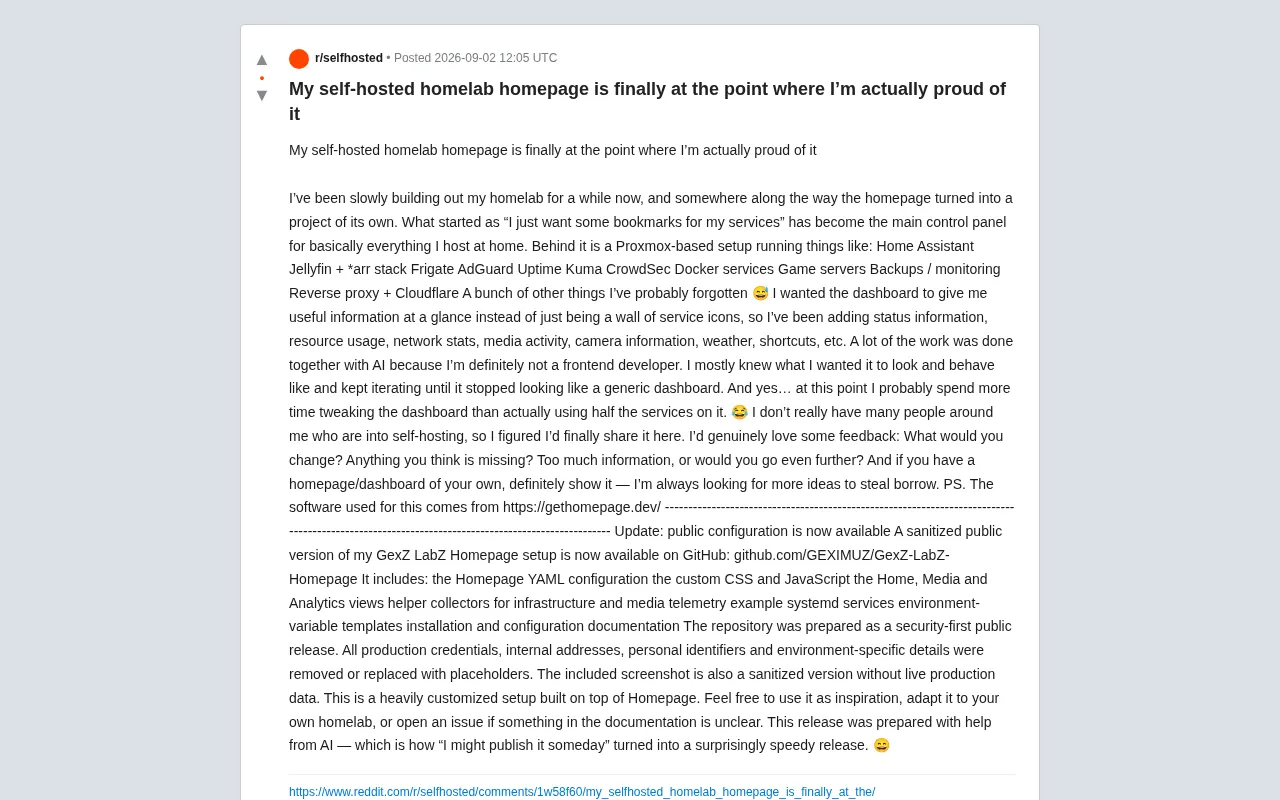
A self-hosting enthusiast transformed a simple "add some bookmarks" idea into a full homelab control center. Running a complete Proxmox-based private cloud with Home Assistant, Jellyfin, Frigate, and CrowdSec, the dashboard is built on the open-source Homepage tool. The author — not a frontend developer — used AI collaboration to deliver custom CSS and JavaScript, then published the sanitized configuration on GitHub as a reusable community template.
When a Homelab Dashboard Becomes Its Own Project
For self-hosting enthusiasts, a great homepage dashboard isn't just a collection of service icons — it's the central nervous system of an entire home lab. Recently, a Reddit user shared a homelab homepage he'd refined through long-term iteration, admitting that what started as a simple desire for "some service bookmarks" eventually evolved into a standalone project he was "genuinely proud of."
What makes this case worth examining isn't just the quality of the final product, but the development pattern it demonstrates: a non-frontend developer using AI to gradually transform vague ideas into a highly customized product. It's perhaps a microcosm of how AI-assisted development is expanding the capabilities of everyday tech enthusiasts.
The Underlying Architecture: A Complete Home Data Center
This dashboard isn't built on thin air — it sits atop a remarkably complete self-hosted tech stack. The author runs a wide range of home-grade services on a Proxmox virtualization platform, covering nearly every popular category in the self-hosting community.
Core Service Lineup
- Smart Home: Home Assistant, the central hub for home automation
- Media Center: Jellyfin paired with the classic *arr suite (Sonarr/Radarr, etc.) for automated media management
- Security Surveillance: Frigate, an AI-powered local video monitoring and object detection system
- Networking: AdGuard for DNS-level ad blocking, with a reverse proxy and Cloudflare for secure external access
- Security Defense: CrowdSec, a crowdsourced intrusion prevention system
- Observability: Uptime Kuma for service availability monitoring, complemented by a backup and alerting stack
- Other: Docker containerized services, game servers, and more
The value of this architecture lies not in the individual components, but in the whole: a private home cloud with surveillance, media, networking, and automation capabilities. The homepage dashboard's job is to consolidate information from all these scattered services into a single unified view.
Proxmox Virtual Environment (PVE) is an open-source enterprise-grade virtualization platform based on Debian Linux. It supports both KVM virtual machines and LXC containers, and provides a unified web management interface. Its popularity in the homelab community stems from several factors: the free version is fully featured (subscriptions only unlock enterprise update repositories), it has excellent hardware compatibility, and it can run on ordinary consumer PCs or even older laptops. On Proxmox, users can run multiple isolated system instances simultaneously — for example, running Home Assistant in a lightweight LXC container while running media services in a separate VM, achieving both service isolation and unified management. This architecture allows a single physical machine to host all the services mentioned in this article.
CrowdSec deserves a special mention as a security component. Unlike traditional intrusion detection systems (IDS), it uses a "crowdsourced threat intelligence" model: each deployed node analyzes logs locally, identifies malicious behavior (such as brute-force attacks and port scanning), and anonymously shares attacker IPs to a community blocklist — so all users benefit collectively. For homelab users exposing services to the public internet, using CrowdSec alongside a Cloudflare reverse proxy allows a large volume of known malicious traffic to be filtered before it ever reaches your own servers, making it one of the most cost-effective security practices in self-hosting today. Frigate, meanwhile, is a leading example of local AI video analysis — leveraging edge TPU accelerators like the Google Coral, it performs object detection (people, vehicles, etc.) entirely on-device, with no cloud dependency, protecting family privacy while enabling smart security.
The Design Philosophy: From "Icon Wall" to "Information Panel"
The author clearly articulates his design philosophy: a dashboard should deliver useful information at a glance, not just serve as a wall of service icons. This is the key distinction between a "beginner dashboard" and a "mature control center."
To achieve this, he integrated real-time information across multiple dimensions:
- Status of each service
- System resource usage (CPU, memory, etc.)
- Network traffic statistics
- Media playback activity
- Camera feed information
- Weather data
- Common shortcuts
This "information density first" mindset reflects a core tension in ops dashboard design: the balance between information richness and readability. The author even asked the community — "Is there too much information? Or should I push it even further?" — which is exactly the dilemma every dashboard builder eventually faces.
The entire project is built on the open-source tool Homepage (gethomepage.dev). It's one of the most popular dashboard solutions in the self-hosting community, known for its YAML-driven configuration and rich library of service integration widgets, providing a solid foundation for deep customization.
Homepage (gethomepage.dev) is one of the most actively maintained open-source dashboard projects in the self-hosting community. Built on Next.js, it uses YAML files to configure all services and widgets — no frontend coding required for a basic deployment. It ships with native integrations for hundreds of self-hosted applications: for instance, it can pull the current playback status directly from Jellyfin's API, fetch the download queue from Sonarr, retrieve service health data from Uptime Kuma, and display all of it as visual cards. Homepage's competitors include Homarr, Dasherr, and others, each with their own focus areas, but Homepage stands out for its active widget ecosystem and support for automatic service discovery via Docker labels, making it the go-to choice for advanced users.
How AI Lowers the Bar for Frontend Customization
One of the most instructive aspects of this case is the author's repeated mention of AI-assisted development. He openly admits he's "absolutely not a frontend developer," but he knew clearly what look and feel he wanted — so through continuous iteration with AI, he managed to break free from the cookie-cutter look of generic dashboards.
This illustrates a classic value scenario for AI-assisted development:
The user has a clear product intuition (know-what) but lacks the specific implementation skills (know-how). AI bridges exactly that gap.
In a follow-up update, the author mentioned that what he'd assumed would be a vague someday plan — "maybe I'll publish the config one day" — quickly turned into a "surprisingly fast" formal release with AI's help. This shows that AI not only accelerated feature development, but also dramatically improved the efficiency of documentation, credential scrubbing, and open-source release preparation.
A Security-First Approach to Open-Source Publishing
Following strong community interest, the author organized and open-sourced his GexZ LabZ Homepage configuration on GitHub (github.com/GEXIMUZ/GexZ-LabZ-Homepage) under a security-first philosophy. The public release includes:
- Homepage YAML configuration files
- Custom CSS and JavaScript
- Three main views: Home, Media, and Analytics
- Auxiliary collectors for gathering infrastructure and media telemetry
- Example systemd service configurations
- Environment variable templates
- Installation and configuration documentation
Particularly commendable is his security awareness: all production credentials, internal addresses, personal identifiers, and environment-specific details have been removed or replaced with placeholders, and even the screenshots have been sanitized. This gives the community a high-quality reference template that's both useful and privacy-safe — a consideration that's often overlooked when self-hosted projects are shared publicly.
Practical Takeaways for Self-Hosting Enthusiasts
This case offers several real-world lessons for homelab builders:
Your dashboard is worth the time investment. The author half-jokingly noted that he now spends more time tweaking his dashboard than actually using half the services it monitors. That may sound backwards, but a well-integrated control center genuinely improves operational efficiency and day-to-day experience over the long run.
AI is a capability multiplier for non-professional developers. You don't need to master CSS and JavaScript. As long as you can clearly articulate what you want and iterate consistently, you can produce a customized interface that rivals professional work.
Open-source sharing requires thoughtful credential scrubbing. Sanitizing your release protects your own privacy and demonstrates responsibility toward the community.
For self-hosters who don't have many peers nearby, this kind of sharing is exactly where community value lies — as the author himself says, he's always "looking for more inspiration to draw from." And this dashboard configuration — built on the open-source Homepage tool, refined through AI collaboration, and released with security in mind — is undoubtedly a valuable template for the community.
Related articles

World's First Humanoid Robot Company Agility Lists on Nasdaq: Buy or Not?
Agility becomes the world's first pure-play humanoid robot company to list on Nasdaq. This article analyzes what the landmark event means for the industry and investors, unpacking the commercialization test and investment framework for the pure humanoid robot sector.

Agent-Browser: A Browser Automation CLI for AI Agents
Vercel Labs open-sources agent-browser, a Rust-built browser automation CLI designed for AI agents, with over 45,000 GitHub stars and command-line-first browser control.

LZ4: The Open-Source Benchmark for Blazing-Fast Compression
Explore the LZ4 blazing-fast compression algorithm: its design philosophy, performance advantages, and wide use in the Linux kernel, databases, and more. How a 12k+ star open-source project became the speed benchmark.