AI-Assisted Self-Hosting: How a Windows User Built a Complete Home Media Server in Two Days

A forgotten NAS gets a full self-hosted stack in two days with AI-assisted troubleshooting.
A self-described advanced Windows user bought a Synology DS920+ NAS years ago, only to abandon it after hitting too many technical walls. Frustrated by Disney's price hikes and a full Google Photos plan, he tried again — this time with AI as an interactive troubleshooting partner. In just two afternoons and an evening, he deployed Immich, Jellyfin, Pi-hole, Vaultwarden, a complete *arr automation ecosystem, and Tailscale remote access. Crucially, his wife now uses it too via Seerr. The case illustrates AI's unique value in hobbyist tech: not doing the work for you, but dramatically lowering the cost of finding answers and reducing the psychological friction of trial and error.
A NAS that had been collecting dust for four years. A couple of afternoons and one evening. The end result: a fully operational self-hosted stack including Immich, Jellyfin, and Pi-hole. This is the real story of a Reddit user — and a reflection of how AI is lowering the technical barrier, helping ordinary people pick up projects they once abandoned.
A NAS Gathering Dust for Four Years
The protagonist of this story is a self-described advanced Windows user. A few years ago, he purchased a Synology DS920+, loaded it with four 4TB drives and an extra 16GB of RAM, and set up a UPS to guard against power outages. The goal was clear: build a media backup system capable of automatically fetching TV shows and movies for streaming.
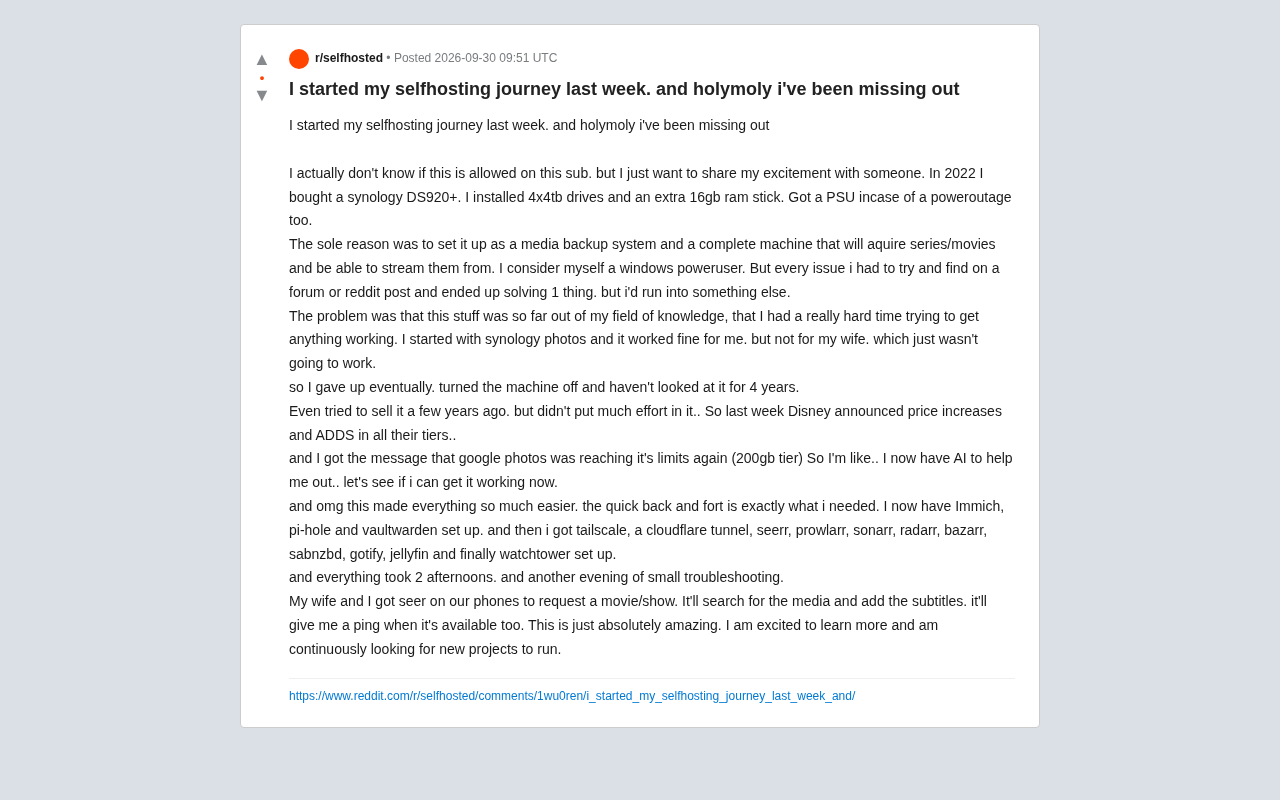
Reality, however, had other plans. He openly admitted that the whole thing was completely outside his knowledge zone — every time he solved one problem, two more would pop up. He'd spend hours digging through forums and Reddit threads just to make incremental progress. The initial Synology Photos setup worked well enough for him, but his wife found it frustrating to use, which made the whole solution unsustainable. Eventually he gave up, powered the machine down, and left it sitting there for four years — he even half-heartedly tried to sell it at one point but never put in much effort.
Two Triggers: Price Hikes and Storage Running Out
What reignited his motivation came down to two very practical things. First, Disney announced price increases across all tiers along with the introduction of ads. Second, his Google Photos storage was once again pushing up against the 200GB plan limit.
Rising subscription costs and shrinking cloud storage value are exactly the pressures driving many households to consider self-hosting today. As the cost-to-value ratio of external services continues to deteriorate, the appeal of owning your own data and media consumption experience grows. The only difference now is that the technical barrier that once stopped most people in their tracks may finally be coming down.
What AI Changed
This time, his reasoning was simple: "I have AI to help me now — let's see if I can actually pull this off."
The results exceeded his expectations. He described the experience as making everything significantly easier. The "quick back-and-forth" that AI provided was exactly what he needed — ask a question the moment you hit a problem, get an actionable answer immediately, rather than combing through mountains of forum posts. This kind of interactive troubleshooting strikes at the most discouraging part of the self-hosting learning curve.
What's particularly noteworthy is the breadth of the final stack he deployed — far more than just one or two apps:
- Immich: Self-hosted photo management, replacing Google Photos
- Pi-hole: Network-level ad blocking
- Vaultwarden: Self-hosted password manager
- Tailscale + Cloudflare Tunnel: Secure remote access solution
- Jellyfin: Media streaming server
- Seerr / Prowlarr / Sonarr / Radarr / Bazarr / SABnzbd: The complete "*arr" ecosystem for automated media acquisition and subtitle management
- Gotify: Push notification service
- Watchtower: Automated container updates
This stack covers essentially the full chain of needs: photos, passwords, ad filtering, media acquisition, and remote access. And he built the whole thing in two afternoons plus a bit of evening tinkering.
The *arr ecosystem is the cornerstone toolchain of self-hosted media management, with each component serving a distinct role: Sonarr tracks and automatically downloads TV episodes, Radarr does the same for movies, Prowlarr acts as an aggregator to manage indexers in one place, Bazarr automatically matches and downloads subtitles, and SABnzbd is a Usenet-based download client. Seerr (Overseerr/Jellyseerr) serves as a user-friendly frontend so family members can search for and "request" content without ever touching the backend — requests automatically flow through the appropriate download pipeline. The complexity of this setup lies in the fact that every service needs to be configured with API keys and path mappings for the others. A misconfiguration at any point breaks the entire automation chain — which is precisely what used to scare beginners away.
From "Works" to "My Family Actually Uses It"
For any self-hosting project, the real measure of success isn't whether the tech runs — it's whether the rest of the family will actually use it. Four years ago, the project failed exactly because his wife couldn't stand using it.
This time was different. Both he and his wife have Seerr installed on their phones. They can request any movie or TV show directly from the app. The system automatically searches for the media, matches and downloads subtitles, and sends a push notification when the content is ready. This automated pipeline hides all the technical complexity behind a clean, on-demand experience — natural enough for non-technical users to adopt without friction. That's the critical step from personal toy to genuine household infrastructure.
Tailscale is a zero-configuration VPN service built on the WireGuard protocol. It requires no public IP address or manual port forwarding — devices communicate directly through encrypted tunnels, making it ideal for securely accessing a home NAS from outside. Cloudflare Tunnel takes a different approach: a local daemon runs on your machine and exposes internal services to the public internet through Cloudflare's edge network, again without opening any router ports, with the added benefit of Cloudflare's access control policies layered on top. Used together, Tailscale typically handles device-to-device access within a virtual private network, while Cloudflare Tunnel provides controlled public-facing access via a specific domain — balancing convenience with security. For households on residential broadband without a static public IP, this combination is arguably the most practical remote access solution available today.
What This Tells Us About Lowering the Barrier
The reason this story resonated is that it's a replicable template: a non-professional, someone who had completely given up, successfully completed a moderately complex technical project with AI assistance.
AI isn't playing the role of "doing it for you" here — it's acting as a guide that accompanies you through learning and troubleshooting. It doesn't reduce the inherent complexity of the technology itself; it reduces the cost of finding answers and the psychological weight of trial and error. For long-tail technical hobbies — self-hosting, home labs, open-source tool deployment — this assistance effect may be even more pronounced than in mature fields, because documentation is scattered, community answer quality varies wildly, and these are exactly the scenarios where AI excels at synthesis and instant response.
The author ended his post saying he's genuinely excited to keep learning and is actively looking for new projects to run. The shift from "powered off and forgotten for four years" to "actively exploring" may itself be the most practical demonstration of AI's value in the hands of everyday users.
The Synology DS920+ is a four-bay NAS device from Synology aimed at home and small office users. It natively runs Synology's DSM operating system but also supports running third-party services via Docker containers. The extra 16GB of RAM and UPS indicate this user took his hardware investment seriously — a four-bay setup with 16TB of raw capacity is more than sufficient to run all the services described in this article concurrently, long-term. Hardware was never the bottleneck; the sticking point was always software configuration and troubleshooting. That's what makes this case study particularly representative: what was sleeping wasn't a cheap entry-level machine, but a capable piece of hardware that could have been running a complete self-hosted system all along.
Related articles

DeepCell: One-Click AI Generation of Documents, Spreadsheets, and Slides
DeepCell tops Product Hunt with one-click generation of documents, spreadsheets, and slides, using the .deepcell format for linked updates, designed for System 2 tasks like modeling and sales reviews.

Doneas: 15-Minute Daily Accountability Calls That Keep Indie Developers From Procrastinating
Doneas is a daily accountability tool for indie developers: plan tasks on Monday, join a 15-minute call with five builders each day, and log deliveries on a public progress page. This article analyzes its core mechanics, effectiveness, and potential issues around retention and matching.

Fastlane 2.0: Fully Automated AI Ad Campaigns, From Creative to Optimization
Fastlane 2.0 is an AI ad automation tool: enter your website and it learns your brand, generates video and image ads, and runs and optimizes them on Meta, TikTok, Instagram, and YouTube.