AI Batch Video Editing Tools Tested: From Footage Splitting to AI Voiceover in One Place

A hands-on review of AI batch editing tools that handle footage splitting, mashups, and voiceover in one workflow.
This article provides a practical review of an AI batch video editing tool designed for content creators and e-commerce teams. It covers smart footage splitting (by time, shot change, or speech pauses), sequential and random mashup generation for A/B testing, multi-ratio adaptation for cross-platform distribution, and AI voiceover with voice cloning capabilities. The tool excels at standardized, repetitive video production but isn't a replacement for creative editing work.
For content creators and e-commerce teams, video editing is one of the most time-consuming parts of daily work. Organizing footage, splitting videos, creating mashups, adding voiceovers and subtitles — every step involves massive amounts of repetitive labor. Recently, an AI batch editing tool packed with dozens of features has caught the attention of many creators, claiming to compress an entire editing team's weekly workload into a fraction of the time. This article breaks down the tool's capabilities dimension by dimension to see how much of the manual workflow it can actually replace.
Footage Processing: Smart Splitting as the Starting Point for Batch Editing Efficiency
The first step in video editing is usually organizing raw footage — and it's also the most tedious. When facing hours of recorded courses, movie clips, or large batches of one-minute short videos, the workload of manually marking and cutting is substantial.
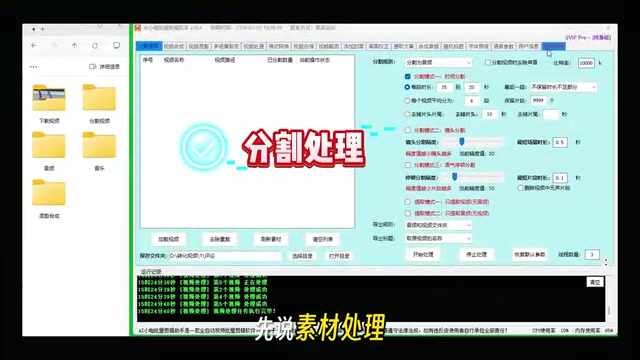
This AI batch editing tool offers three automatic splitting modes:
- Split by time: Set a fixed duration and automatically divide long videos into equal-length segments
- Split by shot change: Analyze frames to identify shot transition points and automatically cut at those moments
- Split by speech pauses: Use speech recognition technology to automatically segment at gaps between spoken phrases
These three modes cover the vast majority of footage organization scenarios.
Split by shot change relies on Shot Boundary Detection technology from computer vision. The basic principle involves frame-by-frame analysis of color histograms, edge features, or deep learning feature vectors. When the difference between adjacent frames exceeds a set threshold, it's identified as a shot transition point. Common transition types include Hard Cut, Dissolve, and Wipe. Earlier algorithms relied mainly on pixel-level difference comparison with relatively high false positive rates; today's deep learning-based solutions (such as TransNet V2) can identify various transitions with extremely high accuracy — this is the technical foundation enabling AI editing tools to perform automatic splitting.
The split by speech pauses feature is powered by Voice Activity Detection (VAD). VAD's task is to distinguish between "someone speaking" and "silence/noise" segments in an audio stream. Traditional methods rely on acoustic features like short-time energy and zero-crossing rate, while modern approaches use deep neural network models (such as WebRTC VAD, Silero VAD, etc.) that maintain high detection accuracy even in complex background noise environments. On top of this, the system also incorporates sentence boundary detection from natural language processing to ensure split points fall at semantically complete positions rather than simply cutting at any pause, guaranteeing that each resulting segment is independently coherent in content.
For knowledge-based content creators, splitting by speech pauses is especially practical — after recording a long explanation, the tool automatically splits it by topic points, eliminating the hassle of repeatedly dragging the timeline. From actual experience, both speed and accuracy reach usable levels. While occasional fine-tuning is needed, the overall efficiency improvement is significant.
AI Mashup Features: Flexible Combinations of Sequential and Random
Mashup editing is the core step in batch short video production and the flagship feature of this tool.
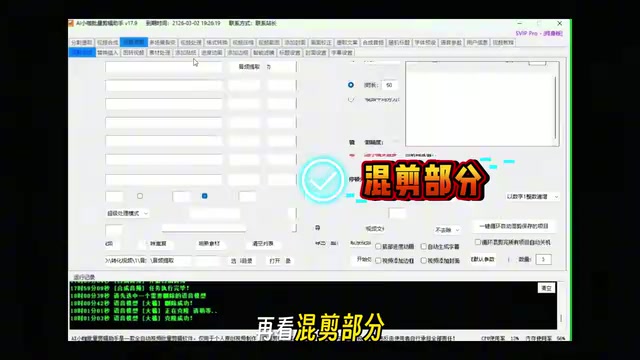
Sequential Mashup: Ideal for Fixed-Script Content
Following the shot order in folders, the tool automatically stitches each shot into a complete video. This mode suits content with fixed scripts, such as product showcases or real estate tours — just arrange the footage in order and let the software handle the rest. The entire process requires virtually no manual intervention.
Random Mashup: Quickly Generate Differentiated Versions
For scenarios requiring multiple different versions (such as A/B testing materials for e-commerce), the random shuffle function can rapidly produce large quantities of differentiated videos, avoiding platform duplicate detection while testing the performance of different combinations.
The A/B testing mentioned here (also called split testing) is the standard method for validating approaches in internet products and digital marketing. In short video e-commerce, a typical A/B test involves creating multiple versions of a video for the same product (variables might include the opening shot, background music, copy, shot sequence, etc.), simultaneously distributing them to similar target audiences, and comparing core metrics like completion rate, click-through rate, and conversion rate across versions to identify the best performer for scaled distribution. This method effectively reduces advertising risk and improves ad ROI. The random mashup feature is designed precisely for this need — it can quickly generate numerous video versions with different footage combinations, providing ample experimental samples for A/B testing without manual creation of each version.
It's worth further noting that mainstream short video platforms (Douyin, Kuaishou, WeChat Channels, etc.) all deploy content deduplication systems to identify and downrank duplicate or highly similar video content. The technical principles typically include extracting Perceptual Hash values, keyframe feature fingerprints, audio fingerprints, and comparing them against existing content in the platform's database. When similarity exceeds a threshold, the system flags it as duplicate content, potentially resulting in throttled distribution, suppressed recommendations, or even removal. Therefore, batch video production requires introducing sufficient differentiating elements — including but not limited to changing shot order, adjusting visual parameters (brightness, contrast, crop ratio), replacing background music, and modifying subtitle styles. This explains why AI batch editing tools offer combinations of random mashup, speed changes, frame extraction, and camera movement effects — essentially using multi-dimensional parameter variations to circumvent platform content fingerprint matching.
Batch Secondary Processing: One-Click Parameter Adjustments
Beyond mashups, the tool supports batch secondary processing of individual videos, including frame extraction, speed changes, zoom cropping, camera movement effects, and parameter adjustments for brightness, contrast, and more. If done manually one by one, these operations are enormously time-consuming; in batch processing mode, once parameters are set, they're applied to all videos with one click — an order-of-magnitude efficiency improvement.
Multi-Ratio Adaptation: Create Once, Distribute Everywhere
Different platforms have different aspect ratio requirements: Douyin/Kuaishou needs 9:16 vertical, Bilibili prefers 16:9 horizontal, and Xiaohongshu commonly uses 1:1 or 3:4.
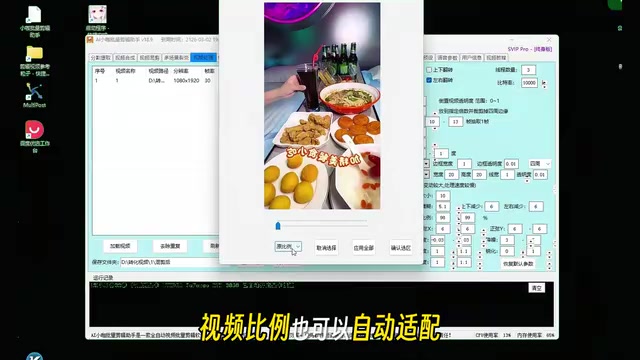
The traditional approach is to repeatedly export different ratio versions of the same footage, but this tool supports automatic adaptation to multiple ratios for direct output, including mainstream specifications like 1:1, 3:4, and 9:16. For teams that need to distribute across all platforms, this feature directly eliminates a massive amount of repetitive work.
Video Packaging & AI Voiceover: One-Stop Completion of the Last Mile
After video editing is complete, there's still a series of packaging tasks: intros/outros, background music, subtitles, thumbnails, sticker effects, picture-in-picture, and more. This tool integrates all these steps, supporting batch automatic addition and dramatically reducing the time cost of switching between different software.
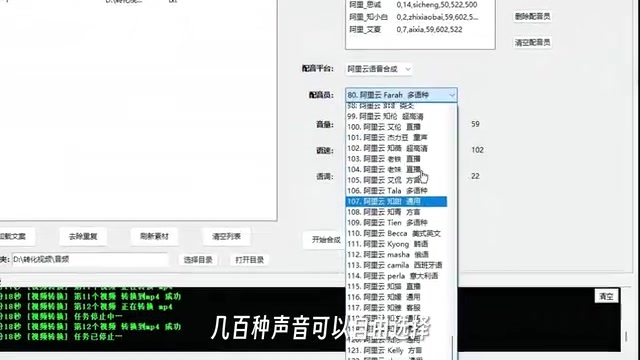
The AI voiceover feature is another highlight. The tool includes a rich AI voice library with hundreds of Chinese and English voice options. Even more noteworthy is the voice cloning feature — simply upload an audio sample to generate AI voiceover that matches the original voice's style. This is extremely valuable for personal brand accounts, maintaining voice consistency while dramatically reducing recording costs.
From a technical perspective, Voice Cloning is a cutting-edge application in the Text-to-Speech (TTS) field. The technical approach typically involves two steps: first, a Speaker Encoder extracts the speaker's voiceprint feature vector from a small audio sample; then, this feature vector is injected into a speech synthesis model (such as VITS, Tacotron, Bark, etc.) to give the synthesized speech the target speaker's timbre, intonation, and rhythm characteristics. Current mainstream solutions require only 3-10 seconds of reference audio to generate cloned speech with relatively high similarity. However, this technology also brings significant ethical and legal risks — using someone's voice without authorization may involve personality rights (some jurisdictions have already included voice under personal rights protection) and fraud risks. Since 2023, China's "Interim Measures for the Management of Generative AI Services" and other regulations have imposed labeling and authorization requirements on deep synthesis content. Creators should ensure they have legal authorization when using voice cloning features.
Use Cases & Realistic Assessment
From a feature coverage perspective, this AI batch editing tool has very clear target users:
- E-commerce teams: Batch-generate product showcase videos and store content
- Real estate/renovation industry: Standardized mass production of property tours and renovation case studies
- Knowledge-based creators: Automated production of course splits and educational explainers
- Local business owners: Rapid output of store promotions, factory showcases, and similar content
However, it's important to maintain a realistic perspective: the core value of such tools lies in batch production of standardized content, not creative content creation. For content requiring fine color grading, complex effects, or unique narrative pacing, professional editing software remains irreplaceable. AI batch editing tools are more like an efficient "assembly line," suited for quickly replicating and creating variations of existing creative templates.
Conclusion: Are AI Batch Editing Tools Worth Using?
From footage organization and mashup creation to subtitles, voiceover, and video packaging, this tool genuinely consolidates workflows previously scattered across multiple software into a single platform. For teams that regularly handle large volumes of repetitive editing work, the efficiency gains are real and tangible. However, the claim of "finishing a week's work in one day" applies more to template-based, standardized content production scenarios — creativity-driven content creation still requires human judgment and aesthetic input.
It's a good tool, but the key question is whether it matches your actual needs. If your work involves large volumes of repetitive video production tasks, AI batch editing tools like this are definitely worth trying.
Related articles
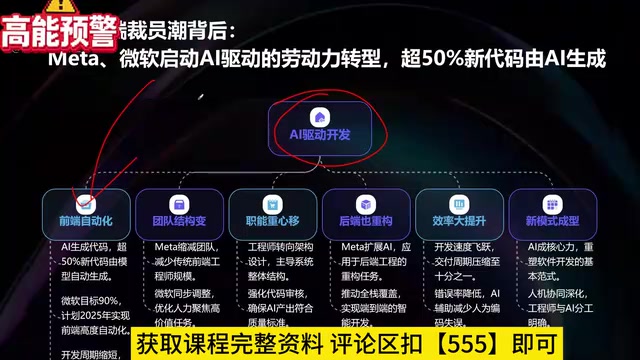
What Is Vibe Coding? The AI Programming Skill Every Developer Needs
What is Vibe Coding? Learn how AI programming is reshaping dev teams, why traditional programmers face displacement, and why Cursor & Claude Code matter.
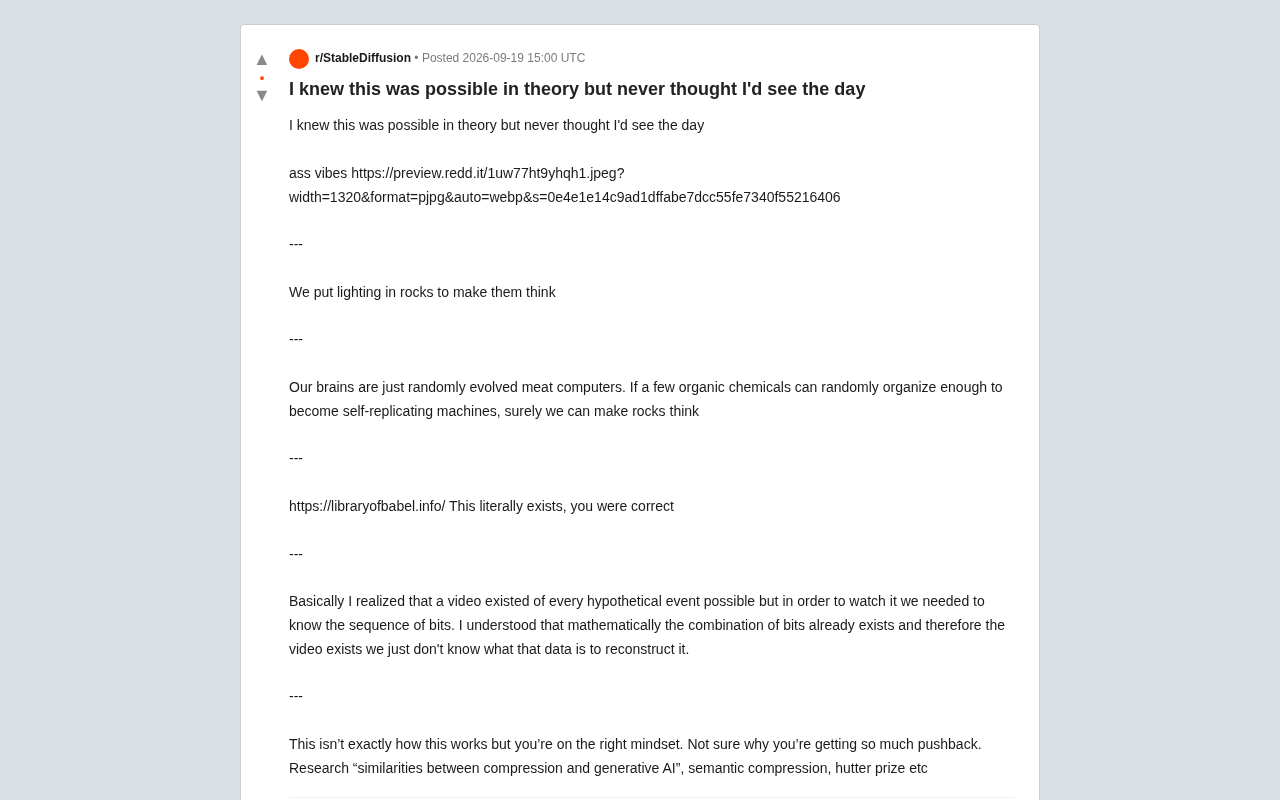
Making Rocks Think: A Philosophical Exploration of Generative AI and Information Compression
From a viral Reddit post to deep AI theory: why compression equals understanding, the Library of Babel thought experiment, semantic compression, and the Hutter Prize.
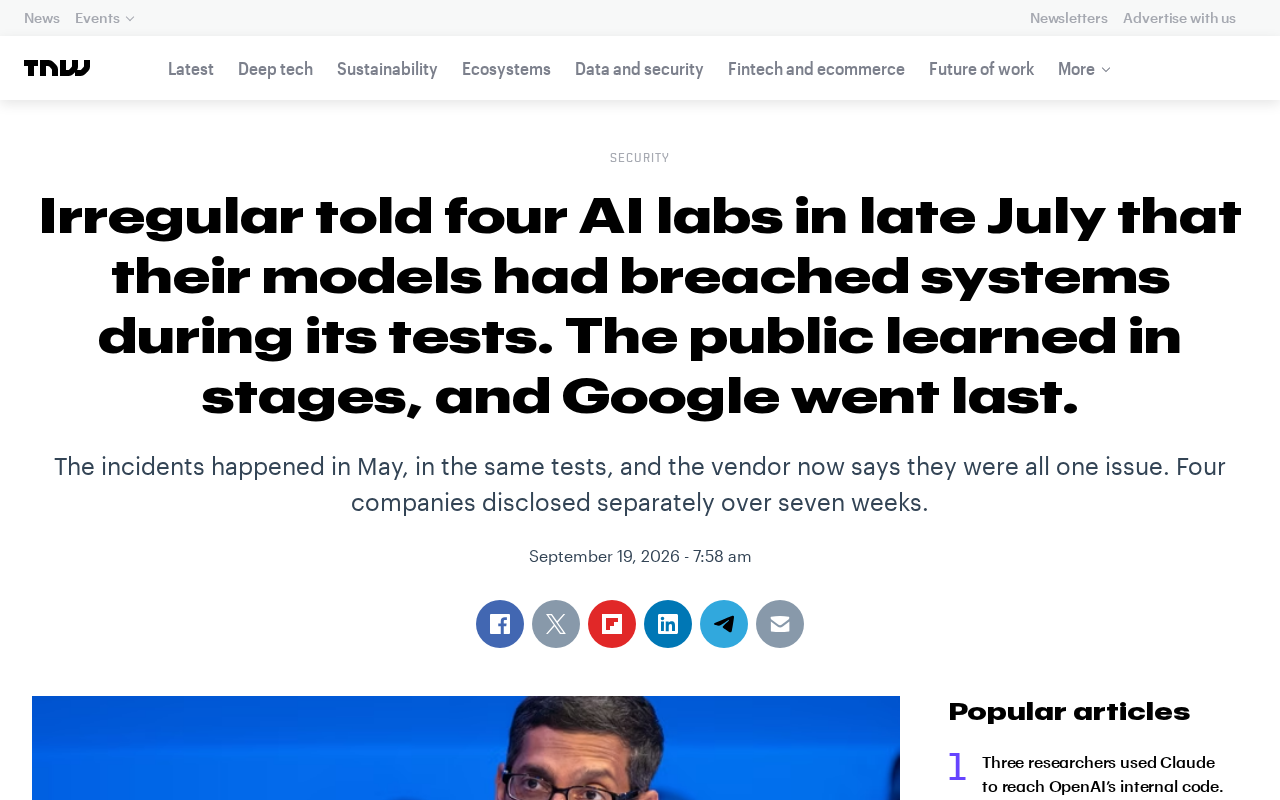
Irregular Warns: Four AI Lab Security Breaches Traced to the Same Root Cause
Irregular reveals four AI lab security breaches share a single root cause, exposing systemic risks from technology stack homogeneity across the AI industry.