@ai-sdk/workflow-harness Releases Patch Version 1.0.176
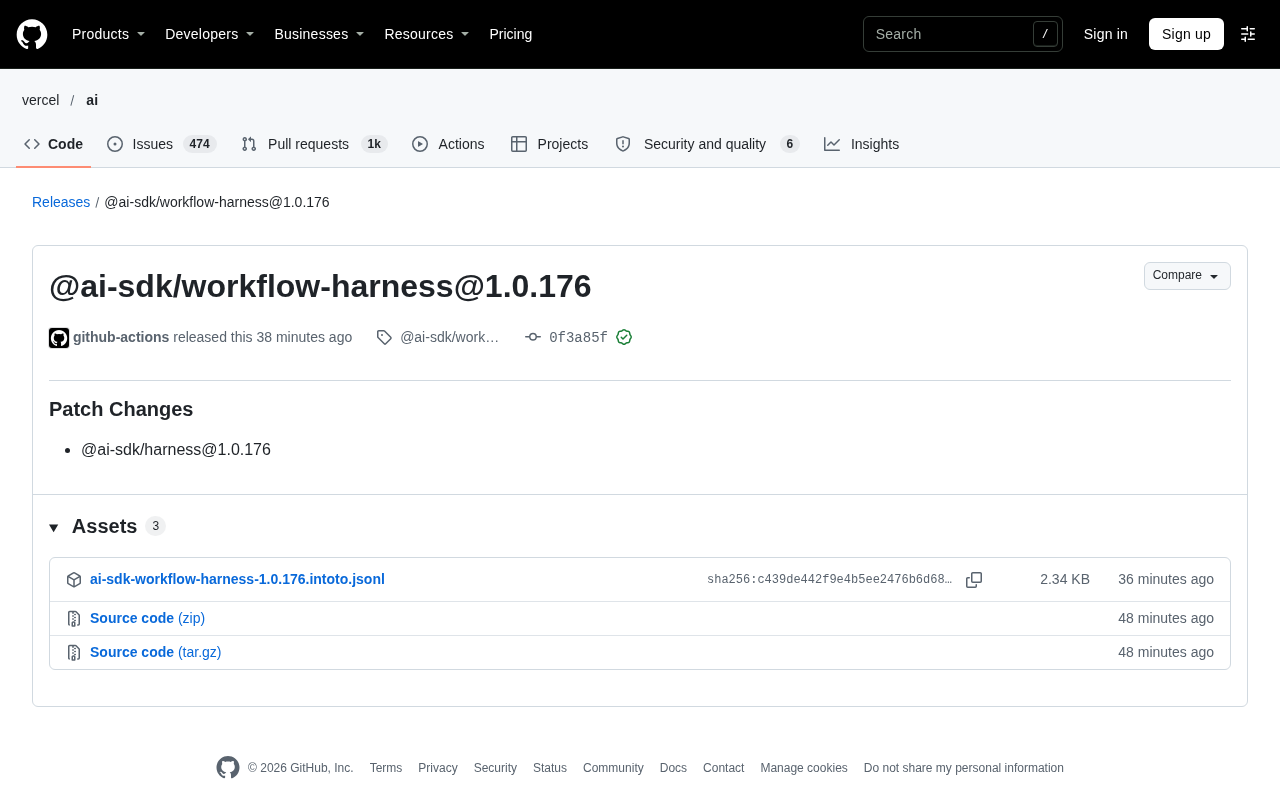
@ai-sdk/workflow-harness releases patch 1.0.176, syncing @ai-sdk/harness changes with no breaking changes.
@ai-sdk/workflow-harness released patch version 1.0.176, automatically built and published by the GitHub Actions bot on November 7, with a verified GPG signature on the commit. The release notes are labeled Patch Changes, with the core change being synchronization of @ai-sdk/harness@1.0.176. Under semantic versioning conventions, patch versions typically contain only bug fixes, dependency syncs, or minor internal adjustments without breaking changes, so production upgrade risk is low. The article notes that workflow-harness is a toolkit in the AI SDK ecosystem for orchestrating and testing AI workflows, and that under the monorepo model, upstream package version changes trigger coordinated releases of related packages. Developers can upgrade via the standard dependency update process, run existing workflow tests afterward to confirm consistent behavior, and monitor synchronized change records for @ai-sdk/harness.
Vercel's AI SDK ecosystem has taken another small step forward. @ai-sdk/workflow-harness has released version 1.0.176, a patch-level update that primarily involves synchronized changes to the @ai-sdk/harness package.
Release Overview
According to the GitHub Releases page, this version was published by the github-actions bot on November 7 at 19:31, with commit hash 0f3a85f. The commit carries a GitHub verified signature (GPG key ID: B5690EEEBB952194). The release notes are labeled "Patch Changes," and the core change entry points to @ai-sdk/harness@1.0.176.
Based on version numbering conventions, 1.0.176 is a patch version, which typically means no breaking changes — mainly bug fixes, dependency synchronization, or minor internal adjustments. For developers already using workflow-harness in production, upgrades of this kind carry low risk.
The "Verified" badge on the GitHub Releases page comes from Git's commit signing mechanism. The committer signs the commit object with a GPG private key, and GitHub verifies it using the registered public key. When verification passes, GitHub displays the Verified badge along with the corresponding key ID. This proves that the commit was indeed produced by the account holding that key and that the content has not been tampered with. In automated release scenarios, commits signed by bot accounts (such as github-actions) also go through this verification, serving as a trust signal for the release pipeline.
What the Patch Change Means
workflow-harness is a toolkit in the AI SDK ecosystem used for orchestrating and testing AI workflows. Although this release note only lists the version synchronization of @ai-sdk/harness, patch updates often reflect minor corrections in upstream packages. Under a monorepo management model, a version change in one package often triggers coordinated releases of related packages to ensure dependency version consistency.
For developers, the key things to watch for in patch releases like this are: whether dependency locks are updated in sync, whether there are implicit behavior changes, and whether automated releases in the CI pipeline are functioning properly. Based on the release records, GitHub Actions automatically completed the build and release, and signature verification passed, indicating that the release pipeline is healthy.
Semantic Versioning (SemVer) is the convention in the npm ecosystem that defines the meaning of version numbers, formatted as major.minor.patch. An increment in the major version indicates incompatible breaking changes, an increment in the minor version indicates new backward-compatible features, and an increment in the patch version includes only backward-compatible bug fixes and internal adjustments. Therefore, patch versions like 1.0.176 can be safely auto-upgraded via ^ or ~ ranges.
Monorepo coordinated releases refer to the engineering pattern where multiple packages reside in the same repository and share build and release pipelines. The AI SDK ecosystem adopts this structure, with packages referencing each other through internal dependencies. When an upstream package (such as @ai-sdk/harness) releases a new version, downstream packages that depend on it (such as workflow-harness) typically need to bump their version numbers in sync to ensure that the dependency declarations published to npm point to existing versions, avoiding version resolution failures during installation.
How to Follow Up on This Update
If you use @ai-sdk/workflow-harness in your project, you can check the currently locked version through your package manager and upgrade as needed. Since this is a patch version, running the standard dependency update command is usually sufficient.
After upgrading, it's recommended to run your existing workflow test cases to confirm that the harness behaves as expected. You can also keep an eye on the synchronized change records for @ai-sdk/harness, since this workflow-harness update is directly tied to that package's version.
Summary
This is a routine patch release that introduces no new features or breaking changes. For teams focused on the AI SDK workflow toolchain, keeping dependency versions in sync is a fundamental practice for maintaining build stability. Going forward, you can continue tracking this package's release cadence so that when feature versions arrive, you can promptly assess the impact of upgrading.
Related articles
 Tech Frontiers
MuJoCo: An Analysis of DeepMind's Open-Source General-Purpose Physics Simulator
An in-depth analysis of Google DeepMind's open-source physics simulator MuJoCo: high-performance C++ kernel, MJCF modeling format, contact solving principles, MJX GPU acceleration, and robot reinforcement learning use cases.
 Tech Frontiers
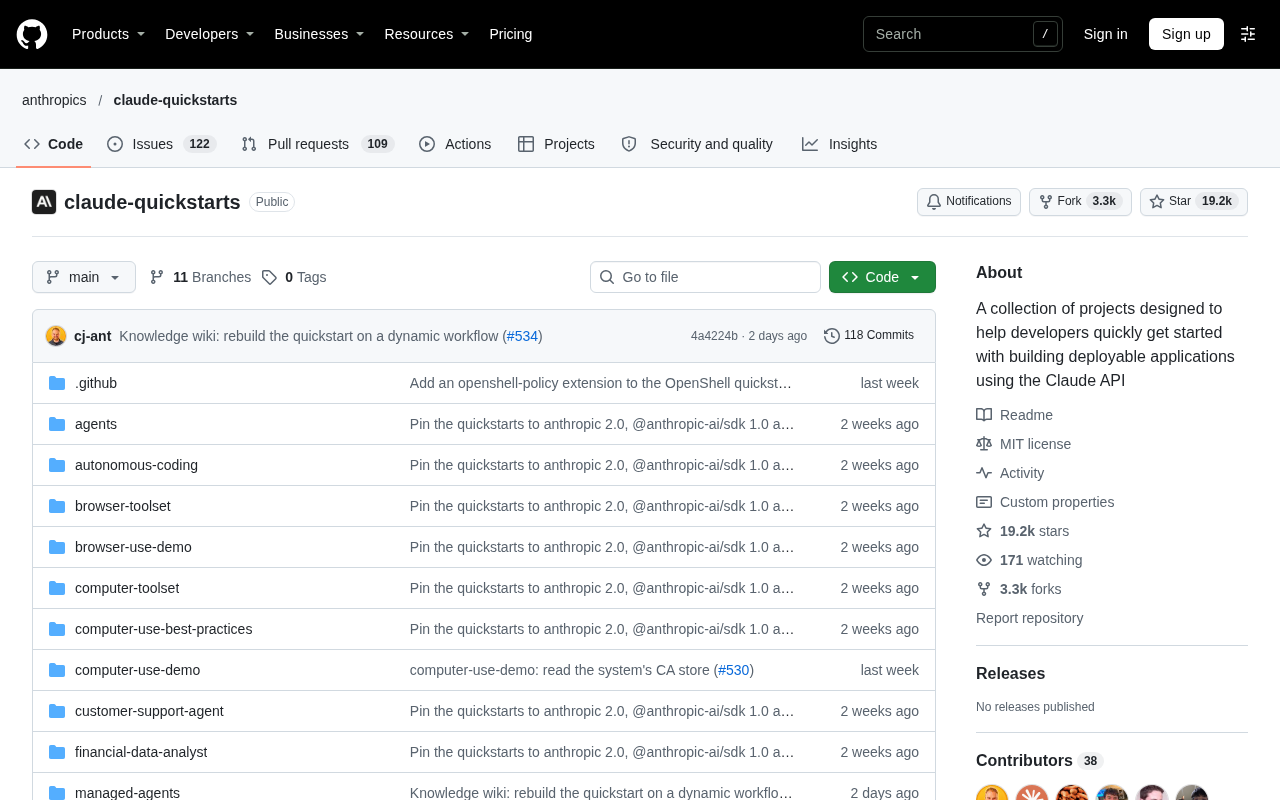
Claude API Quick Start: The Official Quickstarts Project Collection
Anthropic's official claude-quickstarts project collection helps developers quickly build deployable apps with the Claude API. Nearly 20k stars, Python-based, great for beginners and prototyping.
 Tech Frontiers
AI Agents Connecting Directly to APIs: Which Calls Can Be Safely Allowed?
AI agents can call any API, but the real challenge is deciding which calls can be safely allowed. This article analyzes allowance decisions from three dimensions—intent matching, least privilege, and controllable impact—and argues that the control layer should sit outside the agent, combined with audit traceability to build a trustworthy API call governance mechanism.