AirFly View Headphone Adapter: Solving Pairing Woes with a Screen

Twelve South launches AirFly View with a screen, replacing LED-light pairing with text guidance.
Twelve South releases AirFly View, adding a built-in display to its Bluetooth audio adapter and replacing LED color/blink-based pairing status with step-by-step text guidance to reduce the learning curve. It's not a technological breakthrough but an experience optimization for wired-to-Bluetooth scenarios like in-flight entertainment, targeting travelers with wireless noise-canceling headphones facing wired jacks. The screen offers clearer feedback but introduces trade-offs in body space, battery life, and bright-light readability. Battery life and pricing are unannounced and will determine its competitiveness.
For travelers who regularly use wireless headphones on planes, Twelve South's AirFly series is a familiar name—it turns wired headphone jacks into Bluetooth transmitters, letting wireless headphones connect to in-flight entertainment systems. But these small accessories have long had one pain point: the pairing process relies entirely on blinking LED indicators, and users often have to consult the manual repeatedly to complete a connection. Twelve South's newly released AirFly View attempts to put an end to this awkwardness with a built-in screen.
Pairing Guidance: From "Decoding Lights" to "Reading Instructions"
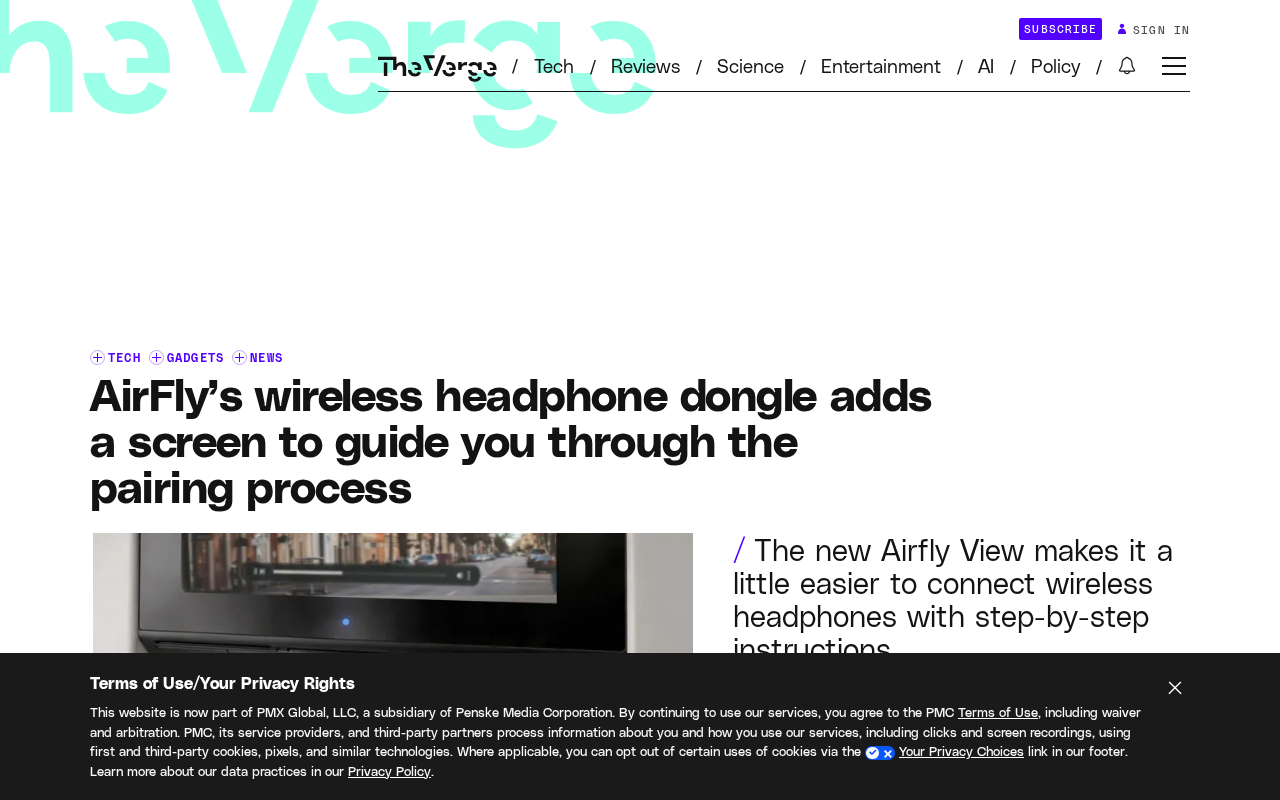
According to information released by Twelve South, the core change in AirFly View is the addition of a display on the body. Traditional AirFly relies on LED color and blink frequency to convey status during pairing, and users need to remember rules like "fast blinking means searching, solid light means connected." AirFly View instead displays step-by-step instructions on the screen for each pairing stage, so users can complete the connection by following the on-screen prompts without having to decode light signals.
The value of this change lies in reducing the learning curve. For users unfamiliar with Bluetooth pairing logic—especially passengers who only use the adapter occasionally while traveling—on-screen prompts are far more intuitive than blinking lights. When pairing fails, the screen can also provide clearer status feedback, rather than leaving users staring blankly at a light color whose meaning they don't understand.
Bluetooth pairing is essentially a state-machine process: the device first enters discoverable mode (broadcasting state), is discovered by the host, exchanges pairing keys, and then establishes a connection. Traditional adapters map these states using different LED blink patterns, effectively compressing status information into a code that users must learn themselves. The screen approach decodes that code back into natural language, directly presenting the current state and what to do next. From a human-computer interaction perspective, this shifts the cognitive burden of "recognition—memory—reasoning" onto the device itself, a classic interface design optimization. However, whether the screen truly reduces friction still depends on whether the copy is concise and whether state transitions are timely; otherwise, users may still be distracted by too much information.
Solving a Small Problem, Targeting a Big Scenario
From a product positioning standpoint, AirFly View is not a device pursuing technological breakthroughs, but an experience-optimization product for a specific scenario. Its target user group is clear: travelers who own noise-canceling wireless headphones but whose flights still provide wired audio jacks. In this scenario, users are often tired, in low light, and short on time—any pairing step that requires thinking is a burden.
Twelve South's choice to replace LED indicators with a screen is essentially subtraction—presenting information that previously required user memory and reasoning directly as text. This approach is not new in consumer electronics, but applying it to small accessories like Bluetooth adapters does address a long-overlooked detail in the experience.
In-flight entertainment system audio jacks are usually 3.5mm dual-plug or single-plug, while modern wireless headphones have generally dropped wired modes, creating a structural mismatch: airlines' cabin hardware refresh cycles are far slower than consumer electronics. The value of Bluetooth transmitters like AirFly is precisely to serve as a bridge during this mismatch window. Notably, the in-flight scenario imposes additional constraints on Bluetooth devices—cabin wireless signals are dense, the 2.4GHz band may be crowded, and the transmitter's RF stability and interference resistance directly affect audio-video sync. In addition, aviation safety regulations require Bluetooth transmission to be turned off during takeoff and landing, so whether the product is easy to quickly switch on and off is also a practical consideration.
The Trade-offs of Adding a Screen
Adding a screen also means design trade-offs. A display takes up body space and may affect portability; at the same time, the screen needs power, placing higher demands on battery life. Twelve South has not yet announced specific battery life figures or pricing for AirFly View—information that will directly affect its competitiveness relative to previous generations.
Another aspect worth noting is screen readability in bright light. In in-flight entertainment scenarios, cabin lighting is often dim, but reading lights or sunlight through the window can cause interference, so the screen's brightness and contrast design must withstand real-world use.
Battery life for Bluetooth adapters mainly depends on Bluetooth chip power consumption and battery capacity. With a display added, the backlight module becomes a new major power drain. A common low-power approach in the industry is to use a monochrome or segment-type OLED screen that lights up only when status changes and stays off otherwise, keeping additional power consumption to a small range. If a color LCD is used, both power consumption and cost rise significantly. In terms of brightness, OLED can achieve extremely low brightness in dark environments without being harsh, but its readability in bright light is inferior to high-brightness LCD—which explains why screen type and brightness strategy are key design decisions for such products.
Summary
AirFly View is a typical small-step improvement: it doesn't change the product's basic function, but uses a screen to turn the pairing process from "guessing" into "following along." For users fed up with indicator-light puzzles, this change is appealing enough. Its final performance will depend on whether Twelve South can strike a balance among price, battery life, and screen readability.
Related articles

Fifty Years Studying Power: Robert Caro's Writing and Insights on Power
Robert Caro reflects on 50 years studying power: Lyndon Johnson's persuasion and leverage, Robert Moses's transformation from idealist to ruthless builder, the dilemmas of large-scale construction, and his methods of compressing themes and solitary focus in biography writing.

Can a $20,000 Robot Do Your Chores? The Test Results Are Surprising
A YouTube test video shows how a $20,000 robot responds to commands like washing dishes, turning off lights, taking out trash, and feeding the dog. This article analyzes its real capability boundaries, the state of voice interaction technology, and how far household robots are from mainstream adoption.

The Complete Guide to Running AI Models Locally: Inference Engines and Tool Stack Explained
A systematic breakdown of the complete local LLM tool stack: from PyTorch and GGML compute libraries to llama.cpp, vLLM, SGLang inference engines and Ollama, LM Studio wrapper layers, with benchmark data on performance differences and selection logic.