Apple Killed Walkie-Talkie, So He Decided to Rebuild One for His Wife

After Apple removed Walkie-Talkie, an engineer is building an Apple Watch walkie-talkie app for his wife from scratch, in public.
Apple silently removed the Walkie-Talkie feature in watchOS 27, so a software engineer decided to rebuild an Apple Watch-centric alternative for his wife. He describes the original's unique value — hold the yellow button to talk, release to listen — handling quick fragments like "on my way" that don't warrant a call but are annoying to type. The first version focuses on core connection and calling, borrowing the phone call mechanism to wake the other person's watch and work around watchOS background limits and the missing PTT toolkit. He plans to document the entire build process, including failures, costs, and technical decisions. The app is still unnamed, and he's seeking community suggestions.
Apple removed the long-beloved Walkie-Talkie feature in watchOS 27, so one software engineer decided to personally rebuild an Apple Watch-centric replacement for his wife — and he's documenting the entire journey from design to App Store release in public.
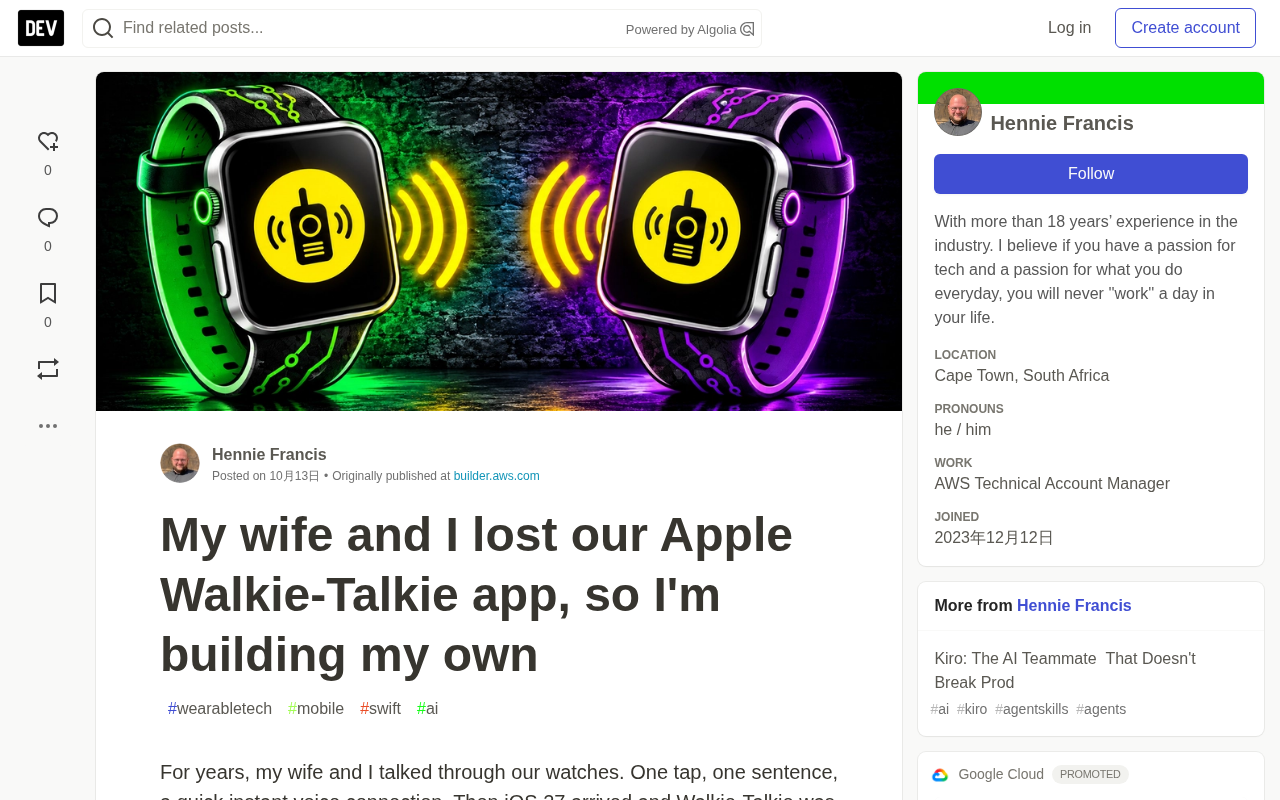
The Vanishing Yellow Button
For this developer, the most-used app on his Apple Watch was never the fitness tracker or a fancy watch face — it was the simple Walkie-Talkie. Its interaction was remarkably restrained: tap a contact, hold the big yellow button, and speak. Your voice would come out of the other person's wrist. No typing, no pulling out a phone, no waiting for a reply.
He and his wife had relied on this feature for years. After upgrading to iOS 27 and watchOS 27, he updated his watch right away as usual. A few days later, his wife tried to call him — nothing. At first he assumed it was a flaky connection or a random bug. The next day, when he tried to call his wife, he discovered the app had disappeared entirely.
After checking the official changelog, he confirmed that Walkie-Talkie was no longer supported and had been officially removed. No advance notice, no replacement.
The removal in watchOS 27 is not an isolated incident. Apple typically uses "no longer supported" language in system update logs to batch-clean old features with low usage or high maintenance costs. Walkie-Talkie, introduced with watchOS 5 in 2018, had long depended on the iPhone-side FaceTime audio channel and dedicated PTT background permissions. Once the underlying framework strategy shifts or the security model tightens, lightweight apps that rely on private pipelines are easy to cut entirely. What's more troublesome is that the app icon simply vanishes on the user side — there's no notification like there would be for a deprecated service, so after upgrading, you often don't notice until a call fails.
Why a Tiny Feature Matters So Much
Walkie-Talkie was never meant for long conversations. It handled the fragments of communication that don't warrant a phone call but are annoying to type out on a watch: "On my way," "Want coffee?" "Dinner's ready."
A short voice message from the wrist sits right in the middle ground — warmer than text, deliverable in two seconds, and you get to hear the other person's voice. This kind of need seems trivial, yet it's frequent enough to shape daily experience. After it disappeared, the couple's way of communicating noticeably changed.
The developer says this feeling of "not realizing how much you needed it until it's gone" usually signals one thing: it's worth rebuilding.
What He's Building
The approach is straightforward: a walkie-talkie app that puts the Apple Watch first. The iPhone can be used, but the watch is the star.
He describes his vision as "something between Apple's Walkie-Talkie and Zello." The first version's flow is: open the app, pick a contact, tap Connect. The other person's watch buzzes — even if the app isn't open — and a request pops up for them to confirm. Once accepted, the connection is established: hold to talk, release to listen. If they don't answer, it shows "Not available" and ends.
Voice messages (for when the other person is busy), group calls, and other features are reserved for later versions. His reasoning: better to ship something small that he and his wife will use every day than to build something big that never gets finished.
Platform Limits Are the Real Designer
This is not a weekend project. The developer has experience with native device toolchains and knows this well.
Apple Watch imposes strict power-saving constraints: watch apps can't stay in the background waiting for calls for extended periods, and can't maintain long-lived connections at will. More critically, Apple's own push-to-talk toolkit only exists on iPhone — there's nothing on the watch side.
So how do you wake the other person's watch and start talking immediately? His solution borrows the phone call mechanism — after tapping Connect, the other person's watch receives a special notification that wakes the app, and the session runs like a call, staying alive even with the screen off.
The trade-off is that the incoming call interface looks like a phone call. Not ideal, but he believes designing within platform rules is better than fighting them. These constraints shape the product far more than any feature list.
The Push-to-Talk (PTT) framework is a dedicated API Apple provides on iOS that allows VoIP-type apps to stay on standby in the background and wake the recipient's device when a walkie-talkie request comes in, enabling the low-latency "hold to talk, release to listen" experience. It relies on the system's VoIP call channel and audio session management, which gives it special permissions for background wake-up, microphone access, and audio priority. The key limitation: this framework ships only with iOS, and watchOS does not expose a corresponding API. This means watch-side apps can't directly reuse the iPhone's walkie-talkie mechanism — developers must work around it using notification wake-ups or call-type interfaces as a simulation. This is the fundamental reason behind the article's "borrowing the phone call mechanism" approach.
Building in Public, Failing in Public
The developer plans to write about every step: technical decisions, pitfalls encountered, running costs, lessons learned. He admits that first attempts usually involve more failure than success.
The motivation for building in public is twofold. First, accountability — once you've said it out loud, you have to finish. Second, he could barely find any complete record online of building a real Apple Watch app from scratch, and maybe his content can help others.
The app doesn't have a name yet. He's soliciting suggestions from readers and wants to hear from people who used Walkie-Talkie about what they miss most. In the next installment, he'll settle on a name, reserve a spot on the App Store, and scaffold the project. Whether a walkie-talkie built for just two people can make it all the way to release — he'll keep documenting.
Additional Background
watchOS's background execution model deserves its own explanation. Unlike iPhone, watch apps can't stay in the background maintaining network connections for long — the system suspends the vast majority of processes within seconds to save power. The long-running scenarios available to developers are very limited, mainly around audio playback, location tracking, workout sessions, and call-type activities. To make a walkie-talkie "always wakeable" on the wrist, you must use system-level channels — push notifications, the CallKit call interface, or audio session interruptions — to pull the app back from suspension to the foreground. This also explains why the article's solution looks like "answering a phone call" — it's essentially borrowing the survival permissions the system grants to calls in exchange for the real-time responsiveness a walkie-talkie needs.
Related articles

Kimi K3.1 Hands-On Test: Open-Source Model Nears Opus, Video Generation Steals the Show
Kimi K3.1 completed motion graphics, 3D rendering, mini-games, and video generation in a live test. Analysis of its 2.8T MoE architecture, gap vs Opus/GPT, and hidden video generation.

Sam Altman: Why Life's Biggest Advice Should Still Come from Humans
OpenAI CEO Sam Altman on the limits of AI advice: AI can talk you out of an impulsive email, but life's biggest advice should still come from humans.

"Black October": Did AI Uncover 3% of All Critical Vulnerabilities Ever?
A Reddit post claims 3% of all critical software vulnerabilities ever were found in the past month, dubbed 'Black October.' We break down the statistical issues, how AI-assisted code auditing accelerates discovery, and how developers should respond.