Apple Touch Comes to Mac: New Interactions Developers Need to Prepare For

Apple's announcement calls on developers to prepare in advance for Touch interaction on MacBook Pro
Apple's developer website has published a "Say hello to Touch on Mac" announcement, declaring that MacBook Pro will introduce Touch interaction and calling on developers to start preparing immediately. The announcement recommends developers get ahead through three approaches: watching developer videos, signing up for Group Labs, and consulting new articles and resources. The wording "start getting ready" rather than "already available" suggests formal support is not yet fully in place. The article's analysis holds that the introduction of Touch will require developers to rethink the co-design of touch with the keyboard and trackpad, involving issues such as interface element sizes, spacing, and gesture conflicts. For teams that have already built iPad apps or use SwiftUI, it's an opportunity to extend the touch experience, while applications built primarily around desktop mouse logic will need systematic adjustments. Developers are advised to browse the section's resources early and review their core interaction flows.
Title
Apple Touch Comes to Mac: New Interactions Developers Need to Prepare For
Meta Description
Apple's developer site has published a "Say hello to Touch on Mac" announcement, calling on developers to prepare in advance for Touch interaction on MacBook Pro, offering developer videos, Group Labs, and documentation resources. This article breaks down the announcement's signals, key adaptation points, and action recommendations for developers.
Article Content
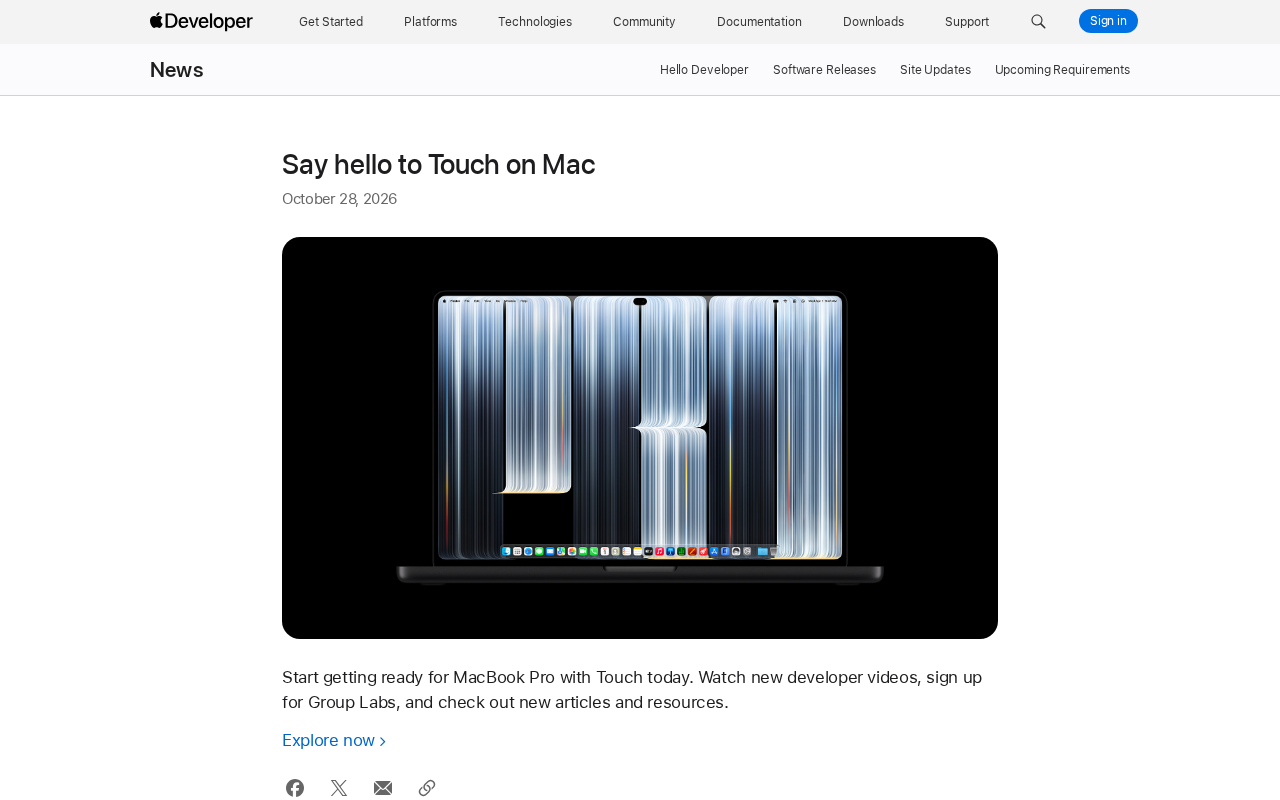
Apple's developer website has published a brief announcement titled "Say hello to Touch on Mac," declaring that MacBook Pro will welcome Touch interaction and calling on developers to start preparing immediately. Although the announcement is short, the signal it sends is clear: Mac's input methods are entering a new phase.
What the Announcement Says
According to information on Apple's developer website, the company recommends developers get ahead through three approaches: watching the newly released developer videos, signing up for Group Labs, and consulting the newly launched articles and resources. The announcement page also provides a direct link to the "Touch on Mac" section, making it easy for developers to access documentation and tools in one place.
You may not have noticed that the announcement uses the phrase "Start getting ready" rather than "already available." This means the relevant capabilities may not yet be fully in place, and developers' current task is to learn and adapt in preparation for formal support down the line.
Group Labs are a small-scale technical exchange format within the Apple Developer Program, typically hosted by Apple engineers and centered on a specific technology topic. Unlike large WWDC sessions, Group Labs have limited attendance, allowing developers to bring specific code or design questions to discuss directly with engineers and receive targeted feedback. Such events are often held before a new technology is officially released, helping developers understand API design and best practices in advance. Participation usually requires advance registration and spots are limited, which is why Apple specifically reminds developers in the announcement to register early.
Why Developers Should Pay Attention
Mac's interaction methods have centered on the keyboard and trackpad for years. The introduction of Touch means applications may need to rethink their input layer design: which operations are suitable for direct finger touch on the screen, which should still be handled by the keyboard and trackpad, and how the two can work together without interfering with each other.
For teams that have already built iPad apps or use cross-platform frameworks like SwiftUI, this may be an opportunity to extend the touch experience; for applications built primarily around desktop mouse logic, it may be necessary to evaluate interface element sizes, spacing, and gesture conflicts. Apple providing videos, labs, and documentation simultaneously suggests that adaptation isn't as simple as changing one line of code—it requires systematic design adjustments.
SwiftUI is a declarative UI framework introduced by Apple in 2019, written in the Swift language, supporting cross-platform development for iOS, iPadOS, macOS, watchOS, and tvOS. Its core feature is using declarative syntax to describe interface state, with the framework automatically handling interface updates. Because SwiftUI natively supports multi-touch gestures (such as drag, pinch, and long press), teams that have already built iPad apps with SwiftUI have a clear advantage when adapting to Mac touch—much of their gesture code and layout logic can be reused directly or with minor adjustments. In contrast, traditional desktop applications based on AppKit or UIKit need additional work to map touch events to mouse events.
What Developers Can Do Now
The most direct action is to visit the Touch on Mac section of Apple's developer website and browse the official articles and resources. Group Labs offer the opportunity to communicate directly with Apple engineers, making them ideal for bringing specific adaptation questions. Developer videos typically cover API changes, design specifications, and common pitfalls, serving as a low-cost entry point for understanding the full picture.
For product teams, it's advisable to review core interaction flows early, identify areas that could benefit from touch, and keep an eye on whether Apple subsequently publishes more complete design guidelines and Human Interface Guidelines updates.
Human Interface Guidelines (HIG) are design guidelines published by Apple that specify in detail the interface element sizes, spacing, interaction patterns, and accessibility requirements for apps on each platform. For touch interaction, the HIG typically recommends tappable areas of no less than 44×44 points and emphasizes gesture discoverability and conflict avoidance. Apple has not yet published a dedicated HIG section for Mac touch, but developers can refer to iPadOS touch design specifications as an interim reference. Watching HIG updates is an important signal for judging Apple's design intent for Touch on Mac, because specifications often ship alongside or ahead of system capabilities.
Editorial View
This announcement doesn't carry much information, but its direction is strong. Apple rarely calls on developers so explicitly to "start getting ready" when capabilities aren't fully ready—this usually means formal support is not far off. For developers, understanding the design logic of Touch on Mac one step earlier means one less risk of reactive adaptation. As for the final form Touch will take and how much impact it will have on the existing Mac app ecosystem, we'll need to wait for Apple to disclose more details.
One-line Summary
Apple's announcement calls on developers to prepare in advance for Touch interaction on MacBook Pro
Paragraph Summary
Apple's developer website has published a "Say hello to Touch on Mac" announcement, declaring that MacBook Pro will introduce Touch interaction and calling on developers to start preparing immediately. The announcement recommends developers get ahead through three approaches: watching developer videos, signing up for Group Labs, and consulting new articles and resources. The wording "start getting ready" rather than "already available" suggests formal support is not yet fully in place. The article's analysis holds that the introduction of Touch will require developers to rethink the co-design of touch with the keyboard and trackpad, involving issues such as interface element sizes, spacing, and gesture conflicts. For teams that have already built iPad apps or use SwiftUI, it's an opportunity to extend the touch experience, while applications built primarily around desktop mouse logic will need systematic adjustments. Developers are advised to browse the section's resources early and review their core interaction flows.
Related articles

Private Key Set to 4? CA's Elementary Mistake Leaves TLS Exposed
CA eMudra set private keys to tiny values like 4, making TLS certificates brute-forceable. A Computerphile video demonstrates the full process from extracting public keys to forging certificates, and explores the fragility of the PKI trust chain.

How Gen Turns Data into Decisions with ChatGPT Work
In an OpenAI user case, business leader Gen shares how ChatGPT Work turns data into decisions: within hours of launch, teams can judge whether integrations and onboarding flows work, shifting decision iteration from hundreds of trial-and-error attempts to a fast feedback loop.

ChatGPT vs. Claude In-Depth Comparison: Strong at Coding but Weak at Research — How to Bridge the Gap?
A user considers switching from ChatGPT to Claude, finding Claude stronger at coding but shallower at research. We analyze the differences and share tips to make Claude's research deeper.