Automating Dependabot Dependency Update Reviews with GitHub Copilot
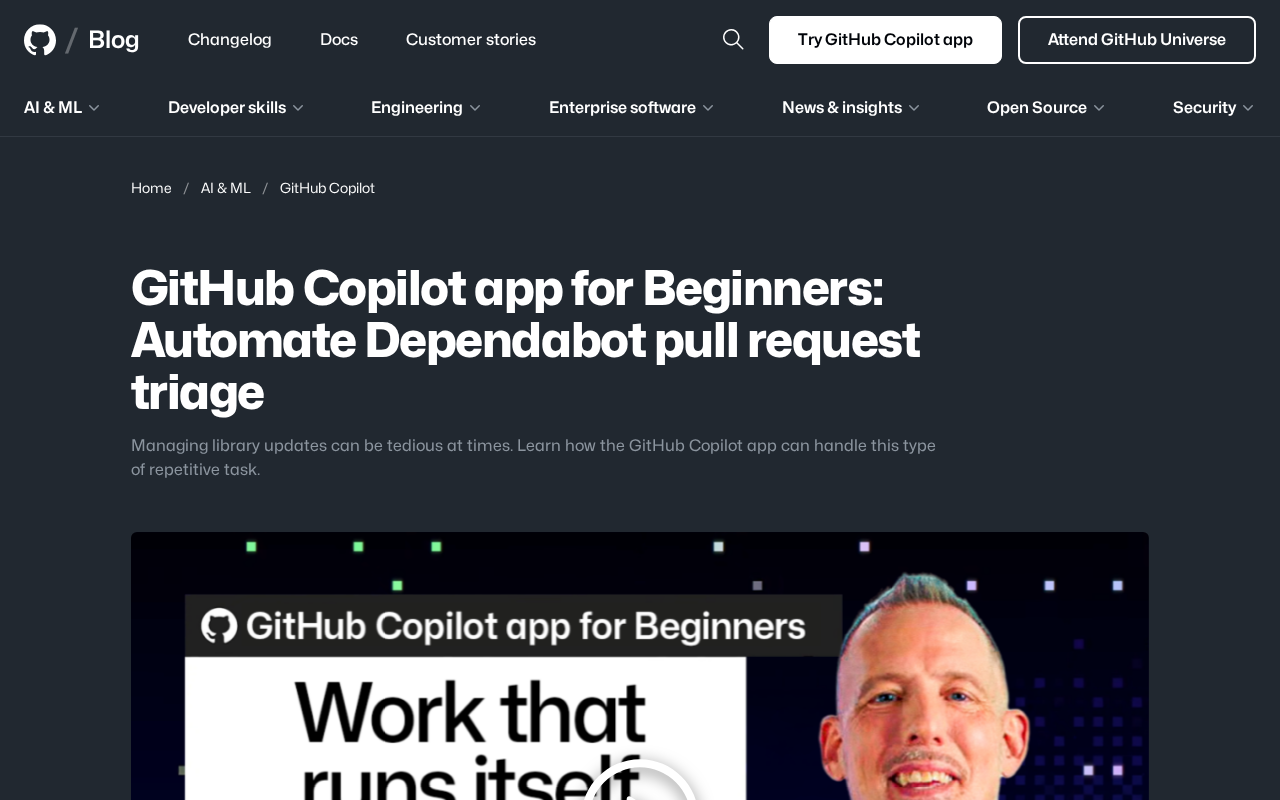
Automate Dependabot PR reviews with GitHub Copilot to save time and improve security response.
This article explains how to leverage GitHub Copilot's agentic capabilities to automate the review and triage of Dependabot dependency update PRs. By auto-approving low-risk patches and flagging high-risk major version upgrades for human review, teams can save significant time, accelerate security responses, and reduce maintainer burden — embracing a human-AI collaboration model for modern software maintenance.
Dependency Updates: The Repetitive Work Developers Can't Escape
In modern software development, nearly every project relies on dozens or even hundreds of third-party libraries. These dependencies aren't set-and-forget — security patches, feature iterations, and bug fixes constantly spawn new versions. Modern software development widely adopts Semantic Versioning (SemVer), with version numbers formatted as "major.minor.patch" (e.g., 2.3.1). A major version change signals potentially incompatible API modifications; a minor version bump indicates backward-compatible new features; and a patch update is typically a backward-compatible bug fix. This convention helps developers quickly assess the risk level of any given update.
To help developers keep up with these changes, GitHub introduced Dependabot — a tool that automatically detects outdated dependencies and creates corresponding Pull Requests (PRs). Dependabot was acquired and integrated into GitHub's platform in 2019. It works by periodically scanning a project's dependency manifest files (such as package.json, requirements.txt, pom.xml, etc.), comparing versions against package registries for each language ecosystem (npm, PyPI, Maven Central, etc.), and automatically creating a PR whenever a new version is found.
However, the convenience Dependabot brings also comes with a new burden. For active projects, a mid-sized project might have 100+ direct and indirect dependencies, and it's not uncommon to see 10–30 update PRs per week. Dependabot can generate a flood of PRs every day, and reviewing each one individually — determining whether it's a breaking change, whether it needs immediate merging, or whether it can be safely approved — becomes a time-consuming and tedious repetitive task. A recent tutorial published on the official GitHub blog, aimed at beginners, focuses precisely on how to automate this workflow using the GitHub Copilot app.
How GitHub Copilot Steps Into Dependency Reviews
From Code Completion to Task Agent
The GitHub Copilot discussed here has evolved beyond the traditional code completion tool. It's transforming into an "agentic" assistant capable of executing specific tasks. GitHub Copilot originally launched in 2021 as a code completion tool built on the OpenAI Codex model (a code-optimized version of GPT-3). In 2023, GitHub introduced Copilot Chat, bringing conversational interaction into the mix. Starting in 2024, GitHub accelerated the rollout of "Copilot Workspace" and "Copilot Extensions," expanding its capabilities from "helping write code" to "executing development tasks" — not just writing code, but also reading Issues, reviewing PRs, running tests, and even directly operating on repositories.
Traditional CI/CD automation relies on predefined rules and scripts — for example, "if it's a patch update and tests pass, auto-merge." This approach lacks flexibility: it can't understand the semantics of a changelog or make contextual judgments about a project. AI agentic tools like GitHub Copilot introduce the comprehension capabilities of large language models. It can: read a dependency's CHANGELOG and extract key risk information (such as "contains breaking change" or "fixes critical security vulnerability CVE-2024-xxxx"); analyze how the project's codebase actually uses that dependency to assess the scope of an upgrade's impact; and even search related Issues and discussions to holistically evaluate community feedback on the new version.
In the dependency review scenario, the Copilot app can be configured to process the queue of PRs generated by Dependabot, automatically performing preliminary triage.
Triage here means quickly evaluating each update PR:
- Is this a minor patch-level change, or a major version upgrade that could introduce incompatibilities?
- Does the changelog contain any information worth flagging?
- How broad is the downstream impact of this dependency?
These judgments previously required manual effort on a case-by-case basis, but can now be assisted or even fully automated by Copilot.
A Beginner-Friendly Path to Practice
This tutorial is positioned for "Beginners," meaning it aims to lower the barrier to entry for automation. For many developers who are new to the GitHub ecosystem, the flood of Dependabot PRs can feel overwhelming. With the Copilot app, developers don't need to write complex scripts or CI/CD configurations — they can let AI handle these repetitive tasks, freeing up their energy to focus on core development work that truly requires human judgment.
The Value and Boundaries of Automated Reviews
Direct Benefits of Efficiency Gains
Automating the triage of Dependabot PRs delivers clear benefits:
- Time savings: Developers no longer need to spend tens of minutes or even hours each day processing update notifications.
- Faster security response: Dependency updates involving security vulnerabilities can be identified and addressed more quickly, shortening the window during which a project is exposed to known risks. Dependency updates aren't just a matter of feature maintenance — they're a core component of software supply chain security. In recent years, supply chain attacks targeting open-source ecosystems have become increasingly frequent: attackers may compromise a maintainer's account to publish malicious versions (as in the 2021 ua-parser-js incident), or use "typosquatting" to publish malicious packages with similar names to trick developers into installing them. Dependabot's Security Updates feature specifically creates urgent PRs for known CVE (Common Vulnerabilities and Exposures) issues, but developers still need to assess whether the vulnerability is actually exploitable in their own project.
- Reduced maintainer burden: This automation is especially valuable for open-source project maintainers. Many popular open-source projects are maintained by a handful of volunteers, and the accumulation of Dependabot PRs often becomes a heavy burden. Having Copilot handle the initial review can significantly reduce the cognitive load on maintainers.
The Caution That Must Be Maintained
That said, automated reviews don't mean you can completely let go of the reins. Dependency updates fundamentally remain a matter of engineering judgment. A seemingly harmless patch update can still introduce issues due to transitive dependencies or subtle changes in runtime behavior. Even legitimate updates can accidentally introduce vulnerable transitive dependencies — library A that you directly depend on updates to a new version, and that new version of A now depends on library B, which has a known vulnerability.
Therefore, a more sensible practice is to let Copilot serve as a "first-pass filter":
- Auto-approve low-risk updates: Such as patch-level security fixes and minor version upgrades with no breaking changes.
- Flag high-risk changes for human review: Such as major version upgrades and updates to core dependencies.
This "human-AI collaboration" model is the mainstream direction for current AI-assisted development tools — AI handles the scalable repetitive labor, humans handle the critical decisions, each playing to their strengths.
AI Agents Are Reshaping Development Workflows
Although this tutorial focuses on a specific, granular scenario, it reflects a much larger trend: GitHub is expanding Copilot from a "coding assistant" into a "project management partner." Dependency review is just one example among many repetitive engineering tasks. In the future, we can reasonably expect Copilot to play similar roles in Issue triage, code review, test generation, and more. This marks a shift for AI tools — from passive response to proactive execution, from "Copilot" to "Autonomous Agent."
For teams and individuals looking to boost development efficiency, getting familiar early with the capabilities and configuration of these AI agents is undoubtedly a skill worth investing in. As this tutorial advocates, starting by automating a specific pain point is the best entry point for understanding and embracing AI-assisted development.
For a deep dive into the specific configuration steps, refer to the original tutorial on the official GitHub blog.
Key Takeaways
Related articles

Uber Deploys ChatGPT Work Company-Wide: AI in the Workplace Enters the Scaled Implementation Phase
Uber deploys ChatGPT Work to 30,000+ employees, extending it from engineering to all roles. We analyze its expert-engineer pairing, end-to-end automation, and questions of AI control and power concentration—insights for scaling AI in the workplace.

Shift at Midnight Hands-On: When "ID Verification" Becomes Alien Hunting
Shift at Midnight blends ID verification with horror survival in a four-player co-op game. We break down its inspection mechanics and chaotic humor.

Zelensky Recounts the Outbreak of War: I Need Ammunition, Not a Ride
Zelensky recalls the first day of war in a YouTube interview: farewell to family, rejecting Biden's evacuation offer with "I need ammunition, not a ride," and how Bucha shaped his stance on compromise and peace talks.