Blender Camera Motion + MiniMax H3 for Precise AI Video Generation

Use Blender to pre-design camera motion, then let MiniMax H3 fill in characters and scenes for precise AI video control.
This article presents a hybrid workflow combining traditional 3D software with AI video generation: design precise camera motion in Blender (using Codex CLI + Blender MCP to reduce manual keyframing), then feed the render into MiniMax H3's reference-to-video pipeline alongside a character reference sheet and background image. Division-of-labor prompting controls character, environment, and camera motion separately. On an RTX 5070 Ti, 20-step sampling takes roughly 17 minutes 40 seconds, and results still require manual review for identity drift, framing shifts, background consistency, and loop seams.
From Random Generation to Precise Control: A New Approach to AI Video
One persistent pain point in AI video generation is the unpredictability of camera movement. Text prompts can only suggest vague directional cues, while specific moves like push-ins, pans, focus shifts, and compositional timing are nearly impossible to reproduce precisely. A workflow shared by a Reddit user offers an inspiring solution: design the camera motion first in Blender, then feed that rendered sequence into MiniMax H3's reference-to-video pipeline as the guiding reference.
The core logic is to move the "camera motion" step — which normally comes down to luck — upstream into a traditional 3D application for manual design, achieving frame-level control precision. The AI model is no longer responsible for imagining how the camera moves; instead, it fills in character and scene details along a predetermined motion path.
Workflow Breakdown: Blender Handles Camera, H3 Handles Rendering
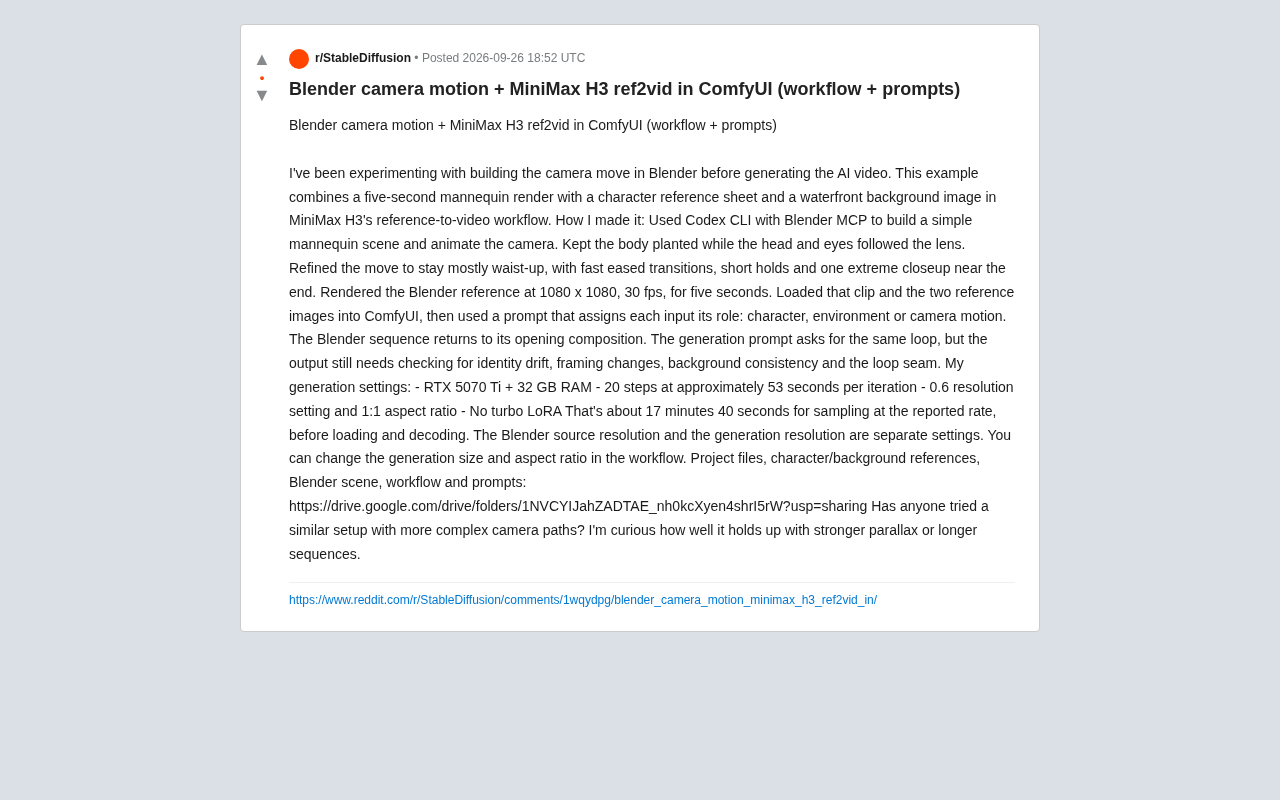
The author's complete pipeline breaks into two major phases. The first takes place in Blender, where a simple mannequin scene is set up and the camera is animated. A few notable details: the body remains stationary while the head and eyes always track the camera; the overall composition stays at waist-level and above, with fast eased transitions, brief pauses, and an extreme close-up near the end.
More interestingly, the author used Codex CLI with Blender MCP to build the scene and animate the camera — meaning an AI coding tool drove Blender's modeling and camera work rather than manual keyframing. This Blender reference was rendered at 1080×1080, 30fps, five seconds long.
The second phase moves into ComfyUI. The author loads the Blender reference video along with a character reference sheet and a waterfront background image into MiniMax H3's reference-to-video workflow. The key is how the prompt is written — clearly assigning a role to each input: which one is the character, which is the environment, and which drives the camera motion. This "division of labor" prompting is central to making multi-input references work in concert.
Blender MCP (Model Context Protocol) is a protocol bridge that lets AI large language models directly control Blender through a standardized interface. With MCP, AI coding tools like Codex CLI can send commands to Blender like API calls — creating objects, setting keyframes, adjusting camera parameters — without manual interaction in the UI. This combination is essentially "AI generates code, code drives the 3D software," reducing what would normally require skilled Blender keyframing to simply describing the desired camera motion in natural language. For creators unfamiliar with 3D animation, this dramatically lowers the barrier to entry while preserving the precise motion control that traditional 3D software offers.
Seamless Looping: Good Idea, Still Requires Manual Verification
The author's Blender sequence is designed to return to the opening composition, forming a loopable shot. The generation prompt also requests the same looping behavior. But the author honestly points out that the final result still requires manual inspection across several key dimensions:
- Identity drift: Does the character's appearance remain consistent throughout generation?
- Framing changes: Does the shot composition drift from what was intended?
- Background consistency: Does the environment remain stable without jumping?
- Loop seam: Is the transition between the end and beginning smooth and seamless?
These are precisely the challenges that current AI video generation technology has yet to fully solve. Even with the precise motion trajectory provided by Blender as a constraint, frame-by-frame coherence at the detail level remains uncertain and requires manual verification.
Identity drift is one of the systemic flaws in diffusion-model-based video generation systems. Since these models don't maintain an explicit character state between frames — relying instead on attention mechanisms and reference images as soft constraints — facial details, hairstyle, and clothing gradually shift over time. This is most pronounced when the camera undergoes a large angle change or when a previously occluded character reappears. The reference-to-video workflow mitigates this by continuously providing a character reference sheet, but it doesn't eliminate it at the root — each denoising step still carries randomness, and cumulative drift over long sequences is nearly unavoidable. This is why the author emphasizes post-generation frame-by-frame manual review.
Hardware and Generation Cost: Real-World Performance on Consumer GPUs
For those looking to replicate this workflow, the author provided detailed generation specs that are well worth referencing:
- GPU: RTX 5070 Ti + 32GB RAM
- Sampling steps: 20, approximately 53 seconds per iteration
- Resolution set to 0.6, aspect ratio 1:1
- No turbo LoRA used
At this speed, the sampling phase alone takes roughly 17 minutes 40 seconds, not counting loading and decoding time. This demonstrates that even on a high-end consumer GPU, high-quality reference-to-video generation remains a significantly time-intensive task.
The author also notes that the resolution of the Blender source material and the generation resolution are two independent settings — the output size and aspect ratio can be adjusted separately within the workflow. This gives creators flexible room to balance reference quality against generation cost.
Directions Worth Exploring Further
The author closes with an open question: has anyone tried more complex camera paths? How well does this approach hold up under stronger parallax or longer sequences?
This is indeed the biggest unknown for this workflow. The current example is only five seconds long with a relatively simple above-the-waist composition, limiting parallax and occlusion relationships. Once you introduce large spatial movements, complex foreground-background occlusion, or longer time spans, the pressure on the AI model to maintain consistency multiplies. This is also the direction that the broader reference-to-video technical approach will need to tackle going forward.
For content creators, this hybrid workflow of "3D software for camera motion + AI for rendering and fill" represents a pragmatic creative philosophy: rather than relying on AI's fully automatic capabilities, use traditional tools to compensate for AI's control shortcomings. The author has open-sourced all project files, character/background references, the Blender scene, the workflow, and the prompts — anyone interested can jump in and reproduce it directly.
Parallax is the core metric for measuring difficulty in this workflow. Parallax refers to the displacement difference between near and far objects as the camera moves — the larger the movement and the greater the distance between foreground and background, the stronger the parallax, and the more the AI model must "invent" occluded areas. The current example's fixed above-the-waist framing keeps parallax low, requiring the model to handle only subtle angle changes. Once dolly in/out movements or large lateral pans are introduced, the model must plausibly fill background areas that become visible after being occluded by the foreground — all without any 3D geometry information. This remains a high-error scenario for current video generation models, which is why the author leaves "performance under stronger parallax" as an open question for the community to explore.
Related articles

Chain of Thought Isn't Just for AI: How Humans Can Use CoT to Improve Thinking Quality
Chain of Thought isn't just a prompt trick for large models. Starting from a Hacker News discussion, this article analyzes why CoT works for human thinking too, breaks down actionable ways to transfer it, and highlights the key differences between human CoT and machine CoT.
Cloudflare Teams Up with OpenAI: Closi…
Cloudflare Teams Up with OpenAI: Closing the Loop from Vulnerability Discovery to Defense with AI
Cloudflare uses OpenAI Daybreak to investigate security vulnerabilities and generate reviewable remediation plans, while developers use Codex to boost coding efficiency and quality.

Orca Multi-Agent Orchestration in Practice: A Guide to Parallel Collaboration with Claude and Codex
Orca is Stable AI's free open-source agent workbench supporting 34 agents like Claude Code and Codex in parallel. Learn its Git worktree isolation, multi-model orchestration, and mobile management.