Browser AI Agent Comparison: How to Choose Among Browy, Browser Use, Skyvern, and Five Other Tools

Seven browser AI agents compared: key differences lie in browser ownership, login session, and model billing.
Using the comparison table compiled by Browy's author as a coordinate system, the article compares seven browser AI agents side by side. By runtime form, they fall into three categories: browser extension type (Browy, Nanobrowser, Claude in Chrome, ChatGPT extension), which reuse the user's already logged-in session; code library type (Browser Use, Stagehand), for developers to embed in programs and run at scale; and workflow/cloud type (Skyvern, ChatGPT cloud browser), which hand tasks to remote machines. The author points out that the real difference is not model strength, but whose browser it drives, whose login session it reuses, and who bears the cost. The article ends with scenario-based selection advice and notes that the comparison carries the author's stance, but that runtime location, login session ownership, and payment method are verifiable facts that can serve as a starting point for decisions.
Title
Browser AI Agent Comparison: How to Choose Among Browy, Browser Use, Skyvern, and Five Other Tools
Meta Description
A side-by-side comparison of seven browser AI agents—Browy, Browser Use, Skyvern, Nanobrowser, Stagehand, Claude in Chrome, and ChatGPT—covering where they run, whose login session they use, who pays for the model, and which use cases each fits best.
Article Content
AI agents in the browser are moving from demos to everyday tools, but what really determines the experience is often not how powerful the model is—it's three things: whose browser it drives, whose login session it uses, and who pays for the model. The author of Browy put their product in the same table as Browser Use, Skyvern, Nanobrowser, Stagehand, Claude in Chrome, and ChatGPT, which conveniently provides a coordinate system for side-by-side judgment.
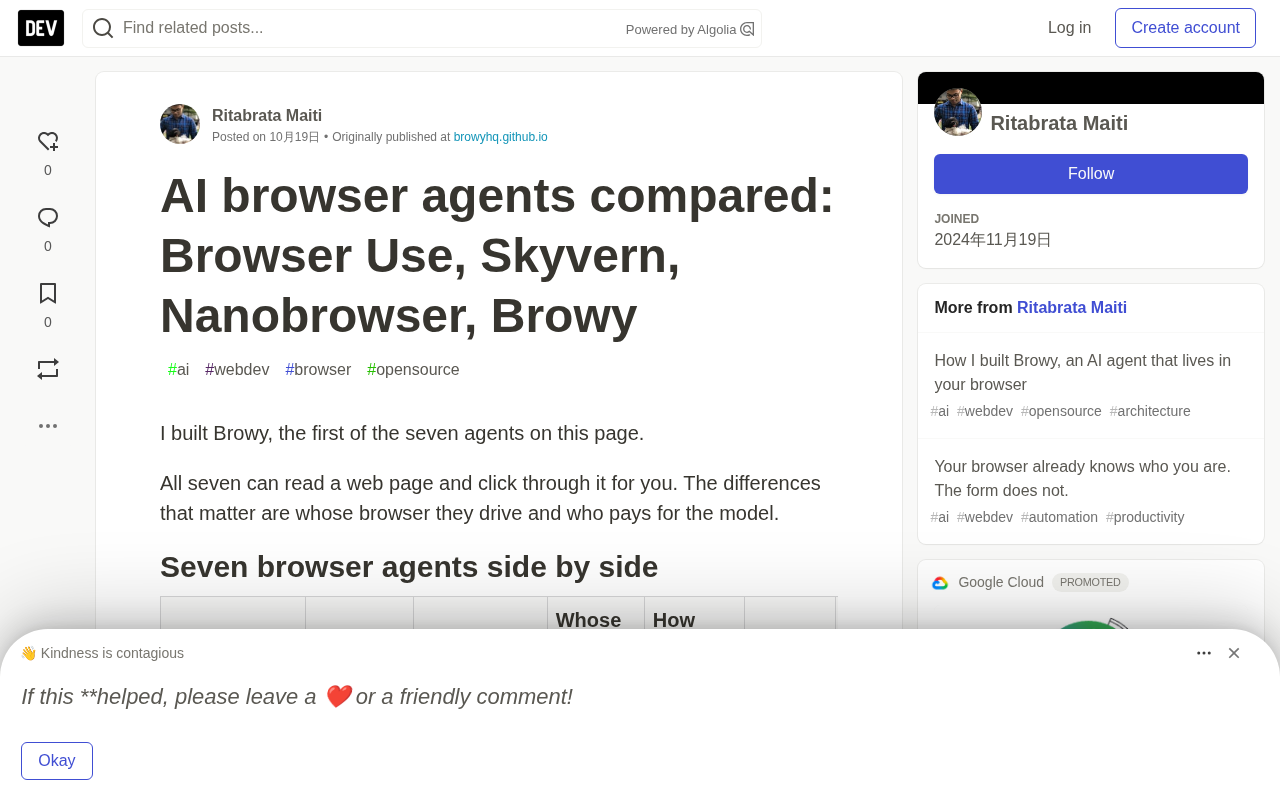
Core Differences Among the Seven Agents
According to the comparison table in the original article, the seven tools fall into three categories. In-browser extension type: Browy, Nanobrowser, Claude in Chrome, and ChatGPT's Chrome extension—they run in the user's own Chrome/Edge/Brave and directly reuse already-logged-in sessions. Code library type: Browser Use and Stagehand—embedded as Python/TypeScript/Go libraries in developers' programs, suited to scripting and running at scale. Workflow/cloud type: Skyvern targets weekly repeated logged-in back-office tasks, while ChatGPT's cloud browser hands tasks to OpenAI's remote machines for execution.
The differences in payment models are equally critical. Browy directly uses a GitHub Copilot subscription (including the free tier); Nanobrowser requires your own API key or a local Ollama model; Claude in Chrome requires a paid Claude plan; ChatGPT's cloud browser requires a paid plan other than Go; Skyvern's cloud version starts at $29 per month, while self-hosting uses your own key; and Browser Use Cloud bills at $0.02 per hour.
Browy: A Developer Agent for Already Logged-In Tabs
The author describes Browy's positioning as "working in the tabs you're already logged into." It reads the page's accessibility tree, assigns a number to each control, and then clicks and types by number, avoiding reliance on fragile CSS selectors. When filling out forms, there's a detail worth noting: unless the user explicitly asks to submit, it stops before submission—a necessary safety boundary for operations involving real accounts.
A more unique point is that it ships with a Chrome DevTools panel offering a REPL with slash commands and a JavaScript mode, and it can read the current tab's network logs and console. You can directly ask "which API call is the slowest" and get back the URL, status code, and duration. The code is Apache-2.0 licensed, and the agent's main loop is a readable single file; since v0.1.10, tools that touch the local machine rather than the page—such as bash and run_script—are disabled by default and must be manually enabled in settings—a reasonable default.
Accessibility tree is an auxiliary structure the browser generates alongside DOM rendering so that assistive technologies such as screen readers can understand the page: it abstracts elements like buttons, input fields, and links into nodes with a role, name, and state (checked/disabled, etc.), filtering out purely decorative elements. For an agent, this is far more stable than raw DOM—element numbers remain reusable when the page structure changes slightly, and the semantics are clear, so the model doesn't need to guess whether a div is a button or text. Compared with screenshot-plus-visual-localization approaches, the accessibility tree saves tokens and locates elements more precisely, but the premise is that the page has basic accessibility markup; otherwise, actionable nodes may be missing.
Browser Use and Stagehand: Two Styles of the Code-First Camp
Browser Use is described in the original article as the open-source project most people think of first when they hear "browser agent," built as a Python library by Magnus Müller and Gregor Žunič. It has three faces: the MIT library, a command-line tool that lets Claude Code or Codex take over the browser, and Browser Use Cloud, which rents out cloud browsers by the hour (including proxies and captcha handling). It can also load a real Chrome profile, but you may need to quit Chrome first.
Stagehand is an MIT-licensed SDK from Browserbase covering TypeScript, Python, and Go. It wraps a Playwright-style browser in three AI primitives: act executes actions in natural language, observe returns real selectors, and extract extracts data according to a schema. Its value lies in being a "building block" rather than a "whole machine"—putting browser steps into a codebase, testing and deploying them alongside other code, and caching repeated actions on Browserbase. Its README login example fills in the password via a selector, keeping the password out of the model context.
Both suit people who write code; the difference is that Browser Use provides a complete agent loop, while Stagehand lets you control individual steps.
Selector is an expression used by browser automation frameworks such as Playwright and Puppeteer to locate page elements, for example the CSS selector #submit or a text selector. Traditional scripts hard-code selectors, which break as soon as the page is redesigned; and if an AI agent has the model infer selectors on the spot every time, it is both slow and error-prone. Stagehand's observe primitive is precisely a compromise between the two: the model first understands the page and returns a real, usable selector, and the developer then writes that selector into deterministic code so that subsequent repeated executions no longer call the model. This division of labor—"AI discovers, code executes"—is also why caching repeated actions can significantly reduce costs.
Skyvern and Nanobrowser: Repeated Tasks and Model Freedom
Skyvern combines language models with computer vision and can handle websites it has never seen before. Its workflow builder strings steps into a re-runnable flow: log in, filter invoices, loop, download one by one. Examples in the README include invoice portals, job applications, government forms, and insurance quotes. It handles 2FA, stores credentials, solves captchas in the cloud, and connects to Zapier, Make, and n8n. The code is AGPL-3.0, but anti-scraping features exist only in the cloud version.
Nanobrowser is the closest open-source counterpart to Browy: an Apache-2.0 extension with a sidebar chat that runs two agents—a planner and a navigator—each configurable with a different model. It supports OpenAI, Anthropic, Gemini, DeepSeekAd, Grok, OpenRouter, and local Ollama models, and page text can stay entirely off the local machine. It officially supports Chrome and Edge, and the README acknowledges that it is built on projects such as Browser Use.
2FA (two-factor authentication) refers to a login mechanism that requires, in addition to a password, a one-time verification code (SMS, TOTP app) or a hardware key; its purpose is to prevent direct theft after a password leaks. For an agent to automatically complete tasks like logging into a back office, it must handle 2FA: either store the TOTP seed and generate codes at runtime, or pause and wait for manual input. This is exactly the context in which Skyvern treats credential storage and captcha handling as core capabilities—it makes "repeated weekly logins" truly unattended. Correspondingly, handing the 2FA seed to a third-party cloud service means expanding the trust boundary—a security cost to weigh when choosing.
Claude in Chrome and ChatGPT: Two Paths from the Big Players
Claude in Chrome is the closest product to Browy among model companies' extension-type agents: available with paid Claude plans (Pro through Enterprise), desktop Chrome only. It can keep working in the background and run tasks on a daily or weekly schedule, and the classic sidebar can learn a workflow recorded once. On permissions, there is site-level authorization and pre-action safety checks, and Team and Enterprise admins can toggle it centrally.
On the ChatGPT side, OpenAI has retired the Atlas browser and folded browser capabilities into ChatGPT itself. Paid plans other than Go can use the cloud browser to run tasks on a separate computer; tasks continue after you leave the conversation and pause when login or confirmation is needed; the macOS and Windows desktop apps come with a built-in browser; and the Chrome extension lets the app work within your existing Chrome profile and login session. The original article specifically notes that passwords are entered by the user into the login form and are not visible to the model.
Choosing by Scenario
The selection logic given in the original article is quite pragmatic: if you already pay for GitHub Copilot and want to summon an agent on the fly in already logged-in tabs, choose Browy; if you need to run agents unattended at scale within your own code, choose Browser Use, or Stagehand if you prefer smaller building blocks; for weekly repeated logged-in back-office flows involving 2FA and credential storage, look at Skyvern—paid Claude users can also use Claude in Chrome for scheduled tasks; if you want to run local models, use Nanobrowser; if you want to throw a task out and come back later for the result, use ChatGPT's cloud browser.
It should be noted that this comparison was written by the author of Browy, and the "best for" descriptions of each product carry a stance, but the information in the table about where they run, whose login session they use, and how payment works are verifiable facts that can serve as a starting point for selection. For most developers, the real decision point is not model capability, but whether you are willing to hand your login session to an agent, and whose account the model bill ultimately lands on.
One-line Summary
A comparison of seven browser AI agents: the key differences lie in browser ownership, login session, and model billing.
Paragraph Summary
Using the comparison table compiled by Browy's author as a coordinate system, the article compares seven browser AI agents side by side. By runtime form, they fall into three categories: browser extension type (Browy, Nanobrowser, Claude in Chrome, ChatGPT extension), which reuse the user's already logged-in session; code library type (Browser Use, Stagehand), for developers to embed in programs and run at scale; and workflow/cloud type (Skyvern, ChatGPT cloud browser), which hand tasks to remote machines. The author points out that the real difference is not model strength, but whose browser it drives, whose login session it reuses, and who bears the cost. The article ends with scenario-based selection advice and notes that the comparison carries the author's stance, but that runtime location, login session ownership, and payment method are verifiable facts that can serve as a starting point for decisions.
Related articles

Claude Reportedly Able to Hide Secret Messages in Benign Images
A Reddit post claims Claude Fable 5.1 can hide secret messages in benign images. This article reviews the background, image steganography principles, and potential security risks, and suggests a testing path from rumor to verification.

Federal Government Awards $85 Million; CFS to Develop Fusion-Specific Semiconductors
The federal government awards $85 million to Commonwealth Fusion Systems to develop conductors and power semiconductors for fusion plants. This article analyzes the significance of this funding for the fusion supply chain and commercialization path.

When Should AI Assistants Proactively Suggest? Timing Is Everything
When should AI assistants proactively suggest? Reddit discussion reveals: the same suggestion feels different at different times. This article analyzes the dual nature of proactive suggestions, the boundary of user expectations, and design principles, exploring how to balance automation and user control.