Building a Character Consistency Workflow with Hailuo H3: A T2VA Character Sheet Tutorial
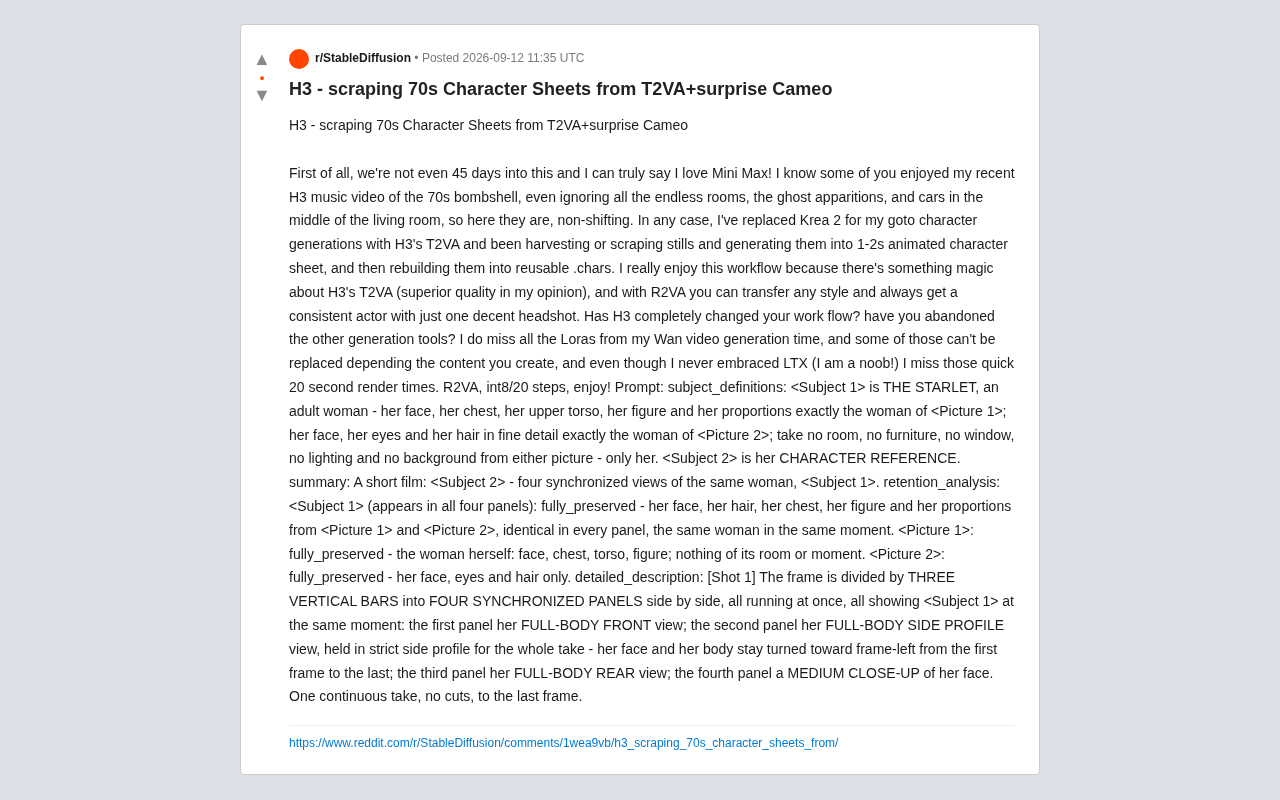
One creator's 45-day workflow: using H3's T2VA and structured Prompts to achieve non-shifting character consistency.
A Reddit creator adopted MiniMax Hailuo H3's T2VA as their primary character generation tool within 45 days of its launch, replacing Krea 2. They built an engineered pipeline — still harvesting → animated character sheets → reusable .chars files — paired with a structured Prompt (covering subject definitions, retention analysis, and scene description) to generate four-view turnaround sheets and solve cross-shot character drift. The creator also noted that migration is gradual: Wan-ecosystem LoRAs and LTX's ultra-fast render speeds remain hard to fully replace.
One Creator's 45-Day Experience with H3
Less than 45 days after MiniMax Hailuo H3 (referred to here as H3) launched, one Reddit creator had already made it the cornerstone of their production workflow. As they put it in their post: "I've genuinely fallen in love with MiniMax." Behind that statement lies a fully rebuilt video generation workflow centered on character consistency.
For anyone making AI video, "character consistency" has always been one of the biggest headaches — the same character's face, hair, and body proportions tend to drift across different shots and scenes. This creator had previously produced a 70s retro-style music video that featured "endless rooms, ghostly apparitions, and a car inexplicably parked in the middle of the living room," yet the main character's appearance remained stable enough to earn solid praise from the community. Now, they're showing how to push that consistency to the point of being truly "non-shifting."
Switching from Krea 2 to H3's T2VA
The creator made it clear they've replaced Krea 2 with H3's T2VA (Text-to-Video-Avatar) as their default character generation tool. In their view, H3's T2VA has "a kind of magic" and delivers superior quality.
Their core methodology follows this pipeline:
- Use T2VA to generate or "scrape/harvest" character still frames
- Turn those stills into 1–2 second animated character sheets
- Rebuild those character sheets into reusable .chars character files
The value of this workflow lies in reusability. Once a standardized character file is created, every subsequent shot can draw on the same stable "actor." The creator specifically highlighted the power of R2VA (Reference-to-Video-Avatar): with just one decent headshot, you can transfer any style while always getting a consistent character performance. For creators who need to maintain a character's identity across shots and styles, this is a genuinely critical capability.
A Reproducible Character Sheet Prompt
What makes this post especially valuable is that the creator shared the complete Prompt they used to generate a "four-view character sheet" — an excellent reference for anyone looking to replicate similar results. The configuration used was R2VA at int8 precision, 20 steps (int8/20 steps).
The Prompt is highly structured and worth breaking down:
Subject Definitions
The character is split into two components: <Subject 1> is "THE STARLET," whose body shape and proportions are strictly sourced from <Picture 1>, with face, eyes, and hair details taken from <Picture 2>. The Prompt explicitly states: "Do NOT take rooms, furniture, windows, lighting, or backgrounds from either image — only the person." <Subject 2> is defined as her CHARACTER REFERENCE sheet.
Retention Analysis
The Prompt includes a dedicated retention_analysis section that explicitly declares which elements are fully_preserved: across all four panels, <Subject 1>'s face, hair, body, and proportions must match the source images — "same person, same moment." This practice of explicitly stating what to retain and what to exclude is a key technique for improving consistency and preventing element contamination.
Detailed Description
The final frame is divided by three vertical lines into four synchronized panels: full-body front view, strict full-body side view (the character faces screen-left from the first frame to the last), full-body back view, and a facial medium close-up. The entire sequence is "one continuous take, no cuts" — this is essentially how a standard character turnaround sheet is realized in video form.
Has H3 Changed Your Workflow? The Community Weighs In
At the end of the post, the creator posed a question that sparked discussion: Has H3 completely changed your workflow? Have you abandoned other generation tools? This is a choice that many AI video creators are wrestling with right now.
The creator's own answer was a measured "partial migration" rather than a wholesale switch. They admitted they still miss the LoRAs they built up while working with Wan — "some of them are irreplaceable, depending on the type of content you make." This is a good reminder that gains in consistency and usability from a new model don't necessarily cover the highly customized style assets accumulated in an older ecosystem.
They also mentioned that even though they never really got hands-on with LTX (jokingly calling themselves a "noob"), they miss the ~20-second ultra-fast render experience. This shows that render speed remains a key dimension creators use to evaluate tools — even if image quality is better, slower output speeds hurt iteration efficiency.
Key Takeaways for Creators
While this is one person's experience, it reflects several trends worth paying attention to:
First, character consistency is moving from "black magic" to engineering. The pipeline of generating stills → building character sheets → locking them into reusable character files is essentially building a "digital actor" asset library for AI video.
Second, structured Prompts are the infrastructure for consistency. Using sectioned writing like subject_definitions, retention_analysis, and detailed_description to clearly spell out what to retain and what to exclude is far more effective than piling on adjectives.
Third, tool migration is gradual. Even with high praise for H3, the creator still values their Wan LoRA ecosystem and fast render speeds. For most people, the answer isn't "replace everything" — it's "pick the best tool for each stage of the workflow."
Note: This article is based on a single Reddit creator's post. All evaluations of H3, T2VA, and R2VA's quality and effectiveness reflect that creator's personal opinions. Please conduct your own testing for actual results.
Related articles

Coinbase Engineer: How to Determine Whether an AI Agent Can Operate Unattended
Coinbase engineer Evan Kormos shares an engineering method for judging whether an AI agent can run unattended: model processes with DAG/DCG, replace output comparison with statistical evaluation, and hand over control in three phases—supervision, sampling, and exception handling.

WorkBuddy Beginner's Guide: How AI Agents Automate Office Tasks
WorkBuddy tutorial: learn how this desktop AI agent workbench automates files, organizes data, and generates documents, compared with LLMs and Codex, plus a beginner path and cost analysis.

Doubao Work in Practice: Three Modes That Let AI Actually Get Work Done
Doubao Work practical tutorial: from chat mode to Work Mode Lite and Pro, explaining the logic for choosing among three modes with real office task demonstrations. Even complete beginners can learn to use an AI agent to handle local files, organize materials, and generate documents.