Building a PPT Copyright Protection Tool with WorkBuddy: One-Click Watermarking and Image Conversion
Automate PPT copyright protection with watermarks, image conversion, and PDF merging — packaged as a standalone EXE.
This article introduces a PPT copyright protection tool built by a Bilibili creator using WorkBuddy. It explains why common methods fall short — Office passwords are easily bypassed due to the ZIP-based PPTX format, and PDF conversion preserves a recoverable text layer. The effective solution combines three steps: overlaying text watermarks on each slide, converting each slide to an image, and merging them into a PDF to destroy editability and raise OCR recovery costs. The tool supports batch processing, custom watermarks, and resolution control, and is delivered as a standalone EXE requiring no development environment. The article distills this into a reusable pattern: identify repetitive workflows → automate with low-code tools → package for independent distribution.
Sharing lecture or course slides is a dilemma nearly every knowledge worker faces: audiences want the materials for review, while creators want to protect their intellectual property. A Bilibili content creator (Teacher Tongjin) used WorkBuddy to build a standalone EXE tool that automates the entire copyright protection workflow — and the approach is well worth learning from.
Why Standard Encryption and PDF Conversion Aren't Enough
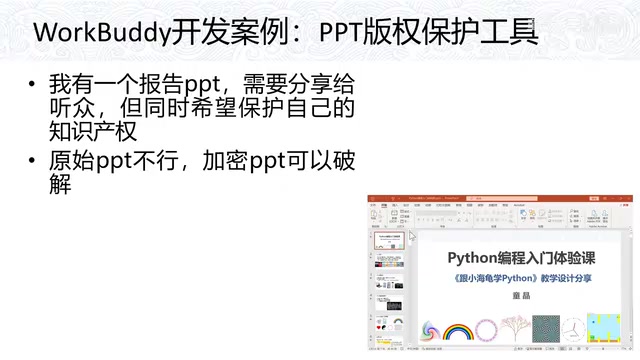
Many people instinctively reach for Office's built-in password protection to secure their PPT files — but this offers little real protection. As the creator points out, a PPTX file is essentially a compressed archive. Simply rename the extension, unzip it, and the password can be bypassed with ease. Tutorials showing exactly how to do this are all over the internet.
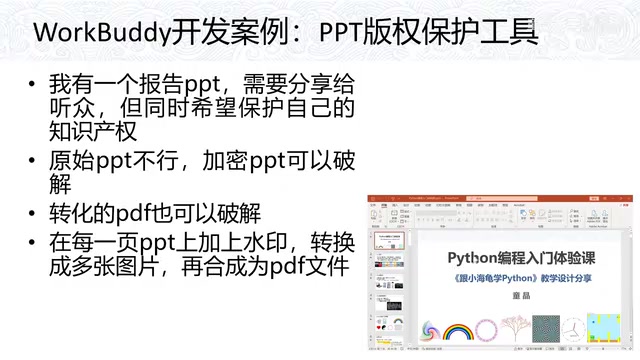
Converting the PPT to PDF and sharing that instead isn't much safer either. Modern tools can reverse-engineer a PDF back into an editable PowerPoint file, extracting text, images, and other elements in the process. In other words, whether it's the original PPT or a converted PDF, as long as the content exists in the form of "recognizable text and elements," it remains vulnerable to full reconstruction and secondary use.
The weakness of Office password protection stems from the PPTX file format itself. PPTX (along with DOCX and XLSX) is fundamentally a ZIP archive conforming to the OOXML standard, composed internally of XML files and media assets. Office's "open password" simply wraps an encryption shell around the outer ZIP layer — and the cracking tools circulating online have long been purpose-built to exploit exactly this structure. Adobe PDF's 128-bit or 256-bit AES encryption is technically far more robust, but the relevant scenario here isn't PDF encryption strength — it's the specific case of a "PDF converted from a PPT." The conversion process preserves the semantic information of the text layer and vector graphics, enabling reverse-conversion tools (such as Smallpdf or Adobe Acrobat's export feature) to reconstruct the layout and content with reasonable accuracy. Format conversion alone, therefore, provides no meaningful protection.
A More Reliable Approach: Watermark + Image Conversion + PDF Merge
The creator's solution is a three-step combination: add a text watermark to every slide, convert each slide into an image, then compile all the watermarked images into a single PDF.
The core logic of this approach is destroying editability. Once a PPT becomes a series of images, anyone trying to extract the content must first run OCR to recognize the text, then manually reconstruct every element. The watermarks overlaid on each page also interfere with OCR accuracy, raising the cost of any attempted extraction even further. For the audience, an image-based PDF is perfectly adequate for reviewing lecture content. For the creator, it provides meaningful copyright protection.
The idea itself isn't complicated — the challenge is execution. Doing it manually means adding a watermark to each slide individually, exporting every page as an image, then merging dozens of images into a PDF. A typical lecture deck runs anywhere from dozens to over a hundred pages. Doing this by hand is time-consuming and error-prone. Automation is exactly why this tool exists.
After rasterizing PPT pages into images, the protection relies on the imperfection and high cost of OCR (Optical Character Recognition). Modern OCR engines like Tesseract and PaddleOCR already achieve quite high accuracy on clean printed text — but watermarks degrade their performance along two dimensions. First, visual interference: semi-transparent text overlaid on the main content blends pixel luminance values, increasing recognition error rates. Second, structural disruption: text recovered by OCR typically lacks layout information, requiring significant manual effort to reconstruct the original PPT's formatting. Additionally, if the output image resolution is intentionally kept low (e.g., below 96 DPI), textual detail becomes further blurred and OCR accuracy drops sharply. This combination makes the content "reviewable but not fully recoverable" — a practical outcome that doesn't depend on any theoretical cryptographic security.
Using the WorkBuddy Tool in Practice
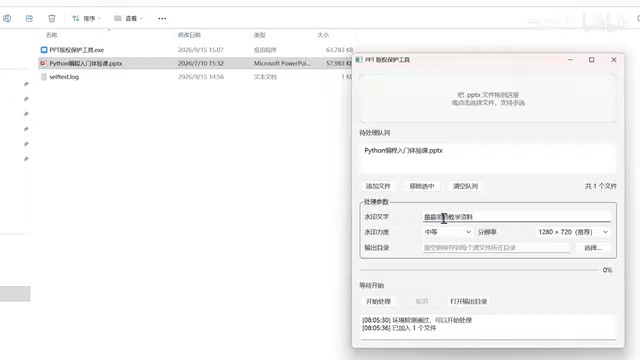
The creator packaged the entire workflow into a minimal EXE interface using WorkBuddy. The usage is straightforward:
- Drag and drop files: Drag PPT files directly into the program window; batch processing of multiple PPTs is supported.
- Edit the watermark: The watermark text is fully customizable — the demo uses "Teacher Tongjin's Teaching Materials" — and watermark opacity can also be adjusted.
- Adjust resolution: Image resolution is configurable; for stronger protection, you can intentionally lower the image quality.
- Output directory: Defaults to a preset folder if left unchanged. Click "Start Processing" and you're done.
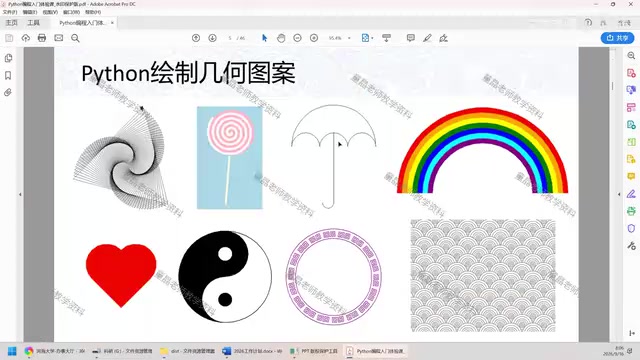
Based on the demo, processing speed is fast — results are generated almost immediately after clicking. The output is a set of watermarked images, one per slide, neatly corresponding to each page of the original PPT.
Standalone EXE: A Practical Delivery Format for Low-Code Tools
One of the most noteworthy aspects of this case is the delivery format: a standalone EXE. The creator specifically emphasizes that while the tool was built with WorkBuddy, end users do not need to install WorkBuddy to run it — just double-click and go.
This solves one of the most common pain points when deploying low-code and automation tools: environment dependencies. Many powerful automation scripts require users to set up an entire runtime environment first, raising the barrier significantly. By packaging everything into a standalone EXE, the tool can be distributed to completely non-technical users just like any regular piece of software — dramatically reducing the cost of sharing and reuse.
For knowledge workers looking to automate repetitive tasks themselves, this case offers a replicable pattern: identify high-frequency, tedious workflows with well-defined steps (like watermarking, image conversion, and PDF merging); automate them with a low-code tool; then package the result into a self-contained, distributable program. The technical depth doesn't need to be impressive — what matters is turning a real pain point into a reusable tool.
Packaging Python, Node.js, or similar runtime-dependent scripts into standalone executables is currently handled by tools like PyInstaller, Nuitka (Python), and pkg (Node.js). These work by bundling the interpreter and all dependency libraries into a single binary, so the target machine requires no pre-installed runtime. The trade-off is file size — typically tens of megabytes or more — and slightly slower first launches due to decompression. WorkBuddy's ability to output a standalone EXE suggests it uses a similar packaging mechanism under the hood, completely abstracting the technical stack from the end user. This delivery format is becoming increasingly common for internal enterprise tool distribution and custom educational utilities — and it's a key step in making "personal developer / knowledge worker" tools shareable and reusable at scale.
Summary
From "encryption is easily cracked" to "PDFs can be reverse-engineered" to the final solution of "watermark + image conversion + PDF merge," this PPT copyright protection tool demonstrates a clear problem-solving path. The tool is focused in scope, simple in interface, fast in execution, and delivered as a standalone EXE — balancing protection strength with ease of use. For educators and trainers who regularly share course materials but worry about copyright, this is an approachable, directly replicable approach with a very low barrier to entry.
Related articles
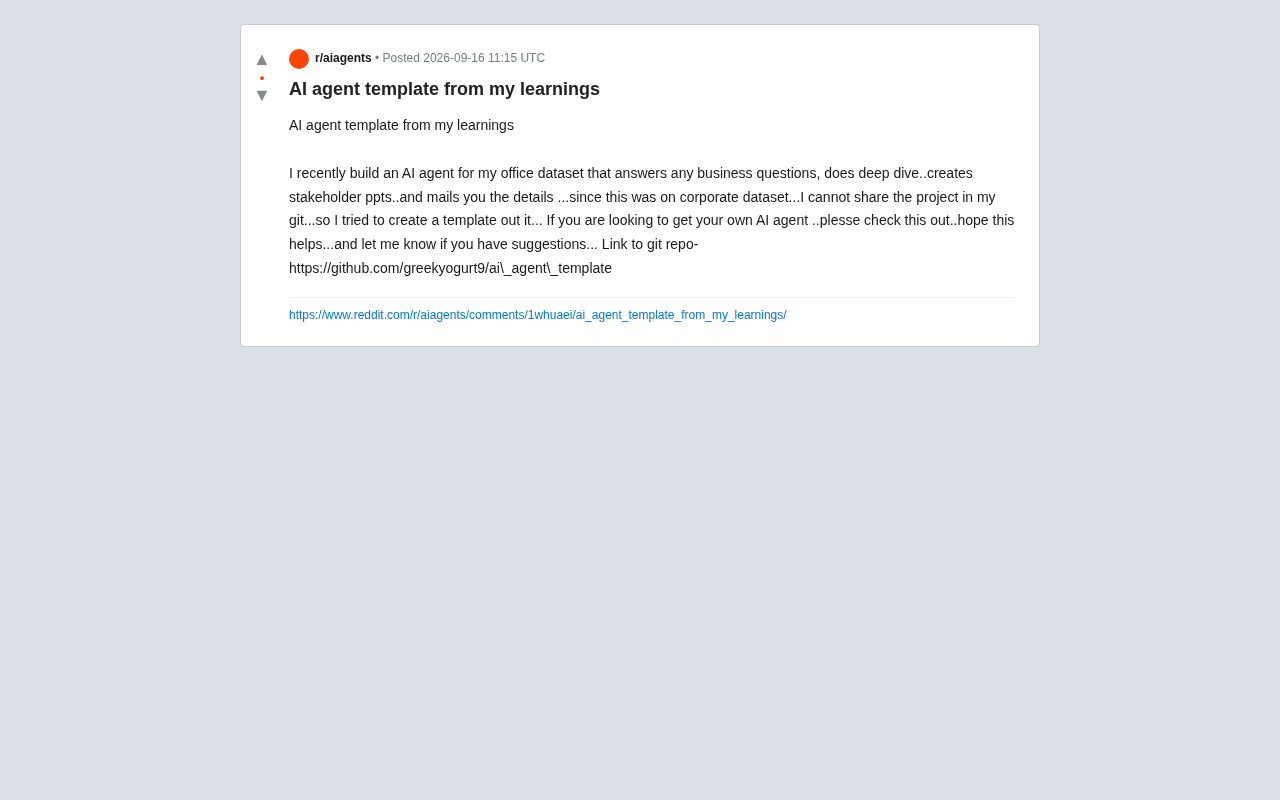
From Enterprise Practice to a Reusable Template: Lessons from Building an AI Agent
A developer shares an open-source AI Agent template built from an enterprise project, covering natural language data Q&A, analysis, auto-generated PPTs, and email distribution.

Nintendo's Open-World Design Evolution: Breaking Down Fire Emblem Fortune's Weave
Nintendo brings the open-world design philosophy of Breath of the Wild to Fire Emblem with the massive Switch 2 title Fortune's Weave. Here's what it means.
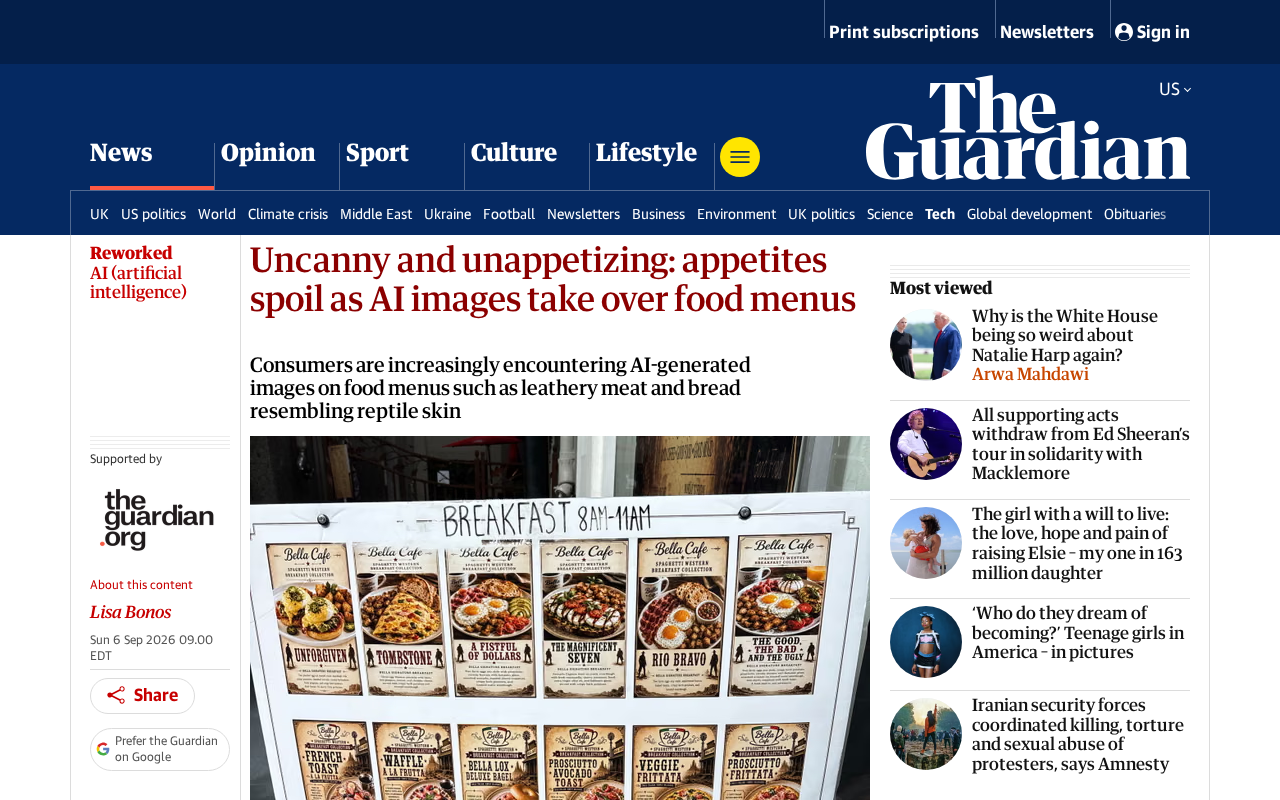
AI-Generated Food Photos Are Ruining Menus: How the Uncanny Valley Kills Appetite
AI-generated food images are flooding restaurant menus and delivery apps, but uncanny details kill appetite instead of sparking it. Here's why the uncanny valley effect hurts brands.