Building a Real-Time Object Detection System with Python, YOLOv8, and OpenCV

A YOLOv8 + OpenCV real-time detection system showcasing multi-threaded buffering and CPU/CUDA dual-mode support.
A developer open-sourced a real-time object detection system built with Python, YOLOv8, and OpenCV, capable of detecting pedestrians, cars, cats, and dogs with bounding boxes and confidence scores. Its engineering highlights include multi-threaded frame capture decoupled from inference, a carefully sized frame queue that balances latency and smoothness, and CPU/CUDA dual-mode support for broad hardware compatibility. The project also features dual FPS monitoring and per-class counting, offering a complete blueprint for turning a detection model into a production-ready real-time application.
A Practical Real-Time Vision Project
A developer shared on Reddit her real-time object detection system built with Python, YOLOv8, and OpenCV. The project uses a live camera feed to detect four categories of objects — pedestrians, cars, cats, and dogs — drawing bounding boxes and confidence scores directly on the video stream. Compared to many hobby projects that barely get past the "run the demo" stage, this system demonstrates a number of engineering decisions worth studying.
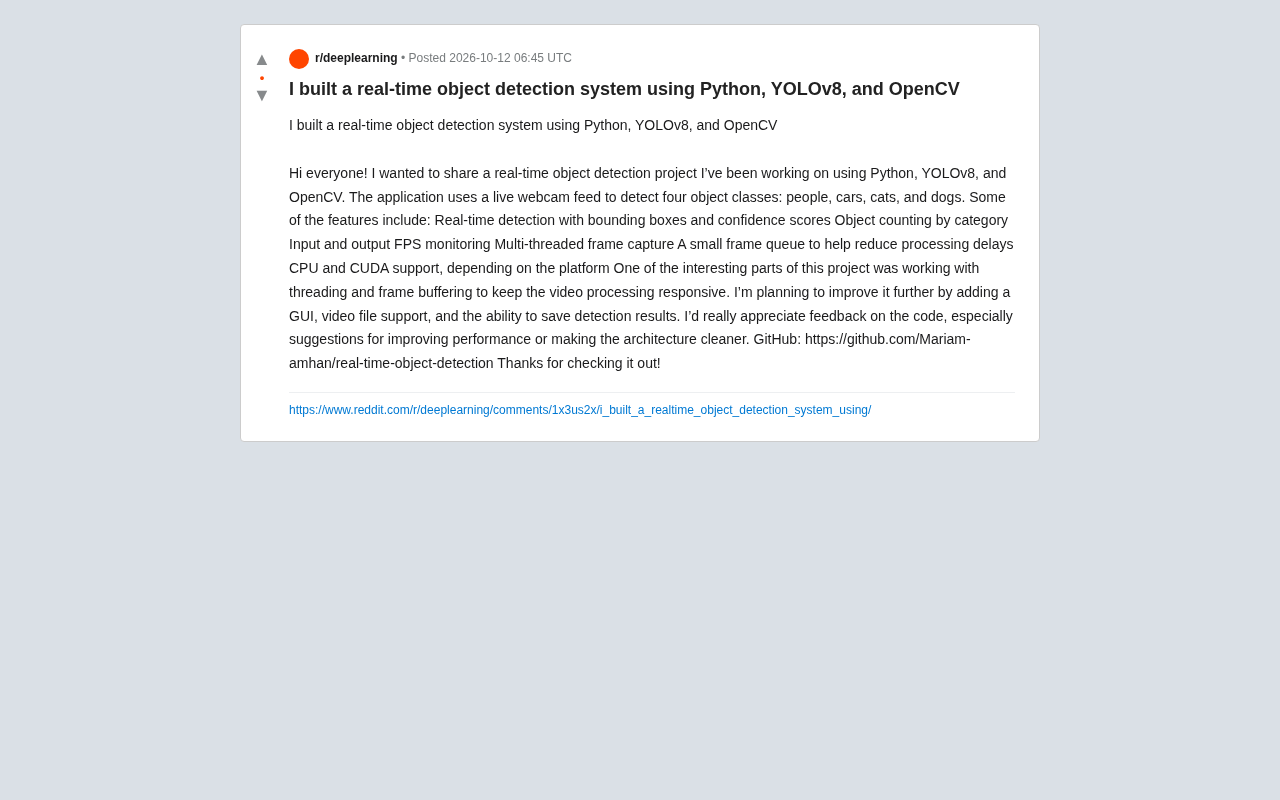
The project is open-sourced on GitHub (Mariam-amhan/real-time-object-detection), and the author is actively seeking feedback on code improvements and architectural optimizations. For developers looking to get into production-grade computer vision, this is a well-structured, immediately referenceable example.
Core Feature Breakdown
Based on the author's description, this system goes well beyond simply "detecting objects" — it's designed around a complete set of real-time considerations:
- Real-time detection and visualization: Draws bounding boxes on the video stream and labels each detected object with its confidence score.
- Per-class counting: Tallies the number of each object type in the current frame, useful for basic crowd or traffic monitoring.
- Input/output FPS monitoring: Tracks both the capture frame rate and the processing frame rate separately, making it easier to identify performance bottlenecks.
- Multi-threaded frame capture: Uses a dedicated thread for grabbing frames, preventing inference from blocking the camera read loop.
- Frame queue buffering: Introduces a small-capacity frame queue to smooth out processing latency.
- CPU and CUDA dual-mode support: Automatically selects the available compute backend, balancing compatibility with performance.
Together, these features determine whether the system can maintain a smooth real-time experience on everyday hardware.
The Engineering Challenges of Real-Time Video Processing
The author specifically highlights that the most interesting part of the project is the threading and frame buffering design — which happens to be the central challenge of any real-time vision application.
In a single-threaded approach, camera capture, model inference, and frame rendering all execute sequentially. Any slowdown in one step drags down the entire pipeline, resulting in choppy video or accumulating latency. With multi-threading, capture and inference are decoupled: a capture thread continuously pulls the latest frames into a queue, while an inference thread pulls frames from the queue for processing. This way, even if inference time fluctuates, frame capture is never blocked.
The design of a "small frame queue" is equally important. A queue that's too large means the system is always processing stale frames, introducing noticeable lag; a queue that's too small leads to frequent frame drops. Controlling queue depth is fundamentally a tradeoff between latency and smoothness — prioritizing the most recent frame over ensuring every frame gets processed. This is a standard tradeoff in real-time systems.
Frame queues are typically implemented using Python's queue.Queue or collections.deque. Using a bounded queue (with maxsize set) and dropping old frames when the queue is full is standard practice for real-time systems — the exact opposite of video-on-demand scenarios, where every frame must be processed rather than discarded. Another common pitfall is "queue starvation": if inference is much slower than capture, the queue stays perpetually full and the displayed video can lag several seconds behind reality. Some implementations address this by having the inference thread clear the entire queue and keep only the latest frame on each pull (get_nowait in a loop), forcing low latency at the cost of unstable frame rates during inference spikes. This tradeoff is especially critical in latency-sensitive applications like drone control or advanced driver-assistance systems.
The CPU vs. CUDA Performance Tradeoff
The system supports both CPU and CUDA (NVIDIA GPU) execution modes. YOLOv8 is a relatively lightweight detection model that can run on CPU, though frame rates are typically limited; switching to CUDA acceleration can yield several times the inference speed, which is often the difference between a usable and an unusable real-time experience.
For developers, offering dual-mode support lowers the barrier to entry — users without a discrete GPU can still try the system, while those with a GPU get the full real-time experience. This kind of "progressive performance" design is far more accessible than requiring specific hardware.
CUDA (Compute Unified Device Architecture) is NVIDIA's parallel computing platform and programming model, allowing developers to offload massively parallel computations to the GPU. In deep learning inference, the GPU's advantage comes from having thousands of smaller compute cores capable of handling highly parallel operations like matrix multiplication simultaneously, whereas a CPU's fewer but larger cores are better suited for serial logic. As a benchmark: YOLOv8n (the lightest variant) typically achieves only 5–15 FPS on a standard laptop CPU, but can easily exceed 60 FPS on an entry-level NVIDIA GPU like the RTX 3060. PyTorch detects CUDA availability via torch.cuda.is_available(), and the Ultralytics framework for YOLOv8 builds on this with automatic device selection — developers simply specify device='cuda' or device='cpu' when loading the model, with no need to manage the underlying scheduling manually.
Roadmap and Areas for Improvement
The author has outlined the following development plans:
- Adding a graphical user interface (GUI) for better usability
- Supporting video file input, not just live camera streams
- Saving detection results for downstream analysis
From an engineering perspective, a few additional directions are worth the community's attention. On the model side, experimenting with different YOLOv8 variants (n/s/m/l/x) offers finer control over the speed-accuracy tradeoff; the current four detection classes could be expanded through fine-tuning on a custom dataset. Architecturally, further modularizing capture, inference, and rendering would make it easier to add new features while keeping the codebase clean.
Value for Beginner Developers
The significance of this project isn't in how cutting-edge the technology is — YOLOv8 combined with OpenCV is a well-established stack — but in how it comprehensively demonstrates how to wrap a detection model into a usable real-time application. From FPS monitoring to multi-threaded buffering, these engineering details are exactly the kind of things tutorials skip over but that you can't avoid in practice.
For developers looking to break into computer vision, running an official demo is a starting point, but studying an open-source project like this one is how you understand what a complete system actually looks like. The author's open call for code review and performance optimization suggestions is itself a testament to the collaborative spirit of the open-source community.
Related articles

The US Military's Race to Make Fake Blood: Real-World Needs and Technical Challenges in Battlefield Life-Saving
Why is the US military investing heavily in artificial blood? This article analyzes the real-world dilemmas of battlefield transfusion, the pros and cons of hemoglobin-based oxygen carriers and other technical approaches, and the potential impact of artificial blood on civilian emergency medicine.

Best AI Gateways in 2026: Bifrost, Portkey, LiteLLM and 6 More Reviewed
MarkTechPost reviews 9 best AI gateways of 2026, comparing Bifrost, Portkey, LiteLLM, Kong, TrueFoundry, Cloudflare, Vercel, OpenRouter, and Orq.ai on latency, pricing, licensing, governance, and deployment.

AI Visibility Metrics: Definitions Matter More Than Dashboards
AI visibility measurement tools are proliferating, but the lack of unified definitions makes data incomparable. This article analyzes the mismatch and explores why repeatable methodology matters more than dashboards, and how a shared vocabulary can make AI search measurement truly credible.