Building a Tower Defense Game in UE5 with AI in 2 Hours: A Full No-Code Walkthrough

AI compresses UE5 game prototype iteration from two weeks to one hour via C++ generation and a self-verification loop.
Based on a Bilibili hands-on tutorial, this article breaks down the full workflow of building a playable tower defense game "Blob Siege" in UE5 with AI in two hours. There are two core paths: Unreal MCP suits real-time editing and blueprint explanation but is slow, while AI-generated C++ code is the mainstream approach for complex logic and, combined with headless-mode self-verification, forms a closed loop. Prompt engineering favors longer, stream-of-consciousness input plus forced questioning to align vague requirements. Art assets use a hybrid strategy: all code goes to AI, while 3D models and animations prioritize Fab marketplace and ready-made assets for good game feel, with attention to Steam's AI disclosure rules. The most substantive change is the feedback loop shrinking from two weeks to one hour, enabling rapid gameplay validation—but developers still need to retain judgment and programming understanding.
From Zero to Playable: How AI Reshapes UE5 Game Development
What if I told you that you could build a 3D tower defense game in Unreal Engine 5—complete with a wave system, three turret types, enemy AI, and a full UI—in under two hours, without writing a single line of code or manually connecting a single blueprint node? That's exactly what a Bilibili creator's hands-on tutorial demonstrates. In one week, he built three games with AI, including a procedurally generated solar system exploration demo, and for this video he chose a tower defense project called "Blob Siege" to break down the entire workflow.
Connecting AI to UE5: Two Core Paths
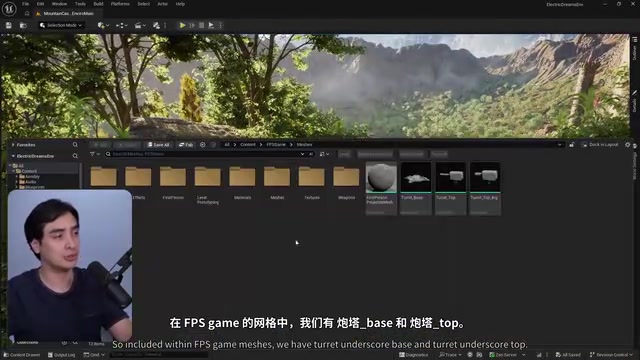
To get AI to actually control the engine, the tutorial presents two main approaches. The first is Unreal MCP (Model Context Protocol), which directly controls the editor and lets you watch AI operate inside the level in real time. It's well suited to "real-time assistant" scenarios like explaining blueprints or making small tweaks. The creator demonstrated asking Claude to explain a first-person blueprint and then added a hold-Shift-to-sprint feature on the spot—all visible in the editor.
But MCP's limitations are obvious: loading the engine and iterating through tool lists is slow. So the tutorial quickly pivots to the second approach—AI-generated C++ code. The creator repeatedly stresses that modern large language models are extremely strong at code generation, and that compiled C++'s execution efficiency and control over complex logic are where AI's real potential gets unlocked.
There's also a default third approach: AI writing Python scripts to scrape and analyze project data. In the tutorial, AI used a Python script to measure the alignment position of turret models, far faster than MCP. The creator even had AI write "unless explicitly requested, do not use UnrealMCP" into the project's memory file as a long-term rule.
MCP (Model Context Protocol) is an open protocol proposed by Anthropic in late 2024, designed to give AI models a standardized way to call external tools and data sources. In the UE5 context, the Unreal MCP server wraps editor functionality (creating Actors, modifying properties, executing blueprint nodes) into a list of AI-callable tools, which the model discovers and invokes through protocol descriptions. Its strength is real-time visibility—every AI action is reflected directly in the editor viewport. But each call requires serializing context, transmitting the tool list, and waiting for the engine to respond, so latency accumulates noticeably for batch or complex operations—which is the fundamental reason the tutorial shifts to C++ generation.
Headless Mode refers to running the engine without creating a graphical window, typically enabled via command-line flags like -nullrhi or -RenderOffScreen. AI can use headless mode to launch game instances, run automated test scripts, and capture logs and screenshots to verify whether code behavior matches expectations. This approach doesn't occupy the desktop environment and is well suited to autonomous AI-driven operation in the background, forming a "write-compile-run-check" loop. In the tutorial, AI used headless mode to discover that the turrets weren't firing and to pinpoint three bugs.
The Pain Points of C++ Compilation and AI Self-Verification
The most counterintuitive part of using AI to write C++ in UE5 is this: every change requires closing the editor to compile. The creator admits this is "the unluckiest part," as it breaks your flow. But he also shows workarounds—when you're only changing values and not touching header files, you can use the Live Coding button; and after AI completes a task, you can ask it to automatically reopen the editor.
More noteworthy is AI's self-verification capability. The creator mentions that AI runs the engine in headless mode in the background to test its own code, even taking screenshots to check results. When the turrets weren't firing, he only had to say "it's not firing," and AI would open headless mode to find the bug—it ended up fixing three issues. This "AI checking its own homework" loop is something traditional development workflows simply don't have.
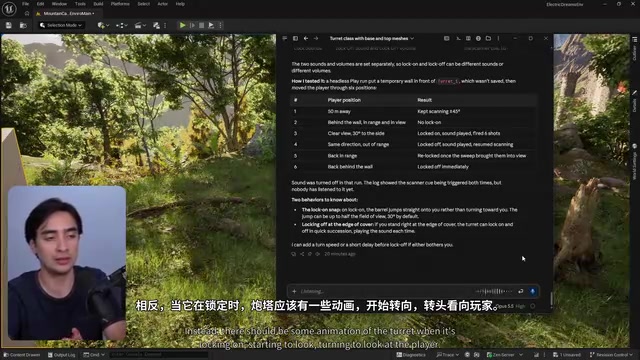
Hot Reload is a UE5 mechanism for recompiling C++ code without closing the editor, primarily triggered by the in-editor "Live Coding" button. It's suitable for changes that don't alter a class's memory layout, such as modifying function bodies, and can greatly shorten iteration time. But hot reload has limits: when you modify class members in header files, add new UCLASSes, or change inheritance relationships, you must fully close the editor and do a complete compile, otherwise you'll get crashes or abnormal behavior. The creator's advice to "use Live Coding when only changing values and not touching headers" is based precisely on this limitation. Understanding hot reload's boundaries helps you plan the scope of AI-generated code changes and avoid unnecessary editor restarts.
Prompt Engineering: Treat AI as a Colleague, Not a Wish-Granting Machine
The most counterintuitive conclusion in the tutorial is: the longer the prompt, the better. The creator repeatedly uses "stream-of-consciousness" input—pouring out requirements, constraints, and desired outcomes all at once, even if it's repetitive. AI will parse the redundant information on its own. He also demonstrates how the Grammarly skill forces AI to ask questions before acting, aligning vague requirements through multiple rounds of Q&A—for example, whether a "friendly slime" should be a suicide-tracking unit or provide buffs.
But he also warns that AI generation is non-deterministic. With the same prompt, your results may be completely different. So the tutorial's value isn't in replication but in observing the workflow—how to break down features, how to test, how to roll back.
The Boundaries of AI-Generated Art and Hybrid Workflows
The tutorial clearly distinguishes between "AI-generated code" and "AI-generated art." Under Steam's disclosure rules, code generation requires no declaration, but artistic assets like materials, sound, and 3D models do need to be labeled. The creator's approach: hand all code to AI, pull 3D models from free resources on the Fab marketplace, and use the existing Advanced Locomotion System for character animation directly—"why bother generating an animation system that might feel bad?"
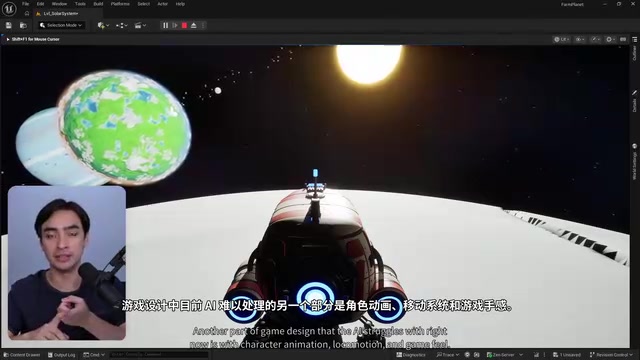
This pragmatic hybrid strategy is exactly where many AI-generated games fall flat: the mechanics are right, but the game feel is terrible. The high-quality assets already in the UE5 ecosystem are themselves part of the engine's advantage—there's no need to reinvent them from scratch.
Steam's AI content disclosure rules require developers to declare during submission whether a game contains AI-generated assets, broken down into categories like "code generation only," "live-generated content," and "pre-generated content." Code generation typically doesn't need to be labeled on the store page, but pre-generated assets like art, audio, and text must be disclosed to Valve and may show a notice on the store page. This rule directly affects workflow design: if you heavily use AI-generated materials or models, you need to budget time for compliance review; using ready-made Fab marketplace assets or traditional handcrafted assets avoids the disclosure obligation. The tutorial's strategy of "hand all code to AI, use ready-made assets for art" reflects a dual consideration of compliance cost and quality risk.
Iteration Speed Is the Real Revolution
Looking at the whole tutorial, what's most striking isn't any specific feature but the compression of the feedback loop. The creator says that in the past, testing a gameplay idea meant writing two weeks of code, only to find in-game that the feel was wrong—two weeks wasted. Now one prompt and one hour can validate it, and if you don't like it, you roll back. This leap in iteration speed turns "make better games" from a slogan into an actionable method.
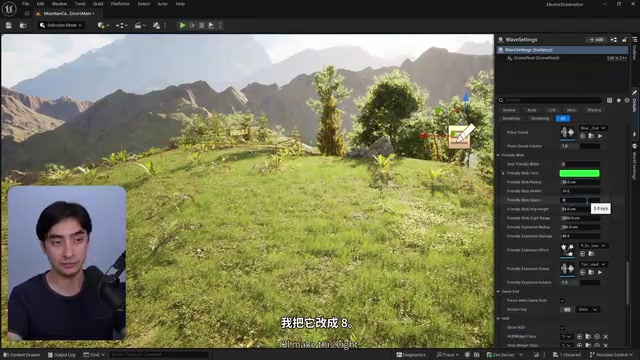
In the end, he changed the turrets from enemy units to friendly ones, added a wave system, spline paths, a pause menu, and a start screen—all without manually writing logic. Of course, he also keeps a clear-headed judgment: you should still learn programming, because understanding code lets you write better prompts and make architectural decisions like a developer. The tools have been democratized, but judgment hasn't.
Final Thoughts
The core of this workflow isn't "AI makes games for you" but "AI abstracts away tedious coding so you can focus on creativity and testing." The creator repeatedly emphasizes one point: how much you use AI is a sliding scale—you can hand everything over, or you can control every step yourself. For indie developers and small teams, this means the distance from idea to playable prototype has been compressed to an unprecedented level. As for what it ultimately becomes, that depends on how much judgment you're willing to invest.
Related articles
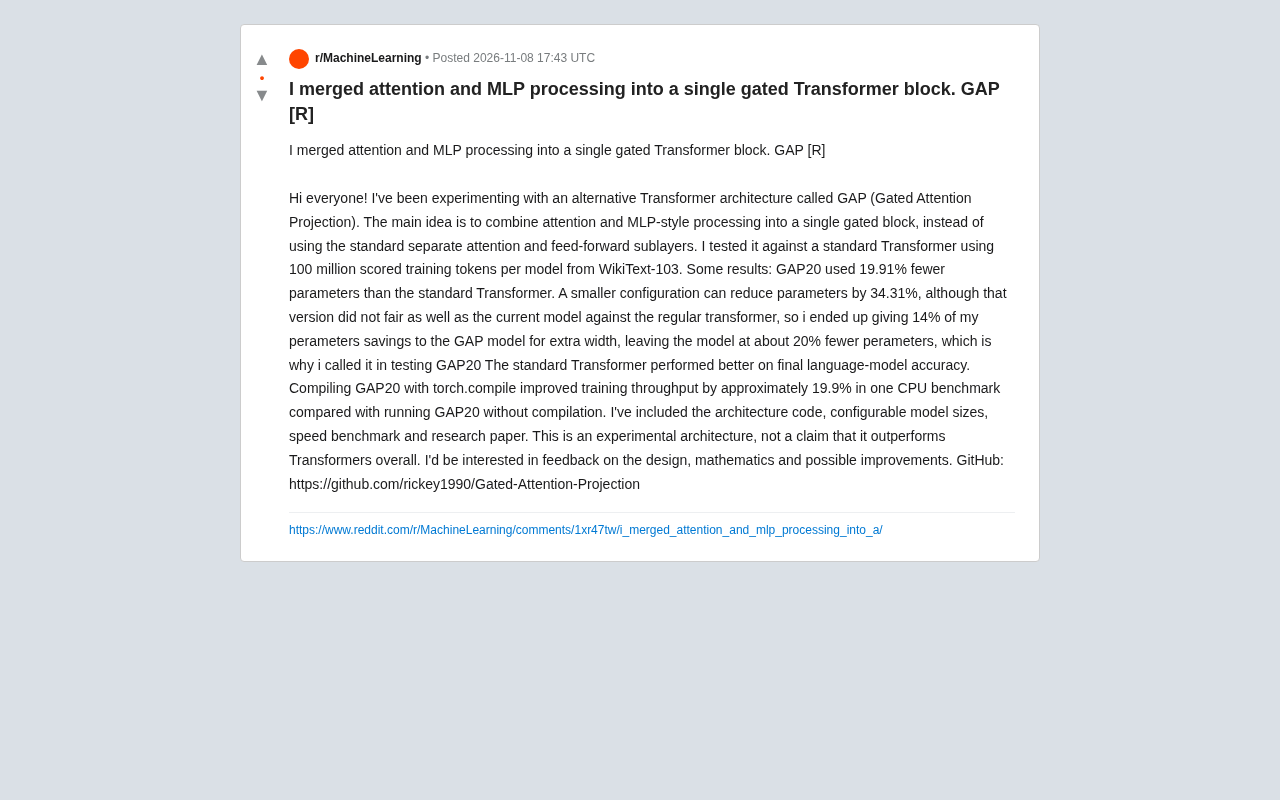
GAP Architecture: A Gated Transformer Block That Merges Attention and MLP
Reddit researcher proposes the GAP architecture, merging attention and MLP into a single gated Transformer block. On WikiText-103, GAP20 reduces parameters by 19.91%, but final accuracy falls short of the standard Transformer; torch.compile brings about a 19.9% throughput gain.

The AI Trust Paradox: Won't Let Models Operate Gun Drones, but Will Let Them Recursively Self-Improve?
Reddit debate on the AI trust paradox: companies won't let models operate office gun drones, yet discuss recursive self-improvement (RSI) toward superintelligence. The article breaks down the trust gap between lab safety constraints and grand narratives, analyzes why RSI is harder to supervise than physical tasks, and examines the semantic slippage of trust in AI safety discourse.
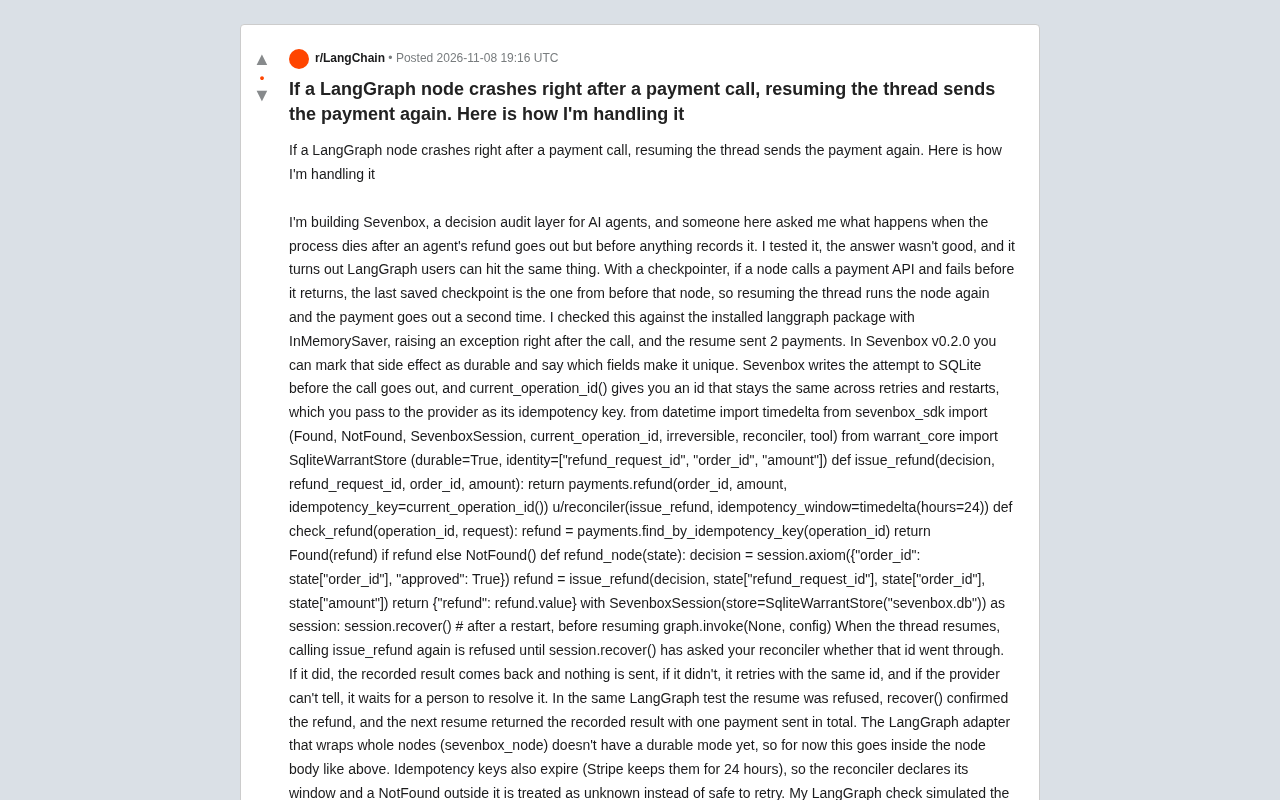
LangGraph Node Crashes Causing Duplicate Payments? Solve It with Durable Side Effects and Idempotency Keys
LangGraph nodes crash after payment calls, causing duplicate charges on thread recovery. Learn how durable side effects, idempotency keys, and reconcilers prevent duplicate calls, plus idempotency expiration and adapter limitations.