Can't Use Your Claude Max Credits? Let OpenCode Burn That Free API Budget for You

Claude Max/Team API credits can be consumed by OpenCode — setup steps and a migration checklist for Claude Code config.
Claude Max 5x, Max 20x, and Team subscriptions include $100/$200/$500 in monthly API credits, but interactive Claude Code is explicitly excluded. The author found that the third-party open-source client OpenCode can consume this credit, provided you manually link a Console organization on claude.ai and create an API key. Setup takes three steps, but there's zero official endorsement and the rules could change at any time. Two red lines: don't log in to OpenCode with a Pro/Max subscription, and don't put ANTHROPIC_API_KEY in your shell config. The second half details pitfalls when migrating CLAUDE.md, subagents, skills, MCP, and hooks to OpenCode V2.
Claude's Max and Team subscriptions come with a monthly free API credit, but the official Claude Code client can't spend it. The third-party open-source client OpenCode can — provided you configure a Console API key. This article compiles one developer's hands-on test notes: the credit rules, the steps to hook up OpenCode, and the pitfalls you'll hit when migrating a full Claude Code setup to OpenCode V2.
An Overlooked Credit: Up to $200/Month on Max
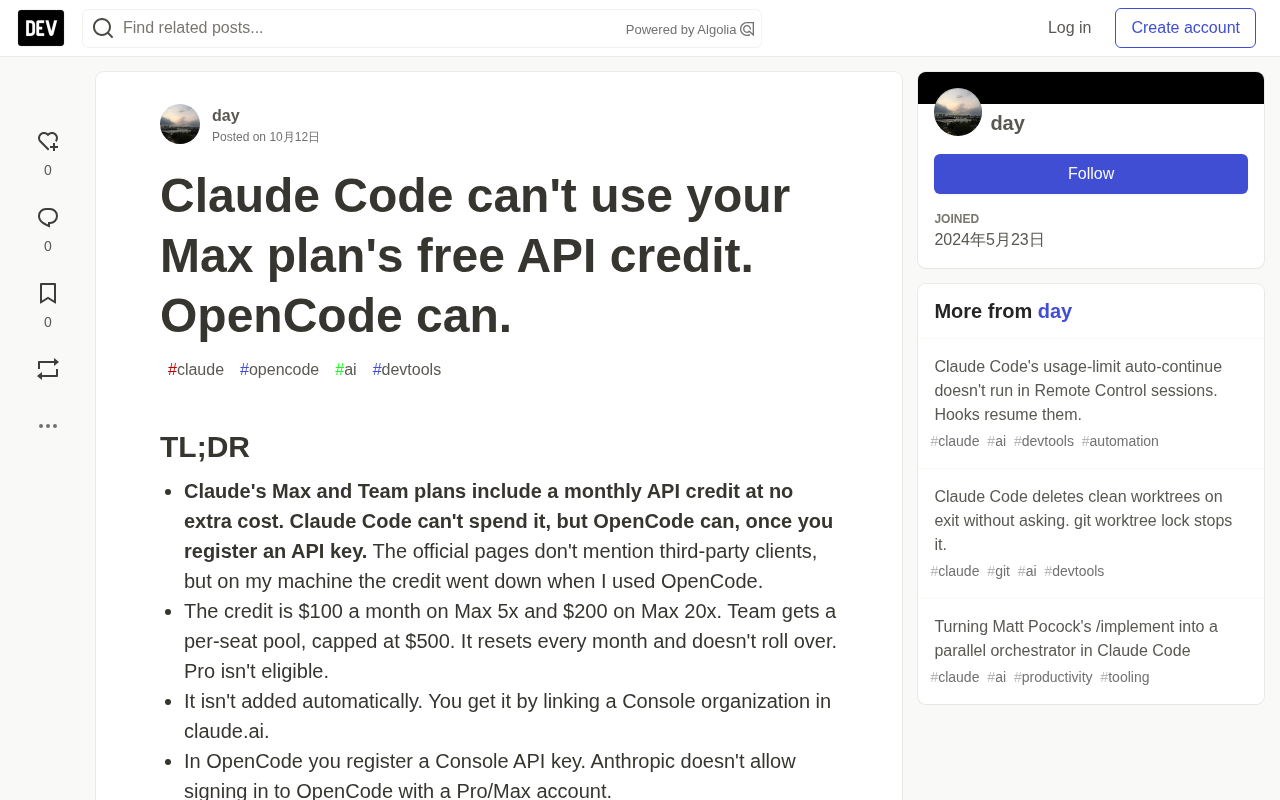
According to the Claude Help Center and Platform documentation, Max 5x, Max 20x, and Team subscriptions each come with a monthly API credit — $100 for Max 5x, $200 for Max 20x, and Team pooled by seat with a cap of $500. Credits refresh monthly and don't roll over. Pro subscriptions are not included.
The key question is who can spend it. The official eligible scope is narrow: claude -p or the Agent SDK run directly with an API key qualifies, as do the Claude API and Console Playground. Interactive Claude Code (terminal, IDE, desktop, web) is explicitly excluded, as are Bedrock, Vertex AI, and Foundry. As for third-party clients like OpenCode, the official page says nothing at all.
This author tested on their own machine and found that after making requests through OpenCode, the Promotional credits in the Console really did drop. In other words, third-party clients most likely can consume this credit too — but with zero official endorsement, and this could change at any time.
The credit doesn't arrive automatically; you need to manually link a Console organization under Settings > Billing on claude.ai. A single subscription can only link one organization, and once linked you can't change it yourself — you have to go through support. New subscriptions must wait a full 7 days before linking is allowed.
The relationship between Console organizations and API keys: Anthropic's Console (console.anthropic.com) is the developer-facing admin backend, and an independent Organization is the smallest unit of ownership for billing, API keys, and usage. Under one organization you can create multiple sk-ant- API keys and multiple workspaces, but all keys within the same org share the same balance and usage statistics. Linking subscription credits to a Console organization essentially means attaching the subscription's Promotional credits to that organization, after which any request made with a key from that org will consume this credit first. Conversely, if the key belongs to a different, unlinked organization, the request will only draw down credits the org purchased itself — which is exactly the first thing to check when "the credit isn't dropping."
Three Steps to Hook Up OpenCode
The setup itself isn't complicated. The minimal path the author gives is as follows:
# 1. Link a Console organization under Settings > Billing on claude.ai, then create an API key in the Console
# 2. Register the key in OpenCode (paste it into the interactive terminal)
opencode auth login anthropic --method key
# 3. Verify
opencode run --model anthropic/claude-haiku-5-5 "Reply with exactly one word: pong"
In the Console's Settings → API keys, click Create key, name it, set an expiration, and choose yourself under Linked account. The key starts with sk-ant- and is shown only once at creation. Keys within the same org share the same balance, even across workspaces.
If you've already registered another key, check with opencode auth list and switch to the one from the linked org with opencode auth switch anthropic <label>. Every key you register adds another account, and the most recently registered one becomes the default active account — an easy pitfall to hit.
Two Dangerous Operations
The author repeatedly stresses two prohibitions.
Don't log in to OpenCode with a Pro/Max subscription. Anthropic's legal pages explicitly forbid third-party developers from routing user requests through Free, Pro, or Max subscription credentials. OpenCode's own V1 docs also state "Anthropic explicitly prohibits this," and the relevant plugin was removed back in 1.3.0 — yet the old docs still list the step "choose Claude Pro/Max," which simply won't work if you follow it. There is only one legitimate approach: use a self-created Console API key in your own development environment.
Don't put ANTHROPIC_API_KEY in ~/.zshrc. Once Claude Code discovers and approves this key from an environment variable, it will bypass the subscription and use the key directly, and interactive mode isn't within this credit's eligible scope — the result is Credit balance is too low. When using claude -p, a key in an environment variable takes effect with no approval at all.
How to Confirm the Credit Is Actually Being Used
Check Promotional credits under Settings > Billing in the Console, as well as the Cost page, both before and after a request. On the author's machine, it really did drop. If it doesn't, the first suspect is that the key isn't from a linked organization. Once the balance is exhausted, requests will instead consume your purchased credits or auto-reload; when neither is available, API requests simply stop, and the subscription itself is never charged.
Moving Claude Code Config to OpenCode V2
The second half is the main event: how to migrate the whole setup of CLAUDE.md, subagents, skills, MCP, and hooks. The author made a ready-to-paste prompt and compiled a checklist of the pitfalls from their own manual migration.
Names and Paths Have All Changed
Copying V1 example configs verbatim gets many names wrong. In V2, permission becomes permissions, bash becomes shell, task becomes subagent, and MCP servers move from mcp.<name> to mcp.servers.<name>.
More insidious is that CLAUDE.md simply stops working. V2 only reads AGENTS.md and offers no backward compatibility. In a temporary git repo, the author had Haiku 5.5 answer a passphrase using only the instruction file: the word placed in CLAUDE.md did not appear, but after pasting it into AGENTS.md the model got it right. Writing CLAUDE.md into the instructions setting doesn't help either — V2 accepts the entry but doesn't load it. A workaround is adding a line to the global AGENTS.md telling the model to read the repo's CLAUDE.md itself.
Subagent Frontmatter Fails Silently
The author copied four Claude Code agents — coder, reviewer, review-lead, and Plan — verbatim into .opencode/agents/, then checked with opencode debug agents. All four came out as primary, the model field was empty, and name, model, and effort had no effect whatsoever. The critical case was cc-Plan, marked read-only via disallowedTools: the edit-permission deny was entirely lost, effectively making it able to modify files.
The correct approach requires a rewrite: specify the type with mode: subagent, write model in the form provider/model#variant, and translate disallowedTools into deny rules under permissions. The main session's effort level also can't go in the root model — the #variant gets dropped — so it has to go in agents.build.model. The author also warns that piping opencode debug agents directly to jq truncates the JSON; write it to a file first, then process it.
What frontmatter and subagent mode are: Frontmatter refers to the YAML metadata block wrapped in --- at the top of a Markdown file. Both Claude Code and OpenCode rely on it to declare an agent's name, model, tool permissions, and other attributes. A subagent is an assistant spawned from the main session with its own context and toolset, callable by the main agent to focus on a particular type of task, such as writing code or performing review. OpenCode V2 requires an explicit mode: subagent for an agent to be treated as a delegatable subagent; otherwise it defaults to primary (a top-level agent that can lead a session). This also explains why verbatim-copied agents get "downgraded": without the mode field, the system doesn't error out, it just falls back to the default — so permission denies, model, effort, and other type-dependent attributes all fall through.
How Skills, MCP, Hooks, and Commands Map
~/.claude/skills is read automatically, but skills inside plugins are not — you have to manually write the plugin cache's skills directory into the config. The path includes a version number, so it needs updating when plugins update. On ID conflicts, the later one overrides the earlier one, so personal skills should come after plugins. And because ~/.claude/skills is outside the working directory, you also need to open up external_directory permissions so a skill can read its own auxiliary files.
MCP has to move under mcp.servers. Remote servers default to OAuth; account-free ones like context7 can set oauth: false. Tool names change from mcp__plugin_context7_context7__… to <server>_<tool>, and under the default Code Mode they must be invoked through execute.
Hooks are split in two. The author originally had a PreToolUse hook specifically to block subagents from executing git push and deployment, with the main session exempt. In V2, this is implemented with permissions: a top-level deny applies to all agents, then build agents are individually allowed. Rules match top-down with the last matching rule winning, and subagents don't inherit parent permissions — they run only their own set. The author notes specifically that patterns match against the entire command string and * can match spaces and quotes, so a broad pattern like git * push* would wrongly block even git commit -m "fix push bug". Their rules stay narrow, using only git push* and git -C * push. Hooks triggered after edits or on stop have no corresponding setting and must be rewritten as plugins.
Slash commands degrade into thin wrappers around skills. The author found in testing that $ARGUMENTS doesn't expand at all inside a skill — only {"id": "argtest"} is passed into the skill tool, and the model sees the raw placeholder and guesses the arguments, which makes it look like it works. The correct approach is to write a command file whose only job is to make the model load the skill, letting the command layer expand $ARGUMENTS.
MCP and OAuth: MCP (Model Context Protocol) is an open protocol that lets models access external tools and data sources; clients register each tool exposed by an MCP server as a callable function. Remote MCP servers usually require authentication, with OAuth being the most common method — it pops up a browser for authorization on first call, exchanges for a token, and caches it. Public, login-free documentation retrieval services like context7 don't need OAuth, and if the config still defaults to OAuth, it may get stuck in the authorization flow, so explicitly setting oauth: false skips it. Tool naming changed from mcp__<plugin>_<server>__<tool> to <server>_<tool> because OpenCode no longer uses plugin prefixes for namespace isolation — watch out for name collisions when configuring.
Tool Names Don't Map One-to-One Either
OpenCode has no Agent tool, no SendMessage, and no isolation: worktree. In the global AGENTS.md, the author maintains a translation table: subagent_type maps to the agent parameter in the subagent tool, run_in_background maps to background, SendMessage becomes re-invoking subagent with the same sessionID, and worktree isolation requires running git worktree add yourself and writing the path into the instructions. git worktree add won't carry over .gitignored files, so the .worktreeinclude copy that Claude Code does automatically must also be done by hand.
git worktree and isolation: git worktree add lets you hang multiple independent working directories off the same repository, each checking out a different branch, for parallel development or running automated tasks in non-interfering copies. Its difference from a full clone is that it shares the same .git object store, so creation is fast and disk-efficient. But a worktree only checks out Git-tracked files; things excluded by .gitignore like .env, node_modules, and build artifacts won't be carried over. Claude Code's isolation: worktree automatically copies over the extra files listed in .worktreeinclude; when migrating to OpenCode, this step must be done manually, or the new worktree may be missing dependencies or config and fail immediately.
What Was Verified, What Wasn't
The author is candid about the limits of the evidence. The credit drawdown was indeed observed in the Console, but the official pages don't mention third-party clients and the policy could change at any time. The claim that the permission-matching rule git * push* wrongly catches commit messages is derived from documentation, not actually run. The alias skill only symlinked SKILL.md, so whether a skill with auxiliary files can resolve relative paths was untested. The $ARGUMENTS expansion behavior was read from the docs. Other operating systems, the desktop app, and Team subscriptions were not tested.
One-Sentence Conclusion
This monthly credit belongs only to Max 5x, Max 20x, and Team, is obtained by linking a Console organization, and can't be spent by interactive Claude Code. To use it in OpenCode, register a Console API key, don't log in with Pro/Max, and don't put ANTHROPIC_API_KEY in your shell config. When migrating config, remember: agents and CLAUDE.md copied over verbatim will be silently ignored, and hooks need to be split in two. For developers stuck on Claude Code limits, this is one extra path out.
Related articles

How Big Can Stars Really Get? The Physical Limits of the Largest Stars
Red supergiants are the largest stars by volume, with radii up to 2,000 times the Sun, engulfing the inner solar system. But there is no precise upper limit on stellar size—models predict up to 15,000 solar radii. The most massive blue stars are far smaller than red supergiants—biggest and heaviest are two different things.

Apple HomeView Smart Display Full Feature Breakdown: Wall-Mount or Desktop, $299
Apple launches HomeView, a $299 smart display with wall-mount and desktop options, 12MP camera for facial recognition, smart home control, music playback, and recipe step-by-step cooking. Full breakdown of watch faces, apps, privacy, and cooking integration.

Where Did the Promised New Studio Go? Craft Computing Answers After Five Years
Craft Computing's host responds to viewer questions: the new studio promised five years ago was shelved as construction costs soared from $30,000 to $75,000, and was replaced by a 168-square-foot garage conversion.