Celesto Open-Source Library: Bringing Human Takeover to Computer-Use Agents

Celesto open-source library adds human takeover to computer-use AI agents for seamless auth handling.
Celesto is an open-source project for computer-use AI agents that tackles the authentication bottleneck in automated testing. Its human takeover mechanism temporarily returns control to a human when the agent encounters login or 2FA scenarios, then resumes automation afterward. The project offers Python and TypeScript SDKs, real-time screen streaming, xterm terminal output, and SSH remote debugging. The author notes the commercial product shares the same core codebase as the open-source version. Latency optimization is highlighted as the key factor for real-world viability.
When AI Agents Encounter Moments That Need a Human
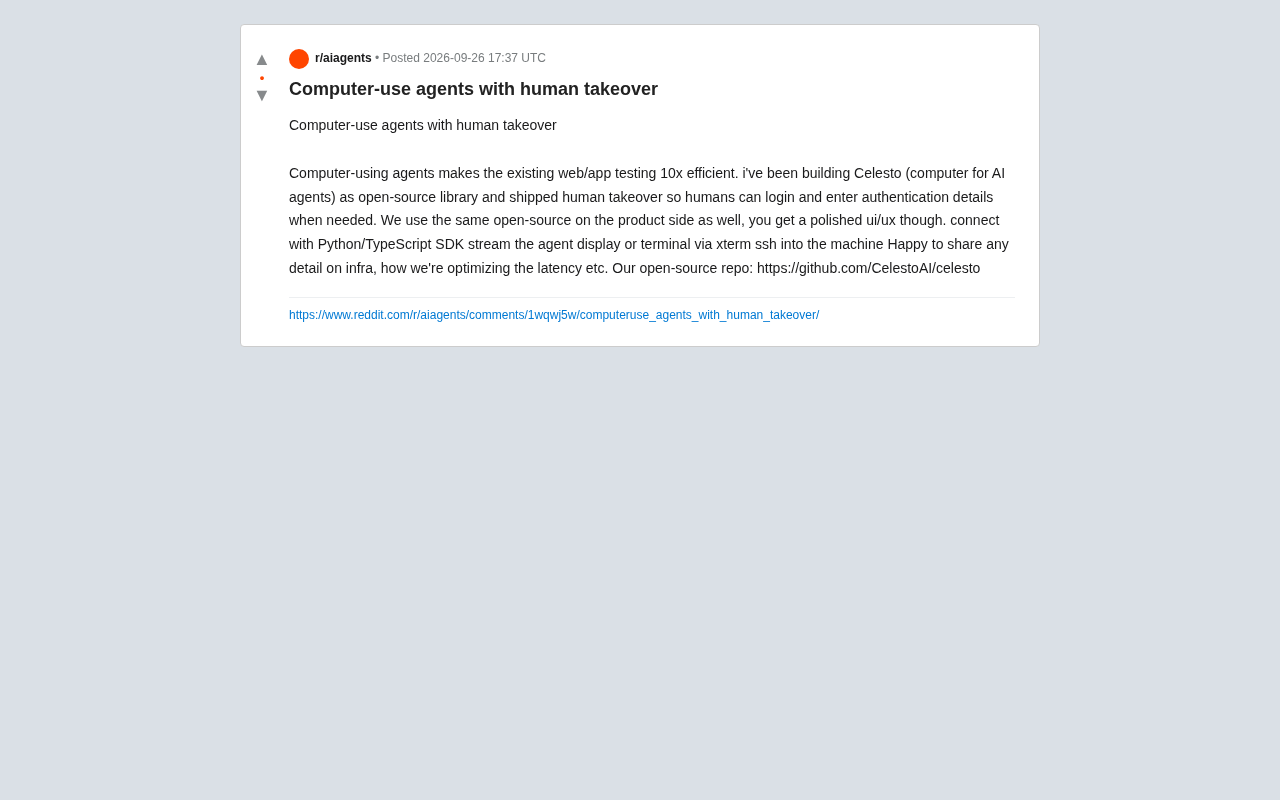
Computer-use agents are reshaping how we approach web and application testing. A developer recently shared on Reddit an open-source project called Celesto — a "computer" built for AI agents, with the core selling point of boosting existing web/app testing efficiency by roughly 10x.
The essence of these agents is enabling AI to operate browsers and application interfaces just like a human: clicking buttons, filling out forms, reading page content. But the real pain point often surfaces during login and authentication — AI can't easily handle two-factor verification, CAPTCHAs, or sensitive login flows that require human judgment. Celesto's answer is to introduce a "human takeover" mechanism.
Human Takeover: Seamless Handoff Between Agent and Human
The design philosophy behind human takeover is pragmatic: when an agent encounters a login or credential-entry scenario during task execution, temporarily hand control back to a human operator. The user can log in directly, enter a password, or complete multi-factor authentication — then let the agent take over again to continue the automated flow.
This mechanism addresses a real-world obstacle that pure automation solutions struggle to overcome. In actual testing and automation scenarios, authentication is nearly unavoidable, and completely bypassing security verification is neither compliant nor realistic. Letting humans intervene at critical checkpoints preserves the efficiency of automation while maintaining security and control.
Notably, the author emphasizes that their commercial product runs on the same open-source codebase — the only difference being a more polished UI/UX on the product side. This means the open-source version isn't a stripped-down demo, but shares the same core capabilities as the commercial offering.
From a technical standpoint, Human-in-the-loop is not a new concept, but deploying it in the context of computer-use agents presents unique challenges. Traditional RPA (Robotic Process Automation) tools typically bypass login via pre-recorded action scripts or auto-fill credentials stored in plaintext — both of which carry obvious compliance and security risks. Modern authentication systems — such as TOTP-based two-factor authentication (Google Authenticator, etc.), SMS verification codes, and hardware keys (FIDO2/WebAuthn) — are specifically designed to resist automated attacks, making it nearly impossible for AI agents to complete these steps without physical access to the user's device. The human takeover mechanism essentially inserts a "breakpoint" in the automated workflow, handing control to a human via remote desktop or session sharing, then resuming automation once authentication is complete. This design is especially necessary in enterprise testing environments, where test environments often share the same SSO (Single Sign-On) system as production, making it impractical to simply disable security policies.
Tech Stack and Integration
Based on what the author has shared, Celesto appears to have put considerable thought into the developer experience:
Multi-Language SDK Support
The project offers both Python and TypeScript SDKs, covering the dominant needs of backend automation scripts and the frontend/Node ecosystem alike. Developers can get up and running quickly in whichever language stack they're most comfortable with.
The choice of SDK languages reflects the intended audience. Python dominates the AI/ML engineering and test automation space, with mature ecosystems around frameworks like pytest; TypeScript covers frontend engineers and Node.js backend developers, and is especially friendly for teams integrating into CI/CD pipelines (such as projects using Playwright or Puppeteer). Maintaining two SDKs doubles the maintenance burden, but signals that the project aims to serve both core audiences — a reasonable trade-off for a tool positioning itself as "testing infrastructure," where test code typically needs to match the project's primary language.
Real-Time Visualization and Debugging
- Streaming the agent's display: Watch in real time what the agent is doing, making monitoring and debugging straightforward
- Terminal streaming via xterm: Terminal output can also be streamed in real time
- SSH into the machine: Developers can connect directly into the running environment for deep-dive troubleshooting
This combination makes the otherwise opaque behavior of agents transparent and observable — especially useful for diagnosing failed test cases and understanding the agent's decision-making path.
Latency Optimization: The Critical Battleground
The author proactively mentioned a willingness to share infrastructure details and insights on "how to optimize latency." This signals something important: for computer-use agents, latency is the core metric that determines practical usability.
Every step an agent takes involves a cycle of screenshot capture, model inference, and action execution. If per-step latency is too high, the entire task chain slows significantly, degrading both user experience and testing efficiency. Whether the tool can compress latency across screen streaming, remote operations, and machine connectivity to an acceptable range is often what separates tools that can be deployed in production from those that remain demos.
The latency profile of computer-use agents differs fundamentally from traditional API calls. The core loop typically consists of four stages: screenshot capture (encoding the current interface as an image), multimodal model inference (a vision-language model like GPT-4o or Claude 3 analyzes the screenshot and outputs the next action), action execution (simulating mouse clicks, keyboard input, and other interface commands), and state confirmation (waiting for the page to respond and verifying the action result). Model inference is typically the most time-consuming step, often taking 1–5 seconds per call, while a complete test case may involve dozens of steps. Common optimization strategies include compressing screenshot resolution to reduce token consumption, using locally deployed lightweight models for simpler steps, and caching and reusing action sequences. Compressing the end-to-end latency of this loop to under a second is the key threshold separating tools that are "demo-ready" from those that are "production-ready."
Reflections on Going Open Source
Celesto's choice to release as open source (GitHub repo: https://github.com/CelestoAI/celesto) while sharing code with the commercial product is an increasingly common strategy among AI infrastructure projects. Open-sourcing attracts developer community participation and builds trust, while a superior hosted experience enables commercialization.
That said, it's worth staying grounded: the information currently available comes primarily from the developer's own account. Actual stability, latency performance, and reliability in complex real-world scenarios still await community validation. For teams with web/app automation testing needs, it offers an open-source option worth watching — particularly for the "human takeover" feature, which addresses a genuinely practical pain point.
For developers currently evaluating computer-use agent solutions, three things are worth examining: the ease of use of the SDK, whether the screen streaming and remote debugging capabilities work smoothly, and end-to-end latency performance on your own typical tasks. These are the empirical indicators that will determine whether it can actually deliver that claimed "10x efficiency."
Related articles

How Big Can Stars Really Get? The Physical Limits of the Largest Stars
Red supergiants are the largest stars by volume, with radii up to 2,000 times the Sun, engulfing the inner solar system. But there is no precise upper limit on stellar size—models predict up to 15,000 solar radii. The most massive blue stars are far smaller than red supergiants—biggest and heaviest are two different things.

Apple HomeView Smart Display Full Feature Breakdown: Wall-Mount or Desktop, $299
Apple launches HomeView, a $299 smart display with wall-mount and desktop options, 12MP camera for facial recognition, smart home control, music playback, and recipe step-by-step cooking. Full breakdown of watch faces, apps, privacy, and cooking integration.

Where Did the Promised New Studio Go? Craft Computing Answers After Five Years
Craft Computing's host responds to viewer questions: the new studio promised five years ago was shelved as construction costs soared from $30,000 to $75,000, and was replaced by a 168-square-foot garage conversion.