ChatGPT's New Schedule Management Skill: Free Up Your Time with a Single Sentence

ChatGPT demonstrates the ability to remember user intent, proactively remind about meetings, and send emails to coordinate schedules.
An official short video from YouTube shows ChatGPT extending from a chat tool to a schedule manager: it remembers the user's intent to "leave today open," proactively reminds them when a long-awaited meeting invitation arrives, and after explicit authorization finds a later slot and sends an email on their behalf. The article notes that this demo relies on cross-turn intent memory and read/execute permissions for calendar and email tools, with ChatGPT acting as executor rather than decision-maker. The author also cautions that the video presents an idealized scenario; in actual use, permission configuration, calendar sync accuracy, and the boundaries of actions like sending emails still require users to oversee them—on the premise of accepting it as a collaborator rather than letting go completely.
ChatGPT is evolving from a "chat tool" into a "schedule manager." A recent official short video from YouTube demonstrates how it intervenes in everyday time management: when a user wants to reserve a block of focused time, ChatGPT can recognize new meeting invitations, proactively remind the user, and coordinate on their behalf.
From Small Talk to Schedule Intervention
The scenario in the video is ordinary: the user first makes small talk with ChatGPT—"Is he handsome? A little"—then shifts the topic—"Is it Jonah? No." Behind this casual conversation, ChatGPT has already remembered the user's intention to "leave today open."
When the system detects that the meeting invitation the user was hoping for has arrived, it proactively prompts: "You said you wanted to leave today open, but you just received the invitation for the meeting you wanted."

A "Time Trade" Under User Authorization
What really reflects the product thinking is the next line: the user asks, "Can you get me another hour?" ChatGPT replies, "Of course, I'll find a later time and send an email."
The key here is that ChatGPT doesn't reschedule without permission—it executes the "find a later slot + send email" actions only after the user explicitly authorizes it. It plays the role of executor, not decision-maker.

Confirmatory execution (Human-in-the-loop) is a common interaction paradigm for AI agent products: the model can propose plans and prepare actions, but before producing irreversible external effects (such as sending emails or modifying others' calendars), it needs explicit user confirmation. This differs from a "fully autonomous agent"—the latter makes decisions and executes within its authorized scope on its own. The former keeps the final judgment in human hands, reducing the risk of errors and overreach.
In this clip, "Can you get me another hour?" is precisely an explicit authorization that turns ChatGPT from a "proposer" into an "executor." In real-world deployment, this layered design is usually paired with operation logs and undo mechanisms, allowing users to trace what the model did on their behalf.
The Contextual Memory Behind It
This demo works because it relies on two capabilities: first, cross-turn intent memory (remembering "leave today open"), and second, read permissions for calendar/email information. The video doesn't delve into technical details, but from the interaction, ChatGPT has already connected "remembering user preferences" with "operating external tools."

Cross-turn memory refers to the model remembering user intentions, preferences, and constraints that appeared earlier in the same session, without the user having to restate them repeatedly. It typically relies on the context window: the conversation history is continuously fed into the model as part of the input, and the model infers "what to do now" from it. But this memory has boundaries—it may be lost once it exceeds the context window length or after a session restarts, unless the system separately persists user preferences to storage.
Tool/Function Calling refers to the model outputting structured instructions during a conversation, which an external system then executes on its behalf—such as calendar queries or sending emails—rather than the model directly performing the actions itself. The model is responsible for understanding intent and generating parameters, while the actual read/write permissions and execution are handled by authorized connectors. This also explains why "user authorization" is a prerequisite in product design: the model's capability boundaries depend on which tools and data access rights it has been granted.
What This Means for Ordinary Users
These capabilities suit people who treat ChatGPT as a "lightweight administrative assistant": you don't need to open your calendar and compare entries one by one—just state your intent in natural language, and it handles reminders and coordination.
However, the video shows an idealized scenario. In actual use, permission configuration, calendar sync accuracy, and the boundaries of actions like "sending emails" all require users to oversee them themselves. Putting ChatGPT into your scheduling workflow presupposes accepting it as a collaborator rather than letting go completely.
(This article is based on the content of an official YouTube short video and introduces no external data.)
Related articles
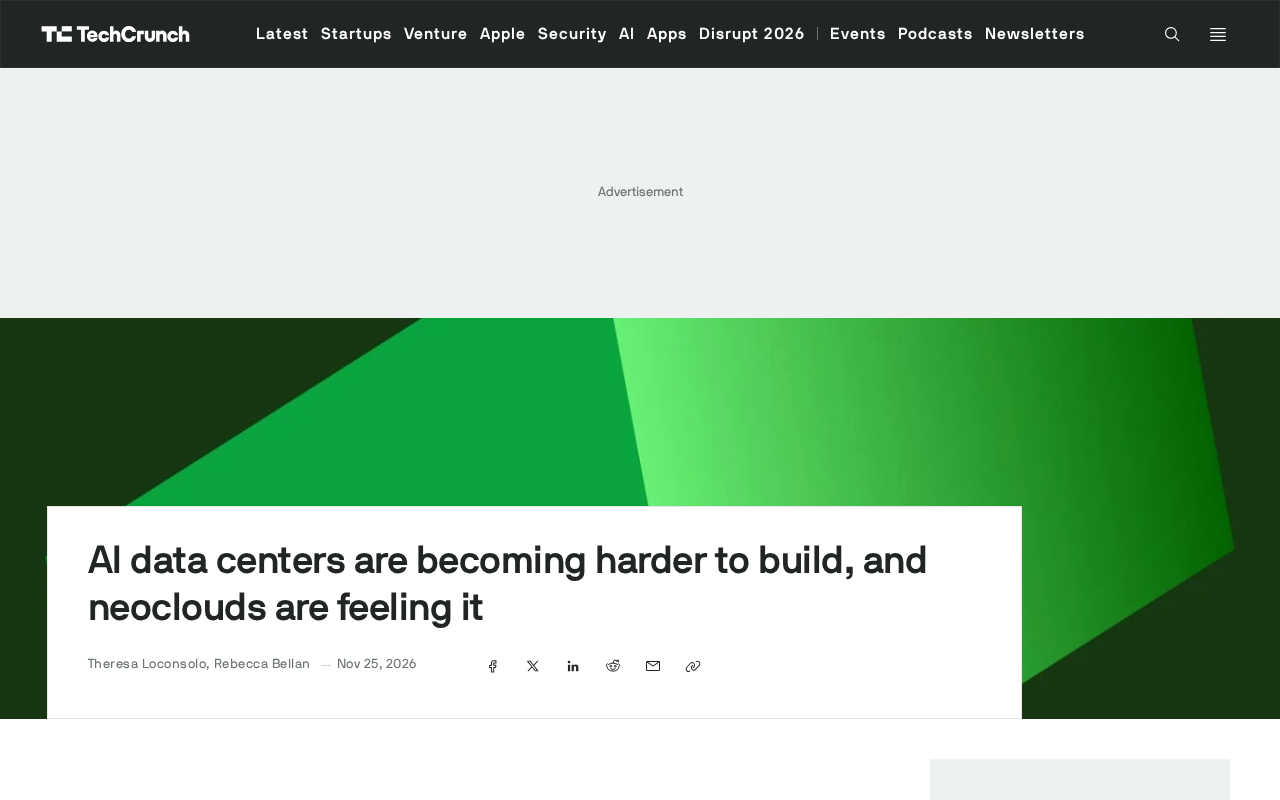
AI Data Center Construction Hits Roadblocks: The Neoclouds Winter and Nvidia's New Bar
Nvidia says it won't support unfinished AI data centers, leaving neoclouds squeezed by construction delays and rising debt costs. We analyze what this means for AI infrastructure.

Nothing's AI Earbuds Fully Revealed: The Charging Case Can Record and Transcribe
Nothing reveals full details of the Ear Note AI earbuds: the charging case has a built-in mic for recording, transcription, and conversation summaries, while the earbuds support call recording. Launching December 8.
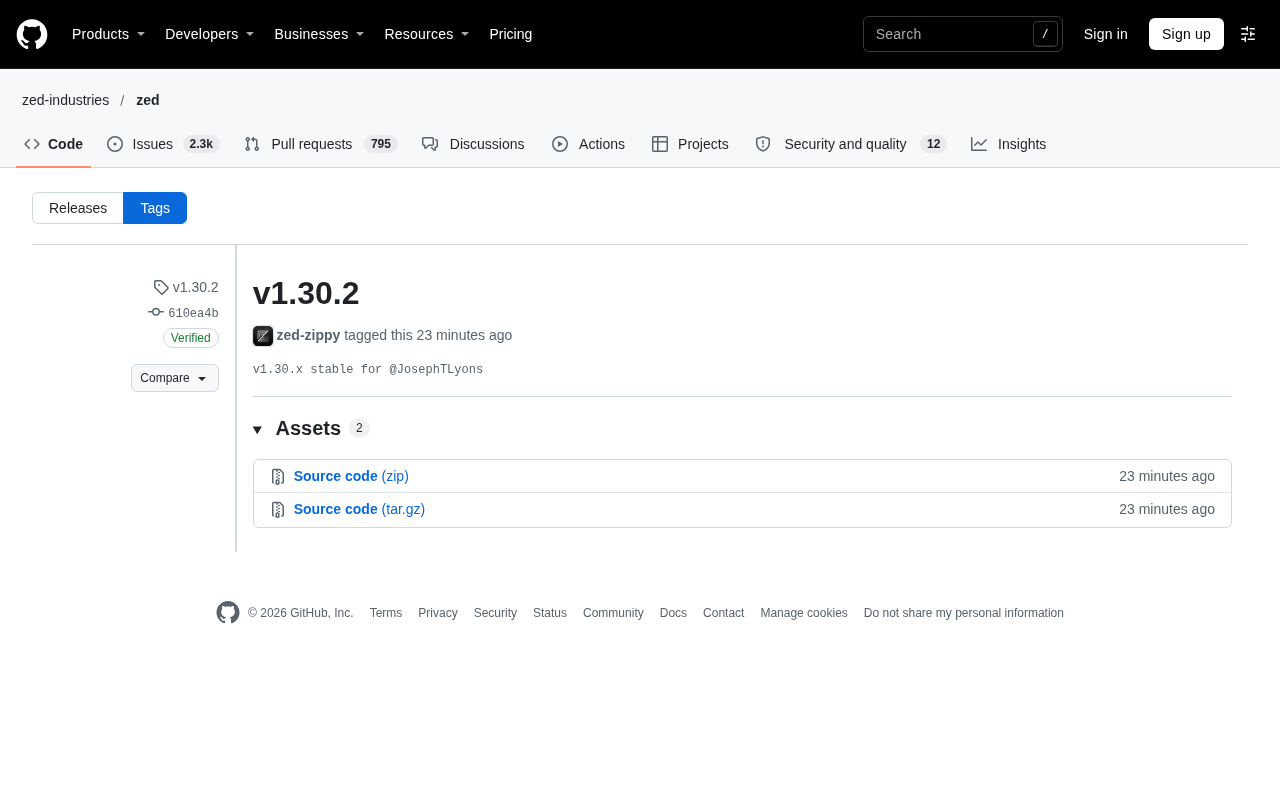
Zed Editor Releases v1.30.2 Stable: The Maintenance Signals Behind a Minor Update
Zed editor releases v1.30.2 stable, labeled as a patch update to the v1.30.x stable branch. This article analyzes the stability maintenance signals, signature verification, and release process rigor behind this minor release to help developers decide whether upgrading is worthwhile.