CiteCiter Open-Source Plugin: Give Your AI a "Blackboard" So You Can Learn While It Works
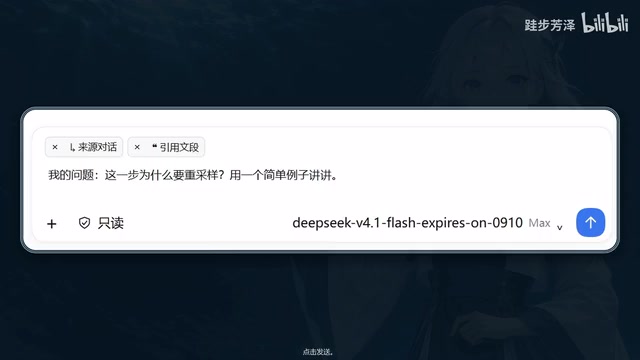
CiteCiter lets you learn from AI in real time with blackboards, learning paths, and knowledge cards.
CiteCiter is an open-source AI plugin designed for the pain point of "AI does the work, but you learn nothing." Its core idea is learning while doing: select any text to ask a question without interrupting your main task, get visual "blackboard" explanations with diagrams and formulas, follow up on those visuals, organize scattered knowledge into a structured learning path, and auto-generate knowledge cards for later review — all forming a complete loop from instant Q&A to lasting knowledge retention.
When AI Does the Work, You're Left in the Dark
More and more people are handing complex tasks off to AI assistants — but a subtle problem has emerged alongside this trend: AI executes a long chain of operations behind the scenes, spitting out professional jargon and results that users can only passively accept. You never know why it made certain decisions, and you have no chance to understand the underlying logic. The work gets done, but you walk away having learned nothing.
CiteCiter (pronounced "Cyter" in the demo video) is an open-source plugin designed specifically for this pain point. Its core philosophy is straightforward — it's okay if you don't understand what the AI is doing, because you can learn as it goes. Unlike automation tools that purely chase efficiency, CiteCiter treats "helping users understand the process" as an equally important goal.
Select & Ask: Instant Questions Without Disrupting Your Workflow
CiteCiter's most fundamental and practical interaction is "select to ask," available anywhere at any time. While reading AI-generated content or working through a task, you simply select a piece of text, right-click, and type your question — then hit send.
The key is that this doesn't interrupt your main workflow. The demo video emphasizes that "work continues as usual" — the primary task keeps moving forward while CiteCiter handles your question in a parallel lane. This creates a kind of dual-track conversation: the AI does the work on one track, and teaches you on the other. For scenarios where you need to understand something while executing it, this design eliminates the jarring "stop, look it up, come back" cycle that traditional Q&A tools impose.
AI "Blackboard" Mode: Turning Abstract Text into Visual Explanations
Pure text explanations can be maddeningly abstract — you read through them and still come out confused. One of CiteCiter's standout features is letting the AI "write on a blackboard" — instead of just replying with a paragraph of text, it can draw diagrams, write text, and lay out formulas, just like a teacher explaining something on the board during class.
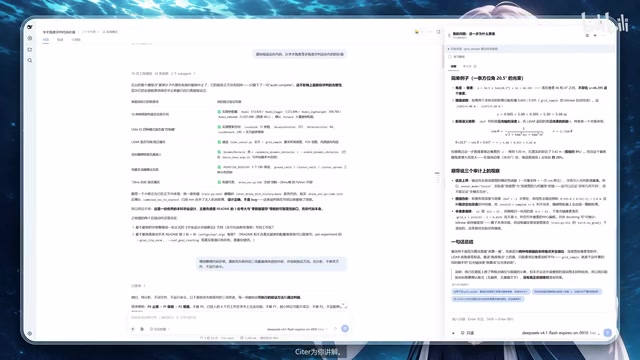
This visual explanation mode upgrades complex concept breakdowns from "reading documentation" to "watching a lecture." When a passage of text isn't clicking, the blackboard can present logical relationships visually through diagrams, formulas, and structured writing.
And if the blackboard still doesn't make things clear, you can keep asking follow-up questions about it. This means the explanation isn't a one-shot, one-way output — you can circle back to the same "board" repeatedly and dig deeper until you actually understand.
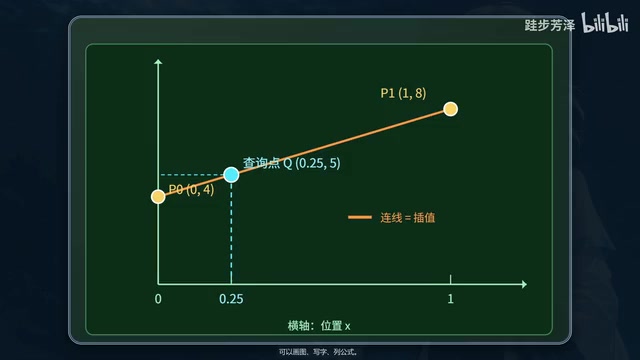
The AI "blackboard" feature typically relies on a combination of structured output and rendering capabilities. On one side, large language models can generate markup like LaTeX formulas, Mermaid flowcharts, or SVG descriptions. On the other, a frontend rendering layer translates these in real time into visual graphics. This "generate-as-you-draw" pipeline frees AI explanations from linear text, enabling concepts to be laid out spatially to show hierarchy and relationships. Compared to pure-text explanations in a traditional chat window, visual output has been repeatedly shown in cognitive load research to reduce working memory pressure — especially when explaining mathematical derivations, system architectures, or cause-and-effect chains. By embedding this capability in a workflow sidecar, CiteCiter lets users get richly illustrated explanations within their original context, without switching to a dedicated learning tool.
From Scattered Q&A to Systematic Learning: Learning Paths and Knowledge Cards
Ad-hoc questions tend to leave knowledge fragmented — a little here today, a little there tomorrow, never forming a coherent whole. CiteCiter addresses this with two advanced features.
When you feel your knowledge lacks structure, you can open the "Learning Path" feature, which strings your scattered knowledge points into a logical, sequenced learning roadmap — helping you build a complete knowledge framework.
After a learning session wraps up, the tool can also organize what you've learned into knowledge cards. This is essentially automatic note-taking and review consolidation — every answer you get is preserved for future reference, rather than vanishing the moment the conversation ends.
The "Learning Path" and "Knowledge Cards" features correspond to two classic concepts in learning science: Knowledge Graphs and Spaced Repetition. A learning path is essentially a topological sort of scattered knowledge — identifying dependency relationships between concepts and sequencing prerequisites first, helping learners avoid repeatedly getting stuck due to missing foundational understanding. Knowledge cards resemble flashcards, compressing knowledge into concise question-and-answer units that provide actionable material for later review. Tools like Anki have broadly validated the effectiveness of spaced repetition: actively reviewing at the forgetting curve's inflection points significantly improves long-term retention. By embedding these two mechanisms at the tail end of an AI work session, CiteCiter fills the "learn and immediately forget" gap — turning every AI-assisted work session into an accumulating learning asset.
Positioning and Value: A Different Path Beyond Efficiency Tools
Putting these features together, CiteCiter sketches a complete "work-and-learn" closed loop: select text to get instant answers → AI visualizes the explanation on a blackboard → follow up directly on the blackboard → learning path builds systemic understanding → knowledge cards preserve the gains. The video sums up its positioning in one phrase: "Understand it. Learn it."
At a time when the vast majority of AI tools are racing to "do things for you," CiteCiter has chosen a different path: it acknowledges AI's powerful execution capabilities, but refuses to abandon the development of the user's own understanding. For students, researchers, and anyone who wants to genuinely grow through their use of AI, this "coaching" rather than "delegating" product philosophy offers a direction worth paying attention to.
As an open-source plugin, CiteCiter also leaves room for community participation and independent extension. That said, it's worth noting that the publicly available information is currently focused more on feature demonstrations — the specifics of its technical implementation, supported platforms, and real-world usage experience are still waiting to be explored and verified.
Related articles
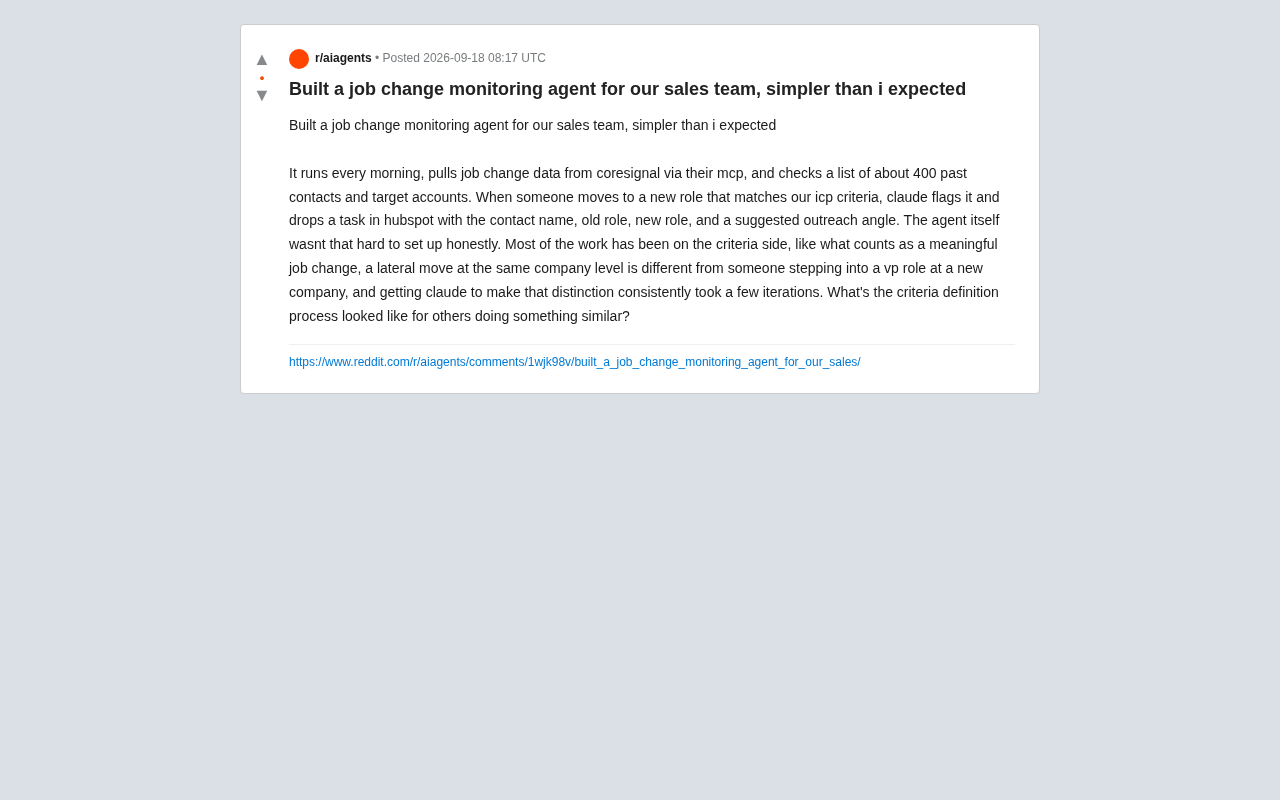
Using an AI Agent to Monitor Customer Job Changes: A Sales Team Automation Case Study
A Reddit user shares how he built a job change monitoring agent using Claude, MCP, and HubSpot to track 400 contacts daily and surface high-value sales signals.
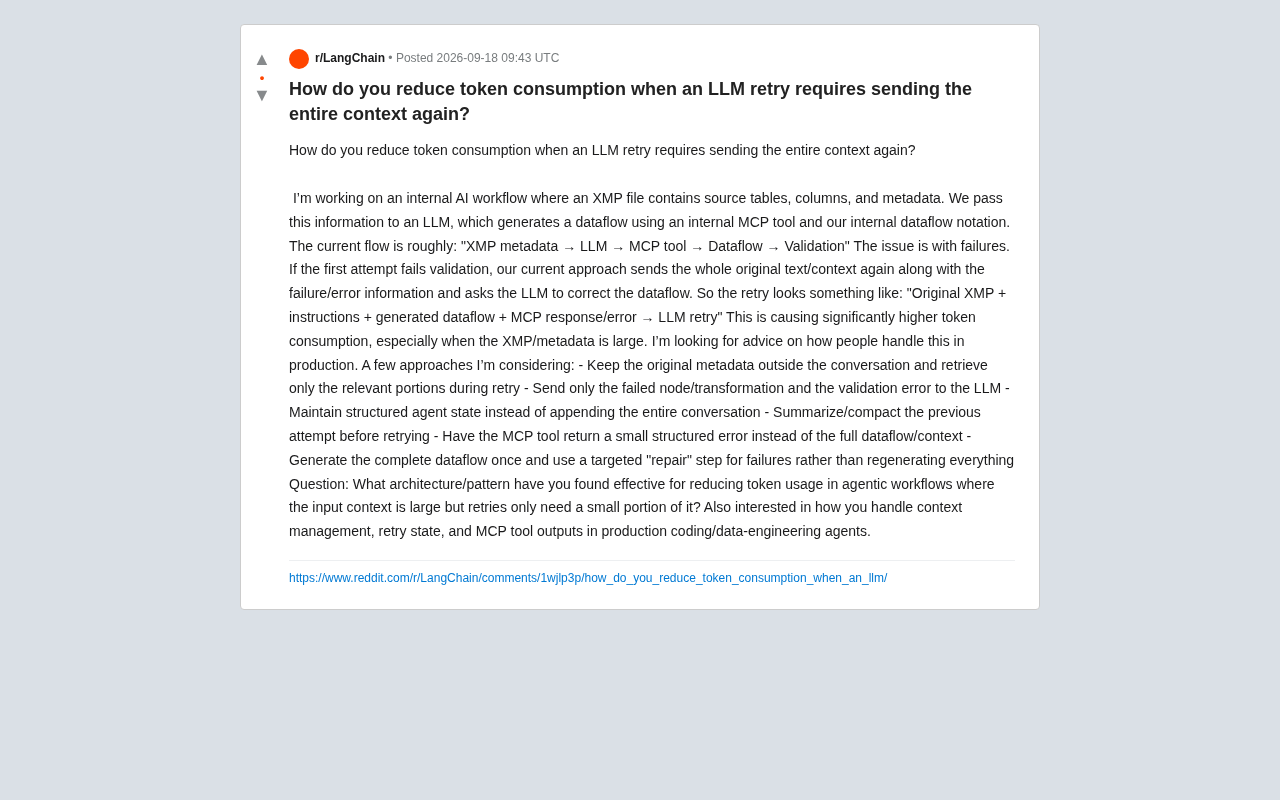
How to Save Tokens on LLM Retries? Optimization Strategies for Large-Context Agent Workflows
Resending full context on LLM retries causes token costs to explode. This article covers six optimization strategies for large-context Agent workflows, including decoupling generation from repair, external context retrieval, structured state management, and lean MCP tool output.
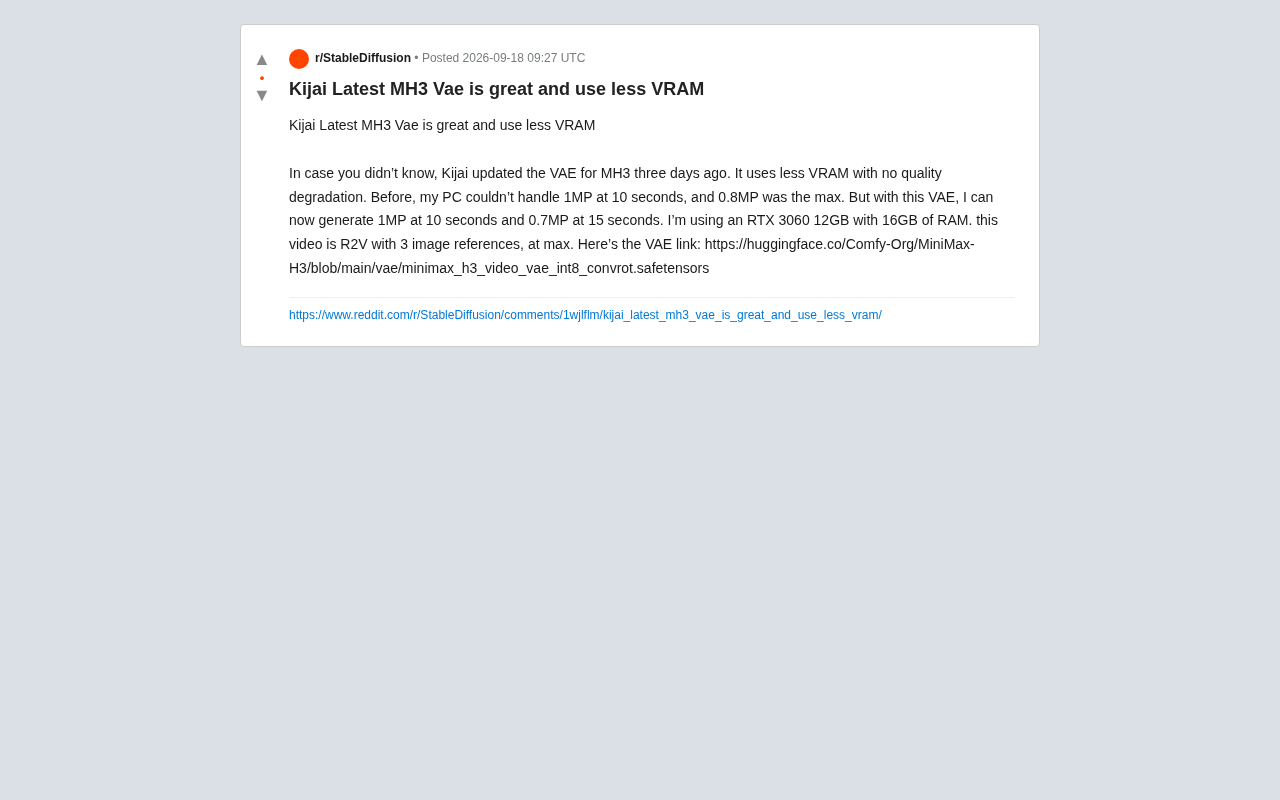
Kijai Updates MiniMax-H3 VAE: Lower VRAM Usage Without Quality Loss
Kijai updated the MiniMax-H3 int8 quantized VAE, enabling RTX 3060 12GB users to generate 1MP/10s and 0.7MP/15s videos with no reported quality loss.