Claude Comes to Office: Excel, PowerPoint, and Word Now Generally Available
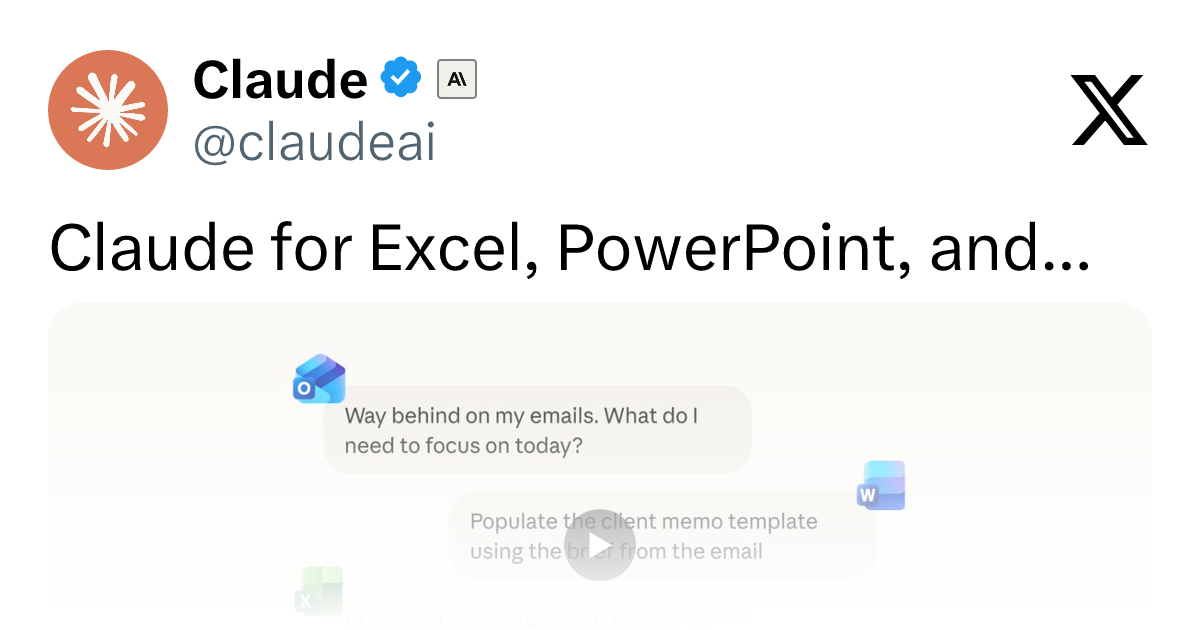
Claude is now embedded in Excel, PowerPoint, and Word with cross-app context, marking a new era for Office AI.
Anthropic has announced deep integration of Claude into the Microsoft Office ecosystem: Claude for Excel, PowerPoint, and Word is now Generally Available, while Claude for Outlook enters Public Beta. The standout feature is cross-app context continuity — Claude retains the full conversation history as users switch between Office apps, enabling seamless workflows from Word documents to Excel analysis to PowerPoint presentations. Anthropic is using a phased rollout strategy, prioritizing core document tools before communication apps. On the competitive front, Claude will go head-to-head with Microsoft's own Copilot on Office turf, with its long-form reasoning potentially serving as a differentiator.
Claude Deeply Integrated into the Microsoft Office Ecosystem
Anthropic has announced a major milestone in its AI assistant's integration with Microsoft Office: Claude for Excel, PowerPoint, and Word is now Generally Available (GA), while Claude for Outlook has entered Public Beta. This means hundreds of millions of Office users can now invoke Claude's capabilities directly within their most-used productivity apps — no more switching back and forth between a browser and the application.
For knowledge workers who rely on Office daily to handle spreadsheets, presentations, and documents, this isn't just a feature add-on. It marks a shift in how AI assistants operate — evolving from a "standalone chat window" to an "embedded work partner." Claude is no longer an external tool you paste content into; it's sitting right alongside you at your workstation.
The Headline Feature: Full Context Across Apps
The most noteworthy capability in this update is Claude's ability to carry the full context of your conversation as it moves between Microsoft apps. As the official description puts it: "As Claude moves between your Microsoft apps, it carries the full context of your conversation."
The implications of that statement are significant. Traditional AI add-ins for Office tend to operate in silos — you ask it to rewrite copy in Word, then switch to Excel and it has no idea what you were just working on. Claude's cross-app context capability theoretically allows it to remember the project background you wrote up in Word, use that to generate relevant data analysis in Excel, and then pull everything together into a coherent presentation in PowerPoint.
This continuity is the critical dividing line between AI as a "point tool" and AI as a "workflow collaborator." It reduces the overhead of repeatedly re-explaining context, and brings AI much closer to the natural rhythm of actual office work.
Potential Use Cases by App
- Claude for Excel: Data cleanup, formula generation, table interpretation, and trend analysis — ideal for financial reports, sales data, and other structured information.
- Claude for PowerPoint: From outline to finished deck, helping generate presentation logic, optimize layout suggestions, and accelerate slide creation.
- Claude for Word: Document drafting, polishing, summarization, and formatting — covering the full workflow from first draft to final version.
- Claude for Outlook (Beta): Email drafting, reply suggestions, and information organization — helping manage heavy communication workloads.
From GA to Beta: Understanding the Release Cadence
Anthropic's phased rollout strategy is worth noting. Excel, PowerPoint, and Word — the three core productivity tools — have reached GA status, meaning these integrations have been thoroughly validated and are stably available to all users. Outlook, on the other hand, remains in Public Beta, which typically signals that features are still being refined and may have usage limitations or inconsistent experiences.
This "core tools first, communication apps next" approach reflects Anthropic's priority of ensuring maturity in high-frequency document workflows before extending to email and messaging use cases. For users, this is a reasonable moment to dive into the main productivity tools right away, while keeping an eye on how the email features evolve.
GA vs. Public Beta — What It Means in Practice
GA (Generally Available) and Public Beta have distinct engineering meanings in software release cycles. GA typically means a product has passed internal testing, limited private beta, and early access stages, meeting the stability and support commitments required for production environments — vendors back GA releases with SLA (Service Level Agreement) guarantees. Public Beta means the feature is open to the public for feedback collection, but full stability or feature completeness isn't yet promised; interfaces or behaviors may change at any time. For enterprise IT decision-makers, this distinction directly affects deployment decisions: GA products can enter formal procurement processes, while Beta products are generally not recommended for critical business workflows, and their data handling terms may differ from the final release.
The Competitive Landscape for Office AI Assistants
Claude's deep integration into Office inevitably puts it in direct competition with Microsoft's own Copilot. On the same Office turf, users will now have more choice in their AI assistant. Claude has long been recognized for its strong long-form text comprehension, coherent reasoning, and relatively restrained output style — qualities that may translate into a differentiated edge in document writing and complex spreadsheet analysis.
That said, the current information comes solely from Anthropic's official announcement, and independent benchmarks and hands-on comparisons are still lacking. Claude's real-world performance in Office scenarios, the depth of its differences from Copilot, and enterprise-grade data security and compliance details all remain to be verified through independent reviews.
Context: Microsoft Copilot vs. Claude in Office
Microsoft Copilot began rolling out to enterprise users in late 2023, deeply integrated into the Microsoft 365 subscription ecosystem. Its biggest advantage is native access to data across the entire Microsoft stack — OneDrive, Teams, Exchange — backed by Azure's enterprise compliance and data residency capabilities. However, Copilot's underlying model relies primarily on OpenAI's GPT series, which has certain limitations in ultra-long document processing and complex reasoning chains. Claude's entry gives enterprises and individuals a model-level alternative — especially valuable for teams already using the Claude API in other workflows who want to maintain consistency in their AI vendor stack. The coexistence of both in the same Office environment also signals that "model as plugin" is becoming the new norm for productivity software, and users are gaining more awareness of — and control over — the AI powering their tools.
Closing Thoughts: Office AI Enters the Embedded Era
The general availability of Claude for Excel, PowerPoint, and Word — alongside the public beta of Outlook — marks a shift in how AI assistants exist within the workplace. They're moving from external tools you have to actively summon, to embedded partners that are always at hand and understand your full intent. The cross-app context continuity is the most imaginative part of this update.
For heavy Office users, now is a good time to start integrating Claude into your everyday workflow. How much it actually boosts real-world productivity remains to be seen through hands-on use — but the direction is clear: office AI is rapidly accelerating toward the next stage of seamless integration.
Related articles

Last Week Tonight Exposé: The Dangerous Ties Between Politicians and White Supremacy
Last Week Tonight investigates Georgia Senate candidate Mike Collins and Florida candidate Marshall Rawson, exposing their multiple ties to white supremacists and the Republican Party's silent response.
AI Buzz Weekly: GPT-6.5 Leak, New Claude Model, and MiniMax's Cost-Effectiveness
This week's AI buzz roundup: suspected GPT-6.5 leak, Microsoft configs showing GPT-6.1 Tera, Anthropic's new model that can identify entire classes of bugs, disappointing early Gemini 4 Carbon results, and MiniMax M3.1 Flash beating Claude Opus 5 and GPT-5.6 Sol in benchmarks at extremely low cost.

AI Briefing: Gemini 4 Carbon Released, Ant Open-Sources Ling-3.1
AI Briefing: Google releases Gemini 4 Carbon qubit model, claiming to surpass Opus 5.5 with half-price tokens; Ant open-sources Ling-3.1-1019 for real-task Personal Agents; domestic AI drug discovery succeeds in 18 of 19 projects, hitting all 6 GPCR targets; zero-revenue company valued at $20B raises another $1B; Sichuan convenience store robot sales fail.