Cloud T4 Falls Short of Spec: Gemma 4 Decoding Slows 7% Due to Heat

Cloud T4 runs 7.4% slower hot than cold due to power cap and leakage current, but thermal throttling never triggers.
The article documents an experiment running vLLM inference on Gemma 4 E2B on a single Google Cloud T4. By sampling temperature, SM clock, power draw, and throttle reasons every 100 ms, and mapping each decoding rate to the card's state at generation time, the author found decoding at 115.3 tokens/s at a cold 45°C versus only 106.8 at a hot 77°C, a sustained 7.4% slowdown. The cause is not thermal throttling (never triggered across 154,815 samples) but the 70W power cap interacting with leakage current, which pushes clocks from ~1,457 MHz to ~1,267 MHz.
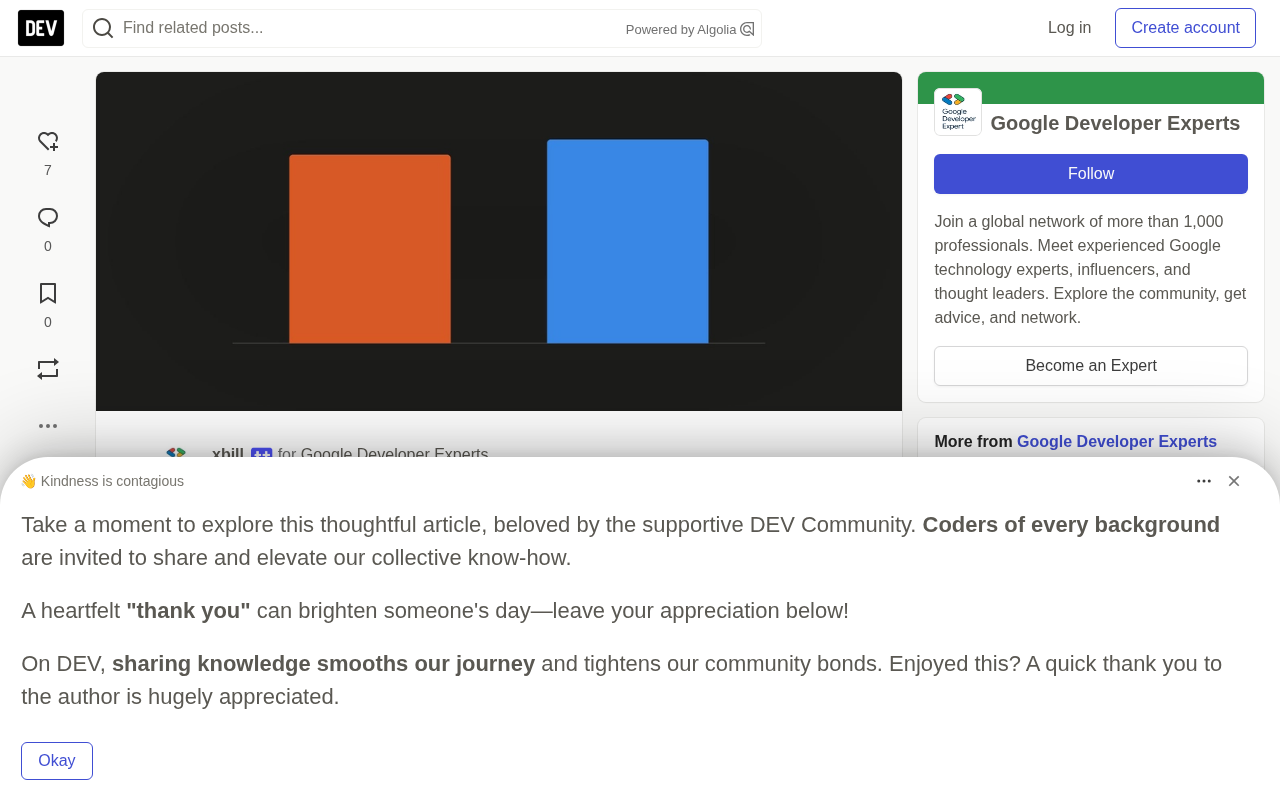
Rented GPUs are billed by model and by the hour, but the numbers on the spec sheet never come with a temperature condition. A developer did something on a single-cloud T4 in Google Cloud that few bother to do properly: log the GPU's temperature, clocks, power draw, and throttle reasons every 100 milliseconds, then map each inference request's token generation speed to the card's state at that moment. The conclusion: same card, same model, same prompt — 115.3 tokens/s decoding at a cold 45°C, but only 106.8 tokens/s at a steady-state 77°C, a sustained 7.4% slowdown, with thermal throttling never triggering once.
The Overlooked Variable: Temperature
Sprint Scores Are Not Sustained Performance
The T4 spec sheet gives a crisp number: FP32 8.1 TFLOPS, FP16 65 TFLOPS. A one- or two-minute benchmark result usually gets written into comparison tables as this card's speed. The problem is that this number corresponds to the 1,590 MHz maximum clock — working backward from 2,560 CUDA cores at two operations per clock, 8.1 TFLOPS requires roughly 1,582 MHz to hold up.
Once you enter sustained load, the card's real clock is far below that. At 1,430 MHz (44°C cold), the author's arithmetic gives only 7.32 TFLOPS, or 89.9% of spec; at 1,241 MHz (77°C hot), only 6.35 TFLOPS remain, about 78.1% of spec. This experiment set out to answer exactly that: how much of the spec number survives once the card heats up.
What Is Pulling the Clock Down
The key is the power cap. On this VM, the T4's power limit is locked at 70W, and the card sits pinned against that limit from the very first request. A hot chip leaks more current, so the same clock consumes more power — and the frequency that the 70W budget can buy gets squeezed: about 1,457 MHz at 45°C versus only about 1,267 MHz at 77°C.
The author verified the leakage effect directly with a clock-locking experiment. With SM clock fixed at 1,200 MHz and no power limit set, median power draw was 62.0W at 66°C and rose to 66.0W at 78°C, a slope of 0.26 W/°C. Same clocks, same workload, 4.0W more just because it is hotter. NVIDIA's TensorRT documentation explicitly documents this phenomenon and calls out power-cap-limited GPUs like the T4, where poor cooling leads to lower sustained clocks and worse performance.
The Physics of Power Caps and Leakage Current
Modern GPUs execute a dynamic management policy through a combination of on-die sensors and firmware: an embedded PMU (power management unit) estimates whole-card power in real time, and once it approaches the preset TDP limit, it dynamically lowers SM clocks — a process known as DVFS (dynamic voltage and frequency scaling). The T4's 70W limit is the "power cap" under this mechanism.
Leakage current is the key to understanding the temperature-power relationship. Transistors in a semiconductor draw a small current even when off, due to subthreshold conduction and gate-oxide tunneling, and this current grows exponentially with temperature. For roughly every 10°C rise, leakage current about doubles, so the chip consumes more total power at the same frequency. Since DVFS has a fixed total budget, the extra leakage power must come out of the frequency budget, creating a negative feedback loop: hotter means slower, slower means longer runtime, and longer runtime heats it further. This runs counter to the familiar CPU intuition that "hotter means more power-efficient," and it is one of the core tensions in high-performance chip thermal design.
How the Experiment Was Done
Sampling and Alignment
The experiment environment was an n1-standard-2 VM with a single passively cooled Tesla T4, driver 615.71.09, running vLLM 0.29.0 for inference, with a 4-bit weight Gemma 4 E2B, single request, greedy decoding, 256 tokens per output.
thermal.py continuously called nvidia-smi in the background at 100 ms intervals, recording timestamp, temperature, SM clock, memory clock, power draw, throttle event reasons, GPU utilization, and power state. Each request logged the wall-clock time of every streaming token, and analyze.py then pulled out the samples within each request's time window, so every decoding rate could be tied to the temperature and clock at the moment it was generated.
Among these, clocks_event_reasons.active is the key field for identifying throttle causes: 0x4 means software power limit, while 0x20 and 0x40 mean software and hardware thermal throttling, respectively.
Interpreting the clocks_event_reasons.active Bitmask
NVIDIA's driver returns clocks_event_reasons.active as a hexadecimal bitmask, where each bit corresponds to a category of throttle trigger, and multiple causes can be set at once. Common bit meanings include: 0x1 for GPU idle; 0x2 for application clock setting; 0x4 for software power cap; 0x8 for hardware power limit; 0x10 for sync boost; 0x20 for software thermal throttle; 0x40 for hardware thermal throttle; 0x80 for display clock; 0x100 for external power limit.
The value of this field is that it turns "low clock" from a vague symptom into an attributable phenomenon: if the mask shows 0x4, the bottleneck is the power budget rather than cooling; only 0x40 means true thermal protection has kicked in. Many performance regression investigations go nowhere precisely because they check the wrong bit. It is advisable to log this field alongside SM clock and temperature in monitoring scripts, and to break it down bit by bit during analysis rather than just looking at the numeric value.
Two Thermal Soak Tests
The experiment started from a cold card below 50°C and sent back-to-back requests for two rounds of thermal soak, 5 minutes and 20 minutes. The 5-minute run showed decoding rate falling from 114.0 to around 106 before leveling off; the 20-minute run started at 57°C and showed the same curve shape.
Binning all samples by the average temperature during decoding, the trend is very clean: the 45-49°C bin gives 115.3 tokens/s at 1,457 MHz SM clock; the 75-79°C bin gives 106.9 tokens/s at 1,267 MHz. The corresponding data for the 20-minute soak went from 112.7 down to 105.6. The cooling-related hot/cold gap produced losses of 7.4% and 6.3% in the two tests, respectively.
More interesting: once the card stabilized at 76-78°C, decoding rate stayed flat for the following 18 minutes — the loss tracks temperature, not time itself. On a per-request basis, decoding rate correlated with SM clock at 0.99, and with temperature at -0.97 and -0.86.
Throttle Causes and the Cost of Clock Locking
No Thermal Throttling Across 154,815 Samples
Aggregating all runs, out of 154,815 sample points the card only ever reported two throttle reasons: idle and software power cap. Software and hardware thermal throttling never triggered, and the highest temperature reading was 83°C. In other words, the performance loss does not come from protective thermal throttling, but from frequency compression driven by the power cap and leakage current combined.
This matters: if you look for thermal throttle flags when you see performance drop, you may find nothing at all.
Clock Locking Stabilizes, But at a Cost
With SM clock locked at 1,200 MHz, temperature rose from 65-69°C to 75-79°C, yet decoding rate only fell from 104.8 to 104.1 tokens/s, compressing drift from 7% to 0.7%. The cost is equally clear: locked at the hot state, it delivers only 104.1 tokens/s, below the 106.8 of unlocked hot and the 115.3 of unlocked cold. Even locked at 1,200 MHz, 29% of samples still hit the power cap once the card heated up. NVIDIA's own guidance documentation acknowledges that average performance under clock locking is worse than with floating clocks.
When Clock Locking (nvidia-smi -lgc / -lmc) Makes Sense
Clock locking fixes the SM clock range via nvidia-smi -lgc <min>,<max>, or fixes memory clock with -lmc, replacing the floating DVFS policy with a fixed operating point. The upside is eliminating frequency drift between hot and cold states, making A/B comparisons or latency SLAs more predictable; the downside is giving up the average performance advantage of dynamic scheduling, since the GPU could otherwise boost to higher clocks within the power budget under lighter load.
In production, clock locking typically shows up in two scenarios: first, inference service p99 latency is sensitive to frequency jitter, and you would rather sacrifice the mean for lower variance; second, multi-GPU training needs consistent clocks across cards to avoid synchronization waits. In the experiment, once the T4 was locked at 1,200 MHz, 29% of samples in the hot state still hit the 70W cap, showing that clock locking does not free the chip from the power constraint — it merely trades "throttling" for "throttling plus jitter." NVIDIA's docs also explicitly recommend against long-term clock locking unless there is a clear determinism requirement.
The Direct Impact on A/B Testing
This project originally came from a speculative decoding comparison: Gemma 4 E2B running alone versus a version paired with a 4-bit drafter and 3 candidate tokens. Each server ran 6 prompts, 3 requests each, with run order swapped and precooling controlled.
The results are telling. With the card cooled to 50°C before each server start, the speedup stayed at 1.297x or 1.298x regardless of which ran first. Without precooling, the later-started server began from a hot card and was 1.9% to 2.5% slower than when it ran first, so the same speedup would read anywhere from 1.279x to 1.337x.
Cooling to 50°C took under four minutes on this host, whereas with the model idling, the same card lingered at 72-76°C for 30 minutes without dropping. So the right approach is to stop the server first, wait for the temperature to come down, and then start the next one.
The Gap in Specs and SLAs
NVIDIA's T4 spec sheet lists only 8.1 TFLOPS, 65 TFLOPS, 130 TOPS, and passive cooling — no clocks, no conditions, no footnotes. Google Compute Engine's GPU page repeats 65, 130, 260 TOPS, likewise without conditions. And Compute Engine's SLA defines a failure as an interruption of external connectivity or persistent disk access; it guarantees availability and says nothing about speed.
Customers pay the same hourly rate but may receive 115 or 107 tokens/s, while the thermal conditions that determine that difference sit in the provider's hands.
Practical Recommendations
The author's two recommendations both cost nearly nothing. First, any benchmark should log throttle reasons as well: nvidia-smi --query-gpu=clocks_event_reasons.active,clocks.sm,temperature.gpu,power.draw -lms 100 turns "feels slower" into a cause with a code you can look up. A test that reports only tokens/s and not clocks misses exactly the variable that moved the numbers by 7% here. Second, every A/B test group should be cooled to the same temperature before starting; otherwise the run order itself contaminates the conclusion.
When consistency matters more than speed, clock locking is a reasonable choice — but be aware it is another 2.5% below the unlocked hot state.
A note on the experiment's boundaries: this is a single laptop-class VM configuration, one T4, single request, single model, three soak tests completed over two days, with each order condition run only once. Other T4 hosts, batch services, and other models are not covered, and the conclusions should not be extrapolated directly. The author also discloses that some analysis and writing used AI assistance, but all numbers come from committed output files, and the code and logs are reproducible in the GitHub repository xbill9/t4-thermal-drift.
One-line Summary
Cloud T4 is 7.4% slower hot than cold due to power cap and leakage current, yet thermal throttling never triggers.
Paragraph Summary
The article documents an experiment running vLLM inference on Gemma 4 E2B on a single-cloud T4 in Google Cloud. By sampling temperature, SM clock, power draw, and throttle reasons every 100 milliseconds, and mapping each decoding rate to the card's state at generation time, the author found that the same card decodes at 115.3 tokens/s at a cold 45°C but only 106.8 tokens/s at a hot 77°C, a sustained 7.4% slowdown. The root cause is not thermal throttling (never triggered across 154,815 samples), but the interaction between the 70W power cap and leakage current: a hot chip draws more power at the same clock, so the power cap pushes clocks from about 1,457 MHz down to about 1,267 MHz. Locking clocks at 1,200 MHz compresses drift to 0.7%, but hot-state performance drops another 2.5%. The article further shows that A/B tests without precooling are contaminated by run order, and criticizes the systematic avoidance of speed conditions in spec sheets and SLAs.
Related articles

JobRunner MCP Server: AI Agents Can Now Fix Failed Java Jobs
JobRunner launches an open-source MCP server enabling AI agents to view cluster status, diagnose failures, and recover Java jobs—incident response from any cloud coding environment or existing agent.

MLAI Digital Launches 9 Security Agents: MCP Server Safeguards the Full Lifecycle of Agentic AI
MLAI Digital launches Security MCP Server with nine built-in specialized security agents covering vulnerability discovery, attack simulation, prompt injection detection, API and infrastructure assessment, and accelerated remediation—embedding security validation across the full Agentic AI lifecycle from development to production.

Running Isaac Lab on H100 GPUs: Exploring Better Approaches
Exploring optimization methods for running Isaac Lab on NVIDIA H100 GPUs, including MIG configuration, mixed precision, TensorRT acceleration, and community experience to improve robotics simulation and reinforcement learning efficiency.