Cloudflare Quick Tunnels: Expose Your Local Service to the Internet with One Command
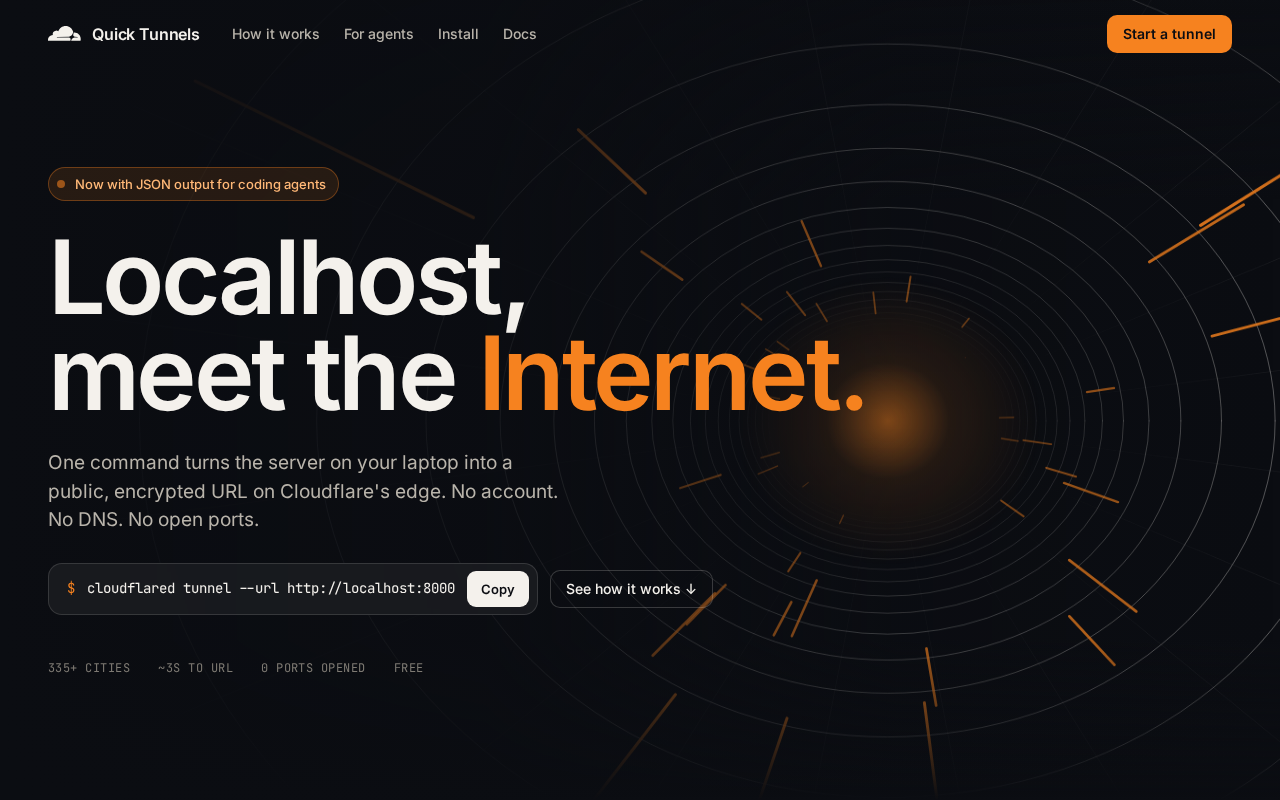
Expose your local service to the internet with one command — no account needed.
Cloudflare Quick Tunnels is a lightweight version of Cloudflare Tunnel that requires no account or domain. A single `cloudflared` command generates a random HTTPS public URL under `trycloudflare.com`, exposing your local service to the internet by establishing an outbound tunnel that bypasses NAT and firewalls. Common use cases include webhook debugging, cross-device testing, and quick prototyping demos. Key limitations include a new random domain on each launch and no built-in access control. Compared to ngrok and localtunnel, it stands out for being completely free, zero-config, and backed by Cloudflare's global edge network.
What Are Cloudflare Quick Tunnels
Cloudflare Quick Tunnels are the lightest-weight component in the Cloudflare Tunnel ecosystem. They allow developers to temporarily expose a locally running service (on localhost) to the public internet — no account registration, no domain configuration required. The feature recently sparked lively discussion on Hacker News, with a post receiving 289 upvotes and 139 comments, reflecting the developer community's ongoing demand for frictionless local tunneling tools.
The core value proposition is zero barrier to entry: in the past, sharing a local development environment with colleagues, clients, or setting up callback debugging typically required complex port forwarding, a public IP address, or third-party services. Quick Tunnels leverages Cloudflare's globally distributed edge network to generate an accessible, temporary HTTPS link within seconds.
Cloudflare Tunnel (formerly Argo Tunnel) works by having the cloudflared process on your local machine proactively establish a persistent outbound connection to Cloudflare's edge nodes — rather than waiting for external traffic to come in. This "reverse proxy + outbound tunnel" architecture means your local machine doesn't need to open any inbound ports or have a public IP, effectively bypassing the NAT (Network Address Translation) and firewall restrictions common in home broadband or corporate networks. When an external user's request reaches the Cloudflare edge, Cloudflare forwards the traffic to your local service through this established tunnel. Quick Tunnels is a simplified version of this architecture — it skips account authentication and domain binding configuration steps, trading persistence and management capabilities for maximum startup speed.
How to Use It
Using Quick Tunnels is remarkably simple. Just install Cloudflare's command-line tool cloudflared, then run a single command:
cloudflared tunnel --url http://localhost:8080
Once executed, cloudflared automatically allocates a random subdomain under *.trycloudflare.com and returns a public HTTPS address. Anyone who visits this address will have their traffic securely forwarded through Cloudflare's edge network to your locally specified port.
The entire process requires no Cloudflare account login and no pre-existing domain — this is the key distinction from the full version of Cloudflare Tunnel, which requires binding your own domain. This out-of-the-box experience makes it ideal for quick demos and temporary debugging.
Typical Use Cases
Quick Tunnels are useful across a variety of development scenarios:
Webhook Debugging
When building integrations with third-party services (such as payment processors, message notifications, or GitHub Events), callback requests need a publicly accessible URL. Quick Tunnels let your local service receive these webhooks directly, eliminating the hassle of deploying to a test server.
Mobile and Cross-Device Testing
Share a locally running webpage or API via a public link so team members or clients can preview it on their own phones or tablets in real time — no shared local network required.
Quick Demos
When presenting a prototype to clients or your team, one command gives you a shareable link, avoiding the time cost of spinning up a temporary server.
Advantages and Limitations
From a technical standpoint, Quick Tunnels' advantages are clear:
- Free and no account required: Lowers the barrier to entry, ideal for one-off needs.
- Built-in HTTPS: Links are encrypted by default, courtesy of Cloudflare's edge nodes.
- Bypasses NAT and firewalls: Local machine initiates an outbound connection, so no port mapping on your router is needed.
However, there are notable limitations — many of which developers also raised in the Hacker News discussion:
- Random, non-persistent domains: A new subdomain is assigned every time you start a tunnel, making it unsuitable for long-term use cases requiring a stable address.
- Temporary by nature: Quick Tunnels are designed for rapid testing; Cloudflare makes no guarantees about their suitability for production environments.
- No access control: Once a random link is leaked, anyone can access it. Sensitive services require additional authentication protection.
For scenarios requiring fixed domains, access policies, and team management, Cloudflare officially recommends using the full Named Tunnel, which requires an account.
Comparison with Similar Tools
The local tunneling space is not short on competitors. ngrok is the most well-known established tool, and there are also alternatives like localtunnel, frp, and Tailscale Funnel. Quick Tunnels' differentiation lies in its backing by Cloudflare's global network infrastructure — with a massive number of edge nodes, it can theoretically deliver lower latency and more stable connection quality.
For developers already working within the Cloudflare ecosystem (DNS, CDN, Workers), cloudflared is a natural extension. For users who only occasionally need to expose a local service, its no-account, no-configuration approach is compelling enough on its own.
ngrok was the first commercial tool to popularize this space. Its free tier limits concurrent connections and monthly tunnel usage, and stable domains require a paid subscription. localtunnel is a fully open-source lightweight alternative, but it relies on third-party public servers, making it comparatively less stable. frp (Fast Reverse Proxy) is a self-hosted solution where you deploy your own server — highest flexibility, but also the steepest configuration overhead. Tailscale Funnel is based on WireGuard networking and focuses more on team internal network connectivity than temporary public-facing sharing.
Quick Tunnels sits at the "lowest barrier, zero cost, but most limited functionality" end of this spectrum. Its core competitive advantage is Cloudflare's edge network spanning 300+ cities worldwide, which typically delivers better latency for visitors from different regions compared to alternatives that rely on a single or a handful of nodes.
Summary
Cloudflare Quick Tunnels distills local tunneling down to a single command, solving the high-frequency developer pain point of "letting others access my local service" at minimal cost. Rather than targeting production-grade scenarios, it focuses on fast, temporary debugging and demos — and within that scope, it excels. For engineers who regularly need to share local services on the fly, this is a tool worth keeping in your toolkit.
Related articles
 Tech Frontiers
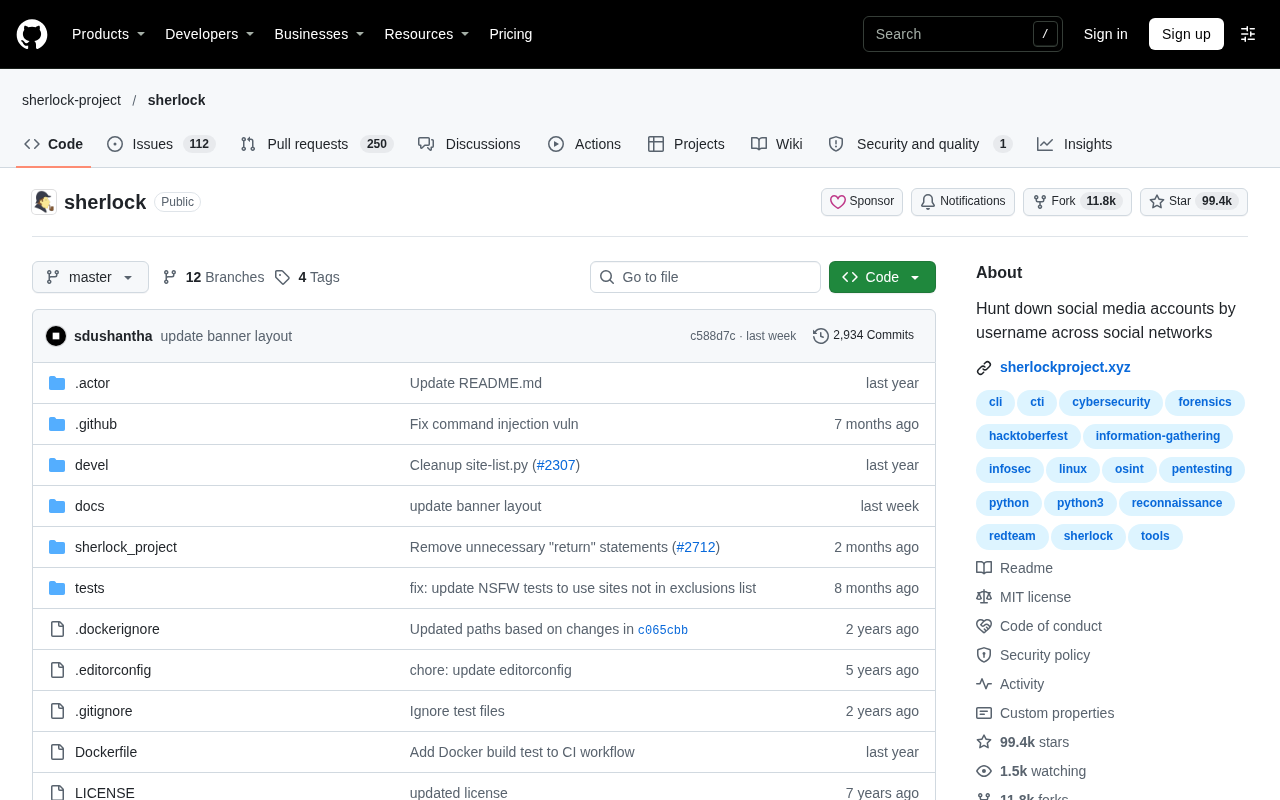
Sherlock: An Open-Source Tool for Tracking Usernames Across Social Networks
Sherlock is an open-source Python tool that tracks social accounts across networks by username. This article covers its core features, why developers love it, typical use cases, and privacy compliance considerations.
 Tech Frontiers
GitHub Daily·Nov 07: Agent-Ready and Context Compression
GitHub Trending Nov 07: meta's agent-ready design system astryx, billion-context's 5x context compression, sherlock nearing 100k stars, plus local-first localthings and bare-metal GPU orchestration nvke.
 Tech Frontiers
Buoyant Open-Sources Kinference: An Inference Control Plane for vLLM on K8s
Buoyant open-sources Kinference, an inference control plane for vLLM on Kubernetes, with declarative routing, KV-cache-aware load balancing, and per-tenant metrics—claiming 95% lower median TTFT in official benchmarks.