ComfyUI Assistant: An Embedded AI Assistant That Can Read and Edit Node Graphs
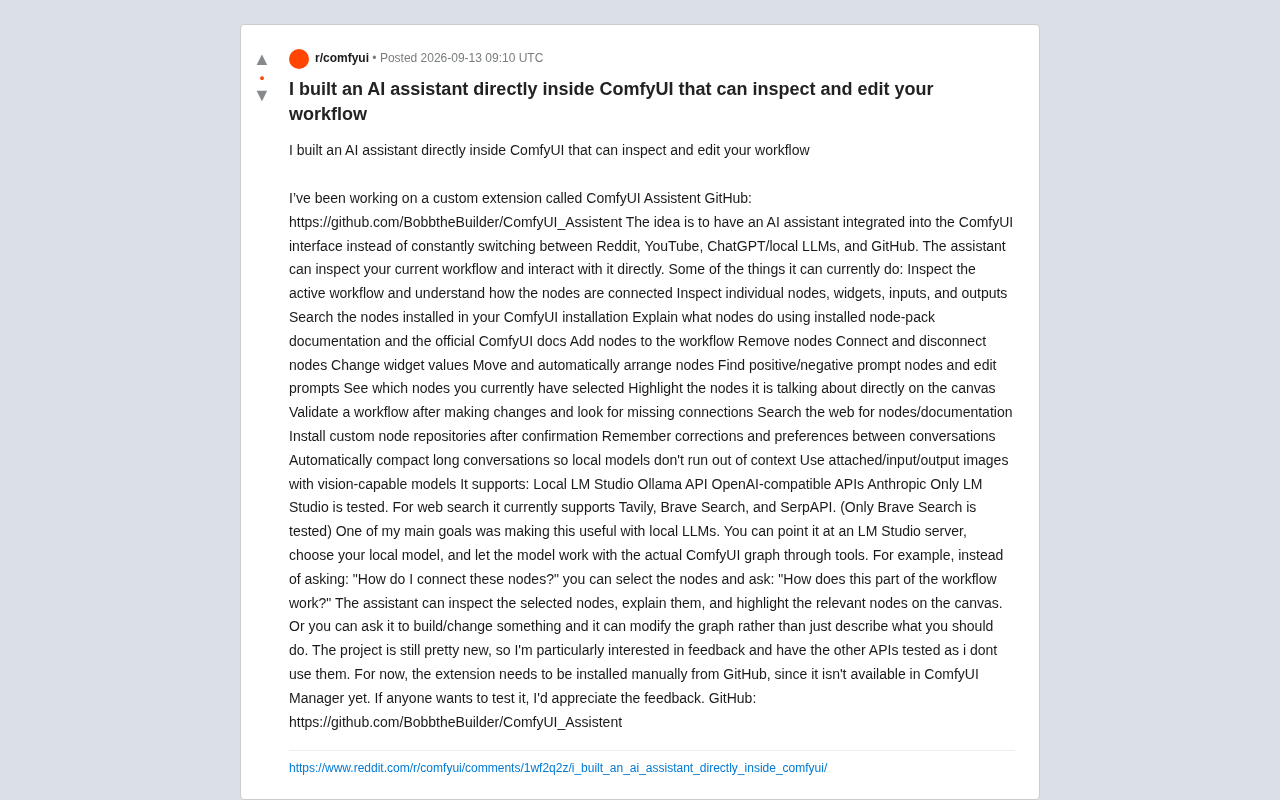
ComfyUI Assistant embeds an AI directly into ComfyUI to read and manipulate node workflows, with a focus on local LLM support.
Developer BobbtheBuilder released ComfyUI Assistant, a custom extension that embeds an AI assistant directly into the ComfyUI interface. Unlike external chat tools, it uses a Function Calling mechanism to truly read and write ComfyUI's node graph, performing operations like adding/deleting nodes, modifying connections, editing prompts, and auto-arranging nodes. The project is designed to be local LLM-friendly, supporting LM Studio, Ollama, OpenAI-compatible, and Anthropic APIs, with engineering optimizations like conversation compression and cross-session preference memory. Still in early stages, it requires manual GitHub installation and has only been tested with LM Studio and Brave Search.
Developer BobbtheBuilder shared a custom extension on Reddit called ComfyUI Assistant, aiming to solve a long-standing pain point for ComfyUI users: the constant need to switch between Reddit, YouTube, ChatGPT, and GitHub when building complex workflows. This project embeds an AI assistant directly into the ComfyUI interface, enabling the model to not only answer questions but also actually read and manipulate your current node graph.
From "Explaining How" to "Just Doing It"
With traditional AI Q&A, if you ask "how should I connect these nodes?", the model can only provide a text description — you still have to manually complete the operations on the canvas yourself. The core idea behind ComfyUI Assistant is to bridge the gap between the model and the workflow by giving it direct access to ComfyUI's graph structure through a set of tools.
The developer offers a very intuitive example: instead of asking "how do I connect these nodes," you can select a group of nodes and directly ask "how does this part of the workflow operate?" The assistant will inspect the selected nodes, explain their function, and highlight the relevant nodes on the canvas. Going further, you can have it directly build or modify the graph structure rather than just telling you "here's what you should do."
This shift from "description" to "execution" is the key value that distinguishes embedded AI assistants from external chat tools.
The "tools mechanism" mentioned here is the mainstream technical approach for large language models to interact with external systems, commonly known as Function Calling or Tool Use. The principle is: developers pre-define a set of structured function interfaces (e.g., "add node," "modify connection") and pass descriptions of these interfaces to the model. When generating a response, the model can output a structured "call instruction" rather than just natural language, which the host program then parses and executes as a real operation. In ComfyUI, the entire workflow exists in memory as a JSON graph structure, with each node having a unique ID, type, widget parameters, and connection information — making programmatic read-modify-write operations technically feasible. Tool-calling capability places certain demands on the model itself; weaker local small models sometimes generate improperly formatted call instructions, causing operations to fail. This is why the author places special emphasis on engineering optimizations for local models.
What It Can Actually Do
Based on the feature list provided by the author, the assistant's capabilities span multiple layers of workflow operations:
Inspection and Understanding
- Read the current active workflow and understand the connections between nodes
- Inspect individual node widgets, inputs, and outputs
- Search locally installed nodes
- Explain node functionality using installed node package documentation and official ComfyUI docs
- Identify nodes currently selected by the user
Editing and Operations
- Add and delete nodes
- Connect and disconnect nodes
- Modify widget values
- Move and automatically arrange nodes
- Find positive/negative prompt nodes and edit prompts
- Validate the workflow after modifications to check for missing connections
Extended Capabilities
- Web search for nodes and documentation
- Install custom node repositories after user confirmation
- Remember corrections and preferences across sessions
- Automatically compress long conversations to prevent context overflow on local models
- Work with vision-capable models to attach/input/output images
The "automatic conversation compression" and "preference memory" features are especially practical for local small models — they directly address the context limitations of local deployments through engineering optimizations.
Designed with Local LLMs in Mind
The author explicitly states that making the tools work well on local LLMs is one of the primary goals. You can point it at an LM Studio server, select a local model, and have the model operate a real ComfyUI graph via the tool interface.
In terms of model support, it works with:
- Local options: LM Studio, Ollama
- API options: OpenAI-compatible API, Anthropic
For web search, it supports Tavily, Brave Search, and SerpAPI.
However, the author is candid about testing coverage: only LM Studio (model connection) and Brave Search (web search) have been tested so far, with other integrations not yet fully verified since they aren't personally used. This is an important heads-up for early adopters — you may run into unexpected issues when connecting via Ollama or Anthropic.
LM Studio and Ollama are currently the two most popular local large model deployment solutions. LM Studio provides a desktop GUI that's more user-friendly for general users and includes a built-in local server compatible with the OpenAI API format, making it easy for third-party apps to integrate. Ollama leans more toward command-line and developer workflows, known for being lightweight and cross-platform, and also exposes an OpenAI-compatible REST API. Both allow users to run open-source models like Llama, Mistral, and Qwen on their local machines without data leaving the device. ComfyUI Assistant's decision to prioritize support for these two solutions means users could theoretically operate in a fully offline environment — a genuinely attractive proposition for creators with data privacy concerns or those looking to avoid API costs.
Project Status and Requirements
This is a fairly new project that hasn't been listed on ComfyUI Manager yet — it can currently only be installed manually from GitHub. The author is actively soliciting community feedback, especially from anyone willing to help test the API integrations they haven't personally used.
Project repository: github.com/BobbtheBuilder/ComfyUI_Assistent
From a product perspective, embedding AI agents directly into creative tools and giving them the ability to operate within the host environment is becoming a clear trend — similar approaches have already appeared in code editors and design tools. ComfyUI, as a representative node-based workflow tool, has a graph structure that is naturally suited to programmatic read/write operations, which is the technical foundation that makes this kind of assistant viable.
Worth noting is its local model-friendly positioning. Given that many users have concerns about cloud API costs and privacy, an assistant that can run on a local LM Studio instance while genuinely operating the canvas would have substantial practical value — if it proves stable enough. That said, as an early-stage project, how well it actually performs and whether local small models can reliably invoke this many tools still needs to be validated by the community.
Related articles

AI Comic Drama with WorkBuddy from Scratch: A Step-by-Step Skill Pack Installation Guide
Learn how to create AI comic dramas with WorkBuddy from scratch. This guide covers installation, Skill pack import and invocation, plus a script generation demo with manual revision tips to get you through the first step from script to storyboard.

WorkBuddy Agent Runs the Entire GEO Database Mining Pipeline with a Single Prompt
WorkBuddy agent automates GEO database mining: from data search and curation to batch correction, differential analysis, co-expression networks, feature gene screening, and immune infiltration—a single prompt generates a complete bioinformatics report, greatly lowering the barrier to bioinformatics analysis.

PC Memory Wasted? Hacker News Debates Centralized Data Centers
Hacker News users argue that personal computer memory is wasted and should be centralized in data centers, sparking debate on centralized vs. distributed computing resource allocation. This article analyzes the logic behind the claim, the costs of centralization, and new tensions in memory resource allocation in the AI era.