ComfyUI Music Production Toolkit 3.0: AI Arrangement with YuE2 Cover Generation and ABC Notation
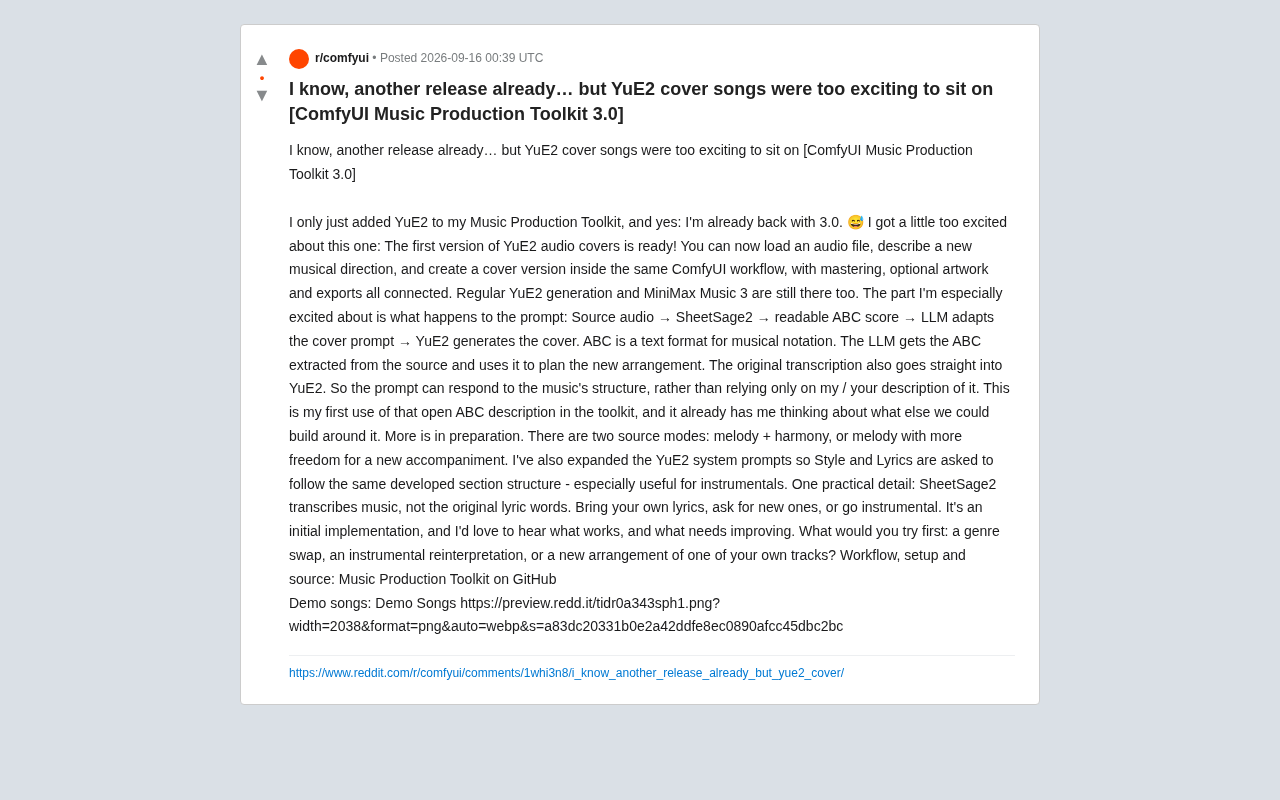
ComfyUI Toolkit 3.0 uses ABC notation as an intermediate layer, giving AI covers their first real awareness of source track structure.
ComfyUI Music Production Toolkit 3.0's core upgrade is a new YuE2 cover generation pipeline: source audio is transcribed into ABC notation by SheetSage2, then an LLM rewrites the prompts based on actual musical structure before YuE2 generates the cover. The key breakthrough is that AI arrangement decisions now draw from symbolic notation rather than solely from subjective text prompts, theoretically improving structural fidelity to the source. The toolkit offers two source modes (melody + harmony and melody + free accompaniment) with dedicated optimizations for instrumental generation. Notably, SheetSage2 transcribes music but not lyrics — users must plan their lyric strategy separately. The toolkit is open-source on GitHub, with standard generation features preserved alongside the new cover workflow.
ComfyUI Music Production Toolkit has just hit version 3.0, with the headline feature being a brand-new YuE2 audio cover generation workflow. This open-source toolkit lets users load audio, describe a new musical direction, and generate a cover — all within a single ComfyUI workflow — with mastering, optional cover art, and final export all chained together.
For creators following AI music generation, the most interesting thing about this update isn't simply "you can generate another song." It's that musical structure itself has now been pulled into the generation pipeline.
From Audio to ABC Notation: Teaching Prompts to Understand Musical Structure
In previous AI music generation workflows, prompts could only rely on the creator's written description of "what style I want" — the model had no actual knowledge of the source track's structure. Version 3.0 introduces a more complete chain to address this:
Source audio → SheetSage2 → readable ABC notation → LLM rewrites cover prompt → YuE2 generates cover
ABC is a plain-text music notation format. The author's approach is to first use SheetSage2 to transcribe the source audio into ABC notation, then feed that notation to a large language model so the LLM can plan the new arrangement based on the actual musical structure. The raw transcription is also fed directly into YuE2.
This means the prompt can "respond to the music's structure" rather than relying solely on the creator's subjective written description. The author notes this is the first time the toolkit has used this kind of open ABC description, and explicitly says it's already got him thinking about "what else can be built around it." This is the most technically imaginative aspect of the update — using symbolic notation as an intermediate layer in AI arrangement theoretically allows for significantly better fidelity to the source track's structure and coherence.
ABC notation was born in the early 1990s, designed by Chris Walshaw to make it easy to share folk music over the internet. It uses ASCII letters to represent notes (A–G for the seven basic pitches), numbers for note durations, and symbols for accidentals and time signatures — an entire melody can be described in a few lines of plain text. Because it's plain text, ABC notation is a natural fit as input for large language models: LLMs can "read" musical structure the same way they process code or prose, analyzing key, meter, main motifs, and section divisions, then generating arrangement suggestions that respond to those structures. SheetSage2 is an open-source model purpose-built for automatically transcribing audio into ABC format; it relies on pitch detection and beat-tracking algorithms under the hood, and its transcription accuracy directly affects the quality of the downstream LLM prompt — one reason the author specifically notes that "the initial implementation still has room for refinement."
Two Source Modes and an Expanded System Prompt
The cover feature offers two source modes to match different creative intentions:
- Melody + Harmony mode: Stays closer to the original, preserving the melodic and harmonic framework
- Melody + Free Accompaniment mode: Retains the melody but gives the new arrangement much more room to breathe
This distinction is practically useful — it maps to two common cover creation goals: one is "the same song with a different feel," and the other is "re-arranging from scratch over the original melody."
The author has also expanded the YuE2 system prompt so that both "Style" and "Lyrics" follow the same expanded section structure. He specifically points out that this is especially useful for instrumentals — since instrumental pieces have no lyrics to act as structural anchors, a unified section structure keeps the generated output more coherent in its arrangement.
One practical detail worth noting: SheetSage2 transcribes the music itself, not the original track's lyrical text. So when creating a cover, users need to supply their own lyrics, ask the AI to generate new ones, or go the purely instrumental route. This is something that needs to be planned upfront — the tool won't automatically fill it in.
Retained Features and Open-Source Positioning
3.0 hasn't abandoned what came before. Standard YuE2 generation and MiniMax Music 3 are both still included in the toolkit, meaning users can flexibly switch between "generate from scratch" and "cover based on a source track" within the same environment.
The author candidly describes this as an initial implementation and is actively soliciting community feedback: what works, what needs improvement. The question he throws out in the post is nicely engaging — which would you try first: a genre swap, an instrumental reinterpretation, or re-arranging your own work?
This "rapid iteration + community co-creation" rhythm is a hallmark of the open-source AI tooling ecosystem. The author even jokes "I know, another version already" — the gap between YuE2 first landing in the toolkit and the 3.0 release was very short, reflecting the high-frequency experimentation typical of projects like this.
What This Means for AI Music Creation
Zooming out, this update reflects a broader evolution in AI music generation: moving from text-description-driven toward structure-aware generation. When a model can read symbolic notation like ABC, its arrangement decisions have a more objective foundation — rather than relying entirely on the ambiguous expression of natural language prompts.
For independent musicians and creators, a local workflow that connects transcription, notation understanding, LLM rewriting, and audio generation lowers the barrier to experimenting with covers and creative reinterpretation. As an initial implementation, there's naturally still work to be done on transcription accuracy, lyric handling, and style control — real-world results will need to be validated in actual creative practice.
The workflow, installation instructions, and source code are all available on GitHub under the Music Production Toolkit project. Interested users can dive in directly and contribute to a project that's still evolving rapidly.
YuE2 is an open-source music generation large model from the Beijing Academy of Artificial Intelligence (BAAI). It supports end-to-end lyrics-to-song generation with simultaneous control over vocal style, accompaniment arrangement, and song structure. One of YuE2's distinguishing features compared to similar models is its use of explicit section tags (such as verse and chorus) to guide the macro-level structure of generated output — this is the underlying logic behind the toolkit's decision to extend a unified section structure to the YuE2 system prompt. MiniMax Music 3 is another multi-style music generation model; both are retained in parallel within the toolkit, giving users a complete creative spectrum from unstructured generation to source-track-based arrangement.
Related articles
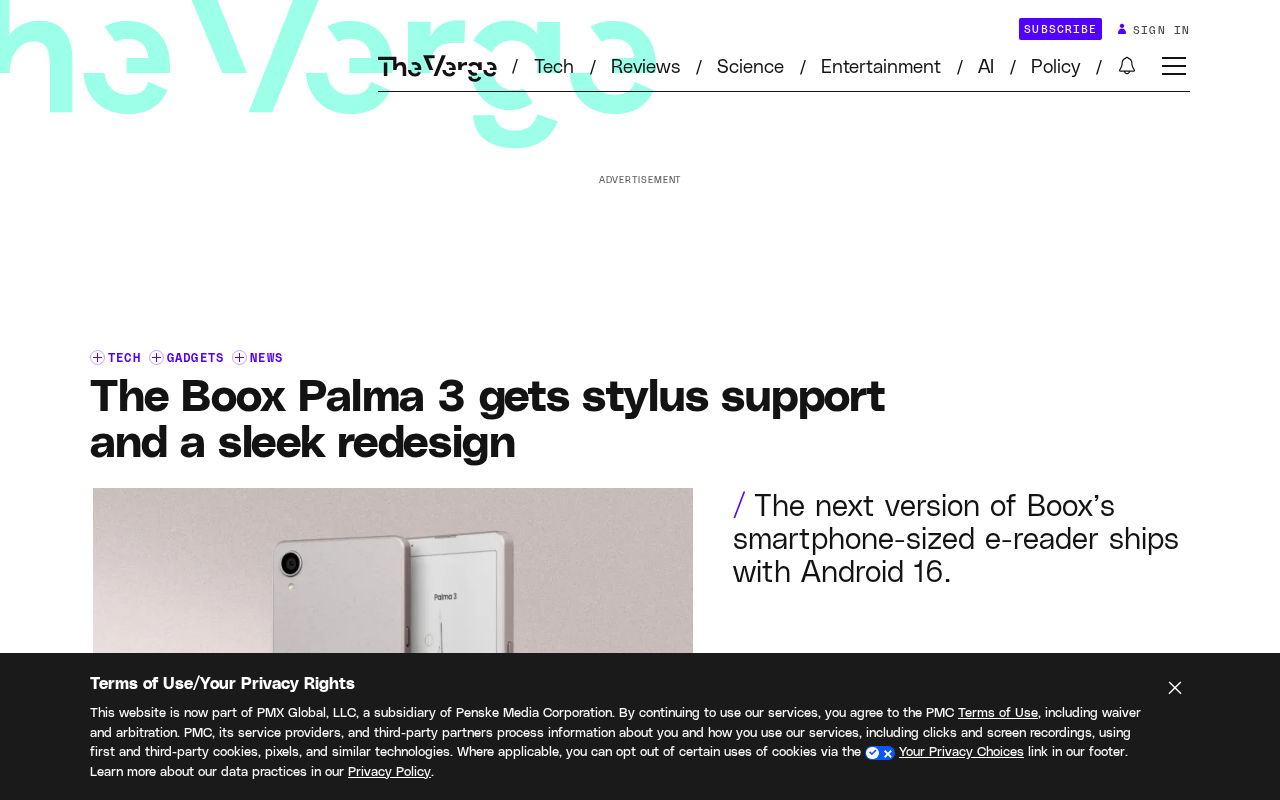
Boox Palma 3 Launches with Stylus Support and Redesigned Look
Boox Palma 3 launches with stylus support and a sleek new design. The pocket-sized e-ink reader gains new capabilities but comes at a higher price than its predecessor.
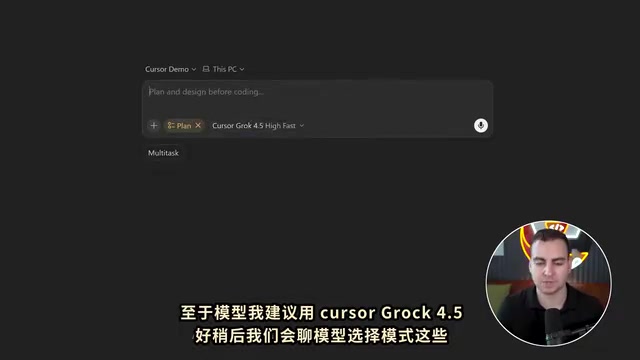
Cursor 3.0 Complete Beginner's Guide: Getting Started with AI-Powered IDE Development
Cursor 3.0 beginner's guide: from download and setup to parallel sub-agents, cloud development, skills, and automations. Master model selection, design mode, and Git with this complete AI IDE walkthrough.
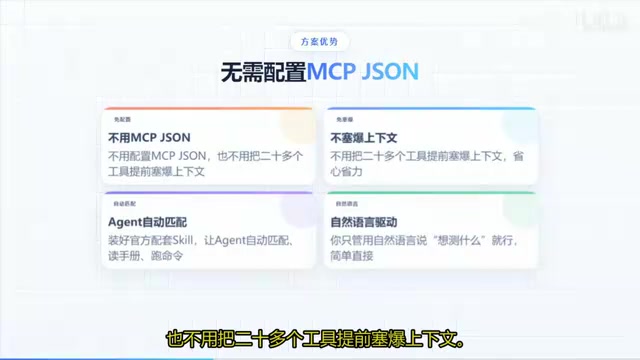
Codex + Playwright as a Skill: UI Automation Without Manual Commands
Wrap Playwright as a Codex Skill so AI agents run UI automation tests via natural language. Covers install, Sauce Demo walkthrough, PO pattern, and MCP vs CLI+Skill tradeoffs.