Creative Ways to Use Claude to Improve Your Quality of Life: Beyond Hacking TV Ads

Reddit users share everyday uses of Claude for bills, travel, creative work, and smart homes.
The article reviews Reddit discussions on using Claude to improve quality of life, identifying three typical use types: taking over repetitive chores like bills and travel planning; acting as a thinking partner for creative work through iterative dialogue; and integrating Claude via API into smart homes and automation scripts. Consensus: Claude excels at long-text and logical tasks but needs external verification for real-time info and math; divergence centers on privacy and dependency. Three low-barrier starting paths are offered.
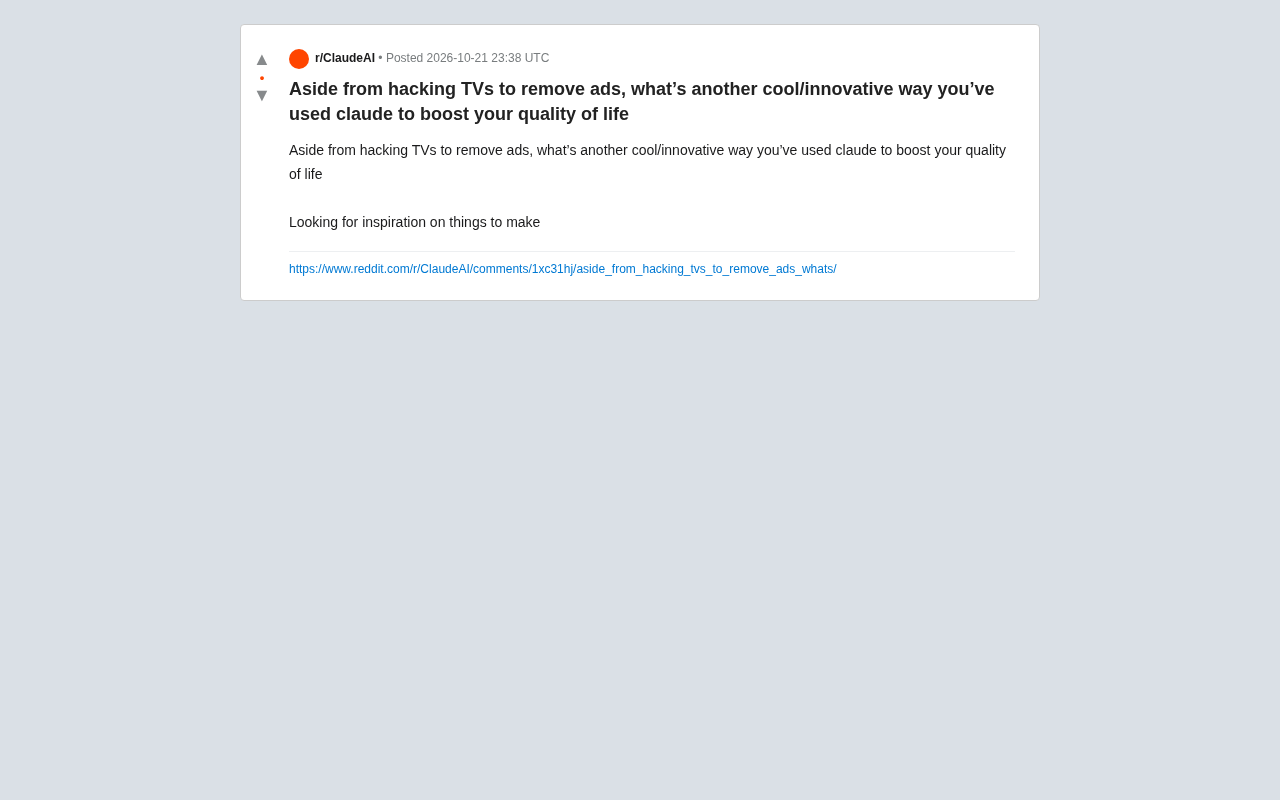
In the Reddit community, a user posed a rather thought-provoking question: aside from hardcore moves like hacking your TV to remove ads, what other cool/innovative ways have you used Claude to improve your quality of life? The topic quickly sparked discussion about everyday AI applications. From automating mundane chores to creative assistance, Claude is evolving from a simple chat tool into personal-life infrastructure.
From "Q&A" to "Doing It for You": Claude's Changing Role
Many of the cases users shared show that Claude's value isn't in answering complex questions, but in taking over repetitive, trivial tasks that drain energy. For example, one user mentioned using Claude to automatically organize household bills, parsing messy PDFs and email content into structured expense reports and saving hours of manual data entry each month. Another high-frequency scenario is travel planning: users simply provide the destination, budget, and preferences, and Claude generates a complete itinerary including transportation, accommodation, attractions, and backup options, with links verified in real time. This "do-it-for-you" usage upgrades AI from an information provider to a task executor.
According to community discussion, the common thread in these use cases is clear task boundaries and structured input/output. Users no longer need to repeatedly tweak prompts; instead, they embed Claude into fixed workflows, such as generating a daily morning briefing or automatically archiving meeting minutes. This hints at a trend: everyday AI applications are moving from "novelty" to "entrenched."
Creativity and Learning: Claude as a Thinking Partner
Beyond productivity tools, Claude also stands out in creative stimulation and skill learning. One user shared their experience learning woodworking with Claude: they photographed and uploaded design sketches, and Claude not only identified structural problems but also suggested alternative mortise-and-tenon solutions and a materials list. Another user used Claude to help write a novel, repeatedly engaging in dialogue to have the AI play different roles and challenge the plot, thereby breaking through creative blocks.
In these cases, Claude acts as a "thinking partner" rather than an "answer machine." According to Reddit user feedback, the key is maintaining iterative dialogue—not expecting a perfect result in one go, but using AI feedback as the starting point for the next round of thinking. This usage doesn't demand much prompt engineering skill, but relies heavily on the user's domain knowledge and critical thinking.
Mortise-and-tenon is a traditional Chinese woodworking technique that connects wooden components using interlocking protruding and recessed structures without nails. Common types include dovetail joints and mitered half-lap joints. Its design requires precise calculation of force directions, wood grain, and tolerances, placing high demands on spatial reasoning. After a user photographed and uploaded a woodworking sketch, Claude was able to identify the structural nodes in the drawing, point out which connection methods were weak under load, and suggest switching to more suitable mortise-and-tenon types or supplementing the materials list. This case is typical because it simultaneously calls on Claude's image understanding and domain knowledge reasoning capabilities, rather than simple text Q&A. It's worth noting that structural suggestions from AI still require manual review against actual wood properties and safety standards—especially for load-bearing components, which should not be copied directly.
Automation and Integration: Turning Claude into a Life API
More advanced use cases involve connecting Claude with external tools. Some users have connected Claude to smart home systems via API, using natural language commands to control lights, temperature, and security—for example, "If it rains tonight and I'm not home, please close the windows and turn on the dehumidifier." Others have used Claude's code generation capabilities to quickly write Python scripts for processing Excel data, batch renaming files, or scraping web information, even without a programming background.
Interestingly, such integrations often require some technical threshold, but the community already has plenty of open-source templates and tutorials that lower the barrier to entry. Judging by discussion activity, using Claude as the "brain" of automated workflows is currently one of the most scalable directions. Users are no longer satisfied with single conversations; they want AI to run continuously in the background, triggered on demand.
API (Application Programming Interface) is a bridge that allows different software systems to communicate with each other. In the context of Claude, the API allows developers to embed Claude's language understanding and generation capabilities into their own programs, scripts, or smart home platforms, without having to manually chat through a web page or app. For example, users can call Claude's API with a few lines of Python code, letting it automatically process text and return results when specific events are triggered (such as receiving a new email or a sensor detecting rain). Compared with using the chat interface directly, the API model supports batch processing, scheduled tasks, and chaining with other services, making it the technical foundation for "AI running continuously in the background." Currently, major AI vendors offer usage-based API billing, and open-source templates in the community usually already encapsulate authentication and request logic—beginners only need to replace the key to get started.
Multi-Source Perspectives: Community Consensus and Divergence
Synthesizing discussions across multiple related Reddit posts, some consensus can be observed: Claude performs reliably in text processing, logical organization, and coding assistance, and is especially suited to tasks requiring long context, such as contract review or summarizing lengthy documents. However, when it comes to real-time information retrieval and mathematical calculation, users generally agree that external tools are still needed for verification.
Divergence centers on privacy and dependency. Some users worry about the risks of handing household data to AI and prefer local deployment or using only anonymized information; another camp prioritizes convenience, as long as a trusted provider is chosen. In addition, regarding whether Claude truly "improves quality of life," some users point out that without clear goals, AI may instead increase information overload and decision fatigue.
Long context refers to the upper limit of text length a model can process in a single conversation, usually measured in tokens. The Claude series is known for supporting very long contexts, capable of reading in hundreds of pages of documents at once, which enables tasks like contract review and long report summarization to be completed without segmentation, allowing the model to maintain consistent understanding across chapters. However, long context does not equal unlimited memory: historical content beyond the window will be truncated or require summary compression, and the longer the context, the more the model's attention to middle information may decay (the "lost in the middle" phenomenon). Therefore, in practical use, users should still place key information at the beginning or end and spot-check long document summaries.
How to Start: Three Low-Barrier Paths
For users who want to try it, community experience points to three starting points: First, start with small daily repetitive tasks, such as having Claude organize your inbox or generate a shopping list; Second, use Claude as a learning accelerator, using dialogue to quickly build a knowledge framework in unfamiliar fields; Third, gradually explore automation, starting with simple API calls and then expanding to chaining multiple tools. The key is to maintain an experimental mindset and not aim for perfection in one step.
Returning to the original question, the creative ways to use Claude to improve quality of life go far beyond removing TV ads. From household ledgers to woodworking design, from smart homes to novel writing, AI is integrating into daily life in unexpected ways. And the common thread in these cases is: users actively define the problem, and Claude is responsible for expanding the boundaries of the solution.
One-line Summary
Reddit users share everyday uses of Claude, including organizing bills, planning travel, assisting with creative work, and smart home automation.
Paragraph Summary
The article reviews Reddit community discussions on using Claude to improve quality of life, summarizing three typical types of use: first, taking over repetitive chores like bill organization and travel planning, shifting from "Q&A" to "doing it for you"; second, acting as a thinking partner to spark creativity through iterative dialogue in scenarios like woodworking design and novel writing; third, integrating Claude into smart homes and automation scripts via API, making it a "brain" running in the background. Community consensus holds that Claude excels at long-text and logical tasks but needs external tool verification for real-time information and math; divergence centers on privacy risks and dependency. The article concludes with three low-barrier starting paths: begin with everyday small tasks, use it as a learning accelerator, and gradually explore automation.
Related articles

Workbuddy for Absolute Beginners: How a Desktop AI Agent Fits Into Real Workflows
A beginner's guide to the Workbuddy desktop AI agent: installation, claiming credits, file management, and building automated workflows—compared with CodeX for fit and cost, helping professionals shift from AI question-askers to AI managers.

OpenAI's New Agent Stack: Computer Use, Decisions API, and Ultra-Fast Workflows
OpenAI Dev Day unveiled a new agent stack: Computer Use outperforms humans, Decisions API delivers ultra-low-latency classification via Luna, Agents API opens the same Computer Use capabilities, and GPT-6.1 Sol costs only one-seventh of Astra. Core updates, benchmark data, and developer insights.

Liang Wenfeng Open-Sources DeepInfo Inference Framework, Takes On U.S. Ban
DeepSeek open-sources its DeepInfo inference framework after its models, featuring GPU/CPU cross-pipelining, small-model prediction with large-model verification, and full Huawei Ascend and NVIDIA chip support—facing the U.S. federal ban head-on. This article analyzes its significance for AI deployment and open-source strategy.