CUDA Toolkit 13.4 Released: Windows on Arm Support and Fine-Grained GPU Resource Control
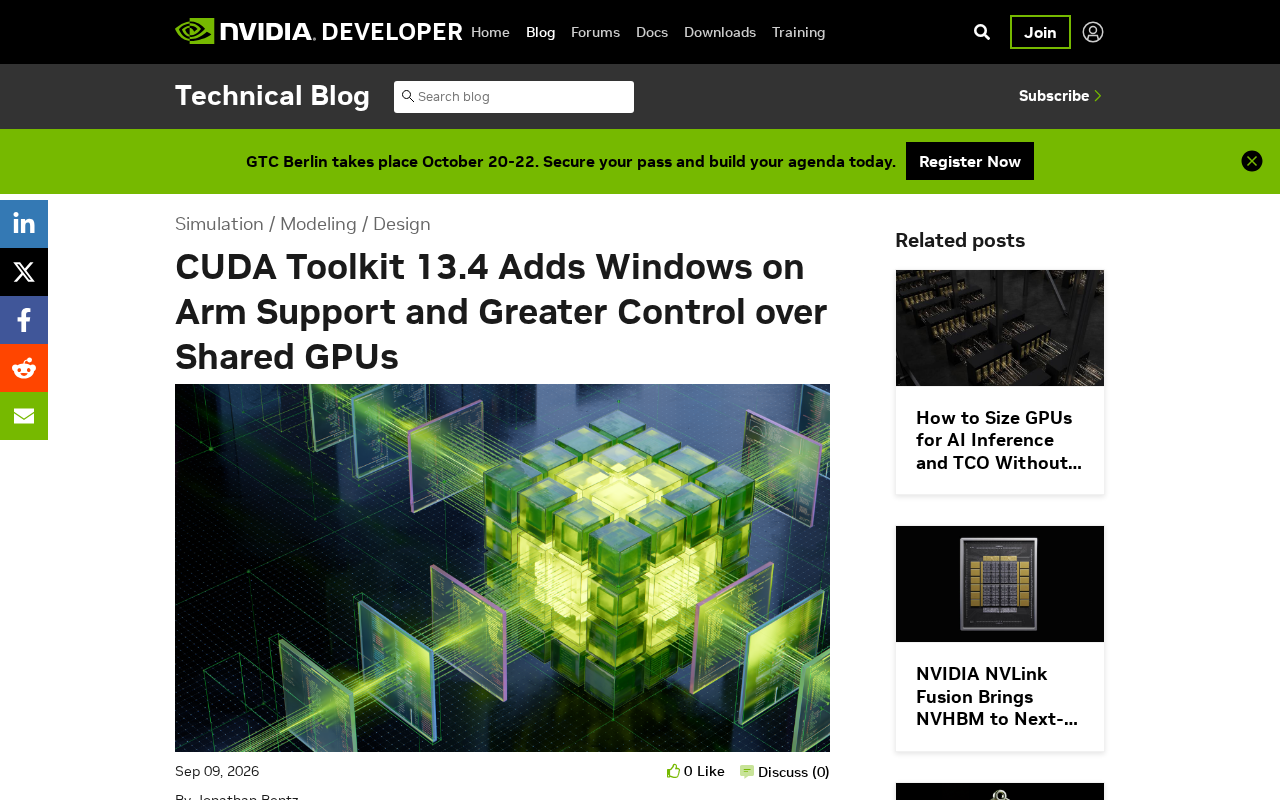
CUDA Toolkit 13.4 adds Windows on Arm support and fine-grained GPU resource sharing controls.
NVIDIA's CUDA Toolkit 13.4 introduces two key updates: native support for Windows on Arm, eliminating the need for x86 emulation on Arm-powered Windows devices, and enhanced fine-grained control over shared GPU resources for multi-tenant and cloud environments. These changes expand CUDA's cross-platform reach and improve resource scheduling for GPUaaS providers, reflecting broader industry trends toward architectural diversification and edge computing.
NVIDIA's CUDA Toolkit 13.4 brings two major updates for developers: first-ever support for the Windows on Arm platform, and fine-grained management capabilities for shared GPU resources. These improvements mark significant progress in the CUDA ecosystem's cross-platform support and resource scheduling.
CUDA (Compute Unified Device Architecture) is a parallel computing platform and programming model introduced by NVIDIA in 2006. Over nearly 20 years of development, it has evolved from an auxiliary graphics acceleration tool into the core infrastructure powering global AI training, scientific simulation, financial computing, and more. The CUDA Toolkit, a comprehensive development package built around this platform, includes a compiler (nvcc), debugger, profiling tools, and a rich set of math libraries (such as cuBLAS and cuFFT). Its ecosystem spans over 4 million active developers and thousands of accelerated applications. This 13.4 release further extends platform coverage and resource management depth on top of this massive ecosystem.
The Strategic Significance of Windows on Arm Support
The most notable update in CUDA Toolkit 13.4 is official support for the Windows on Arm architecture. This move aligns closely with current industry trends — as Qualcomm's Snapdragon X series processors and potentially future NVIDIA Arm processors advance within the Windows ecosystem, native Arm support is becoming increasingly important.
Windows on Arm is Microsoft's strategic initiative to run the Windows operating system on Arm architecture processors. The Arm architecture is known for its Reduced Instruction Set Computing (RISC) design, offering higher energy efficiency compared to traditional x86 architectures. Since 2024, Qualcomm's Snapdragon X Elite/Plus series processors, based on the Oryon CPU cores designed by the Nuvia team, have for the first time reached performance levels that compete head-to-head with x86 mobile processors. Notably, NVIDIA itself is deeply invested in the Arm ecosystem — its Grace CPU already uses the Arm Neoverse architecture for data center superchips. Previously, CUDA on Windows only supported the x86 platform, and GPU computing on Arm devices had to run through Windows' built-in Prism translation layer in x86 emulation mode, which not only incurred significant performance penalties but also posed compatibility risks.
For developers, this means they can now develop and debug CUDA directly on Arm-powered Windows devices without relying on x86 emulation layers. This not only improves development efficiency but also opens new possibilities for GPU-accelerated computing on thin-and-light laptops and mobile workstations. This support holds practical value particularly in scenarios that demand portability, such as AI model inference and scientific computing.
Fine-Grained Management of Shared GPU Resources
The other core update focuses on GPU resource scheduling in multi-tenant and cloud computing scenarios. CUDA Toolkit 13.4 introduces stronger control over shared GPUs, allowing developers to allocate and isolate GPU compute resources with greater precision.
GPU resource sharing technology has evolved through multiple generations. In 2020, NVIDIA introduced MIG (Multi-Instance GPU) technology with the Ampere architecture, allowing a single physical GPU to be partitioned into up to 7 independent instances, each with isolated memory, cache, and compute cores. Before MIG, NVIDIA offered vGPU (virtual GPU) technology, primarily targeting graphics and compute workload allocation in virtualized environments. Time-slicing, the most basic GPU sharing method, has multiple processes taking turns occupying the entire GPU — its drawbacks include high context-switching overhead and lack of performance isolation guarantees, where a burst load from one task can cause latency jitter for others.
In data center and cloud service environments, a single GPU often needs to be shared among multiple users or tasks. Traditional time-slice scheduling faces inherent tensions between resource utilization and quality-of-service guarantees. Through enhanced APIs and scheduling mechanisms in the new version, complementing hardware-level MIG technology, developers can achieve finer-grained resource management at the application level:
- Set priorities and resource quotas for different workloads
- Achieve more granular allocation of memory and compute units
- Improve performance predictability in multi-tenant scenarios
GPU as a Service (GPUaaS) is one of the fastest-growing segments in cloud computing, with the market expected to exceed $25 billion by 2030. AWS, Azure, Google Cloud, and specialized GPU cloud providers like CoreWeave and Lambda are all deploying NVIDIA GPU clusters at massive scale. In this business model, fine-grained resource management directly impacts providers' economics — efficiently allocating a single H100 GPU worth tens of thousands of dollars among multiple paying users while guaranteeing each user's SLA (Service Level Agreement) is a core technical challenge for platform operations. The improvements in CUDA Toolkit 13.4 regarding resource quota control, priority scheduling, and performance isolation enable providers to host more tenants on the same hardware and reduce per-unit compute costs, delivering direct value for building GPUaaS platforms and optimizing resource utilization in AI training clusters.
Performance Optimization and Ecosystem Evolution
Beyond the two headline features, CUDA Toolkit 13.4 continues the performance optimization tradition of every release. This typically includes:
- Targeted optimizations for the latest GPU architectures (such as Blackwell)
- Performance improvements in compilers and libraries
- Deeper integration with frameworks like TensorRT and cuDNN
Blackwell is NVIDIA's latest GPU architecture released in 2024, with representative products including the B200 and GB200 superchips. The architecture introduces a second-generation Transformer Engine with support for FP4 precision computing, delivering up to 30x improvement in AI inference performance compared to the previous Hopper architecture. Each new GPU architecture generation requires corresponding CUDA Toolkit updates — new architectures may introduce new instruction sets (such as new precision modes for tensor cores), new memory hierarchies, or new hardware scheduling mechanisms, all of which require synchronized upgrades to compiler backends, runtime libraries, and drivers. As a result, CUDA Toolkit version iterations and GPU hardware architecture evolution are always tightly coupled.
The ongoing evolution of the CUDA ecosystem is reflected in its support for emerging computing paradigms. From deep learning to scientific computing, from graphics rendering to quantum simulation, CUDA continues to expand its applicable domains. The addition of Windows on Arm support is, in fact, a microcosm of CUDA's penetration into a broader range of device types.
Practical Impact for Developers
For CUDA developers, this update brings several noteworthy practical considerations:
Cross-platform deployment strategy: If your application needs to support the Windows platform, you can now consider including Arm devices in your target hardware scope. This is particularly important for scenarios requiring GPU-accelerated tasks on mobile devices or edge computing nodes.
Resource scheduling optimization: In multi-task or multi-user GPU sharing scenarios, the new APIs can be leveraged to implement smarter resource allocation strategies, avoiding performance fluctuations caused by resource contention.
Upgrade compatibility: While CUDA maintains strong backward compatibility, it's recommended to test existing code before upgrading, especially components involving low-level resource management and cross-platform compilation.
Looking Ahead
The release of CUDA Toolkit 13.4 reflects several trends in GPU computing: architectural diversification (x86 and Arm coexistence), resource virtualization (fine-grained sharing), and the rise of edge computing.
Heterogeneous computing — the paradigm of collaboratively using different types of processors (CPUs, GPUs, FPGAs, dedicated accelerators, etc.) within the same system to optimize overall computational efficiency — is becoming increasingly important. As AI models migrate from the cloud to edge devices, Gartner predicts that by 2025, over 75% of enterprise data will be generated and processed at edge locations outside traditional data centers. In edge scenarios, devices typically face strict constraints on power consumption, thermal management, and form factor, making the combination of Arm architecture processors with low-power GPUs the mainstream solution. CUDA's support for Windows on Arm enables developers to use a unified programming model that spans from large-scale training clusters in data centers all the way to edge inference devices, significantly reducing the complexity of cross-platform development and deployment.
As AI applications spread from data centers to edge devices, demand for lightweight, energy-efficient GPU computing will continue to grow. Through continuous refinement of the CUDA ecosystem, NVIDIA is solidifying its leading position in heterogeneous computing. For developers, staying informed about toolchain updates and evaluating the practical value of new features based on actual needs is key to fully leveraging GPU computing power.
Related articles

Xmind 2027 Launches: Mind Mapping Evolves into an AI Thinking Partner
Xmind 2027 launches on Product Hunt as an "AI thinking partner." It adds Xmind Agent for research with local documents and mind maps, and connects mind map context to ChatGPT, Claude, and other AI workflows via MCP. This article analyzes its product logic, differentiation, and open questions.

Display 1.0: Build Docs and Apps with Any Agent
Display 1.0 launches on Product Hunt, letting any Agent create docs, prototypes, and apps in one workspace, organized via Spaces and Folders into a team knowledge base with flat pricing.

UnleashX: Hire AI Employees Like People and Turn Conversations into Deliverables
UnleashX launched on Product Hunt with a pitch to hire AI employees like people: choose a role, connect CRM and tools, set rules, execute workflows end to end, and involve humans only when needed. This article analyzes its positioning, configuration logic, and human-AI collaboration boundaries.