datasette-ports 0.4 Released: Adds PID Display and Integration with Python 3.15 Profiler

Datasette plugin datasette-ports releases 0.4, adding PID display for easy integration with the Python 3.15 profiler.
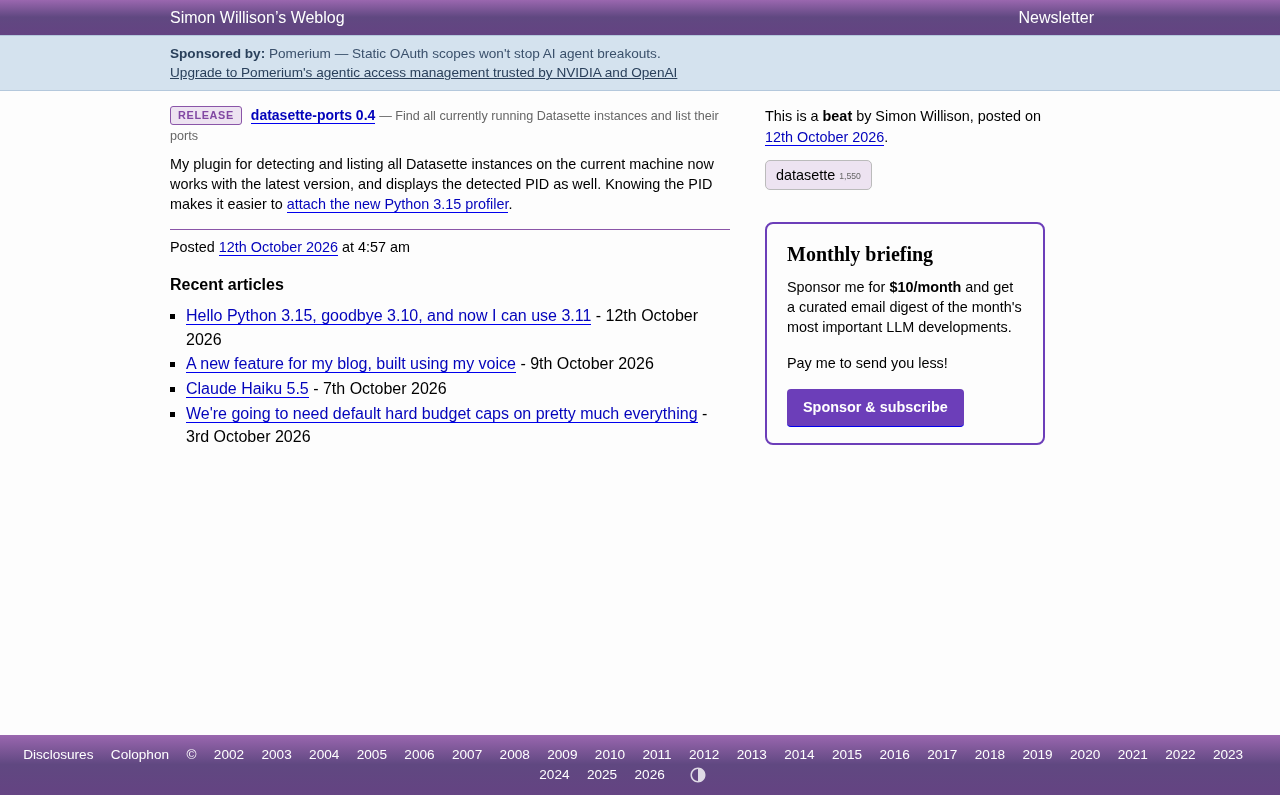
Datasette plugin datasette-ports has released version 0.4 with two main improvements: compatibility with the latest Datasette and a new display of each running instance's process PID. The plugin scans and lists all running Datasette instances locally, solving the difficulty of matching ports to processes in multi-instance setups. The key value of displaying PIDs is that users can get process numbers directly from the plugin list without manually running ps or lsof, making it easy to use them as entry parameters for attaching to Python 3.15's sampling profiler. It targets developers running multiple local Datasette instances, performance profiling engineers, and data exploration users, and installs via `datasette install datasette-ports`.
A Small Tool Built for Multi-Instance Datasette Users
If you're running multiple Datasette instances on your local machine, you've probably run into this annoyance: you open your browser to debug a certain port, but can't tell which process corresponds to which dataset. The datasette-ports plugin, developed by Simon Willison, was created to solve exactly this pain point. It scans all running Datasette instances on your machine and lists them together, giving you a clear view of your local environment.
The newly released 0.4 version brings upgrades in both compatibility and practicality.
What is Datasette: Datasette is an open-source tool developed by Simon Willison for exploring and publishing data. It turns SQLite database files directly into a browsable, queryable web application and exposes data via a JSON API. Users can start the service with a single command (such as datasette mydata.db) and then access the corresponding port in a browser to view table structures, run SQL queries, and export results. Because the startup cost is extremely low, developers often run multiple instances simultaneously on the same machine, each pointing to a different database file—which is the root cause of confusion between ports and processes.
Datasette Plugin Mechanism: Datasette uses a plugin-based architecture, keeping its core functionality lean while enabling extensibility through plugins. Plugins are distributed as Python packages and are typically installed with datasette install <plugin-name>. After installation, Datasette automatically discovers and loads them at startup. Plugins can register new API endpoints, hook functions, command-line subcommands, or page templates. datasette-ports works precisely by registering relevant hooks to scan for running Datasette processes on the local machine and display them in aggregate.
Two Key Changes in Version 0.4
According to the official release notes, this update mainly brings two improvements:
Compatibility with the latest version of Datasette. The plugin previously might not work correctly with newer versions of Datasette. Version 0.4 fixes this issue, ensuring it can properly detect and list instances on the latest runtime.
Displaying detected PIDs. This is the most valuable feature of this update. Now every detection result includes the PID (Process Identifier) of the corresponding process, so users no longer need to manually use ps or lsof to trace back which process number lies behind a port.
Simon Willison specifically explained the purpose of displaying PIDs in his blog: with a PID, it becomes much easier to attach Python 3.15's new profiler to a running process. He had previously introduced how to use this sampling profiler in an article about Python 3.15, and datasette-ports happens to serve as a bridge connecting data services and performance debugging.
The Relationship Between PID, Ports, and Processes: A PID (Process ID) is a unique numeric identifier assigned by the operating system to each running process. In network service scenarios, a process typically listens on one or more ports; port numbers are used for network communication addressing, while PIDs are used to identify processes at the operating system level. lsof -i :port_number or ps aux | grep datasette are common reverse-lookup methods, but they must be run manually and produce verbose output. Presenting the PID directly in the instance list essentially pre-resolves the mapping relationship among "port—process—data file," eliminating the manual correlation step.
Why PID Display Is Worth Paying Attention To
On the surface, showing one extra number may not seem like a major feature, but for local development and debugging workflows, this change reduces troubleshooting costs.
A typical Datasette use case is having multiple instances open at once—for example, one for read-only queries against production data, one for experimental datasets, and another running a plugin under development. Port numbers are often assigned randomly, and relying on memory to distinguish them is unreliable. Presenting PIDs directly in the list is equivalent to laying out the correspondence among "port—process—data" all at once.
Furthermore, the PID is the entry parameter for performance analysis tools. Python 3.15's sampling profiler supports attaching to an already running process for analysis, but the prerequisite is that you know the target process's PID. datasette-ports eliminates this preliminary step: read the PID from the plugin list, then directly use it to run the profiler, without needing to execute any lookup commands in between.
This combination of "small plugin + new language feature" also reflects the consistent orientation of the Datasette ecosystem—using lightweight tools to solve specific problems rather than piling on massive frameworks.
Python 3.15 Sampling Profiler: Python 3.15 introduced a sampling-based profiler that works differently from the traditional cProfile. The sampling profiler captures call stack snapshots at a fixed frequency, has less impact on program performance, and is suitable for analyzing long-running services. It supports two usage modes: one is loading the profiler at startup, and the other is attaching to an already running process. The attach mode requires the target process's PID as an entry parameter, which is precisely the direct value of datasette-ports displaying PIDs—users can read the PID directly from the plugin list, skipping the manual lookup step.
Who Should Use This Plugin
If you fall into any of the following categories, datasette-ports 0.4 will deliver a noticeably better experience:
- Developers running multiple Datasette instances locally at the same time: quickly clarify the correspondence between ports and processes.
- Engineers who need to profile Datasette processes: use the PID to connect directly to the Python 3.15 profiler.
- Analysts using Datasette for data exploration: reduce confusion when switching between multiple dataset instances.
Installation is the same as for regular Datasette plugins: simply run datasette install datasette-ports. The plugin is maintained as open source on GitHub, and both the source code and release history can be found in the repository.
Additional Background
Local Multi-Instance Scenarios and Port Management in Datasette: Datasette listens on port 8001 by default. If that port is occupied, it automatically moves to the next available port. Therefore, when multiple instances are started, port assignment depends on startup order and can easily become messy. Although ports can be explicitly specified with the --port parameter, developers often don't deliberately plan ports during rapid iterative debugging. The datasette-ports plugin scans the system process list, identifies all Datasette instances and their listening ports, associates them with process numbers, and finally presents them as a centralized list. This design does not rely on Datasette's own registration mechanism, but instead obtains information at the operating system level, so even if instances are started in different ways (command line, systemd, containers, etc.), they can still be detected.
One-line Summary
Datasette plugin datasette-ports releases version 0.4, adding PID display to make it easier to connect with the Python 3.15 profiler.
Paragraph Summary
Datasette plugin datasette-ports has released version 0.4, bringing two main improvements: compatibility with the latest Datasette version, and a new display of the process PID corresponding to each running instance. The plugin scans and centrally lists all running Datasette instances on the local machine, solving the difficulty of matching ports to processes in multi-instance scenarios. The core value of displaying PIDs is that users can obtain process numbers directly from the plugin list without manually running ps or lsof for reverse lookup, making it convenient to use them as entry parameters for attaching to the sampling profiler introduced in Python 3.15. The plugin is aimed at developers running multiple Datasette instances locally, performance profiling engineers, and data exploration users, and is installed via datasette install datasette-ports.
Related articles

Chain of Thought Isn't Just for AI: How Humans Can Use CoT to Improve Thinking Quality
Chain of Thought isn't just a prompt trick for large models. Starting from a Hacker News discussion, this article analyzes why CoT works for human thinking too, breaks down actionable ways to transfer it, and highlights the key differences between human CoT and machine CoT.
Cloudflare Teams Up with OpenAI: Closi…
Cloudflare Teams Up with OpenAI: Closing the Loop from Vulnerability Discovery to Defense with AI
Cloudflare uses OpenAI Daybreak to investigate security vulnerabilities and generate reviewable remediation plans, while developers use Codex to boost coding efficiency and quality.

Orca Multi-Agent Orchestration in Practice: A Guide to Parallel Collaboration with Claude and Codex
Orca is Stable AI's free open-source agent workbench supporting 34 agents like Claude Code and Codex in parallel. Learn its Git worktree isolation, multi-model orchestration, and mobile management.