DeepSeek + Dify Local Deployment Workflow: A Practical Getting-Started Guide

A practical guide to building AI agent workflows locally with DeepSeek and Dify.
Based on a hands-on tutorial, this article outlines the key points of building AI workflows with DeepSeek and Dify. As an open-source platform, Dify's greatest strength is local deployment with full on-premises data control, ideal for enterprises with compliance needs. Its weakness is an internationally focused plugin ecosystem that can be difficult to access from China. The article covers Dify's three main entry points — agents, workflows, and knowledge bases — and the basic local deployment path via Docker and the official Chinese README. For lightweight domestic use cases, Coze is recommended as a simpler alternative.
DeepSeek and Dify: The Power Combo for AI Agent Development
As DeepSeekAd's large language models gain widespread adoption in China, AI agents built on top of them are experiencing a surge in popularity. For developers looking to get started with AI workflow development, pairing DeepSeek with a low-code platform like Dify has become an almost unavoidable technical path.
This article is based on a hands-on tutorial from a Bilibili creator. It walks through how to build efficient, practical Dify workflows using DeepSeek, clarifies the key details of local deployment, and helps you avoid common pitfalls.
If you're not yet familiar with agents or the Dify platform, it's recommended to first build up your foundational knowledge of knowledge bases and agent construction before diving into workflows — that order will make things much smoother.
Dify's One Strength and One Weakness: Open Source vs. Plugin Ecosystem
Before getting into the build process, let's clarify the core characteristics of the Dify platform. The tutorial summarizes these as "one strength and one weakness."
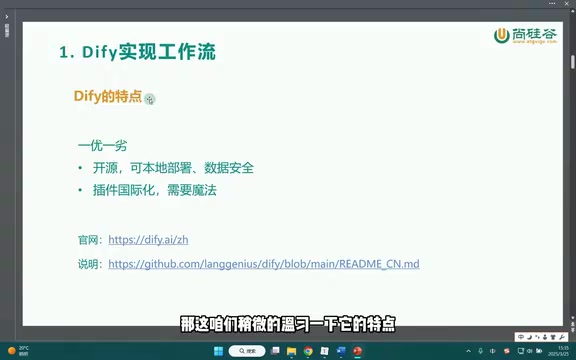
Strength: Open Source and Local Deployment
Dify's biggest advantage is that it's open source. Beyond the standard browser-based access, it also supports deployment to a local environment. This is particularly valuable for enterprise users — whether building workflows, creating agents, or constructing private knowledge bases, all data is stored locally.
Keeping data on-premises means higher security and greater control. For business scenarios with data compliance requirements or concerns about sensitive information leaking externally, local deployment isn't a nice-to-have — it's a necessity. This is the core reason this article focuses on the local deployment path.
Dify's local deployment is typically implemented using Docker Compose. The entire service stack — including the frontend, backend API, vector database, PostgreSQL, and more — runs in containers on your local machine. This means the full AI workflow platform can operate without any public internet connection. Compared to the cloud-based SaaS version, local deployment requires you to handle upgrades and resource management yourself, but in return you gain complete control over sensitive data such as model call logs, knowledge base documents, and conversation history — none of which passes through any third-party servers.
Weakness: Internationally Focused Plugin Ecosystem
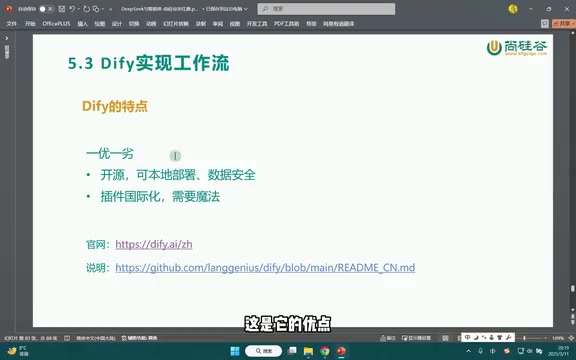
The shortcoming is equally apparent: many of Dify's plugins and tools are internationally oriented. This means that using these plugins from within China often runs into network access obstacles — if you know, you know.
The tutorial's advice here is pragmatic: if your workflow is entirely intended for a domestic environment and you rely on these international plugins, you're probably better off going straight to a domestic platform like Coze. It'll save you a lot of headaches. In other words, the value of Dify's local deployment is most apparent in scenarios where data security and self-sovereignty are strong requirements.
Coze is ByteDance's domestic platform for building agents and workflows. It occupies a similar space to Dify but takes a cloud-hosted approach. Its plugin ecosystem focuses primarily on domestic services (such as integrations with Douyin, Feishu, Weibo, etc.) and requires no self-deployment, making it more friendly for individual developers and lightweight use cases. The core difference between the two: Dify emphasizes private deployment and open-source control, while Coze emphasizes out-of-the-box usability and domestic ecosystem integration. When choosing between them, data compliance needs and deployment capabilities are the main reasons to lean toward Dify, while speed to launch and plugin richness are where Coze has the edge.
Getting to Know Dify's Three Main Entry Points on the Official Website
Opening the Dify website, the layout is clean: on the left is the "Get Started" entry point, and on the right is a link to the GitHub project.

After clicking "Get Started," you'll see three primary creation paths:
- Create an Agent: Select Agent, then click "Create Blank App"
- Create a Workflow: If accessing via browser, click Workflow and likewise select "Create Blank App"
- Create a Knowledge Base: Click to create a knowledge base in the corresponding section
The overall interaction logic is very intuitive — all three core capabilities start from the same "blank app" mode. In the tools list, you can also clearly see that many tools carry obvious international characteristics, which corroborates the plugin ecosystem issue mentioned earlier.
In Dify's product framework, "Agent" and "Workflow" are two distinct core concepts. An agent typically has autonomous reasoning capabilities — it can dynamically call tools and decide on next steps based on a goal, making it suited for complex tasks requiring multi-turn judgment. A workflow, on the other hand, is a pre-designed directed graph process where each node performs a fixed operation, suited for automation scenarios with clear steps that need to be stable and reproducible. The two can be nested — for example, calling an agent node within a workflow to combine process determinism with local flexible reasoning.
Local Deployment: Starting with the GitHub Documentation
The focus of this section is local deployment, not browser-based access. To complete local deployment, the first step is finding the official deployment documentation.
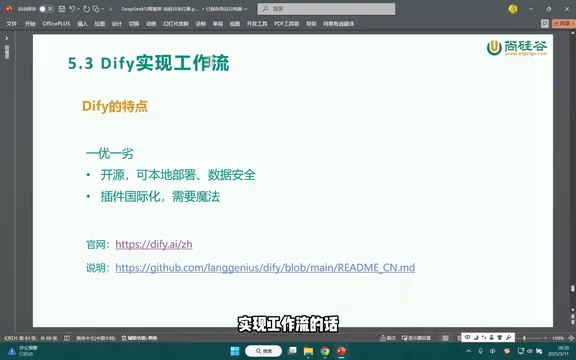
There are two ways to access the documentation: open the official website's documentation directly, or browse down through the GitHub repository to find the corresponding README file (look for the Chinese version).
Once you open the documentation, you'll see that Dify provides a side-by-side feature comparison table with other similar tools — as with most official marketing, virtually every feature is marked with a green checkmark. While official docs naturally tend to highlight their own product's strengths, the comparison table still helps developers quickly grasp Dify's capability boundaries.
Further down in the documentation, there are sections like "Stay Ahead" and "Quick Start" that contain a series of command-line instructions you'll need during local deployment. This part is critical for the hands-on phase — it's recommended to follow the official README step by step to avoid deployment failures caused by version or command discrepancies.
Summary: Who Is This Setup Right For?
All things considered, the DeepSeek + Dify local deployment setup is best suited for the following types of users:
- Enterprises with high data security requirements who want data to stay entirely on-premises
- Teams that need a self-controlled development environment for agents and knowledge bases
- Developers willing to accept a certain deployment learning curve in exchange for private deployment capabilities
Conversely, if you're building lightweight workflows in a purely domestic environment and relying on ready-made plugins, domestic platforms like Coze are probably the more hassle-free choice. Picking the right tool often does more to keep you on track than chasing the latest trend.
Related articles

iPhone Duo vs Z Fold 8: Which Foldable Nails Cover Screen and Form Factor Experience Better?
Based on a YouTube comparison, we analyze the iPhone Duo vs Samsung Z Fold 8 in cover screen ratio, one-handed grip, pocketability, app adaptation, multi-posture use, and keyboard input.

Why Tech Media Always Gets Accused of "Shilling"? The Verge Editor-in-Chief Responds to Bias Allegations
After The Verge's Duo review drew accusations of bias, Editor-in-Chief Nilay Patel responds: no paid reviews, no brand deals, editorial independent of sales, and details the ethics policy.

Claude Code 3x Speedup: Thanks to 1997's GZip Technology
Claude Code achieves 3x faster local sessions and 2.8x faster cloud sessions by enabling GZip compression. This article analyzes how this classic technology optimizes message transmission efficiency in AI coding tools and what it means for developers.