Devin Cloud Comes to the Terminal: Command-Line Access to Cloud AI Coding Sessions

Devin Cloud session management comes to the terminal via `devin --cloud` and `/cloud` commands.
AI coding assistant Devin now lets developers manage Devin Cloud sessions entirely from the command line using `devin --cloud` or `/cloud`, with no browser or web console required. The update covers the full session lifecycle: Create, Steer, Resume, and Watch. The core value is in-place operation — reducing context switching, fitting naturally into CLI-native workflows, and turning Devin into a composable piece of the existing toolchain rather than a standalone interface.
AI coding assistant Devin has shipped a developer workflow update that brings Devin Cloud capabilities directly into the terminal. Developers can now create, steer, resume, and watch cloud sessions from the command line — no more switching back and forth between the browser and their IDE.
Direct Terminal Access to Cloud Sessions
According to the official announcement, users can now manage Devin Cloud sessions right inside their preferred terminal. The workflow is straightforward: use the devin --cloud command or type /cloud in the interactive interface to launch cloud mode.
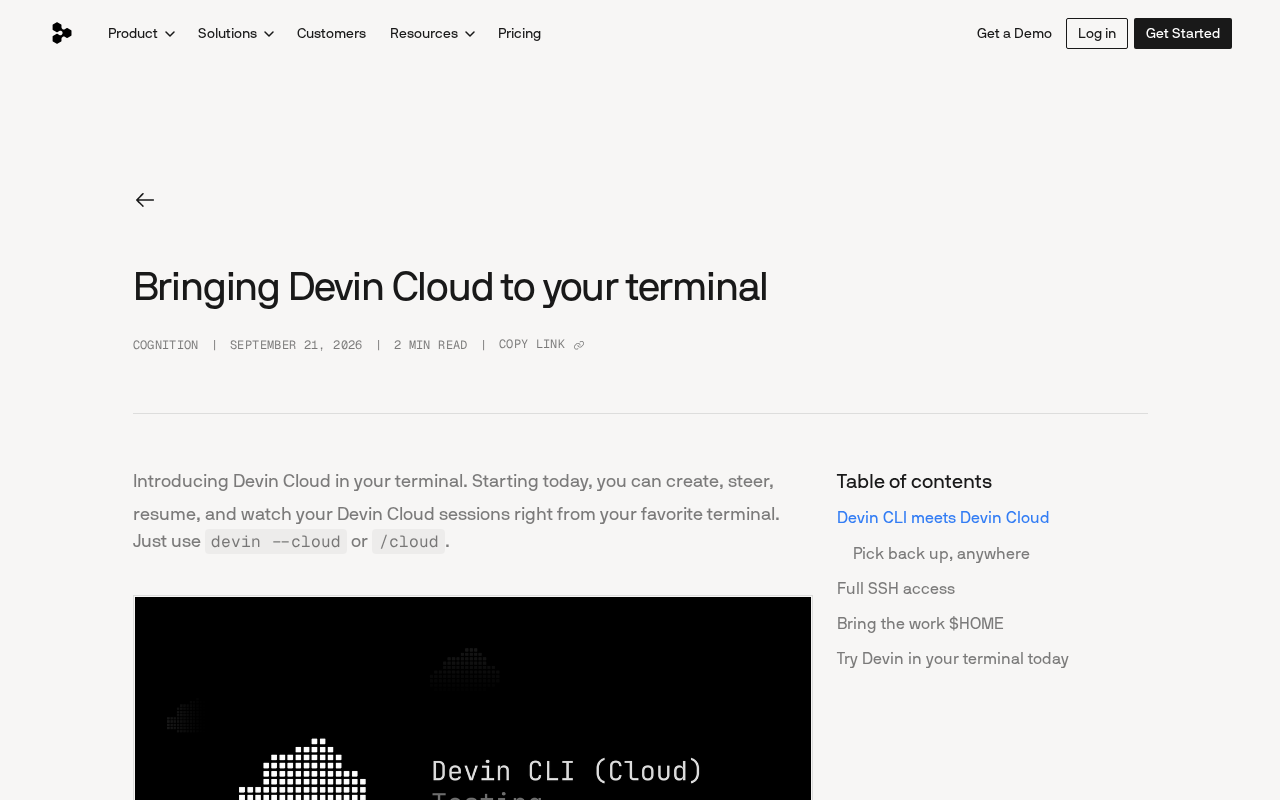
The heart of this update is "in-place operation." Previously, many cloud-based AI coding tools required developers to create and monitor tasks through a web console. Terminal integration collapses those actions into the same environment where developers already spend their time. For engineers who live in the CLI, reducing context switching means sharper focus and less operational friction.
Four Core Capabilities
The official release outlines four operations available in the terminal, covering the full lifecycle of a cloud session:
Create and Steer
Create lets developers spin up new cloud tasks directly from the terminal without opening a browser. Steer allows users to adjust direction and add instructions while a session is in progress, keeping them in control of the AI's execution path — especially critical during long-running autonomous coding tasks where you need to keep the agent on track.
Resume and Watch
Resume means interrupted sessions can be picked back up in the terminal, which is ideal for complex tasks handled in stages or cross-device collaboration scenarios. Watch provides real-time visibility into a running cloud session, letting developers track the agent's progress from the command line without repeatedly refreshing a webpage.
What This Means for Developer Workflows
This update reflects a broader trend in AI coding tools toward meeting developers in their native environment. The terminal has always been the engineer's primary workspace. Bringing cloud AI session control into the CLI fundamentally transforms Devin from a standalone product interface into a composable building block within an existing toolchain.
The combination of cloud execution and local control is also worth noting. Running sessions in the cloud means compute-heavy, long-running tasks don't tie up your local machine, while the terminal as a control plane preserves the familiar interaction patterns developers already know. This "cloud compute + local control" model is becoming a mainstream architectural pattern for autonomous coding agents.
The "composable building block" framing draws on a long-standing strength of the CLI ecosystem: terminal commands naturally support pipes, scripting, and composition with other tools. Exposing Devin session management as a CLI interface means developers can embed it in Makefiles, CI scripts, or custom shell workflows — not just manual interactions. This follows the same path taken by GitHub CLI (gh) and cloud provider CLI tools like gcloud and aws, where complex cloud operations are distilled into scriptable atomic commands with real automation potential.
Summary
Though brief, this announcement sends a clear signal: Devin is lowering the barrier to cloud AI-assisted coding by consolidating the entire session management loop — create, steer, resume, watch — into the terminal. For developers who rely heavily on the command line, devin --cloud and /cloud make AI-assisted coding a more natural part of their everyday workflow.
Related articles

Chain of Thought Isn't Just for AI: How Humans Can Use CoT to Improve Thinking Quality
Chain of Thought isn't just a prompt trick for large models. Starting from a Hacker News discussion, this article analyzes why CoT works for human thinking too, breaks down actionable ways to transfer it, and highlights the key differences between human CoT and machine CoT.
Cloudflare Teams Up with OpenAI: Closi…
Cloudflare Teams Up with OpenAI: Closing the Loop from Vulnerability Discovery to Defense with AI
Cloudflare uses OpenAI Daybreak to investigate security vulnerabilities and generate reviewable remediation plans, while developers use Codex to boost coding efficiency and quality.

Orca Multi-Agent Orchestration in Practice: A Guide to Parallel Collaboration with Claude and Codex
Orca is Stable AI's free open-source agent workbench supporting 34 agents like Claude Code and Codex in parallel. Learn its Git worktree isolation, multi-model orchestration, and mobile management.