Dify Beginner's Guide: Five Application Types and a Complete AI Workflow Setup Tutorial

Dify is a low-code AI platform for visually building chatbots, Agents, and workflows with LLMs.
Dify is a low-code AI application development platform designed for both developers and non-technical users. It wraps complex tasks like prompt management, model invocation, and data retrieval into visual modules. It supports three deployment options — cloud, Docker, and source code — with self-hosting recommended for production. Its five core application types (Chatbot, Text Generation, Agent, Chatflow, Workflow) cover most business scenarios. For model integration, cloud APIs like DeepSeek are recommended, as domestic Chinese models offer millions of free tokens. Finished apps can be published as public websites, embedded components, or standard APIs.
What Is Dify
Dify is a low-code AI application development platform whose core value lies in enabling developers — and even non-technical users — to quickly build AI applications powered by large language models (LLMs). Whether you're dealing with complex enterprise business scenarios or lightweight personal tools, Dify has you covered.
In simple terms, Dify wraps the tedious low-level work involved in LLM application development — prompt management, model invocation, context handling, data retrieval, and more — into visual modules. Users can drag, drop, and configure their way to features that would otherwise require substantial coding. This is what sets it apart from pure code-based frameworks like LangChain: a low barrier to entry, fast onboarding, and a highly visual development experience.
Dify Deployment Options: Three Ways to Get Started
Dify offers considerable flexibility in how it can be deployed. There are three main paths:
Official Cloud Version
The simplest option is to use Dify's official online platform directly. The cloud version is nearly identical to the self-hosted version in terms of UI and functionality. One thing to note: if your AI application needs to access a local database or on-premises environment, you'll need to use an intranet tunneling tool to expose your local IP to the public internet so the cloud version can reach your local resources.
Local Deployment with Docker
Deployment via Windows Docker is the go-to choice for many developers. The key advantage here is that once Dify is running locally, it can communicate directly with services like MySQL installed on the same machine.
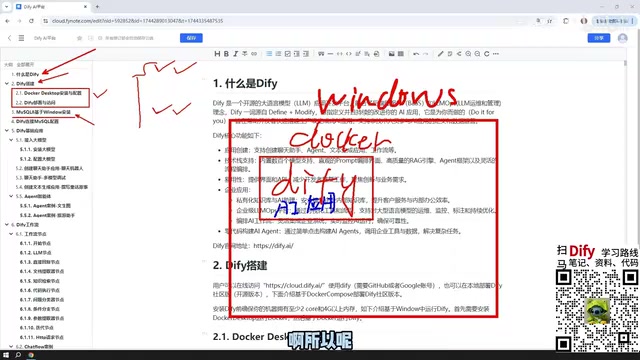
Docker is a container-based virtualization solution. Its core difference from traditional virtual machines (like VMware) is that containers share the host OS kernel, which means faster startup times and lower resource consumption. Dify's official repository provides a docker-compose.yml file that pre-defines all the services Dify needs — the web frontend, API service, worker processes, PostgreSQL metadata database, Redis cache, Weaviate vector database, and more. A single docker compose up -d command pulls up all dependencies at once. On Windows, Docker Desktop is the recommended way to manage containers, offering a graphical interface for monitoring service status and logs. Services inside containers communicate over Docker's virtual network, and when a container needs to reach MySQL running on the Windows host, you must use the special address host.docker.internal instead of localhost — this is one of the most common connection issues beginners encounter.
Source Code Deployment
For developers who need deep customization, deploying Dify from source is also an option. This approach offers maximum flexibility, but comes with a higher configuration overhead.
In production environments, self-hosting on your own servers is strongly recommended. Deploying to an internal company server makes team collaboration easier and keeps data security more tightly under your control.
Database Configuration: Why Dify Needs MySQL
Many beginners wonder: why do I need to install MySQL separately just to run Dify?
The reason is that AI applications built in Dify often need to read and interact with data stored in business databases. For example, if you want to build an intelligent assistant that can query company orders, the AI application must be able to communicate with a database. That's why installing and configuring MySQL 8 on Windows is a non-skippable step in the setup process.
MySQL can be deployed in a variety of locations:
- Directly on the Windows host machine
- Via Docker
- Inside a VMware virtual machine
Once Docker is set up, Dify's network can communicate with MySQL running on the Windows host or with a database deployed in a virtual machine — wherever your database lives, it will work. After installing the database, you'll also need to configure the connection inside Dify before your AI application can successfully read data.
Dify's Five Core Application Types
When creating an application in Dify, you can choose from five main types. These are at the heart of everything the platform offers:

Chatbot
The most fundamental application type — essentially a conversational interface with an LLM. Ideal for building customer service bots, knowledge Q&A systems, and similar use cases.
Text Generation
Focused on content production: writing articles, generating documents, drafting creative text, and other one-shot text output tasks.
Agent
The Agent is the most capable of the five application types. Unlike Chatbots or Text Generation apps, the defining characteristic of an Agent is its ability to invoke external tools and systematically complete complex, multi-step instructions from the user. For example, you could ask it to first scrape content from a webpage, then analyze and summarize that content — the Agent can autonomously plan and execute this entire sequence of steps.
The underlying logic of an Agent is based on the ReAct (Reasoning + Acting) or Function Calling mechanism: the model first reasons through the task and decides which tool to call and with what parameters, then continues reasoning after receiving the tool's output — repeating this "think → act → observe → think again" loop until the task is complete. This makes Agents capable of handling complex tasks that require multi-step decision-making, far beyond simple single-turn Q&A. Dify comes with built-in tools like search engines, web scrapers, code interpreters, and chart generators, and also supports connecting to third-party APIs via HTTP request nodes or custom plugins, greatly extending what an Agent can do. Compared to Workflows, the execution path of an Agent is dynamically planned by the model at runtime, while a Workflow's node sequence is pre-arranged by the developer — that's the most fundamental distinction between the two.
Chatflow and Workflow
Workflows are the most important and powerful feature module in Dify, and they come in two flavors:

- Chatflow: Builds multi-turn conversational interaction on top of the workflow foundation — suited for scenarios that require ongoing dialogue
- Workflow: Executes one-shot task processing and directly outputs the final result — suited for batch processing scenarios
The core difference between the two lies in the interaction model: Chatflow supports ongoing conversation, while Workflow is more oriented toward one-time, batch-style output.
Dify Workflow Nodes: The Building Blocks of a Pipeline
When building a Chatflow or Workflow, you connect individual functional modules together to form a complete pipeline. These modules are called nodes.
Dify provides a rich variety of node types that cover most of the platform's functionality — including LLM nodes, conditional branching nodes, code execution nodes, HTTP request nodes, and more. Each node plays a distinct role within the workflow. By thoughtfully combining these nodes, you can build AI workflows that meet a wide range of business requirements.
Model Integration: Prioritize Paid Cloud APIs
Every AI application needs to interact with a large model, and connecting a model is the first step in building any Dify application. Here are some practical, field-tested recommendations:

Prioritize paid cloud-based LLM APIs, such as DeepSeekAd or ChatGPT, or Chinese domestic models like Baidu ERNIE Bot or Alibaba Qwen that offer free token quotas. These platforms typically give away millions of free tokens — more than enough for the learning phase.
Don't be intimidated by "paid." Take DeepSeek as an example: a top-up of ¥10 (roughly $1.40) will last a very long time, and actual consumption during development and testing is often less than ¥1. By contrast, beginners are not recommended to use locally run small models (e.g., models deployed via Ollama), because smaller parameter models tend to produce suboptimal results, which can negatively impact the learning experience.
That said, if you have access to high-performance hardware or enterprise-grade clusters, you can absolutely deploy large open-source models locally to build production-grade applications — Dify also supports connecting to locally hosted Ollama models.
A token is the basic unit for both billing and context management in large language models — it doesn't map directly to characters or words. For Chinese, roughly 1 character corresponds to about 1.5–2 tokens; for English, approximately 1 word maps to about 1–1.3 tokens. A model's "context window" is also measured in tokens. For example, DeepSeek-V3 supports a 64K token context window, meaning a single conversation can carry roughly 30,000–40,000 Chinese characters of history and document content. In a Dify workflow, every time a node calls an LLM it consumes tokens — so thoughtfully designing prompt length and dialogue history truncation strategies is key to controlling costs. For learners, domestic models like Alibaba Qwen and Baidu ERNIE Bot typically offer free quotas exceeding one million tokens, which is more than enough to run extensive experiments without incurring any real costs.
Publishing Dify Applications: From Local to Production
Applications built in Dify aren't limited to internal use on your local platform. Dify provides multiple publishing options for reaching real users:
- Publish as a public web app: Generate a link accessible to anyone (requires intranet tunneling if self-hosted)
- Embed into an existing website: Integrate the AI application as a component within your own website
- Expose via API: Connect to other business systems through a standard API interface
This means applications built in Dify can genuinely go into production and serve real users and business workflows.
Summary
As a low-code AI application development platform, Dify dramatically lowers the barrier to building LLM-powered applications. Its five core application types — Chatbot, Text Generation, Agent, Chatflow, and Workflow — cover the vast majority of real-world business needs. Combined with flexible deployment options (cloud, Docker, source code), clear database integration patterns, and diverse publishing channels, Dify is an ideal starting point for anyone new to LLM application development.
For developers and teams looking to bring AI capabilities into their business quickly, the recommended path is to start with a local Docker deployment, connect a cloud-based model API like DeepSeek, progressively master workflow node construction, and ultimately build AI applications ready for real production use.
Related articles
Google's Satellite AI Server Reaches Orbit: Gemma Model Generates First Reply in Space
Google's TPU-equipped satellite powers up in orbit, with the onboard Gemma 4 model generating the first reply from space. This article analyzes the technical path, real-world constraints, and implications for edge computing and satellite remote sensing.
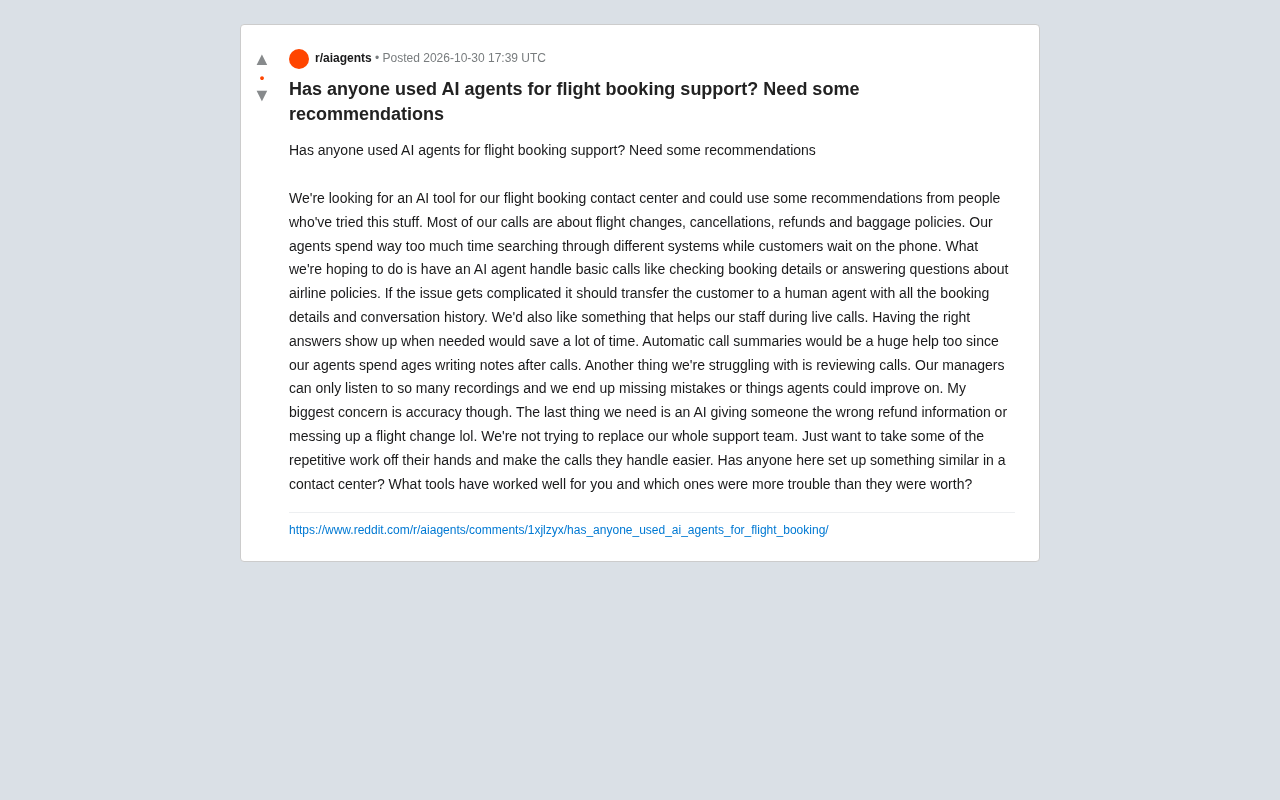
AI Agents for Flight Booking Customer Support: Real Needs and Implementation Challenges
Starting from a real Reddit question, this article breaks down four needs for introducing AI Agents into flight booking call centers: basic Q&A, agent assist, call summarization, and quality inspection, and analyzes accuracy concerns and handoff boundary design.
Vercel Unifies Runtime Cache: Data Cache Merges into Runtime Cache
Vercel merges Data Cache into Runtime Cache, unifying storage quotas and billing for Next.js fetch cache, unstable_cache, getCache, and use cache: remote. Pro and Enterprise projects get more storage, and cache reads/writes are now billed at Runtime Cache pricing.