Dify Local Deployment in Practice: A Complete Guide to Docker + Ollama + RAG Setup
Step-by-step guide to deploying Dify locally with Docker and Ollama to build a private AI application.
This guide presents a complete local AI application deployment stack centered on Dify, covering everything from environment setup to a live application. Using Docker to manage service components and Ollama for local model inference, the setup also supports flexible switching to cloud APIs. On the application side, the guide focuses on three core capabilities: workflow orchestration, variable management, and RAG (Retrieval-Augmented Generation) — the key technology for giving AI access to private knowledge bases. Designed for beginners, it includes all prerequisites like Docker and model deployment, making it ideal for developers who want to build their own private AI applications.
Why Choose Local Deployment for Dify
Dify is a popular open-source LLM application development platform that brings workflow orchestration, prompt management, and knowledge base retrieval together in a single visual interface — enabling developers to build AI applications without writing large amounts of code from scratch. Compared to using cloud-hosted services, local deployment offers two major advantages: data control and cost control. Your knowledge base documents and conversation history stay on your own machine, eliminating concerns about sensitive data leaks and ongoing API usage fees.
The core idea behind this guide is straightforward: use Dify as the central thread and connect all the supporting tools around it. To run Dify locally, Docker is essential; to give Dify local model inference capabilities, Ollama is required. Once the full chain is set up, you can connect to cloud-based models or run a completely offline, private AI application — your choice.
Docker: The Foundation for Local Deployment
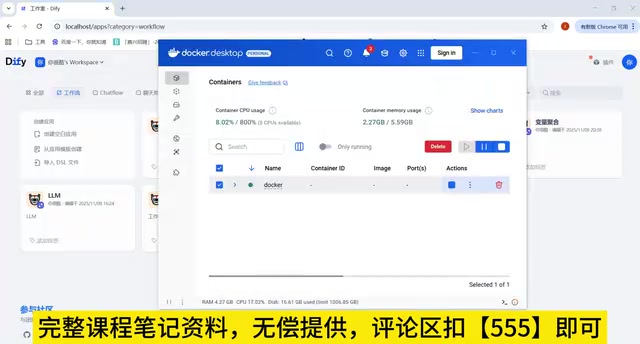
Docker is the bedrock of this entire setup. Dify consists of multiple service components — API service, frontend, database, vector store, and more. Manually installing and configuring each one is tedious and error-prone. Docker solves this by containerizing these components so the entire environment can be spun up with a single command.
For those new to container technology, understanding Docker's core concepts — images, containers, and volumes — is the key starting point. This guide begins with environment setup precisely because many Dify learners don't come from a DevOps background. Once you're comfortable with Docker basics, deploying not just Dify but any other open-source tooling becomes much easier. It's a general-purpose skill well worth investing time in.
Docker's core concepts break down into three layers: an Image is a read-only template of an application and its dependencies — think of it like an installation disc; a Container is a running instance of an image, like a program installed and launched from that disc; a Volume is the mechanism for persistent data sharing between a container and the host machine, ensuring data survives even if the container is deleted. Dify's docker-compose.yml file defines multiple interdependent services — frontend Nginx, backend API, PostgreSQL database, Weaviate vector store, Redis cache, and more. A single docker compose up command starts all these containers in dependency order and wires up the networking between them. For developers without an operations background, the essentials to master are: starting and stopping containers, viewing logs with docker logs, and understanding volume mounts — that's enough to get you going.
Ollama and Local Large Language Models
Dify itself is only an application orchestration layer — it needs a large model behind it to provide inference. You can connect to cloud APIs like OpenAI or Tongyi, but for a fully local setup, Ollama is what you need.
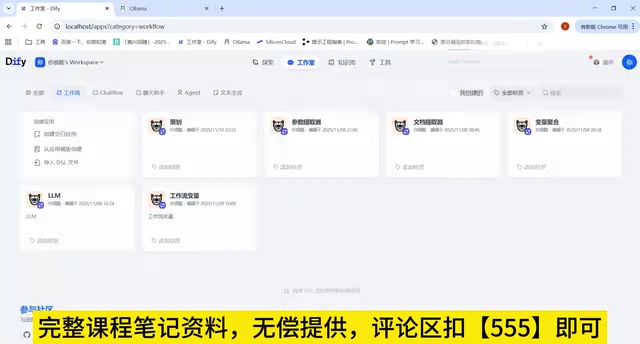
Ollama is a lightweight tool for running large models locally. It makes it easy to download and run various open-source models such as the DeepSeek series. By running a model locally via Ollama and pointing Dify to Ollama's API endpoint, you get a complete inference pipeline with no dependency on external networks. This combination is especially well-suited for scenarios with strict data privacy requirements or restricted network environments.
Ollama works by launching a local HTTP service that's compatible with the OpenAI API format (listening at http://localhost:11434 by default). This means Dify can call Ollama the same way it calls OpenAI — you just need to point the Base URL to the local address in the model configuration. One important caveat: when Dify runs inside a Docker container, localhost refers to the container's internal network, not the host machine. You'll typically need to use the host machine's LAN IP or host.docker.internal (available on macOS and Windows) to let the container reach the Ollama service running on the host. Running local models does have hardware requirements: a 7B parameter model runs smoothly on a GPU with 8GB VRAM, while CPU-only inference is noticeably slower. When choosing a model, refer to the parameter count and quantization variants in the Ollama model library — higher quantization (e.g., Q4) reduces VRAM usage but may slightly degrade output quality.
Flexible Switching Between Cloud and Local
It's worth noting that local deployment doesn't mean giving up cloud capabilities. This guide covers both paths: connecting to cloud-based large models and setting up local models on your own hardware.
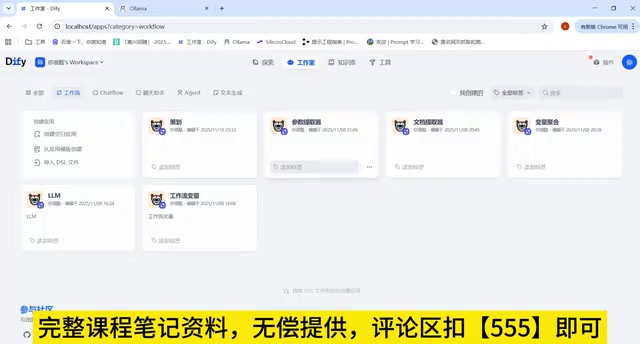
In practice, these two approaches are often used together. Cloud models tend to be more capable and faster, making them ideal for high-stakes tasks where output quality matters most. Local models win on privacy and cost, making them better suited for processing internal data or handling high-frequency calls. Dify lets you flexibly configure different model sources within the same platform, so developers can make the right trade-off for each use case — which is exactly what makes it valuable as an application development platform.
Workflows, Variables, and RAG: Core Capabilities
Dify's application development power is concentrated in a few core modules.
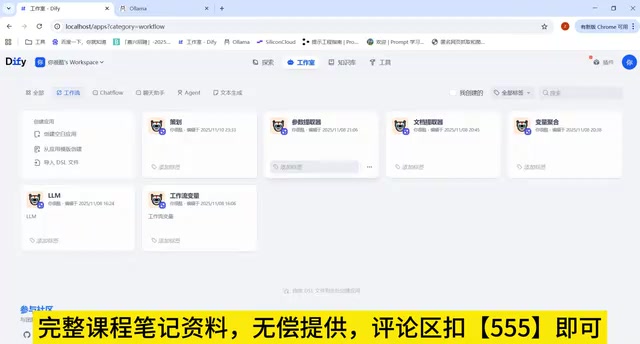
Workflow design is the ability to orchestrate multiple AI steps into complete business logic. Using a visual canvas, you can connect nodes — user input, model calls, conditional logic, result output — to build sophisticated application flows.
Variable management runs throughout the entire workflow, responsible for passing data between nodes. Well-designed variables make workflows cleaner and easier to maintain.
RAG: Giving AI Access to Your Private Knowledge
The course culminates in RAG (Retrieval-Augmented Generation). The idea behind RAG is to first split documents into chunks, convert them into vectors, and store them in a knowledge base. When a user asks a question, relevant content is retrieved from the knowledge base and passed along with the question to the large model, which then generates a grounded response.
This addresses the core limitation of large models: they don't know your proprietary data. Whether it's a corporate knowledge base, product documentation, or personal notes — RAG transforms any of it into a knowledge source the AI can reference. Understanding RAG, both in principle and in technical implementation, marks the turning point between "playing with models" and "building AI applications that are actually useful."
There are several key technical details in the RAG pipeline worth understanding. Chunking strategy directly affects retrieval quality — chunks that are too large introduce noise, while chunks that are too small lose context. You'll typically need to tune chunk size and overlap length based on document type. Embedding is the process of converting text into high-dimensional numerical vectors, where semantically similar content sits closer together in vector space — this is the mathematical foundation of semantic search. For local deployments, you can use Ollama to serve an embedding model (such as nomic-embed-text) alongside your language model, avoiding calls to external APIs. The vector database stores and retrieves these vectors; Dify integrates Weaviate by default, which is already included in the Docker Compose configuration and requires no additional installation. Understanding the full chain — chunk → embed → store → retrieve → generate — will help you diagnose poor knowledge base recall when troubleshooting in real-world usage.
A Learning Path from Getting Started to Going Live
This guide is designed for end-to-end coverage: from setting up the base environment, deploying with Docker, and running local models with Ollama, to designing Dify workflows, configuring variables, and building RAG knowledge base applications — forming a complete path from zero to a live deployment.
For developers looking to get started with Dify or learn it systematically, this "main tool + surrounding knowledge" structure is refreshingly practical. It doesn't assume you already know Docker or how to deploy large models — those prerequisites are built into the curriculum. Follow it through, and you'll have everything you need to build and deploy your own AI application powered by a local large model and a private knowledge base.
Related articles
Waymo Restarts San Antonio Operations: Back on the Road Five Months After Flood Incident
Waymo resumes San Antonio Robotaxi service ~5 months after a vehicle was swept away in flooding. A look at what happened, why it took so long, and what it means for AV safety in extreme weather.
What Is AIOps? How AI Is Reshaping IT Operations
AIOps applies AI and machine learning to IT operations for anomaly detection, alert noise reduction, and root cause analysis — shifting teams from reactive to proactive.
CCC Sends Its Invitation: 40C3 Hacker Congress Themed "Model Citizens"
CCC announces its 40th Chaos Communication Congress (40C3) under the theme "Model Citizens," inviting hackers worldwide to examine surveillance and algorithmic governance.