Digital Love Letter Browser QA Checklist: 7 Details Developers Must Test

Design, test, and deliver multimedia personal letters as web interfaces, starting from content rather than decorative animation.
This article treats a multimedia personal letter as a small web reading experience and argues that testing should start from the content itself. It offers a compact browser QA checklist covering narrow-screen clipping, keyboard focus order, reduce motion settings, and audio optionality, and emphasizes separating preview from recipient access on share links while avoiding URL privacy leaks. On content prep, it recommends clarifying the letter's purpose, listing specific details, building a clear structure, and drafting in a real voice—with AI drafts used only as a starting point that must be personally reviewed. Choose media with purpose, keep a plain-text copy, and don't treat replies as performance scores.
Treat the Letter as a Small Web Reading Experience
A multimedia personal letter is essentially a web interface: it has an opening state, text layout, optional images, and sometimes audio. For developers, the test cases for evaluating this experience should start from the content itself, not from decorative animations.
This workflow combines a content checklist with practical browser testing, without assuming any particular backend, model provider, or proprietary product implementation.
Compact Browser QA Checklist
Test the reading view at narrow widths and with longer messages. Watch for clipped paragraphs, images that exceed container width, and controls that shift when fonts load.
Check the keyboard focus order from the opening control to the letter content. A decorative envelope should not be the only way to discover the reading action; meaningful labels let keyboard users and assistive technology users understand its purpose.
If animations are present, check the operating system's "reduce motion" setting to ensure text can be reached without waiting for complex transitions. Audio should be optional, visibly controllable, and not required to understand the message. When images fail to load, useful alt text should remain without blocking the surrounding text.
These are testing criteria, not claims that any particular editor has implemented them.
For share links, separate preview access from recipient access in the test plan. Confirm the actual delivery flow first through the normal product interface and with non-sensitive samples, then rely on it. Don't assume unlisted URLs are private or permanent. Avoid analytics parameters that expose personal names or occasions, and never put message content in a query string. Keep a local plain-text copy so personal content doesn't depend on a single presentation service.
Reduce motion (prefers-reduced-motion) is a standard CSS media query feature that lets web pages detect whether a user has enabled a "reduce animation" preference at the operating system level. Users with vestibular disorders, migraines, or motion sensitivity enable this setting to avoid discomfort caused by parallax scrolling, large displacements, or continuous animations. In multimedia letters, if the opening envelope animation relies on complex transitions, developers should provide a static or minimal alternative via @media (prefers-reduced-motion: reduce), and ensure the letter body can be read without waiting for the animation to finish. This isn't an optional nice-to-have—it's a basic requirement for making content accessible to all users.
Keyboard focus order and accessible labels are at the core of web accessibility. Screen reader and keyboard-only users rely on the Tab key to traverse interactive elements in DOM order. If a visually decorative envelope is implemented as an unlabeled button, it becomes the only entry point for discovering the reading action, leaving assistive technology users unable to understand its purpose. The correct approach: provide meaningful aria-label or visible text for interactive controls, ensure focus order matches visual reading order, and allow users to skip decorative content to reach the letter body directly. This directly corresponds to the checklist item "a decorative envelope should not be the only way to discover the reading action."
Content Preparation and Review
The best state for a personal letter is sounding like one person talking to another, rather than a pile of flowery language. Digital formats add photos, music, and presentation, but these elements should support the message itself, not replace it.
This process applies to anniversaries, birthdays, long-distance relationships, and those ordinary days when you want to say something more thoughtful than a chat message.
Clarify What This Letter Needs to Do
Before choosing an editor, write down in one sentence why you're writing this letter. Maybe you want to thank your partner for getting through a tough week, recall a trip you took together, or explain what you appreciate about everyday life.
A narrow purpose makes writing easier. Trying to cram in every memory and every promise dilutes the letter. Pick one core idea and develop it with two or three supporting details.
Also consider the recipient's situation. Someone reading during a work break may prefer a short message, while someone celebrating an anniversary at home may have time for longer content. The most polished presentation isn't automatically the most thoughtful one.
List Details Before You Start Writing
Build a private list of observations to draft from. Include a place you remember, a phrase they said, a small routine you share, and an action that influenced you.
Specific details are useful because they belong to your relationship. Rather than just writing that someone was supportive, recall the evening they listened to you work through a problem. Rather than saying the trip was great, describe the walk in the rain or the small café you stumbled upon.
Keep this preparation separate from the final letter. You can collect ten details and use only three. A draft list is a way to find material, not a list the recipient has to read.
Build a Clear Structure
A simple structure contains: an opening, a core memory, why it matters, and a closing thought. The opening can name the occasion, or acknowledge that you wanted to slow down and write something.
The core gives the recipient something specific and recognizable. The explanation connects this memory to why you cherish them. The closing can be a simple wish, an invitation to spend time together, or a straightforward expression of love.
The point isn't to copy a particular scenario, but to notice how one scenario can carry the entire message without needing an elaborate prepared speech.
Draft in Your Own Voice
Write the first draft without choosing fonts or arranging photos. Use the words you would actually say. If a sentence sounds brilliant but isn't how you'd talk, simplify it.
Reading the draft aloud exposes overly formal phrasing, sentences that are too long, and unnatural transitions. You can keep warmth and sincerity while cutting repetition.
The Right Way to Use AI Drafts
An optional AI draft can help you face a blank page, but it should be treated as a starting point. Replace generic praise with your own observations, delete fabricated memories, and check that every promise is one you truly intend to keep.
Don't let a drafting tool impersonate your partner or reveal private conversations unnecessarily. You can give the general occasion and tone, then add personal details yourself. Review the final text rather than assuming the draft understands your relationship.
Treating AI as a writing starting point rather than a ghostwriter means seeing generated content as "scaffolding" rather than a finished product. Language models generate text based on probability, making it easy to output generic praise, generalized emotional expressions, or plausible-sounding details that didn't actually happen—the so-called "hallucinated memories." In the personal letter context, such fabrication undermines authenticity and can even cause awkwardness or harm. The right approach: give the AI the general occasion, tone, and relationship context, let it generate a structure or opening, then replace it sentence by sentence with your own specific observations. Every promise and every memory must be personally verified by you, because only you know what actually happened.
Choose Media with Purpose
Photos work best when directly connected to the text. A photo of a shared place may be more effective than a pile of unrelated images. Check the crop to ensure important faces or details remain visible on small screens.
If using photos that include other people, consider whether they're willing to be shared. Avoid files, addresses, or other information that has no reason to appear in the letter.
Music can provide atmosphere, but it's optional. The recipient may be in a public place, using a muted device, or simply prefer to read quietly. Write a message that makes sense without a soundtrack. If you choose music, consider its associations and whether it supports the mood rather than distracting from the text.
Into the Digital Editor
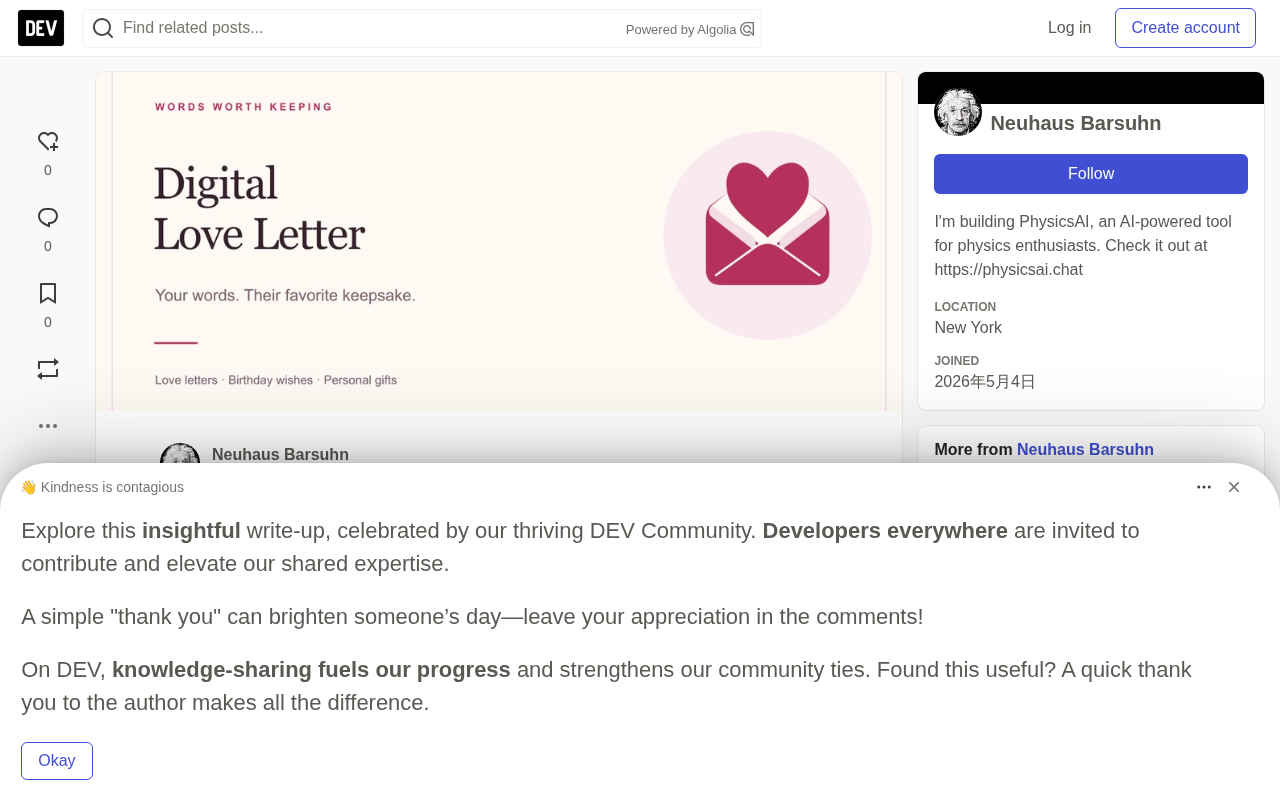
Once the core message is ready, use an editor to arrange the presentation. Digital Love Letter is an online letter-making tool that combines text, photos, and music with an opening envelope preview. You can write the message yourself or revise an optional AI draft.
Writing and previewing are free; sharing may involve a separate unlock, so check the current product interface before planning delivery.
Don't let presentation decisions move faster than your review. Paste the text, check paragraph breaks, and choose a readable visual style. Add one photo and preview the result first, then introduce more media. You're designing a reading experience, not just filling out a form.
Review from the Recipient's Perspective
Before delivery, read the entire letter from start to finish. Check names, dates, and memory details. Make sure the opening explains the purpose without needing an extra message to clarify.
Look for sentences that could be misinterpreted, especially when humor depends on tone. If the letter touches on difficult topics, remove wording that forces the recipient to respond immediately.
Preview on a phone-sized screen to check the actual opening experience. Confirm the text is readable, photos load correctly, and the message still works with sound off. Verify any delivery link through the normal product workflow, and don't assume preview and share are the same thing.
Deliver with Care, Keep It Personal
Choose a delivery timing that gives the recipient space to read. A simple note can explain what's in the link and that they can open it whenever convenient.
Avoid publicly posting private letters unless both parties are comfortable with it. If using a QR code, include enough context that it doesn't look like a suspicious scan request.
After delivery, don't treat the reply as a performance score. The recipient may enjoy the message quietly, or need time to respond. The letter's value comes from the care in the details and the honesty in the voice.
Related articles

AI SDK Adds 'Interrupted' Finish State: Upgraded Streaming Output Handling
AI SDK's @ai-sdk/xai releases patch 5.0.28, adding an interrupted completion state across OpenAI, Anthropic, Google and 10+ providers to identify silently truncated streaming output, with compatibility changes for finish reason handling.

@ai-sdk/workflow-harness 1.0.160 Patch Release: Dependency Update Analysis
@ai-sdk/workflow-harness releases patch 1.0.160, synchronously updating the @ai-sdk/harness dependency. This article explains the implications of this dependency update, its impact on AI workflow developers, and upgrade recommendations.

AI Colleagues on the Job: A Single-Platform Approach to Real-Time Telecom Fraud Detection
How to embed AI as a fraud-fighting colleague in a single platform for real-time telecom fraud detection: streaming features, model-rule collaboration, human-AI workflows, and challenges.