Dual RTX 3090 + VW Golf Radiator: A Hardcore DIY AI Inference Rig

A hobbyist built a DIY AI inference rig from dual RTX 3090s, a laptop motherboard, and a VW Golf radiator to run 27B LLMs.
A Reddit user built the "2400cc Inference Racer" — a DIY AI inference machine using two second-hand RTX 3090s connected via NVLink, a bare Lenovo ThinkPad laptop motherboard (Ryzen 7 7840U + 64GB RAM) with only PCIe x1/x4 slots, and a €24 VW Golf car radiator as the core of a ~2.4L water-cooling loop. BIOS modifications were required to remove hardware whitelists and adjust PCIe timing. The system runs Ubuntu with vLLM deploying Qwen3-27B-class models, and can downgrade to a llama.cpp low-power server without the GPUs.
In the wave of local AI model deployment, the ingenuity of hobbyists never ceases to amaze. A Reddit user recently showcased a self-built inference machine dubbed the "2400cc Inference Racer" — a beast of a device that can both run large language models and double as a winter heater, wrapped in automotive engineering metaphors. The project crams second-hand GPUs, a bare laptop motherboard, and a 24-euro Volkswagen Golf radiator into a homemade particleboard chassis, representing the absolute extreme of DIY local inference.
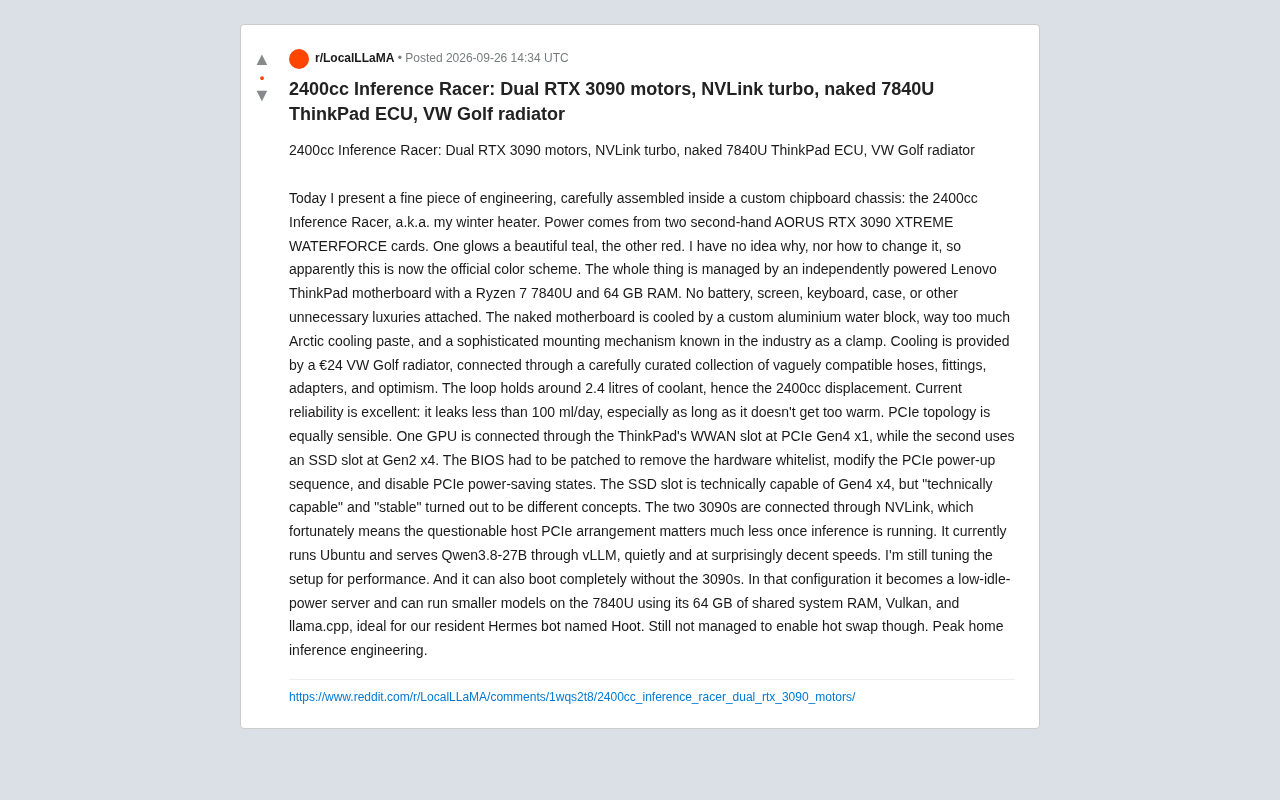
A Reasoning Machine Assembled in Car Terminology
The device's name is laced with dark humor. The builder frames the entire build as a race car: two second-hand AORUS RTX 3090 XTREME WATERFORCE GPUs are the "engine," NVLink is the "turbocharger," the exposed Lenovo ThinkPad motherboard is the "ECU" (engine control unit), and the cooling system's centerpiece is a VW Golf radiator salvaged from a scrapped car.
The "2400cc displacement" actually refers to the approximately 2.4 liters of coolant in the entire water-cooling loop. Forcing automotive engineering language onto PC hardware is a form of self-deprecating humor native to the hardcore hobbyist community — equal parts showing off and poking fun at one's own over-engineered decisions.
One amusing detail: one of the 3090s emits a cyan-green glow while the other glows red. The builder freely admits he has no idea why, nor how to fix it — so he simply declared it the "official color scheme." This nonchalant attitude runs throughout the entire project.
A Bare Motherboard and a "Clamp" Cooling Solution
The control core is a Lenovo ThinkPad laptop motherboard featuring a Ryzen 7 7840U processor and 64GB of RAM. The board has been stripped down to its bare PCB — no battery, no display, no keyboard, no chassis — what the builder describes as having "removed all unnecessary luxuries."
The cooling solution is equally blunt: a custom aluminum water block, an "excessive" application of Arctic thermal paste, and what he calls a "precision retention mechanism known in the industry as a clamp." This kind of deadpan framing of a cobbled-together solution is exactly what makes these DIY build posts so entertaining.
The entire water-cooling loop consists of the Golf radiator, a collection of "barely compatible" hoses, fittings, adapters, and "optimism." The builder is refreshingly honest about reliability: current coolant leakage is under 100ml per day, "which is fine as long as it doesn't get too hot." This half-joking self-assessment captures the real-world compromises inherent in extreme DIY projects.
Forced PCIe Topology Hacks and BIOS Modifications
The genuinely technical achievement lies in the PCIe connectivity. Since the build uses a laptop motherboard, there are no standard PCIe slots — so the builder had to improvise. One 3090 connects through the ThinkPad's WWAN (Wireless Wide Area Network) slot via PCIe Gen4 x1, while the other borrows the SSD slot for Gen2 x4.
To make this unconventional setup function at all, the builder had to modify the BIOS — removing hardware whitelists, adjusting PCIe power-on sequencing, and disabling PCIe power-saving states. He also found that the SSD slot "theoretically" supports Gen4 x4, but "theoretical support" and "stable operation" turned out to be entirely different things, so he ultimately settled for the safer Gen2 speed.
The key saving grace here is NVLink. With both 3090s directly connected via NVLink, inter-GPU data exchange bypasses the "sketchy" host PCIe channels entirely. Once inference is actually running, the host's meager PCIe bandwidth becomes largely irrelevant — which explains how the builder dared run a dual-GPU setup on x1 and x4 slots.
NVLink is NVIDIA's proprietary high-speed interconnect technology, allowing two GPUs to directly share VRAM and transfer data at bandwidths far exceeding PCIe. For the RTX 3090, NVLink's bidirectional bandwidth reaches 600GB/s, compared to roughly 2GB/s for PCIe Gen4 x1 and ~8GB/s for Gen4 x4 — a difference of nearly two orders of magnitude. During inference, two GPUs need to frequently synchronize KV Cache and activation values; relying on the host PCIe channel for this would create a severe bottleneck. NVLink shifts this traffic entirely onto the direct GPU-to-GPU link, leaving the motherboard's "questionable" PCIe configuration to handle only low-frequency tasks like initialization and driver communication. This is the core reason consumer-grade dual-3090 setups with NVLink support are so popular among DIY enthusiasts.
Software Stack: vLLM Running 27B Models, Moonlighting as a Low-Power Server
On the software side, the machine runs Ubuntu and deploys a Qwen3-27B-class model (the original post writes "Qwen3.8-27B," likely a typo) via the vLLM framework. The builder describes it as running "quietly and at a surprisingly decent speed," with performance tuning still ongoing.
Even better is its "downgrade mode": the system boots fine without the 3090s attached, transforming into a low-idle-power server that runs small models using only the 7840U CPU, 64GB shared memory, a Vulkan backend, and llama.cpp — specifically serving the builder's robot companion, an Hermes robot named Hoot.
The one remaining unsolved issue is hot-swapping — GPUs currently cannot be dynamically attached without a full reboot. The builder closes out the project description with "Peak home inference engineering," a sign-off that radiates both pride and self-aware irony.
vLLM is a high-performance LLM inference framework developed at UC Berkeley, with its core innovation being PagedAttention — a technique borrowed from OS virtual memory paging to manage KV Cache, significantly reducing memory fragmentation and enabling longer context or higher concurrency under the same VRAM budget. Compared to using HuggingFace Transformers directly for inference, vLLM typically delivers several times higher throughput and natively supports multi-GPU tensor parallelism, making it a mainstream choice for local deployment of large models. llama.cpp takes a different approach, focusing on lightweight inference on CPUs and consumer-grade GPUs, with support for GGUF quantization formats, enabling small-to-medium models to run on minimal hardware. Its Vulkan backend allows it to leverage non-NVIDIA GPUs or integrated graphics for acceleration.
The Real-World Significance Behind the Hardcore DIY
Beneath the tongue-in-cheek packaging, this project reflects a genuine challenge faced by local AI inference enthusiasts: proper dual-GPU workstations are expensive, and second-hand RTX 3090s — with their 24GB VRAM and NVLink support — have become the go-to cost-effective choice for budget-constrained users wanting to run large models. To keep costs down, hobbyists are willing to make all kinds of unconventional compromises on chassis, cooling, power delivery, and PCIe topology.
Using a laptop motherboard as the host and a car radiator for cooling sounds absurd, but it actually reflects an extreme form of resource optimization — ThinkPad boards have low power draw and a small footprint, and the 7840U's integrated graphics also serve as fallback compute when the discrete GPUs aren't connected. This "good enough to work" engineering philosophy is precisely what makes the DIY community so compelling.
Of course, daily coolant leaks, the inability to hot-swap GPUs, and the need for BIOS modifications all serve as reminders: for local LLM deployment to truly go mainstream, hardware and software usability still have a long way to go. Until then, these creative, compromise-laden Frankenstein builds will remain the best companions for keeping geeks warm through the winter.
Related articles

JobRunner MCP Server: AI Agents Can Now Fix Failed Java Jobs
JobRunner launches an open-source MCP server enabling AI agents to view cluster status, diagnose failures, and recover Java jobs—incident response from any cloud coding environment or existing agent.

MLAI Digital Launches 9 Security Agents: MCP Server Safeguards the Full Lifecycle of Agentic AI
MLAI Digital launches Security MCP Server with nine built-in specialized security agents covering vulnerability discovery, attack simulation, prompt injection detection, API and infrastructure assessment, and accelerated remediation—embedding security validation across the full Agentic AI lifecycle from development to production.

Running Isaac Lab on H100 GPUs: Exploring Better Approaches
Exploring optimization methods for running Isaac Lab on NVIDIA H100 GPUs, including MIG configuration, mixed precision, TensorRT acceleration, and community experience to improve robotics simulation and reinforcement learning efficiency.